
Yealink SIP-T88W Smart Business Phone | 7" Touchscreen, Android 13 & Wi-Fi 6-1301226
Frequently Asked Questions
Yealink SIP-T88W Smart Business Phone | 7" Touchscreen, Android 13 & Wi-Fi 6-1301226
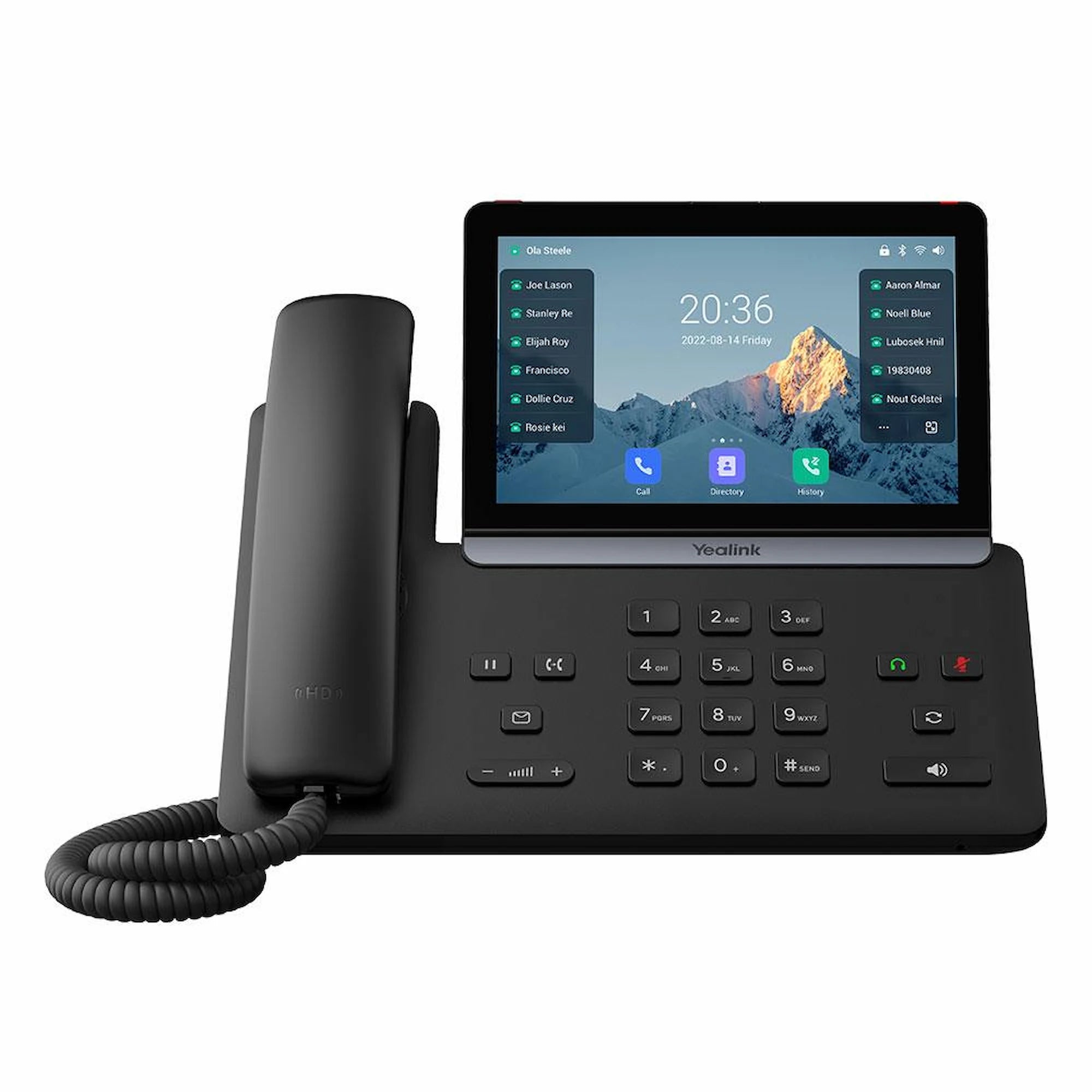
The Yealink SIP-T88W is a premium, Android 13-powered smart business phone designed for executives and high-volume professionals who require a sophisticated, app-driven desktop experience. Its centerpiece is a vibrant 7-inch adjustable capacitive touch screen, providing a smartphone-like interface with intuitive one-touch navigation for complex call handling and advanced collaboration tools. Key Features: • Built on the latest Android 13 OS for a more concise, business-oriented interface • Supports integrated Dual-Band Wi-Fi 6 (802.11ax) for superior wireless speed and security (WPA3) • Bluetooth 5.0 for syncing mobile devices and professional wireless headsets • Trusted Execution Environment (TEE) solution for hardware-level data storage protection and secure boot • Wireless Handset Ready, compatible with the optional Yealink BTH88 Bluetooth Handset The T88W is engineered to deliver crystal-clear communication while offering flexibility to move away from the desk. Key features include: • AI-Enhanced Noise Proof Technology, leveraging Acoustic Shield and Smart Noise Filtering for ultra-high-definition clarity • 10-Party Audio Conferencing, supporting large-scale local conferencing directly from the phone without requiring a separate meeting bridge • Professional 3W Speaker, delivering high-fidelity audio and professional-grade loudness for hands-free 10-party audio conferencing The T88W supports extreme scalability and management with: • 3x EXP55 Expansion Modules, providing access to over 200 programmable buttons • Dual USB Ports (Type-A & Type-C), featuring two versatile USB ports for call recording, media storage, and simultaneous connection of USB headsets or expansion modules • Unified Device Management, fully compatible with Yealink’s YMCS/YDMP platforms for effortless mass deployment, zero-touch provisioning, and remote troubleshooting The package includes: • Yealink SIP-T88W IP Phone Unit • Handset with Handset Cord • Adjustable Desk Stand • Ethernet Cable (2m CAT5E UTP Cable) • Quick Start Guide (QSG) For a full list of specifications, please refer to the Yealink SIP-T88W IP Phone Datasheet.
About This Product
Because it runs a full Android mobile OS, the T88W can download business apps like company messaging or CRM tools directly, but this openness also requires IT to manage yet another endpoint with security patches and Android compatibility checks. If your organization depends heavily on Microsoft Teams telephony, the T88W isn’t a native Teams phone; you can install the Android app but won’t get full call control integration, so it may not satisfy users who need seamless Teams voice. For high-volume call handling, the touchscreen interface is intuitive but lacks the tactile line keys a receptionist might prefer—by adding up to three EXP55 expansion modules, you can get back to over 200 physical buttons, but that adds cost.
For deployments where a sleek, wireless executive phone is the priority and you’re comfortable with a SIP-based Android device, the T88W fits right in. Its support for Yealink’s central management platforms simplifies provisioning for Canadian service providers.
Services We Provide
- Professional Installation & Configuration
- Ongoing Maintenance & Support
- Troubleshooting & Repairs
- System Upgrades & Updates



