

Business Communications
Configure reception phones, extensions, voicemail, and office-hours routing. Review carrier requirements and number-transfer timing as part of a move.
Explore business communicationsMedical & Healthcare · Canada and the USA
A clinic needs working reception phones, connected workstations, and clear boundaries between public and staff spaces. AIM installs and supports those systems for practices opening, relocating, or updating a location in Canada and the USA.
Agree on transfers, individual extensions, and the message callers hear outside office hours.
Locate connection points for reception, administration, and equipment before desks are installed.
Identify doors that need controlled entry and the people responsible for managing access.
Example project scenario
For example, a practice moving into an unfinished unit may need new cabling, reception phones, and controlled access to administrative rooms. Reviewing the floor plan alongside the current phone service helps identify installation work and number-transfer dependencies before an opening date is set.
Start with one system or plan several together. Each service is scoped to your equipment, space, and requirements.
Configure reception phones, extensions, voicemail, and office-hours routing. Review carrier requirements and number-transfer timing as part of a move.
Explore business communications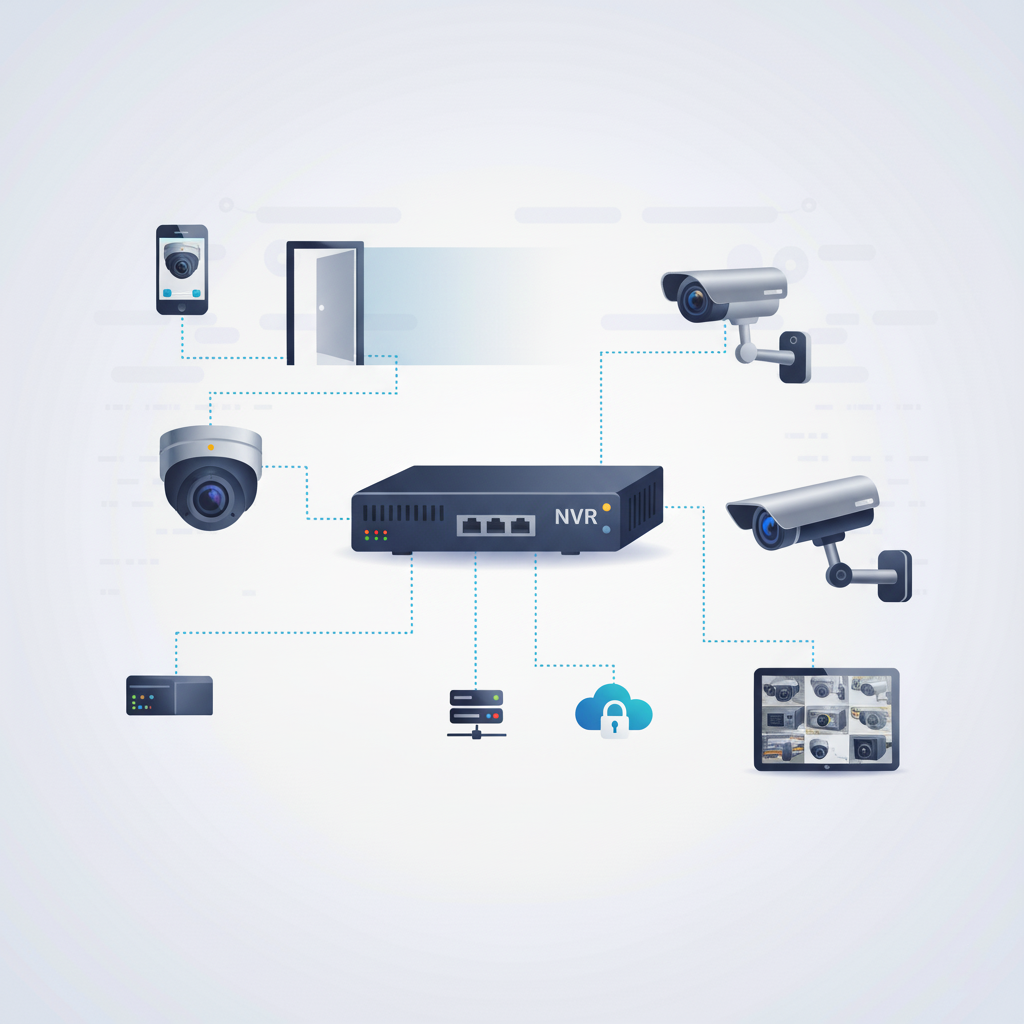
Assess camera coverage at building entrances and exterior areas. Agree on placement and who can view recordings before installation.
Explore security cameras
Plan card or fob entry for staff doors and selected administrative rooms, with a clear process for adding and removing users.
Explore access control systems
Install connections for reception and office workstations. Bring equipment and practice-software infrastructure requirements into the cabling review.
Explore infrastructure wiring
Get help with missed transfers, offline cameras, door-reader faults, or connection problems. Describe the affected equipment and how the issue changes during the day.
Explore troubleshooting and supportStart with your location, existing equipment, floor plan, and the changes you want to make.
Identify equipment, connection points, site access, and the installation work included in your quote.
Plan the sequence and discuss expected service interruptions alongside your operating hours.
Review the installed systems, routine administration, and the support arrangements agreed for your project.
Transfer eligibility and lead times depend on the current and receiving providers. Supply the service details early so the changeover can be assessed.
These services cover communications and physical systems. Application changes or integrations require their own agreed scope with the relevant provider.
A proposed floor plan, opening date, workstation count, and current phone details are useful starting points. Leave patient records out of the enquiry.
Share your layout, current equipment, and planned move or upgrade date.
Commercial installations across Canada and the USA. For on-site work at your location, contact AIM to discuss availability.