
Services
Installation, configuration, and help with the systems you use every day
AIM Telecom works with businesses across Toronto and the GTA. Whether you are planning a new location, upgrading equipment, or dealing with a fault, our services cover five main areas.
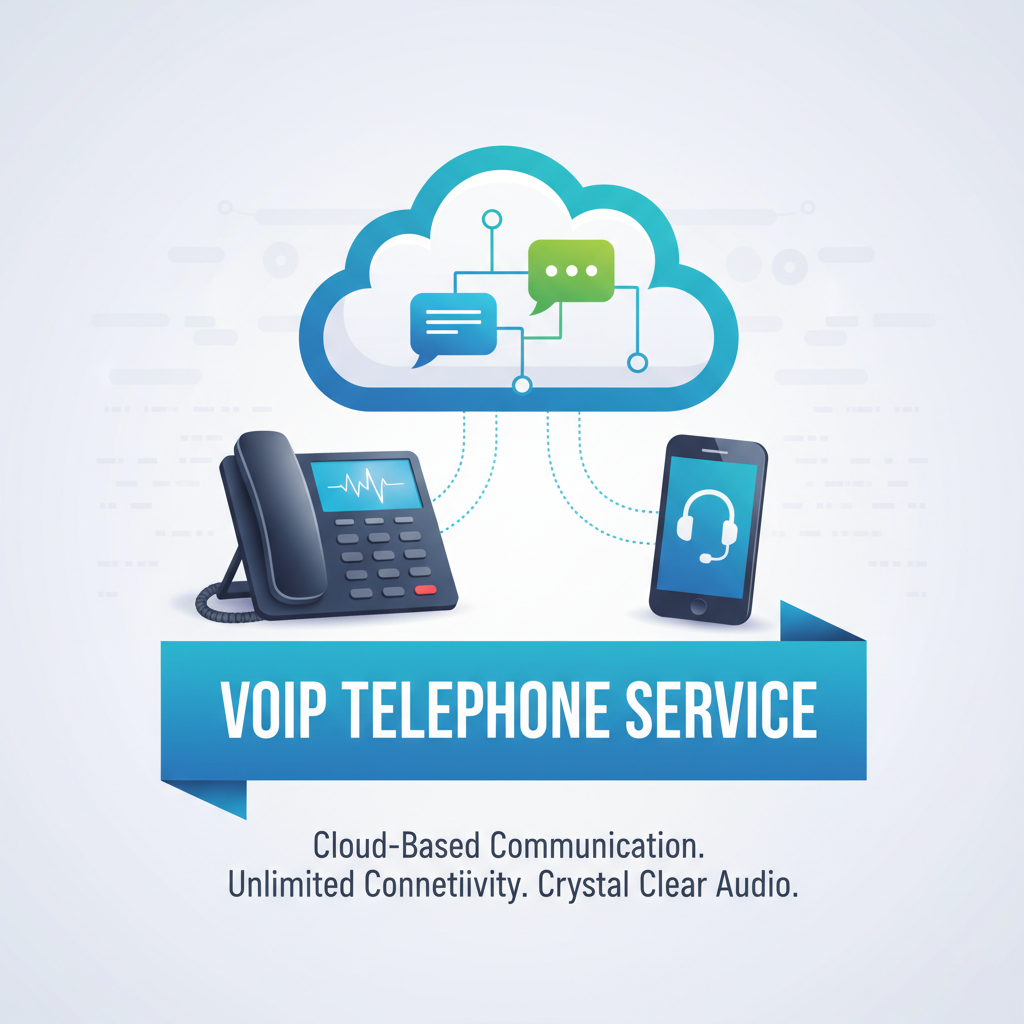
Business Communications
Phone systems, call routing, and conferencing equipment that fit the way your team communicates.
Plan desk phones, remote extensions, voicemail, and meeting-room calls around your staff and locations. We review your current setup, install and configure the system, and help your team use it.
Explore business communications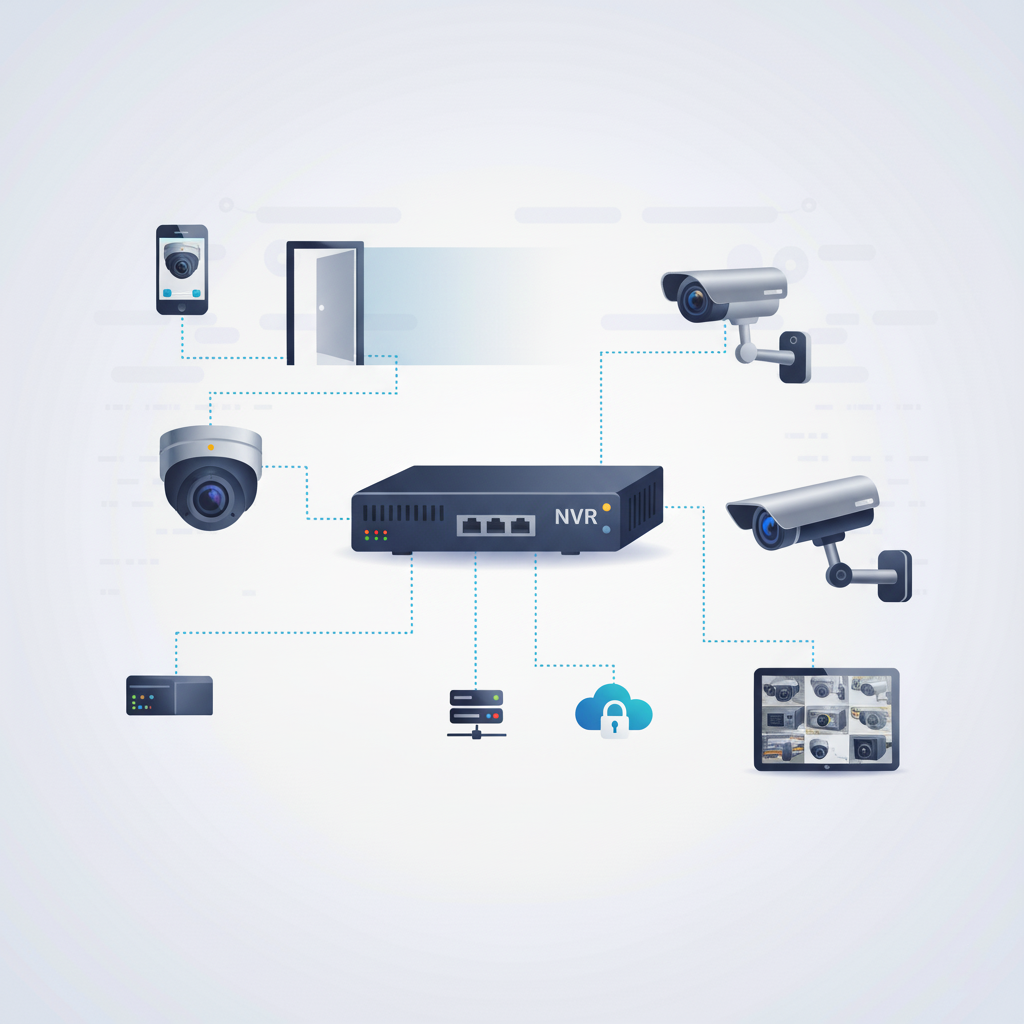
Security Cameras
Commercial camera systems with planned coverage, recording, and authorised remote viewing.
Review entrances, loading areas, parking, and other agreed locations. We plan camera placement, run the wiring, and configure recording and viewing access for your business.
Explore security cameras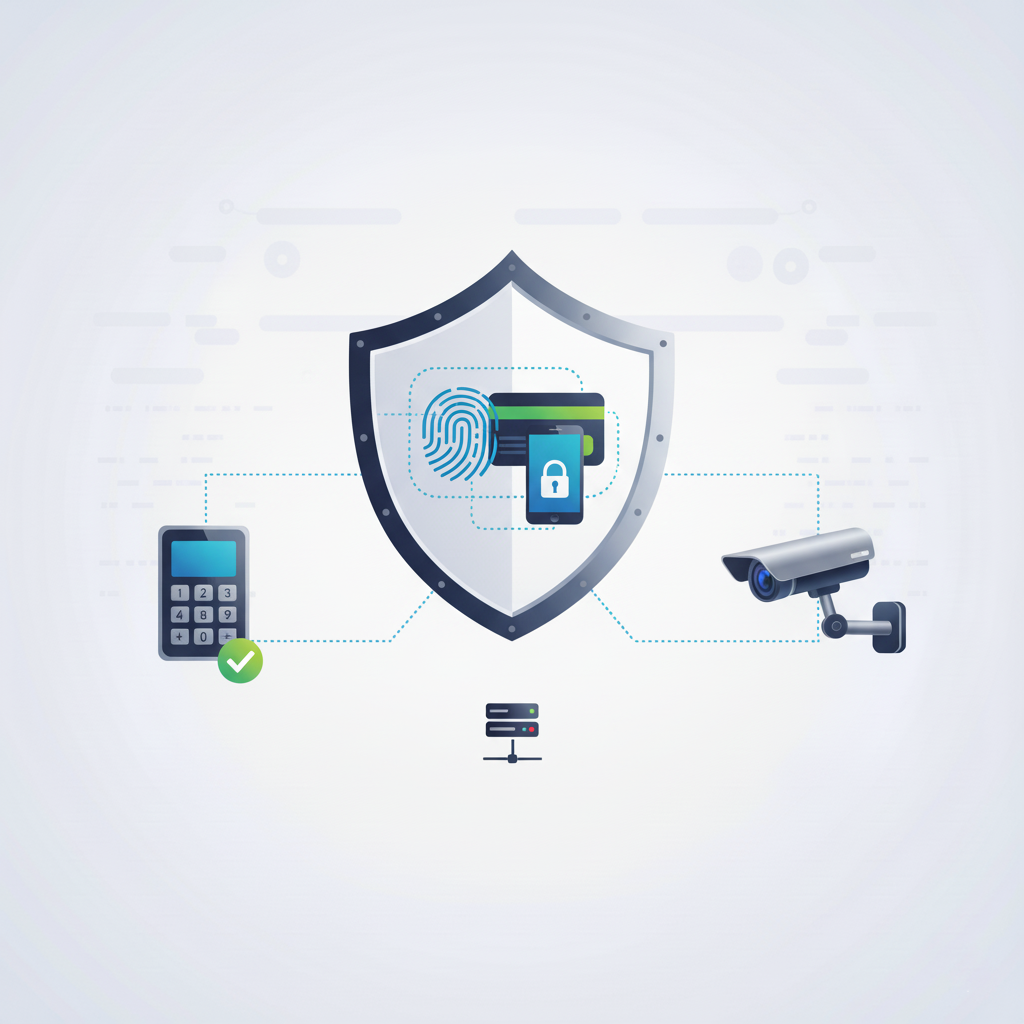
Access Control Systems
Door entry systems that help you manage who can access your building and restricted spaces.
Choose suitable card, fob, or mobile credentials for your doors and staff. We install the hardware and wiring, configure permissions, and walk you through day-to-day access management.
Explore access control systems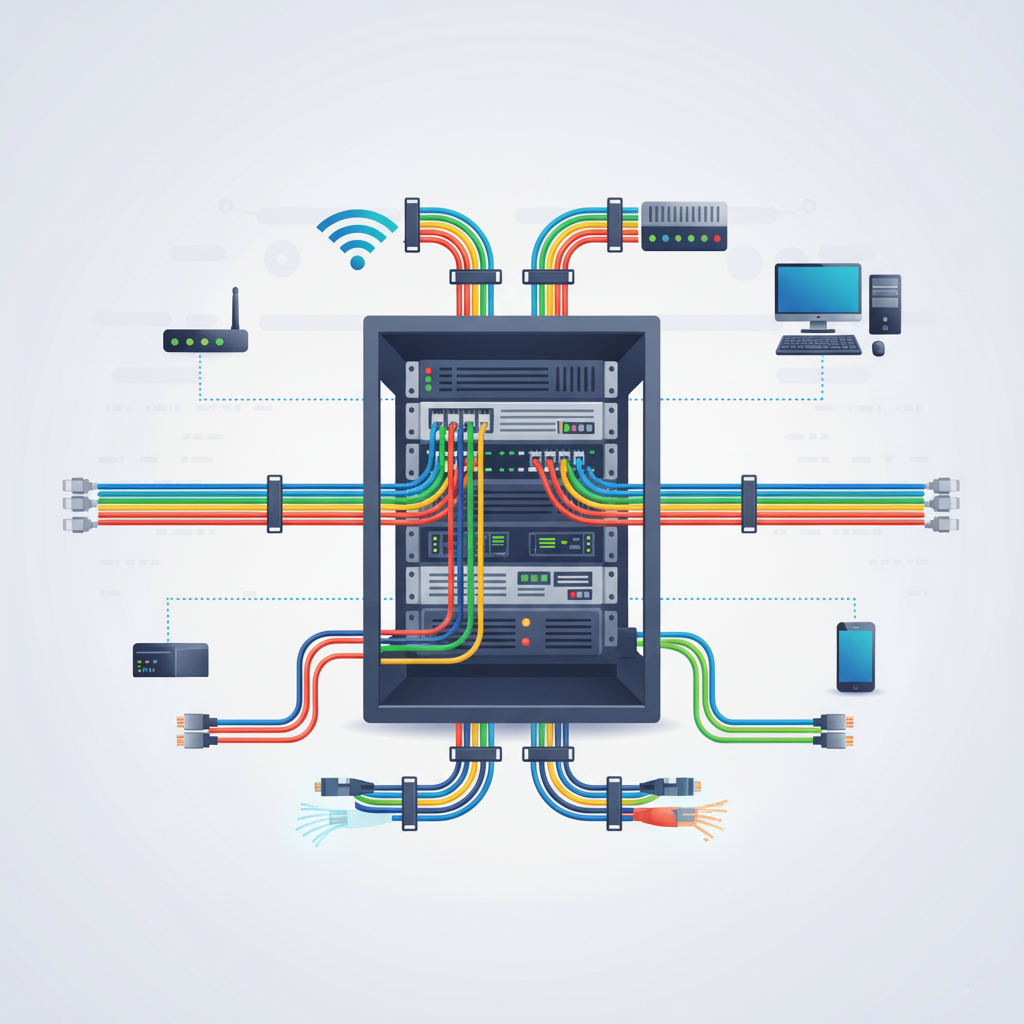
Infrastructure Wiring
Structured cabling, network racks, and organised connections for commercial spaces.
Plan Cat6, Cat6a, or fibre connections for workstations, phones, cameras, and other networked equipment. We install, label, and test cabling for new spaces, moves, and upgrades.
Explore infrastructure wiring
Troubleshooting and Support
Help diagnosing problems with your business communications, cameras, access systems, and wiring.
Tell us which system is affected, what changed, and what you have already tried. We review the issue and discuss the appropriate next step, including whether remote help or a site visit is needed.
Explore troubleshooting and supportNew project or an existing problem?
For new installations, share your location, requirements, and timing. For troubleshooting, tell us which system is affected and what you are seeing.