
Business Communications
Set up advisor extensions, reception routing, voicemail, and meeting-room phones around the way your office handles enquiries.
Explore business communicationsFinancial Services · Canada and the USA
Accounting, advisory, and brokerage teams need workspaces ready for client calls and changing workloads. AIM installs and supports communications, cabling, and physical security systems for financial offices across Canada and the USA.
Decide how general calls are answered and how clients reach the person managing their work.
Review phone users and connection points before bringing in seasonal staff or adding desks.
Plan the boundary between reception, meeting areas, and staff-only rooms.
Example project scenario
Imagine an accounting office preparing space for temporary staff. New desks need usable network points and phone access, while reception needs a way to transfer calls to the expanded team. Checking capacity and cable locations first helps define what must be installed and what can be reconfigured.
Start with one system or plan several together. Each service is scoped to your equipment, space, and requirements.
Set up advisor extensions, reception routing, voicemail, and meeting-room phones around the way your office handles enquiries.
Explore business communications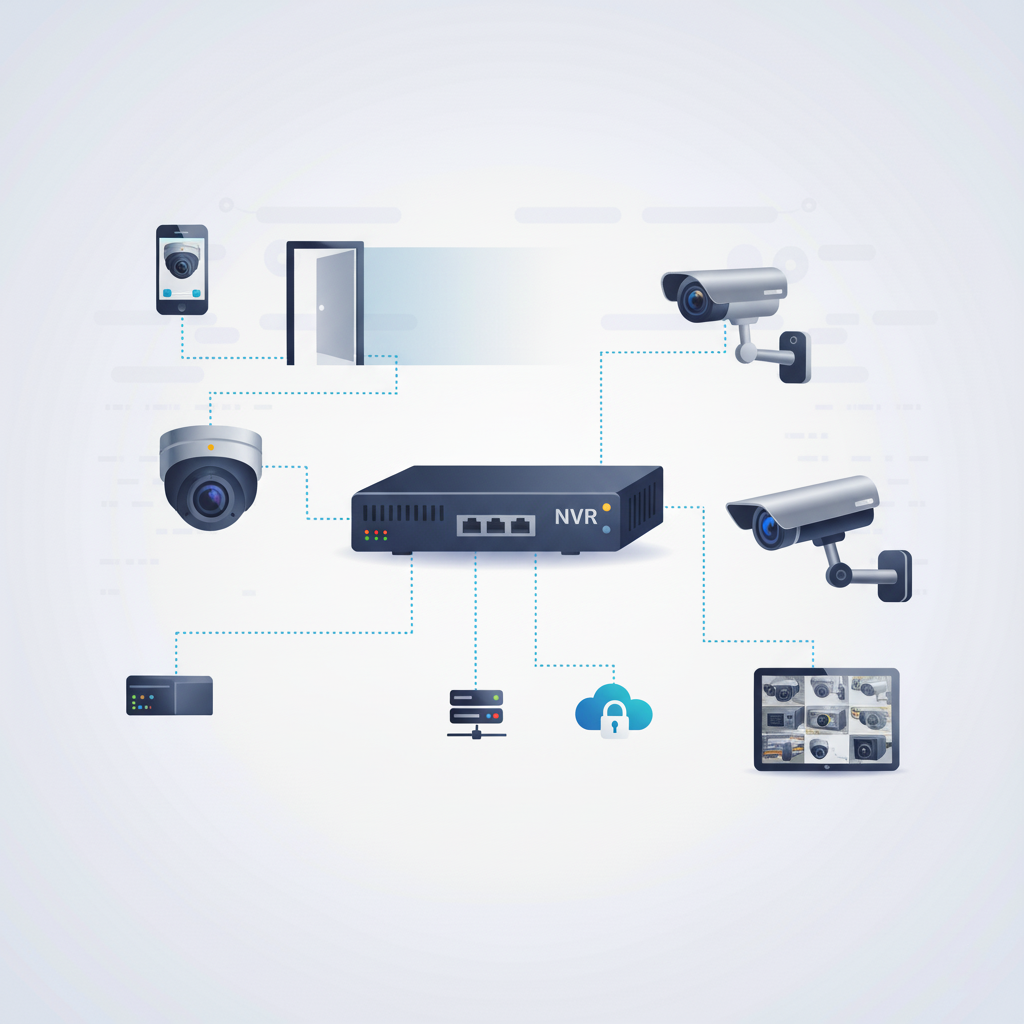
Assess entrance camera locations, recording needs, and staff viewing permissions as part of the office setup.
Explore security cameras
Control entry to designated staff spaces and plan how permissions will change for permanent and temporary personnel.
Explore access control systems
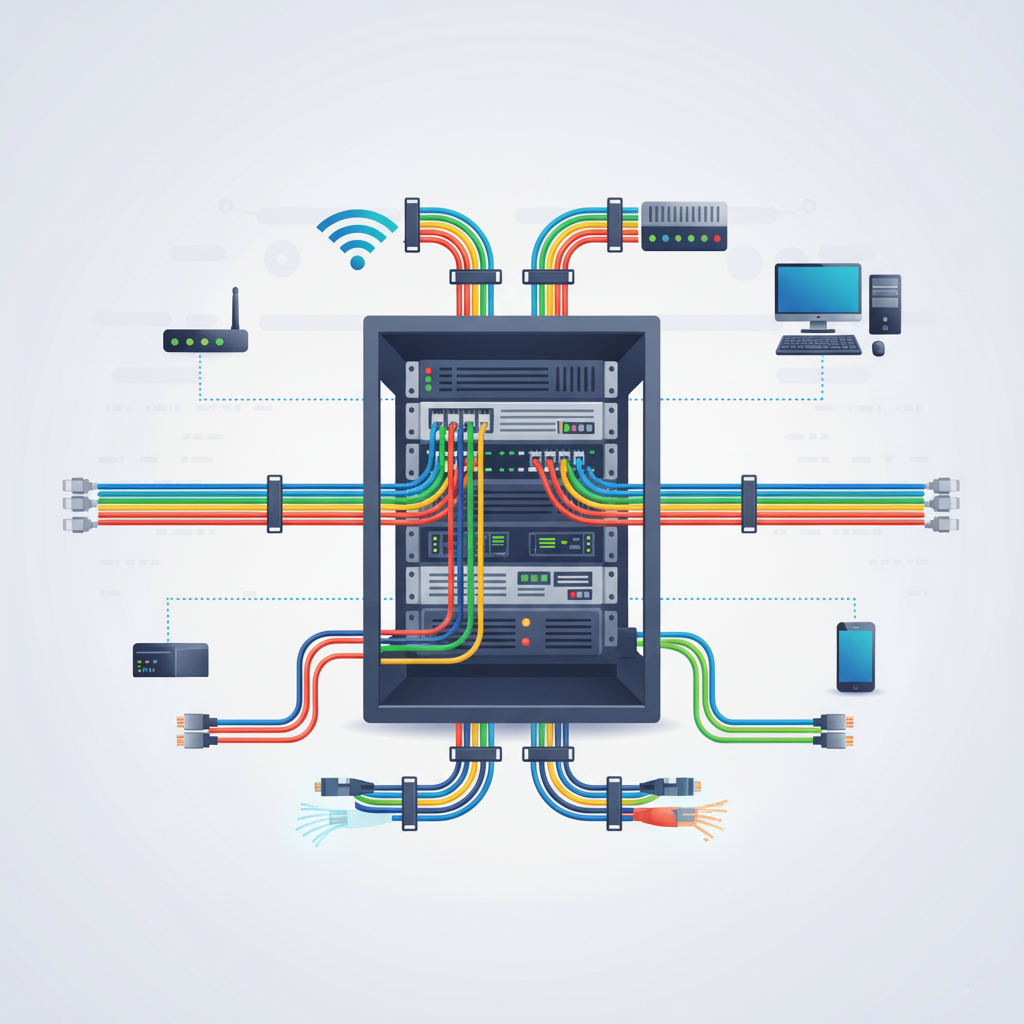
Install structured cabling for desks, shared printers, meeting rooms, and equipment racks, allowing for the workstation counts in your plan.
Explore infrastructure wiring
Troubleshoot phone, cabling, camera, and door-access faults. Explain which users are affected and any deadlines or access constraints when requesting help.
Explore troubleshooting and supportStart with your location, existing equipment, floor plan, and the changes you want to make.
Identify equipment, connection points, site access, and the installation work included in your quote.
Plan the sequence and discuss expected service interruptions alongside your operating hours.
Review the installed systems, routine administration, and the support arrangements agreed for your project.
Include likely growth in the initial brief. Additional users and connections depend on the capacity and equipment selected.
List your immediate priorities and budget. We can review which work can stand alone and which changes depend on other parts of the installation.
Share your staffing plans, equipment, and the date the additional space needs to be usable.
Commercial installations across Canada and the USA. For on-site work at your location, contact AIM to discuss availability.