
Business Communications
Configure program extensions, opening-hours messages, and transfers to suit staff and volunteer availability.
Explore business communications Plan My Phone SystemNon-Profit & Community · Canada and the USA
Staff and volunteers need to answer enquiries, share buildings, and open the right doors. AIM plans, installs, and supports phone, camera, and access-control systems around your programs, your building, and your priorities, including phased improvements when budgets are tight.
Organize phone routing around the teams available to answer and the services callers need.
Plan extensions, voicemail, and after-hours messages around people who work different days and hours.
Separate staff areas, storage, and shared rooms so each group reaches the spaces it uses.
Plan how credentials are issued and removed as employees, volunteers, and room users change.
Check model numbers and condition so suitable equipment can be reused where it makes sense.
Identify what affects daily work now and what can be staged as budget allows.
Start with one system or plan several together. Each service is scoped to your equipment, space, and requirements.
Configure program extensions, opening-hours messages, and transfers to suit staff and volunteer availability.
Explore business communications Plan My Phone System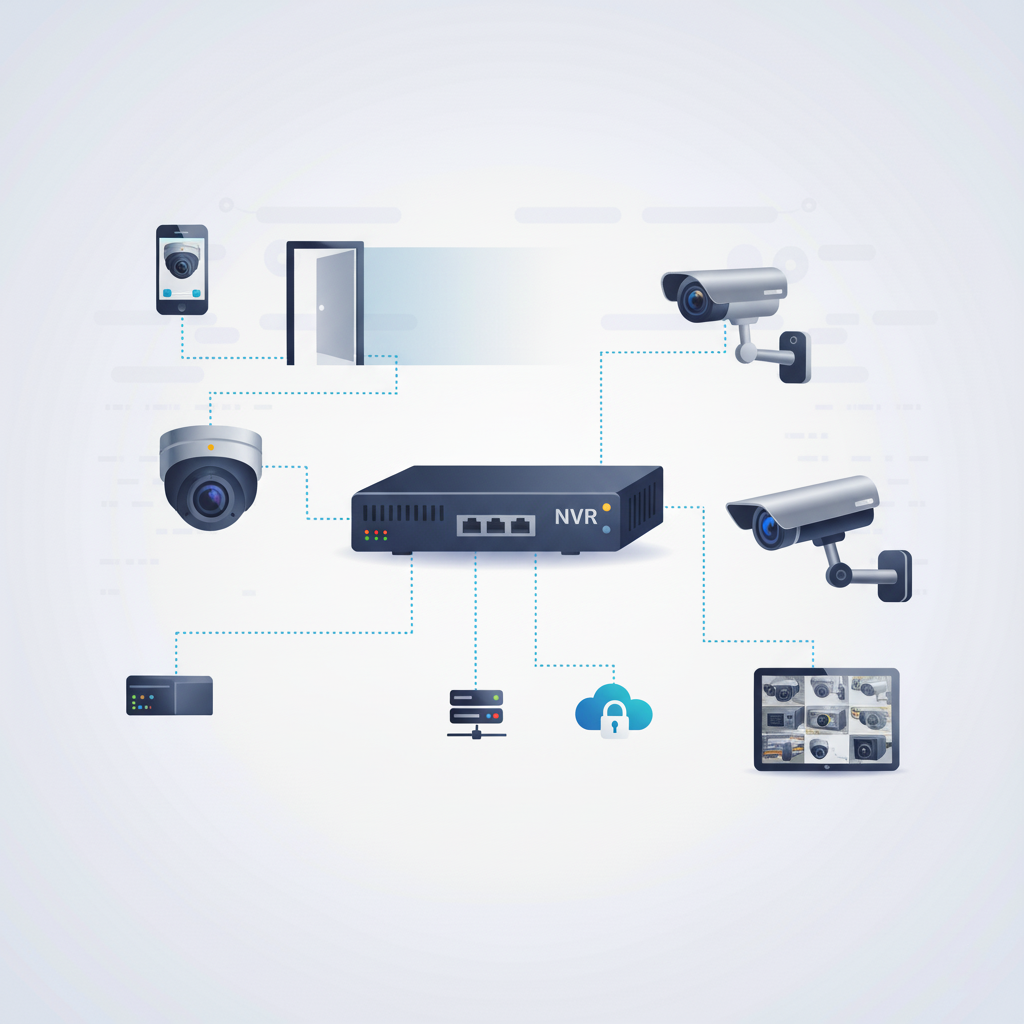
Discuss camera coverage for entrances and agreed exterior areas, with clear responsibilities for viewing recordings.
Explore security cameras Plan My Camera System
Plan credentials for staff and volunteers, including entry to shared rooms, offices, and storage spaces.
Explore access control systems Plan My Access System
Review existing wiring and add connections for reception, staff desks, and equipment in program spaces.
Explore infrastructure wiring
Assess phone, camera, door-entry, and connection problems so your team knows what needs attention and what the next step involves.
Explore troubleshooting and supportExample project scenario
For example, an organization combining several programs at one site may share reception while keeping separate staff rooms and storage areas. A room-by-room review can identify common phone needs, workstation connections, and which doors require individual access permissions.
Start with your location, existing equipment, floor plan, and the changes you want to make.
Identify equipment, connection points, site access, and the installation work included in your quote.
Plan the sequence and discuss expected service interruptions alongside your operating hours.
Review the installed systems, routine administration, and the support arrangements agreed for your project.
Provide model numbers and describe its condition. Compatibility and suitability need to be checked against the proposed installation.
Share the problems affecting daily work and the available budget. This helps distinguish essential work from possible later stages.
Access can be planned by person or group, including shared rooms. Tell us who needs which doors and how often that changes, so credential administration is easy for your team to manage.
Describe which rooms and entrances are yours and which are shared. A room-by-room review shows what can be separated and who manages each part.
No. Scope depends on your building, existing equipment, and priorities. A quote follows a review of your requirements.
Tell us about your space, the people using it, and the issues or changes you need to address.
Something not working right now? Get help with an existing system. Commercial installations across Canada and the USA. For on-site work at your location, contact AIM to discuss availability.