

Business Communications
Plan reception routing, lawyer and assistant extensions, voicemail, and conference phones. Identify multi-office requirements before selecting the phone platform.
Explore business communicationsLegal · Canada and the USA
Client calls move between reception, assistants, lawyers, and meeting rooms. AIM helps law firms in Canada and the USA plan the phone equipment, wiring, and physical access systems that support that work.

Plan how reception answers calls and transfers them to assistants or individual lawyers.
Account for conference phones and wired connections when deciding how rooms will be used.
Review access to staff offices and records rooms, including changes when employees join or leave.
Example project scenario
Consider a firm adding a location while continuing to advertise one main number. The phone plan needs to define where calls are answered and how they move between teams. The new office also needs cabling for desks and meeting rooms, plus a review of staff entrances and restricted rooms.
Start with one system or plan several together. Each service is scoped to your equipment, space, and requirements.
Plan reception routing, lawyer and assistant extensions, voicemail, and conference phones. Identify multi-office requirements before selecting the phone platform.
Explore business communications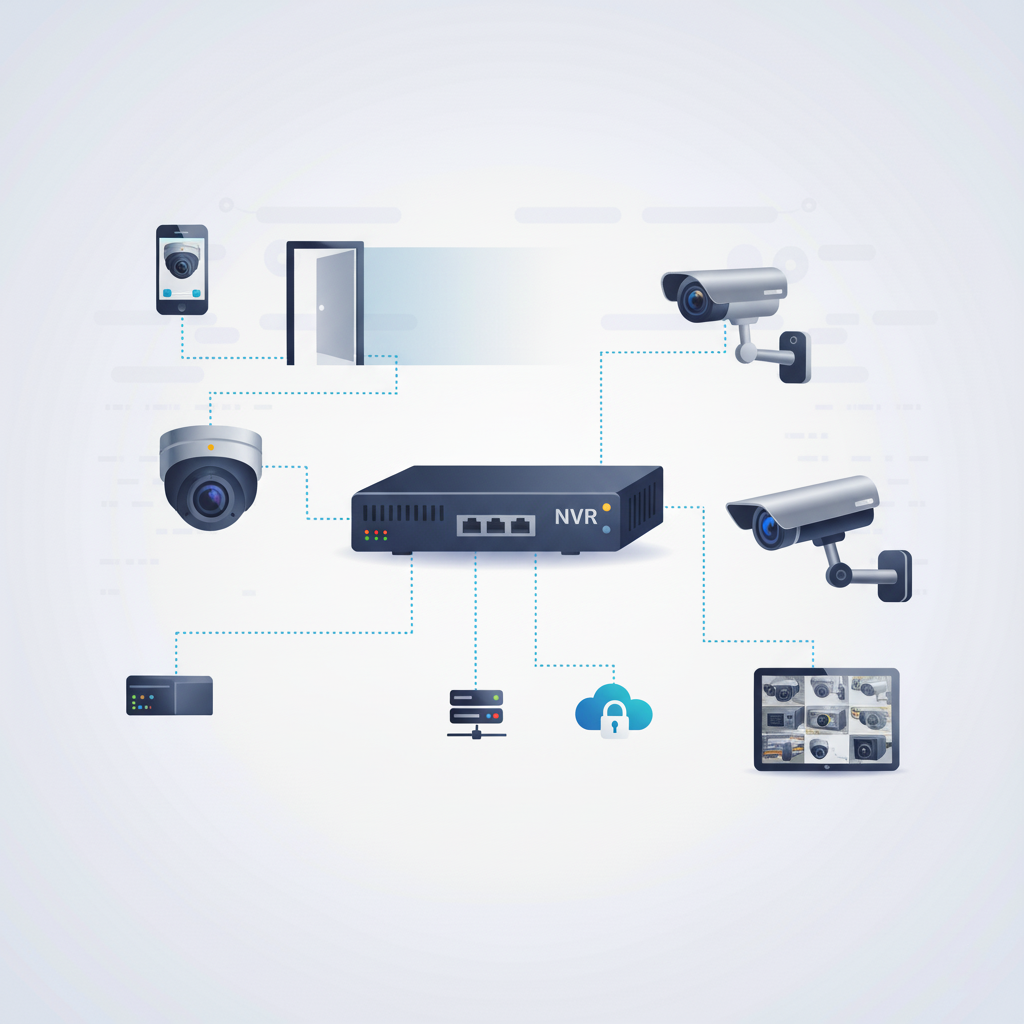
Review entrance camera coverage and recording access for designated staff. Match equipment placement to the office layout.
Explore security cameras
Install controlled entry for staff doors and selected records rooms. Define credential administration as part of the handover.
Explore access control systems
Connect reception, private offices, and meeting rooms with labelled cabling and organized equipment connections.
Explore infrastructure wiring
Investigate call-transfer problems, meeting-room connections, and faults with entry systems or cameras. Include the affected office and any recent changes in your request.
Explore troubleshooting and supportStart with your location, existing equipment, floor plan, and the changes you want to make.
Identify equipment, connection points, site access, and the installation work included in your quote.
Plan the sequence and discuss expected service interruptions alongside your operating hours.
Review the installed systems, routine administration, and the support arrangements agreed for your project.
Describe the numbers, locations, and transfer behaviour required. The available configuration depends on the phone platform and connectivity at each site.
Provide meeting times and available site-access windows. These inform the installation sequence and any planned interruptions.
Tell us how your team answers calls and which offices or rooms need new connections.
Commercial installations across Canada and the USA. For on-site work at your location, contact AIM to discuss availability.