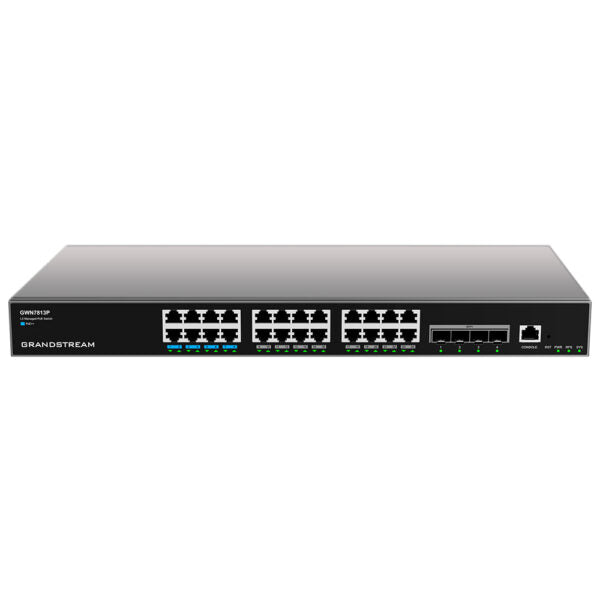
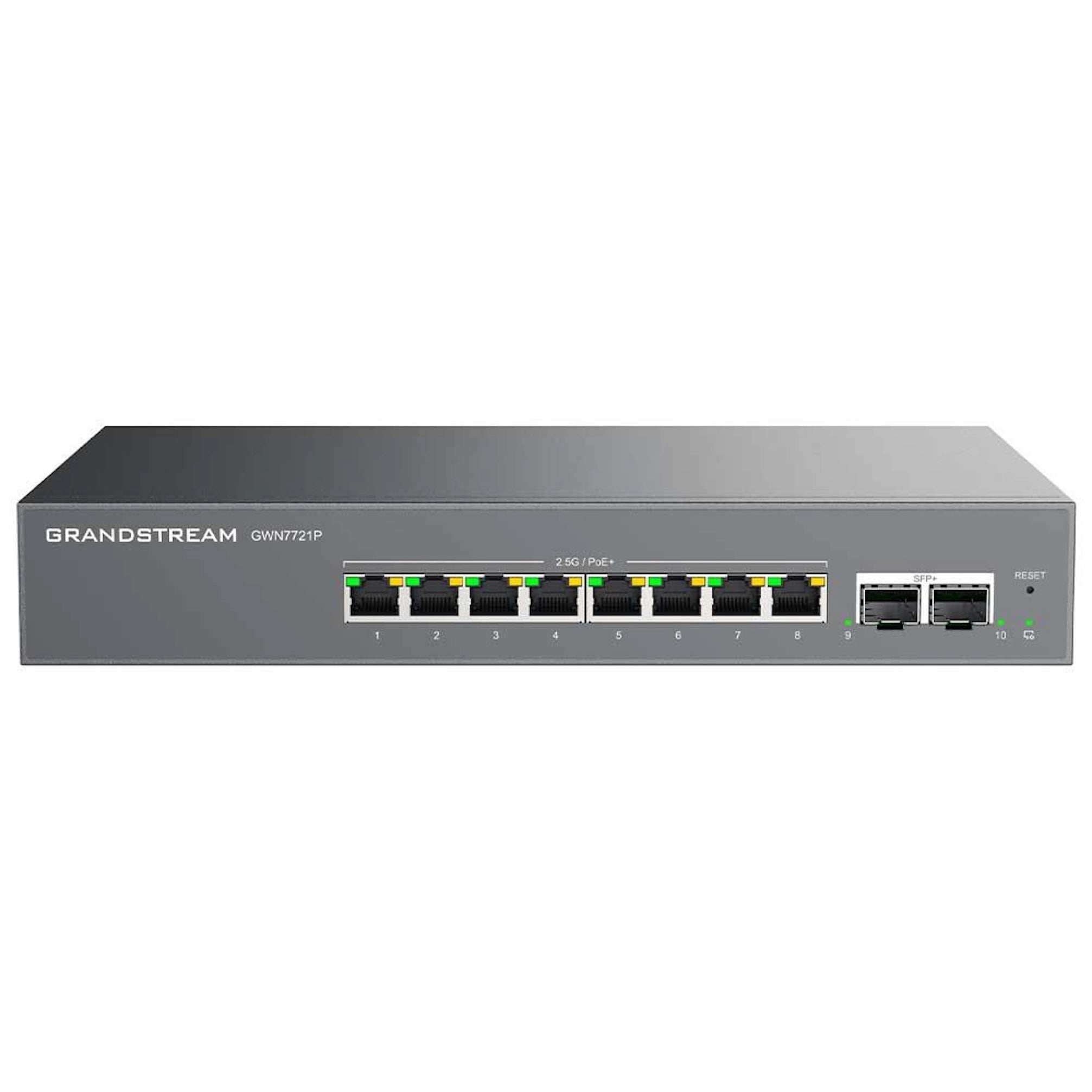
Grandstream GWN7721 Multi-Gig Managed Switch | 8 x 2.5G Ethernet, 2 x 10G SFP+ Uplinks (No PoE)

Frequently Asked Questions

The Grandstream GWN7721 does not support Power over Ethernet (PoE). It only passes data. Your IP phones will need a separate power source—either a PoE injector between the switch and the phone, or a power adapter plugged directly into the phone. If you're setting up a new office in the GTA, consider a PoE switch for phone deployments to avoid extra cabling.
Start by reseating the SFP+ module and ensuring it is compatible with the switch (the GWN7721 supports standard 10G SFP+ modules). Verify that the fiber or DAC cable is firmly connected at both ends and that the link partner is also set to 10 Gbps auto-negotiation. If the link still fails, try a different module or cable you know works.
Yes, Cat5e cable is generally sufficient for 2.5G connections up to 100 metres. For best reliability, especially in longer runs or high-interference environments, Cat6 or higher is recommended. If you experience link drops, try a known-good cable first.
Access the switch's management interface via its web GUI or cloud platform. Navigate to the VLAN settings and create separate VLAN IDs for voice (e.g., VLAN 20) and data (e.g., VLAN 10). Assign the appropriate ports to each VLAN. For IP phones that support LLDP-MED, you can configure the switch to advertise the voice VLAN automatically.
Loop detection means the switch detected a network loop—likely a cable connected back to itself or a misconfigured redundant path. Disconnect any patch cables that might create a physical loop, then check your network topology. The switch will automatically block the looped port; after fixing the cable, re-enable the port from the management interface.
Yes, that is normal. The port will auto-negotiate to the highest common speed supported by both ends. A gigabit device will connect at 1 Gbps. The 2.5G speed only activates when the connected device also supports 2.5 Gbps (e.g., a Wi-Fi 6 access point or a multi-gig NIC). No performance issue exists.
Log into the switch's management interface and locate the cable diagnostic tool (often under Network Health or Maintenance). Select the port connected to the suspect cable and run the test. The switch will report the cable length and whether there is an open, short, or impedance mismatch. This helps identify physical faults without a separate tester.
First, ensure the switch has internet access and can reach the GDMS servers (no firewall blocks on ports 443 or 1883). Verify that the switch is registered to the correct GDMS account by checking its provisioning settings. If it still doesn't appear, power cycle the switch and wait five minutes. A Toronto-based VoIP support provider can usually resolve remote provisioning issues quickly.
Yes, the GWN7721 supports port mirroring. In the management interface, go to the port mirroring settings, select the source port(s) whose traffic you want to monitor, and assign a destination port where your analyzer (e.g., Wireshark) is connected. Note that the destination port will not carry normal traffic while mirroring is active.
The GWN7721 is designed to operate within a standard temperature range, but it can become warm in a confined space. Ensure the vents are clear and there is at least a few inches of airflow around the metal enclosure. If it is in a hot wiring closet, consider adding ventilation. Do not block the power adapter's ventilation either.
Network Switches

Grandstream GWN7721 Multi-Gig Managed Switch | 8 x 2.5G Ethernet, 2 x 10G SFP+ Uplinks (No PoE)
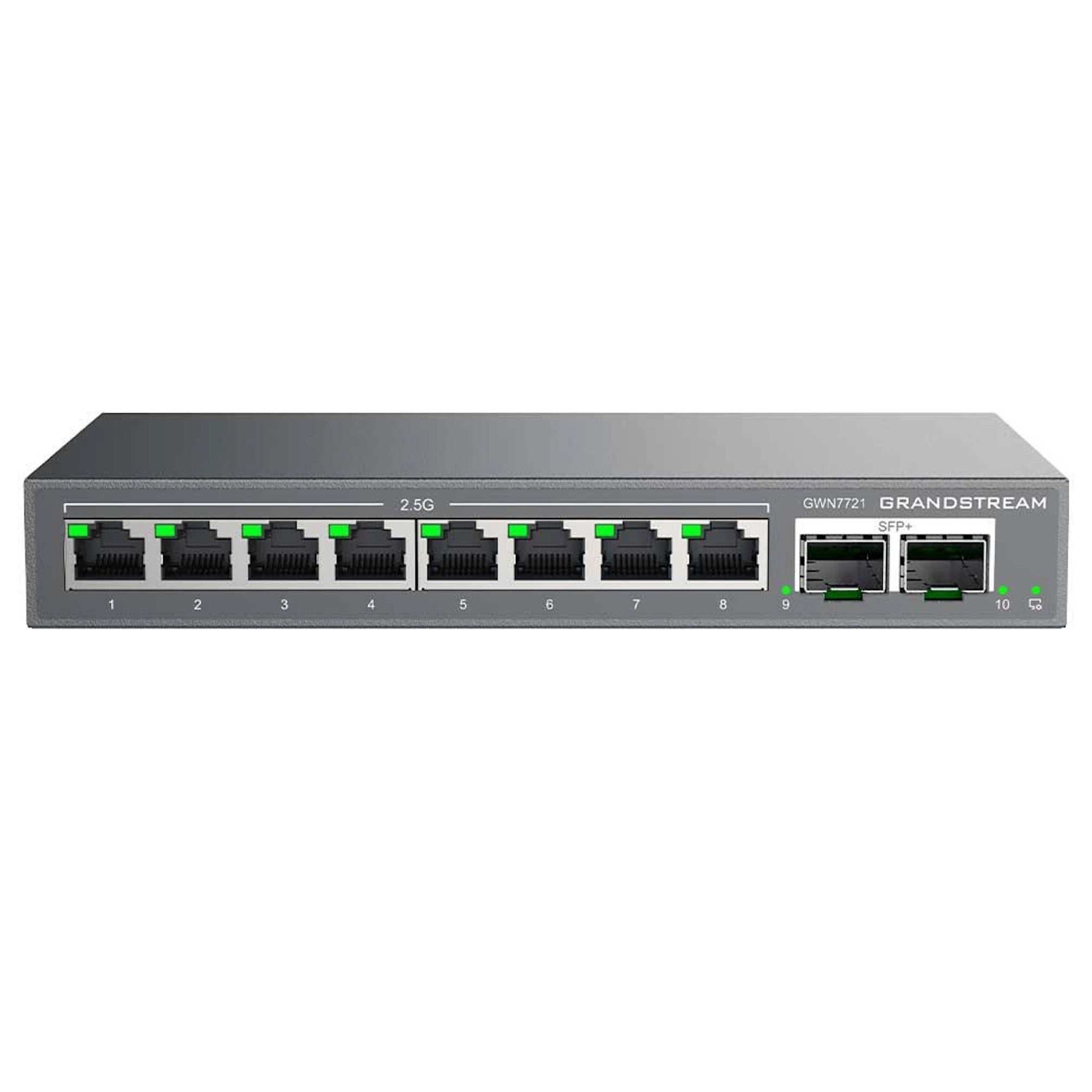
Next-Generation Multi-Gigabit Performance The Grandstream GWN7721 is a cutting-edge, multi-gigabit switch designed to provide high-performance networking solutions for businesses and organizations. Equipped with 8 x 2.5GbE ports, it offers speeds that exceed standard Gigabit limits, making it perfect for high-performance workstations and next-gen wireless infrastructure. Key Features: • Supports up to 80 Gbps switching capacity • Dual 10G SFP+ Uplinks for ultra-fast "Northbound" connectivity • High Switching Capacity ensures non-blocking wire-speed performance across all ports simultaneously • Intelligent Management & Traffic Optimization for robust network security and efficiency Network Health Tools: The GWN7721 offers built-in Loop Detection, Cable Testing, and Port Mirroring to quickly identify and resolve physical layer or configuration faults. Unified Cloud & On-Premise Management: Grandstream's comprehensive management ecosystem simplifies deployment through the Grandstream Device Management System (Cloud) and GWN Manager (On-premise), ensuring remote monitoring and bulk configuration. Management Features: • VLAN & Segmenting for improved security and reduced broadcast traffic • Advanced QoS with Port-based, DSCP, or 802.1p Quality of Service priority modes • Network Health Tools: Loop Detection, Cable Testing, and Port Mirroring Flexible Installation: The compact metal enclosure supports both desktop and wall-mount installations for versatile placement in any environment. What's Included: • 1x GWN7721 Switch • 1x External 12V DC 1A Power Adapter • Quick Start Guide

About This Product

The Grandstream GWN7721 is a managed switch built for businesses that need to move beyond standard Gigabit Ethernet without jumping to full 10G on every port. It is an excellent fit for offices deploying high-performance workstations, video-editing suites, or next-generation Wi-Fi 6/6E access points that benefit from a 2.5GbE wired backbone. Because it lacks Power over Ethernet (PoE), it pairs best with devices that have their own power source, such as desktop computers, servers, or APs powered separately via injectors. In the GTA, this switch is a natural choice for a small to mid-sized office upgrading to multi-gig connectivity while keeping uplinks to a core switch or router through its two 10G SFP+ ports.

As a managed switch, the GWN7721 gives network administrators control over traffic with VLANs, QoS, and port mirroring—features often needed when voice, video, and data share the same network. However, its lack of PoE means you cannot directly power IP phones or security cameras from it, which may require separate PoE switches or injectors in environments that rely on those devices. For a pure voice deployment with many VoIP phones, a PoE-enabled switch would be more practical. Conversely, in a data-heavy environment where PoE is not required—such as a lab or a workstation cluster—the GWN7721 delivers excellent price-to-performance.

The switch is compact and can sit on a desk or mount on a wall, making it suitable for smaller wiring closets or open-plan offices. Its cloud management via Grandstream Device Management System or on-premise GWN Manager simplifies remote monitoring and bulk configuration, which is especially useful for multi-site businesses in the Greater Toronto Area. One practical limitation: if you need more than eight 2.5G ports or more than two 10G uplinks, this switch will be underpowered for aggregation duties. For a basic office where all devices are still Gigabit-only, the GWN7721 is overkill—a cheaper Gigabit switch would suffice. But for forward-looking networks that want to future-proof workstation speeds, it hits a sweet spot.
Services We Provide
  • Professional Installation & Configuration
  • Ongoing Maintenance & Support
  • Troubleshooting & Repairs
  • System Upgrades & Updates