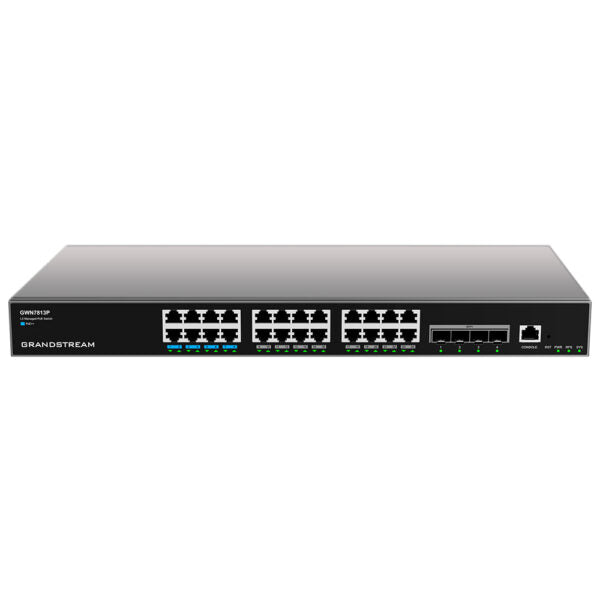
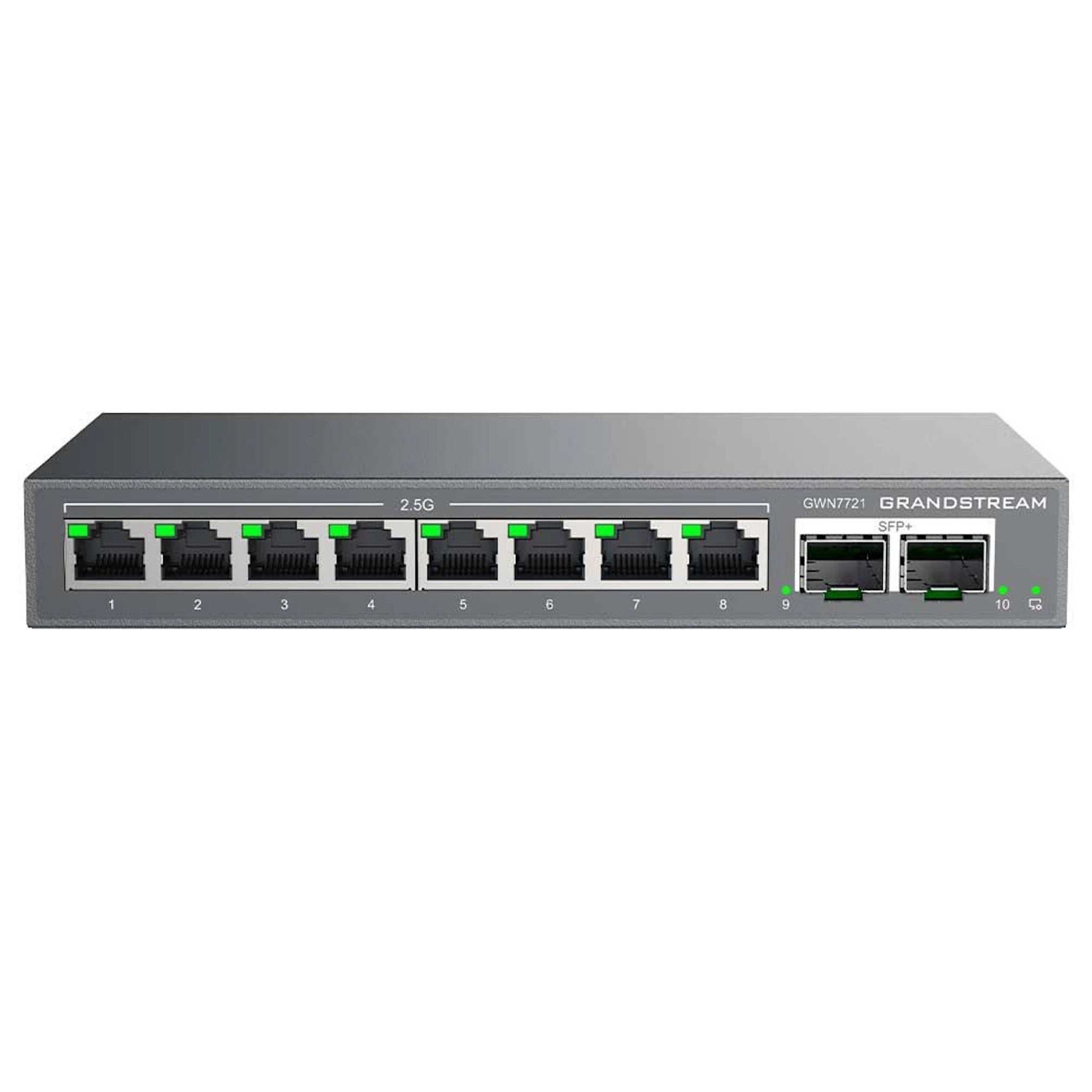
Grandstream GWN7721P Multi-Gig Managed PoE Switch | 8 x 2.5G PoE+, 2 x 10G SFP+

Frequently Asked Questions

First, check the total power draw of all connected PoE devices against the switch's 130W budget. If you are close to or exceeding that limit, disconnect a non-critical device and see if the others stabilize. Also verify that each device is compliant with 802.3af/at and that the Ethernet cable is properly seated at both ends. If the issue persists, a Toronto-based VoIP support provider can usually resolve this remotely.
Ensure the Ethernet cable from the switch's uplink port to your router or upstream switch is securely connected and that the router's DHCP server is enabled. Try connecting a laptop directly to the same port on the router to confirm DHCP is working. If the switch still does not obtain an IP, try a different cable or port on the router.
By default, the switch will attempt to get an IP address via DHCP. Check your router's DHCP client list for the switch's IP, or connect a device to one of the switch's ports and use the Grandstream Discovery Tool to find it. Once you have the IP, open a browser and enter it; the default login is admin/admin. Change the password immediately after first login.
Yes, it could be. First, verify that QoS (Quality of Service) is enabled on the switch and that voice traffic is prioritized. Also check that the phones are not connected to a port that is oversubscribed or experiencing high error rates. A simple test is to move one phone to a different port and see if the issue follows the port or the phone.
The PoE watchdog relies on the switch detecting that the connected device is not responding to pings. Ensure that the access point's IP address is correctly configured in the watchdog settings and that the switch can reach that IP. Also confirm that the access point is actually unresponsive (e.g., by trying to ping it from another device) before assuming the watchdog should trigger.
Yes, if your fiber modem or ONT has an SFP+ port, you can connect it directly to one of the switch's 10G SFP+ ports using a compatible SFP+ module. Alternatively, you can connect the modem via Ethernet to one of the 2.5G ports. Just ensure the SFP+ module matches the fiber type (single-mode or multi-mode) and distance required by your ISP.
Access the switch's web interface, go to the VLAN menu, and create two VLANs—for example, VLAN 10 for voice and VLAN 20 for data. Then assign the ports connected to VoIP phones to VLAN 10 (with the phone's PC passthrough port set to VLAN 20 if needed) and data ports to VLAN 20. Make sure your router or Layer 3 device handles inter-VLAN routing if the two networks need to communicate.
Managed switches with PoE can run warm, especially when delivering full power. Ensure the switch is in a well-ventilated area, not stacked directly on top of other equipment, and that the rack or desk has adequate airflow. If the switch feels excessively hot to the touch or the fan is running loudly, check that the ambient temperature is within the specified operating range (0–50°C).
Link flapping usually indicates a physical issue. First, reseat the Ethernet cable at both ends and try a different cable. If the problem persists, try a different port on the switch to rule out a port defect. Also check that the connected device's NIC is set to auto-negotiate and that the cable is not damaged or too long (max 100m for twisted pair).
Download the latest firmware from Grandstream's support website. Log into the switch's web interface, go to the Maintenance or Firmware Upgrade section, and upload the file. Do not power off the switch during the upgrade. After the upgrade completes, the switch will reboot. It is a good practice to back up your configuration before upgrading.
Network Switches

Grandstream GWN7721P Multi-Gig Managed PoE Switch | 8 x 2.5G PoE+, 2 x 10G SFP+
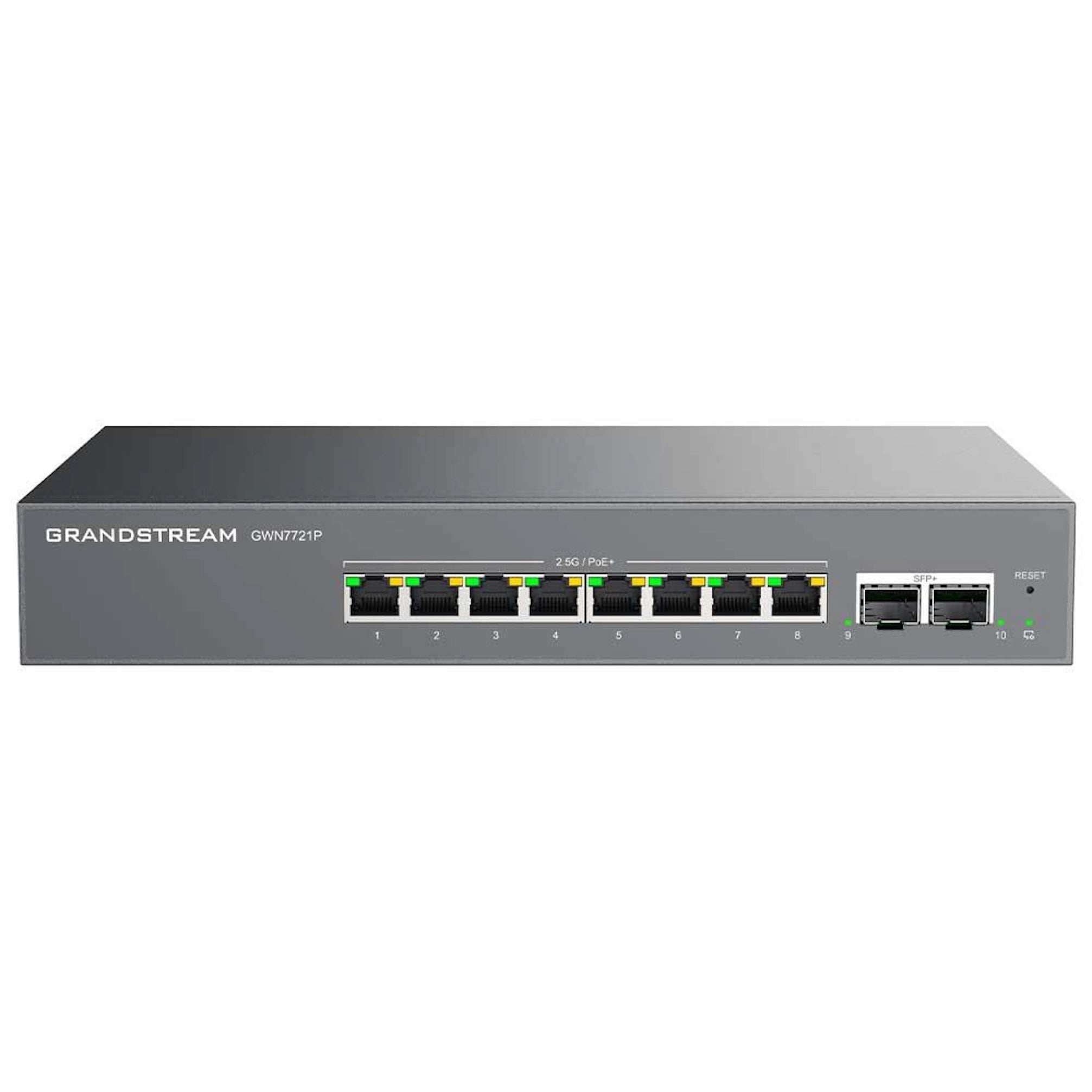
* A 10-port Layer 2-Lite managed switch designed for modern small-to-medium businesses, featuring eight 2.5Gbps Ethernet ports and two 10Gbps SFP+ ports. * Intelligent PoE+ power delivery and robust management options provide a professional-grade networking solution that is both scalable and easy to deploy. * Key features include: * 8 x 2.5GbE PoE+ Ports: Each copper port supports up to 2.5Gbps speeds, compatible with IEEE 802.3af/at standards, providing up to 30W of power per port. * Dual 10G SFP+ Uplinks: Two dedicated 10-Gigabit SFP+ fiber ports ensure high-speed backbone connectivity to servers or other switches. * 130W PoE Budget: Allows for the simultaneous powering of multiple high-performance devices like Wi-Fi 6 APs and PTZ security cameras. * Smart Layer 2-Lite Management & Security: * Advanced Traffic Optimization: Supports VLAN segmentation, IGMP Snooping for multicast management, and 802.1p QoS to prioritize critical voice and video traffic. * Network Reliability: Features Loop Detection, STP/RSTP for fast convergence, and a PoE Watchdog that automatically restarts unresponsive connected devices. * Enhanced Security: Includes DHCP Snooping to prevent unauthorized DHCP servers and a Kensington Security Slot for physical theft protection. * Flexible Management Ecosystem: * GDMS (Cloud): Manage your switch from anywhere in the world using the Grandstream Device Management System. * GWN Manager (On-Premise): Ideal for local software-based management of unlimited devices. * Local Web UI: A standard, intuitive web interface for quick, standalone configuration. * Package Includes: * 1x GWN7721P Switch * 1x AC 10A Power Cable (1.2m) * 1x Grounding Cable * 4x Rubber Feet (for desktop use) * 2x Rack-mount "Lug Ears" * Quick Start Guide

About This Product

The Grandstream GWN7721P is a managed PoE+ switch built for small-to-medium businesses that need to support bandwidth-hungry devices like Wi-Fi 6 access points, PTZ cameras, or high-performance workstations. Its eight 2.5Gbps ports provide a meaningful step up from standard gigabit, making it a good fit for offices where multiple users or devices are pushing beyond 1 Gbps—for example, a Toronto creative agency running large file transfers alongside VoIP calls. The two 10G SFP+ uplinks allow it to connect to a faster core switch or server without bottlenecking, which is useful in a growing GTA office where network traffic is expected to increase over time.

This switch is best deployed as an edge or access-layer device in a network that already has a router or firewall handling Layer 3 routing. It is not a full Layer 3 switch, so it won't replace a router for inter-VLAN routing or advanced policy-based forwarding. The 130W PoE budget is sufficient for powering several high-power devices simultaneously, but if you plan to run eight PoE+ devices at full 30W each, you will exceed that budget—so plan your power draw accordingly. For a small office with a handful of VoIP phones and a couple of APs, this switch is well-suited; for a large deployment with dozens of high-power cameras, you may need a model with a higher PoE budget.

On the management side, the GWN7721P offers flexibility: you can configure it locally via the web UI, or use Grandstream's cloud-based GDMS or on-premise GWN Manager for centralized control across multiple sites. This makes it practical for a managed service provider or an IT generalist overseeing several small offices. The switch includes useful reliability features like PoE watchdog (which can automatically reboot a stuck access point or phone) and loop detection, both of which reduce truck rolls. However, if you need deep Layer 3 features like OSPF or BGP, this is not the right device—look at a full Layer 3 switch instead.

For a Canadian business, the GWN7721P is a solid choice for a standard office environment where power and space are not extreme constraints. It is rack-mountable and includes the necessary hardware. The 2.5G ports are backward-compatible with 1G and 100M devices, so it will work with existing VoIP phones and older equipment without issues. Just be aware that the SFP+ ports require fiber transceivers (sold separately), and if your internet connection is only 100 Mbps, the switch's speed capabilities will be overkill—but it future-proofs the network for when faster internet becomes available.
Services We Provide
  • Professional Installation & Configuration
  • Ongoing Maintenance & Support
  • Troubleshooting & Repairs
  • System Upgrades & Updates