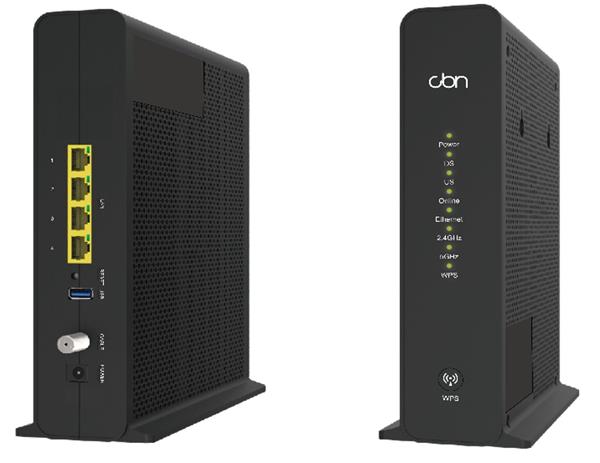
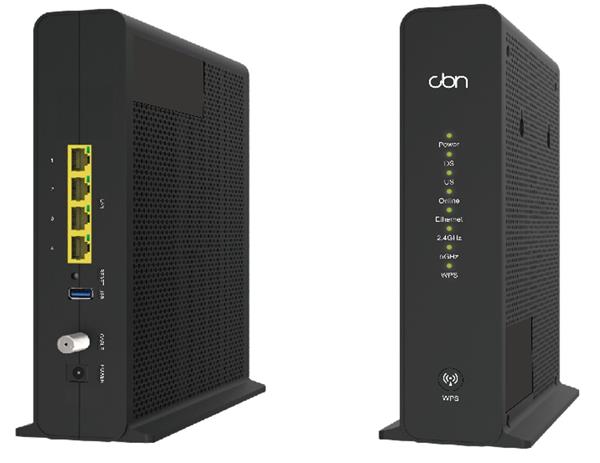
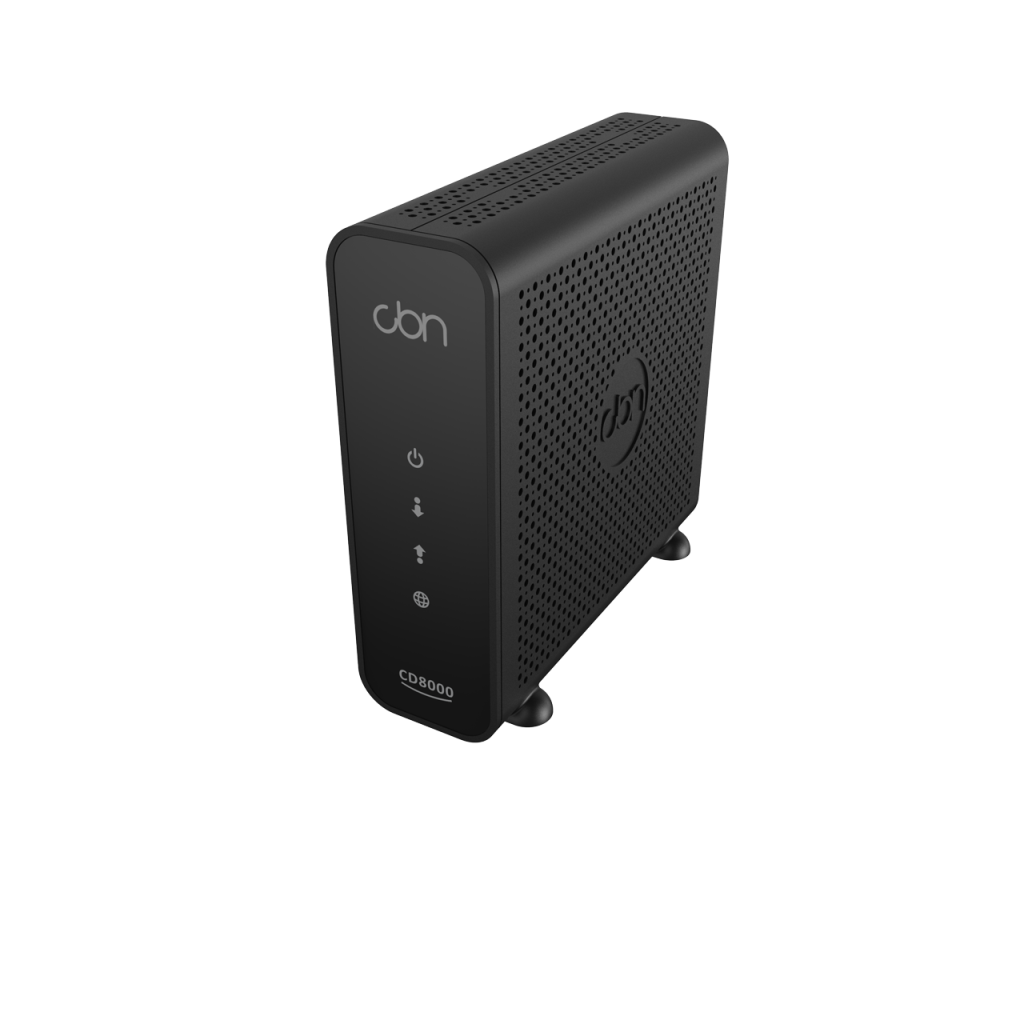
CBN CD8000 DOCSIS 3.1 Cable Modem- New in Open Box
Frequently Asked Questions
First, connect a single computer directly to one of the modem’s Ethernet ports with a cable you know works, then power‑cycle the modem and the computer. If the computer still cannot reach the internet, log into your ISP portal or call them to confirm the modem’s MAC address is registered and provisioned on your account—unregistered cable modems will pass no traffic on most Canadian networks.
The CD8000 is compatible with Cogeco, Eastlink, Rogers, and Shaw cable networks at a hardware level, but individual third‑party internet access plans can have specific approved‑modem lists or firmware requirements. Check your provider’s current modem compatibility page and, if the model is not explicitly listed, contact their support to confirm before assuming the service will work.
Start by running a speed test on a PC connected directly to the modem with a Gigabit‑capable Ethernet cable, bypassing any router or switch. If speeds improve, the bottleneck is downstream equipment or Wi‑Fi. If speeds are still low, log into the modem’s diagnostic interface to check that all downstream and upstream channels are locking properly, then contact your ISP with the numbers—signal level or line noise is usually the culprit on cable networks.
The CD8000 provides Ethernet LAN ports, not telephone jacks, so an IP phone or analog telephone adapter connects to the modem via a standard network cable. You can plug either directly into one of the modem’s two Ethernet ports, but the device must be configured with the correct SIP or provisioning server details for your VoIP provider; the modem itself only bridges the internet connection and does not manage voice services.
Intermittent reboots most often point to a power issue or a marginal signal level. Verify the power adapter is seated firmly and plugged into a known‑good outlet, not a power bar that is overloaded or switched. Then check that the coaxial cable is finger‑tight at both the modem and the wall jack, because loose connections can cause fluctuating signal that triggers the modem to reset.
Connect a PC to the modem and open a browser to the default management IP, which is typically 192.168.100.1 for bridge‑mode cable modems. The CD8000’s diagnostic page lets you view downstream and upstream power levels and SNR without changing any settings that could affect your connection.
Yes, because it is compatible with both networks for TPIA service, but you will need to re‑register the modem and likely reconfigure your ISP account when you relocate. The physical hardware stays the same; the change is entirely account‑side and you should coordinate with the new provider to ensure the MAC address is correctly activated.
The modem operates in bridge mode by default, so your router should receive a public IP address on its WAN port. If it is not working, power‑cycle the modem, wait two minutes, then power‑cycle the router so it negotiates a fresh lease. If the router still reports no internet, check that it is set to obtain its WAN address via DHCP rather than a static IP assigned from a previous connection.
The two Ethernet ports are independent and can each connect a device, but most cable ISPs provision only one public IP address per residential or small‑business account. You can connect two devices physically, yet typically only one receives a working public IP; to share the connection across multiple devices, connect a router to the modem and plug your devices into the router instead.
The modem itself is not weather‑sensitive indoors, but outdoor coaxial plant can be affected by moisture ingress. Check that the coax line entering your building is properly grounded and that all outdoor connectors are sealed and dry. If drops continue, your ISP will need to inspect the line from the tap to your unit for water damage or corrosion—this is a common cable‑network issue across Canadian winters.
Broadband
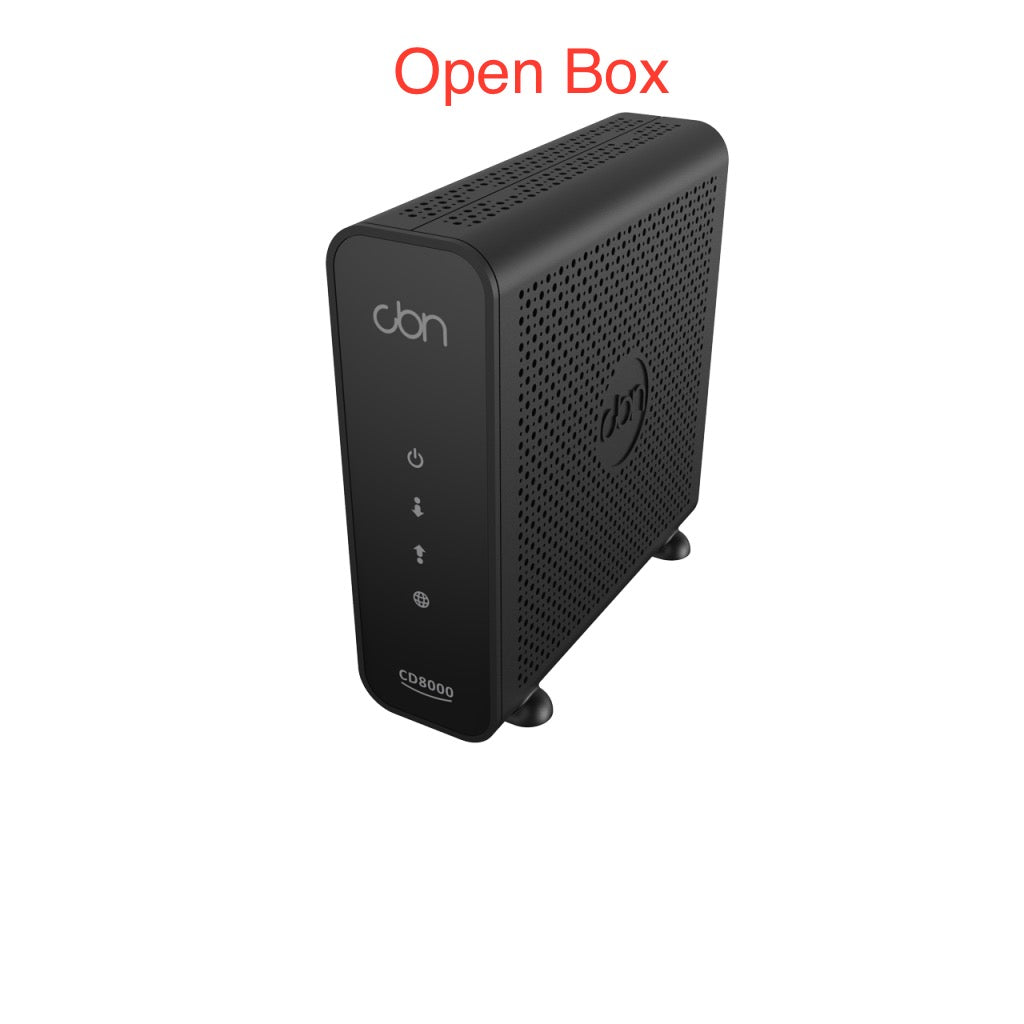
CBN CD8000 DOCSIS 3.1 Cable Modem- New in Open Box
DOCSIS 3.1, 32x8 cable modem with 2 x Gigabit Ethernet LAN connections for fast and reliable internet. • Supports speeds up to 1.4 Gbps for optimal performance • Compatible with TPIA ISPs on Cogeco (Ontario and Quebec), Eastlink, Rogers, and Shaw cable networks Note: This modem is available as a new-in-open-box item in perfect condition, carefully tested and inspected before sale. Final sale, except in case of defects. For detailed specifications, please refer to the product datasheet at https://cdn.shopify.com/s/files/1/0643/6736/2234/files/CD8000.pdf?v=1729545313
About This Product
The CD8000 is a straightforward DOCSIS 3.1 modem built for small to mid-sized offices or a home office that needs reliable, high-speed internet without paying rental fees for an ISP-supplied gateway. It lands in a sweet spot for a business migration from legacy DOCSIS 3.0 hardware, or for a new setup where you already own a separate router or firewall and simply want the modem to bridge the connection cleanly.
Because it provides just two Gigabit Ethernet ports and no integrated Wi‑Fi, voice ports, or routing features, it pairs naturally with a dedicated router, a VoIP PBX, or a managed switch downstream. That separation keeps the modem performing one job well and makes troubleshooting simpler when something on the LAN side needs attention. It is not the right fit if you need a single-box solution that handles Wi‑Fi and telephony out of the box—this unit expects you to bring your own router and ATA or IP phones.
In the Canadian landscape, the modem is compatible with third‑party internet access on several major cable networks, including Cogeco territory across Ontario and Quebec, as well as Eastlink, Rogers, and Shaw. For GTA‑based professionals, this means it can slot into a Rogers‑backed TPIA service without fuss, provided the plan does not exceed the modem’s ceiling. The 1.4 Gbps rating is ample for a standard office voice‑and‑data workload, though an office running multiple concurrent video streams or large off‑site backups will want to consider whether the plan tier, not just the modem, is the real bottleneck.
The open‑box nature matters in practical terms: it is tested and functional but a final sale, so it suits a buyer who values cost savings over retail packaging and has already confirmed ISP eligibility. For a business that is simply modernizing its cable handoff and already manages its own network equipment, this modem represents a pragmatic, no‑frills step up to DOCSIS 3.1.
For users whose internet is delivered over DSL, fibre, or fixed wireless, this modem does not apply. It is strictly a cable modem for DOCSIS‑based ISPs, so upfront verification against the provider’s approved hardware list is essential before ordering.
Because it provides just two Gigabit Ethernet ports and no integrated Wi‑Fi, voice ports, or routing features, it pairs naturally with a dedicated router, a VoIP PBX, or a managed switch downstream. That separation keeps the modem performing one job well and makes troubleshooting simpler when something on the LAN side needs attention. It is not the right fit if you need a single-box solution that handles Wi‑Fi and telephony out of the box—this unit expects you to bring your own router and ATA or IP phones.
In the Canadian landscape, the modem is compatible with third‑party internet access on several major cable networks, including Cogeco territory across Ontario and Quebec, as well as Eastlink, Rogers, and Shaw. For GTA‑based professionals, this means it can slot into a Rogers‑backed TPIA service without fuss, provided the plan does not exceed the modem’s ceiling. The 1.4 Gbps rating is ample for a standard office voice‑and‑data workload, though an office running multiple concurrent video streams or large off‑site backups will want to consider whether the plan tier, not just the modem, is the real bottleneck.
The open‑box nature matters in practical terms: it is tested and functional but a final sale, so it suits a buyer who values cost savings over retail packaging and has already confirmed ISP eligibility. For a business that is simply modernizing its cable handoff and already manages its own network equipment, this modem represents a pragmatic, no‑frills step up to DOCSIS 3.1.
For users whose internet is delivered over DSL, fibre, or fixed wireless, this modem does not apply. It is strictly a cable modem for DOCSIS‑based ISPs, so upfront verification against the provider’s approved hardware list is essential before ordering.
Services We Provide
- Professional Installation & Configuration
- Ongoing Maintenance & Support
- Troubleshooting & Repairs
- System Upgrades & Updates