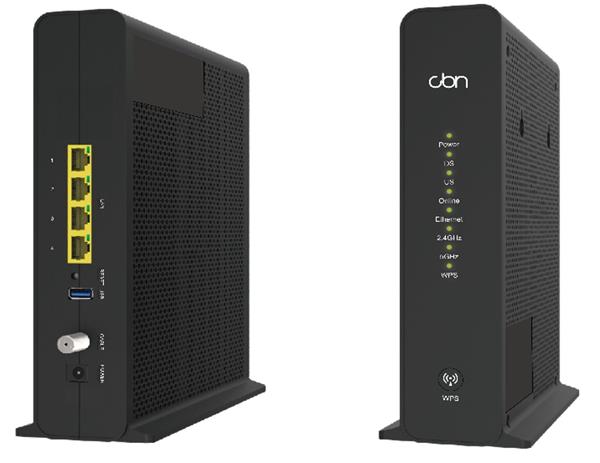
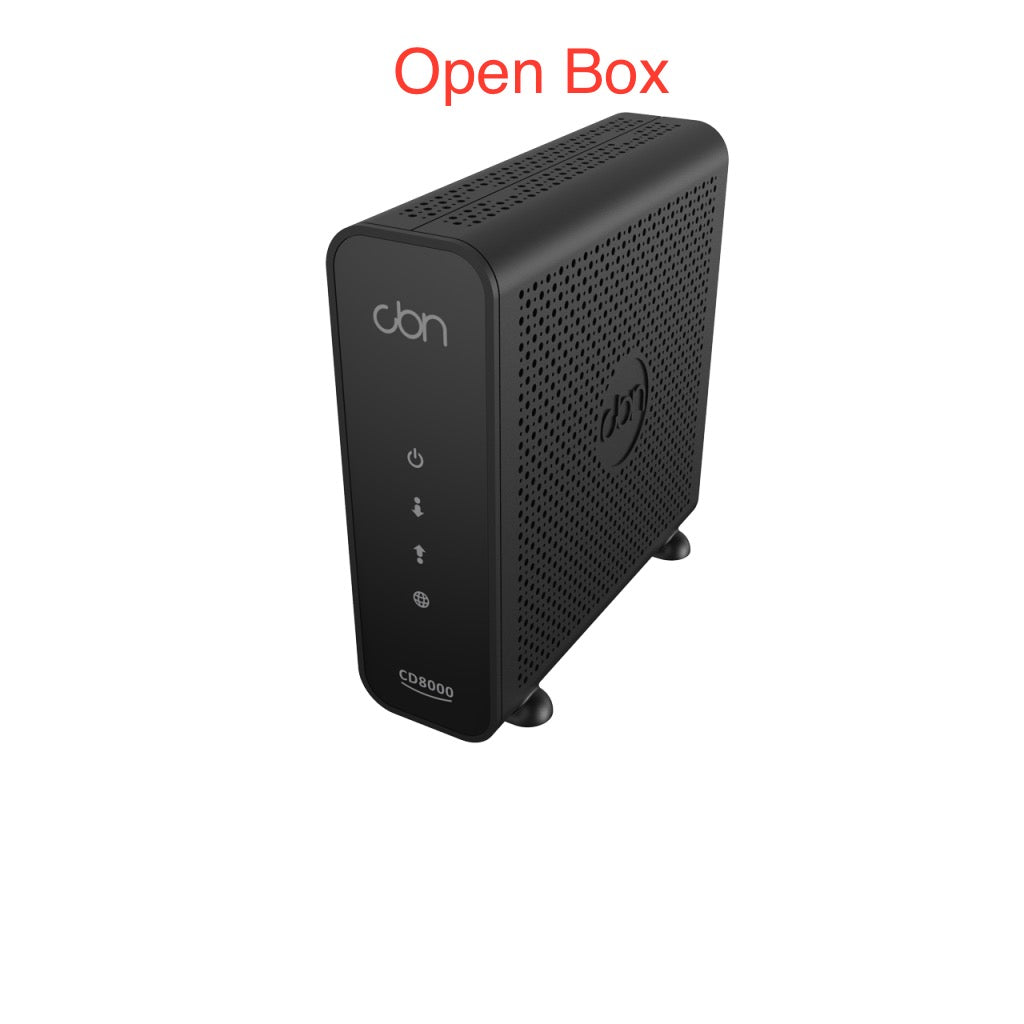
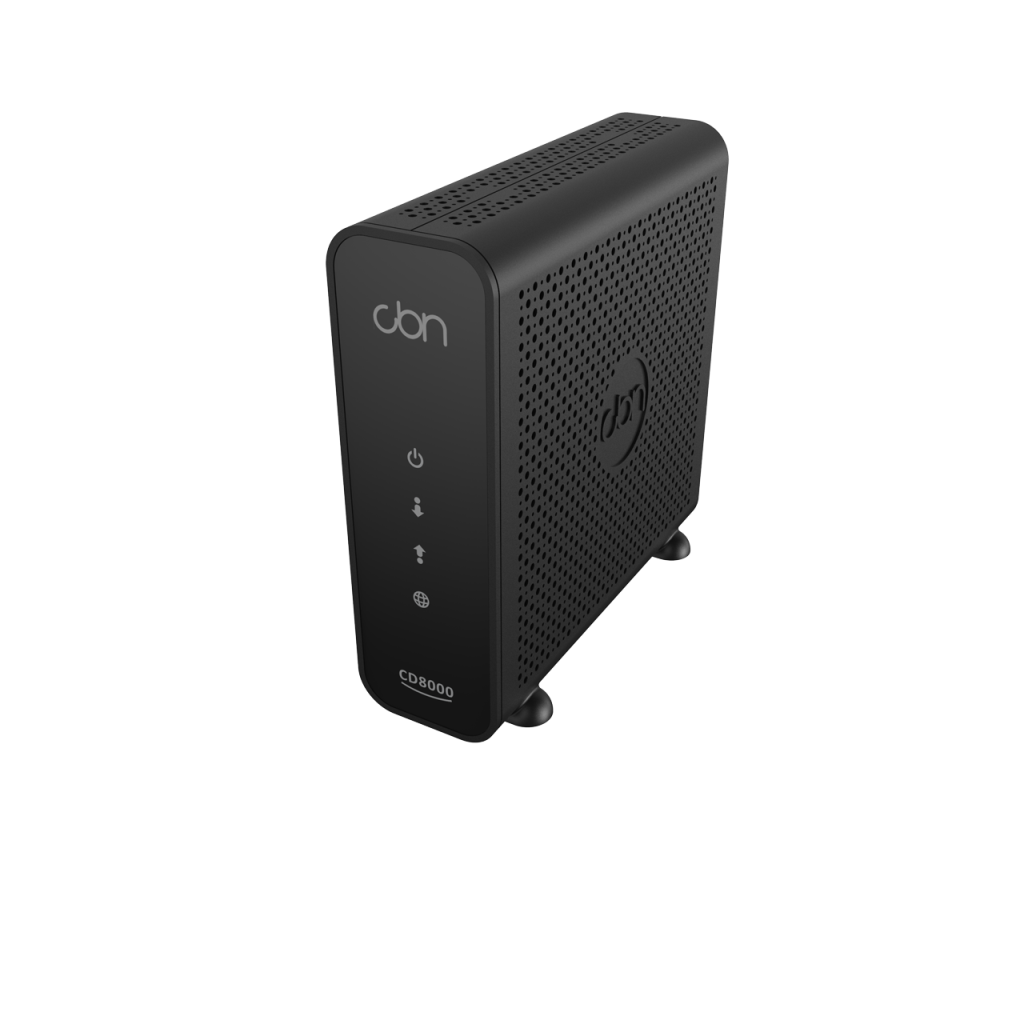
CBN CH8568 DOCSIS 3.1, 32x8 cable modem / gateway -New in Open Box
Frequently Asked Questions
Start by checking the coaxial cable connection: make sure it is finger‑tight at both the modem and the wall outlet, and that there is no sharp bend or damage along the cable. Next, reboot the gateway by pulling its power for 30 seconds and then plugging it back in, as this forces a fresh range and registration attempt with the CMTS. If the blinking persists, the signal levels reaching your location may be too low or too high—your ISP can normally confirm this remotely.
You will need to provide your ISP with the modem’s CM MAC address, which is printed on the label attached to the device. Most Canadian providers that support third‑party hardware—including Rogers, Shaw, and TPIA operators on Cogeco—let you activate through an automated portal, a support call, or a live chat. Keep the modem powered on and connected to the coax line during the activation so the provisioning file can be pushed to it.
First, confirm whether a device plugged directly into one of the Gigabit LAN ports gets online. If the wired connection works, the issue is with the Wi‑Fi layer, so try forgetting the network on your device and rejoining. If the wired connection also fails, log into the gateway’s local interface and verify the WAN status page; occasionally the modem can lock onto a channel successfully but fail the IP registration—a power‑cycle usually clears this.
Yes, by enabling bridge mode you turn off the built‑in router and Wi‑Fi, passing the public IP address through to your own equipment. Connect your router’s WAN port to LAN port 1 on the CH8568, then access the gateway’s admin interface and switch the operation mode to bridge. After saving the change, reboot both devices and your personal router will handle all routing and wireless functions.
Start by ensuring the gateway is placed in an open, central location, away from metal filing cabinets, concrete walls, or large appliances. The radio power is already set to the allowed regulatory maximum, so if relocation does not help, bridging the gateway and connecting a Wi‑Fi 6 access point or mesh system is the most effective next step for larger or unusually shaped spaces.
Inspect the Ethernet cable and the link speed negotiated by the LAN port—a bad or older Cat5 cable can force a 100 Mbps link. Swap in a known‑good Cat5e or Cat6 cable and check the port LEDs or the gateway’s interface to confirm a Gigabit link. Also try a different LAN port in case one port has been damaged or forced into a lower speed because of repeated disconnect events.
It is normal for a DOCSIS 3.1 gateway with an active Wi‑Fi radio to feel quite warm to the touch, especially in an enclosed area. Make sure nothing is stacked on top of it and that the ventilation openings on the sides and bottom are not blocked. If the device becomes too hot to hold or starts dropping connections when warm, move it to a spot with better airflow and consider adding a small USB‑powered fan; sustained overheating can shorten the life of the capacitors.
A brief power flicker can sometimes corrupt the running configuration, causing the gateway to revert to its factory defaults. Log into the admin interface and verify whether the custom SSID and password are still listed; if they are gone, re‑enter them and then save a configuration backup file to your computer so you can restore settings quickly next time. If the problem repeats, have the electrical outlet and power adapter checked by a professional.
The CH8568 is designed for major Canadian cable systems and will work with many TPIA resellers that ride behind those networks. It is not a DSL or fibre modem, so it cannot be used with Bell, Telus pure fibre, or other non‑cable access technologies. Before ordering, confirm with your specific provider that they activate customer‑owned DOCSIS 3.1 modems and ask whether they have any model‑specific restrictions.
Broadband
CBN CH8568 DOCSIS 3.1, 32x8 cable modem / gateway -New in Open Box
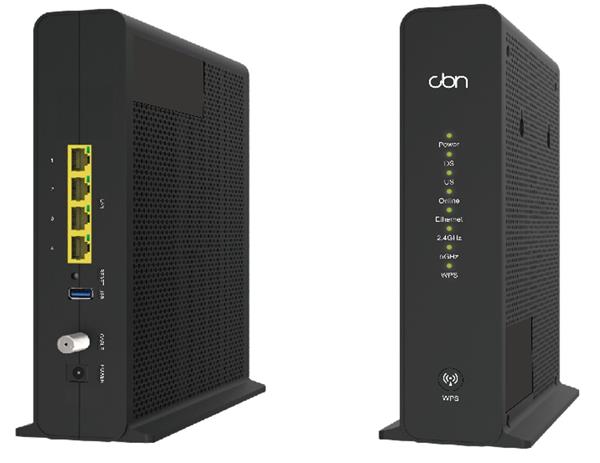
• CH8568 DOCSIS 3.1, 32x8 cable modem / gateway • Wi-Fi 802.11ac Wave-2 technology for high-speed internet • 4 x Gigabit Ethernet LAN ports for multiple device connections • Compatible with TPIA ISPs on Cogeco (Ontario and Quebec), Rogers, and Shaw networks New-in-Open-Box items are in perfect condition and have been carefully tested. They are final sale, except in case of defects. For a full list of specifications, please refer to the product data sheet: https://cdn.shopify.com/s/files/1/0643/6736/2234/files/e059cd2c4ac5da4df34f529eafc857d234ae87dda701e33b04b4bb399cabfc5a_optim.pdf?v=1730313609
About This Product
The CBN CH8568 is a DOCSIS 3.1 gateway aimed squarely at Canadian households and small offices that want to stop paying recurring rental fees for their internet provider’s modem. It is a capable match for mid- to high‑tier cable internet plans on Rogers, Shaw, or Cogeco‑served communities in Ontario and Quebec. Because it bundles a 4‑port Gigabit switch and an 802.11ac Wave‑2 access point into a single box, it can replace a separate modem and router for many straightforward setups, reducing cable clutter and simplifying the network edge.
While DOCSIS 3.1 gives it plenty of downstream headroom, the gateway’s Wi‑Fi is built on the older Wave‑2 standard rather than Wi‑Fi 6. That still delivers solid performance for everyday browsing, streaming, and video calls, but buyers running dense Wi‑Fi environments—such as open‑plan offices with dozens of concurrent clients—will eventually want to bridge the CH8568 and hang a more modern access point or mesh system behind it. This is not a criticism of the modem portion; it is simply a practical ceiling to be aware of when planning a network.
This device is well‑suited to a home office, a small retail counter, or a short‑term rental setup in the GTA or similar urban cable footprints. Configurations that require advanced routing, VLAN segmentation, or multi‑WAN failover will find the built‑in software limiting, so those users should plan to operate it in bridge mode with their own firewall or router. Conversely, for a single‑family residence or a micro‑business with a handful of wired devices alongside typical wireless use, the all‑in‑one convenience is a genuine cost‑saver.
As a new‑in‑open‑box unit, it has been tested and carries no cosmetic or functional compromise beyond the final‑sale condition. It is a pragmatic choice for a tenant or owner who intends to stay with a cable ISP for the foreseeable future and wants ownership of the modem without paying for features they will not use.
While DOCSIS 3.1 gives it plenty of downstream headroom, the gateway’s Wi‑Fi is built on the older Wave‑2 standard rather than Wi‑Fi 6. That still delivers solid performance for everyday browsing, streaming, and video calls, but buyers running dense Wi‑Fi environments—such as open‑plan offices with dozens of concurrent clients—will eventually want to bridge the CH8568 and hang a more modern access point or mesh system behind it. This is not a criticism of the modem portion; it is simply a practical ceiling to be aware of when planning a network.
This device is well‑suited to a home office, a small retail counter, or a short‑term rental setup in the GTA or similar urban cable footprints. Configurations that require advanced routing, VLAN segmentation, or multi‑WAN failover will find the built‑in software limiting, so those users should plan to operate it in bridge mode with their own firewall or router. Conversely, for a single‑family residence or a micro‑business with a handful of wired devices alongside typical wireless use, the all‑in‑one convenience is a genuine cost‑saver.
As a new‑in‑open‑box unit, it has been tested and carries no cosmetic or functional compromise beyond the final‑sale condition. It is a pragmatic choice for a tenant or owner who intends to stay with a cable ISP for the foreseeable future and wants ownership of the modem without paying for features they will not use.
Services We Provide
- Professional Installation & Configuration
- Ongoing Maintenance & Support
- Troubleshooting & Repairs
- System Upgrades & Updates