
Fanvil DS102 Desktop Stand for i56A
Frequently Asked Questions
First, ensure the stand is placed on a flat, stable surface. Check that the phone is fully seated in the stand's cradle and that the tilt adjustment is locked in your desired position. If wobbling persists, inspect the stand's base for any debris or damage.
The DS102's tilt is designed to hold position with smooth motion. If it feels loose, verify that the phone is properly inserted and that no screws are loose. Do not overtighten any fasteners, as this may damage the stand. If the issue continues, contact your Toronto-based VoIP support provider for assistance.
The stand is designed for a reasonable range of tilt. Avoid extreme angles that exceed the stand's capacity. Ensure the phone's base is securely placed in the stand's cradle. If the phone feels unstable, reduce the tilt angle.
Check for any obstructions in the adjustment mechanism. Gently attempt to move the stand to a different height while supporting the phone. Do not force the mechanism, as this could cause breakage. If it remains stuck, contact your VoIP support provider.
Inspect the stand and compare with the included components listed in the packaging. If pieces are missing or broken, contact your vendor or a Canadian VoIP support company for a replacement or warranty claim.
The DS102 is specifically designed for the Fanvil i56A model. Ensure you have the correct phone model. Check that the phone's mounting points align with the stand's cradle. If the phone does not fit securely, it may be a compatibility issue; contact the retailer for confirmation.
The DS102 is designed exclusively for the Fanvil i56A. It may not securely fit other models due to different shape or weight. For other Fanvil phones, check their respective accessory listings.
No, the DS102 is a desktop stand intended for placement on a flat surface. It does not include wall-mounting hardware or design. For wall mounting, consider a dedicated wall mount bracket for your phone model.
The DS102 typically comes fully assembled and ready to use. No tools are required. Simply place the stand on your desk and insert the i56A phone into the cradle. If assembly is needed, refer to the quick start guide included in the box.
Yes, the DS102 stand only affects the physical positioning of the phone. Any headset connected to the i56A's audio ports will function normally regardless of the stand used.
Accessories
Fanvil DS102 Desktop Stand for i56A
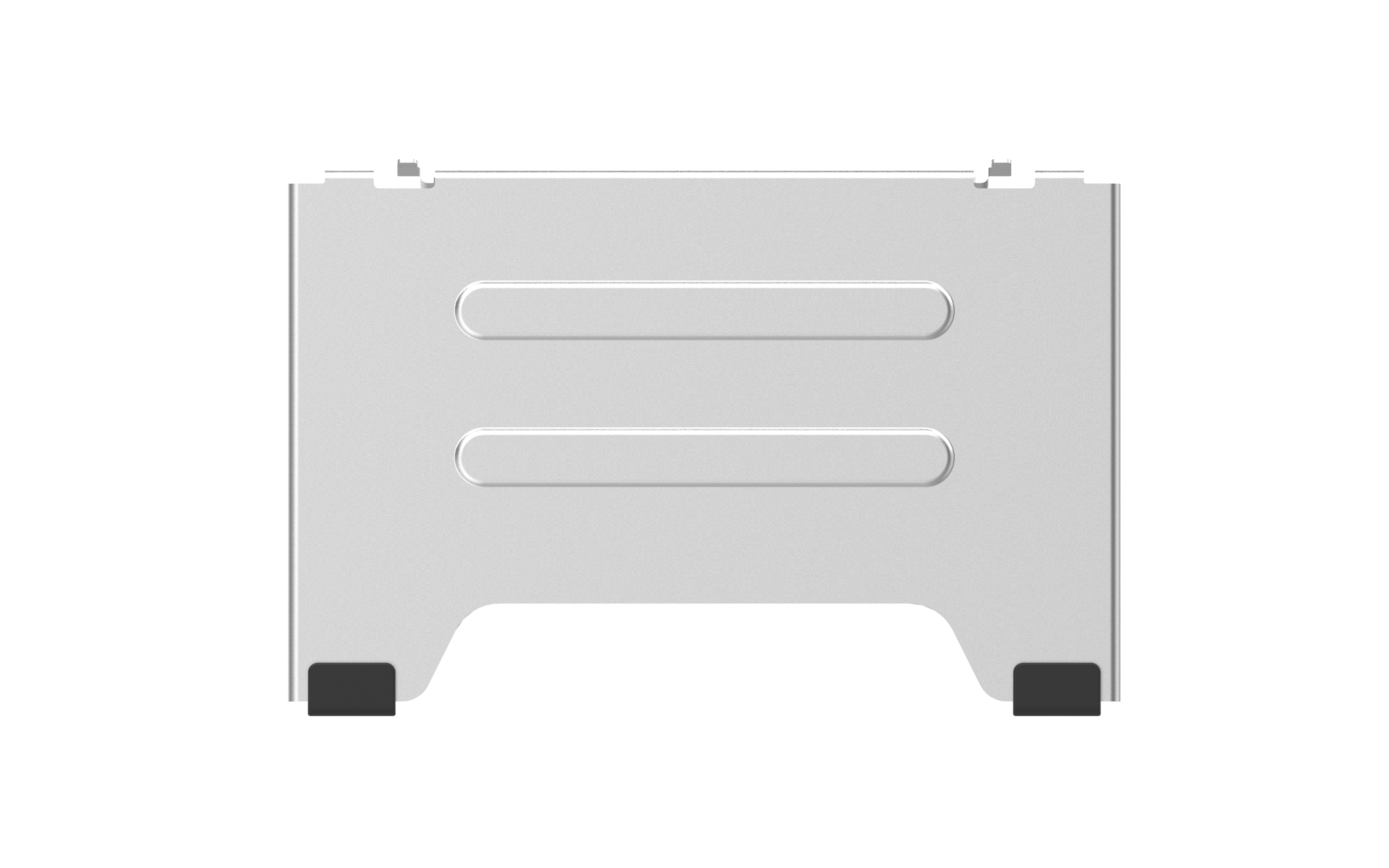
The Fanvil DS102 Desktop mount allows you to easily place your i56A device anywhere on a table or desk, providing ease of portability and positioning. This stand features: • Adjustable height settings for optimal viewing • Compact design for space-saving convenience • Smooth tilting motion for effortless adjustment • Durable construction for long-lasting use For a full list of specifications, please refer to the product datasheet (available upon request).
About This Product
The Fanvil DS102 Desktop Stand is designed specifically for the i56A model, making it a purposeful add-on for users who want to adjust the phone's viewing angle on a desk or countertop. It is ideal for call center environments or executive offices in the GTA where ergonomic placement matters. The stand replaces the need for propping the phone up with books or makeshift solutions, offering a clean, professional look. However, potential buyers should note that this stand is purely a physical mount; it does not include any electrical charging capability or connectivity features. While it provides smooth tilting and height adjustment, the range of motion is limited to what the compact design allows. This accessory is best suited for a standard desk setup and may be overkill if the i56A's built-in stand suffices, or underpowered if the phone needs to be mounted on a wall or inside a custom enclosure.
Services We Provide
- Professional Installation & Configuration
- Ongoing Maintenance & Support
- Troubleshooting & Repairs
- System Upgrades & Updates



