
Fanvil KT10 Wireless Key for Y501/Y501-Y and X305
Frequently Asked Questions
First, confirm your phone’s firmware is up to date; the KT10 requires a recent version that supports wireless key pairing. Put the phone into discovery mode via its menu (usually under Accessory or Wireless Key settings) and then press the KT10 button while it’s within arm’s reach. If it still doesn’t appear, power-cycle the phone and try again—no settings are lost in a reboot.
Start by checking if the phone’s wireless key function is still enabled in the menu; a configuration change or a firmware update may have disabled it. Next, verify the action assigned to the key hasn’t been cleared or reassigned. A quick test is to re-pair the key: remove it from the phone’s paired devices list and go through pairing again.
The kinetic mechanism gives a tactile click even when the radio burst isn’t received. Move the key closer to the phone—within 10 metres with clear line of sight—and try again. If the phone is in a metal cabinet or near large metal objects, the signal can be blocked; reposition the phone or key temporarily to test.
Yes, the Y501, Y501-Y, and X305 support multiple paired wireless keys. Each key can be assigned a different action through the phone’s menu. Just pair them one at a time and give each a distinct function so you know which press does what.
Pair the key with the phone, then go to the phone’s Function Key or DSS Key settings and locate the wireless key entry. Assign it the door-unlock action (often labelled ‘Door Relay’ or ‘Open Door’) and save. The exact menu path varies slightly by firmware, but the phone’s web interface usually offers the clearest configuration view.
The KT10 uses a low-power RF signal designed for near-field reliability, not whole-building coverage. A range of 5–10 metres in open air is typical. If you’re getting less, check for interference from Wi-Fi access points, Bluetooth devices, or thick concrete walls between the key and phone. Moving the phone’s antenna (if external) or repositioning the base can help.
Firmware updates can occasionally reset accessory pairings. Go to the phone’s wireless key menu, delete the existing KT10 entry, and pair it again from scratch. If re-pairing fails, verify that the new firmware still lists the KT10 as a supported accessory in its release notes. Should the issue persist, a Toronto-based VoIP support provider can usually resolve this remotely.
No, the KT10 uses radio frequency, not infrared, so it works through walls and furniture within its range. However, dense materials like metal filing cabinets or reinforced concrete can reduce the effective distance. For best results, avoid placing the phone inside a metal enclosure.
Accessories
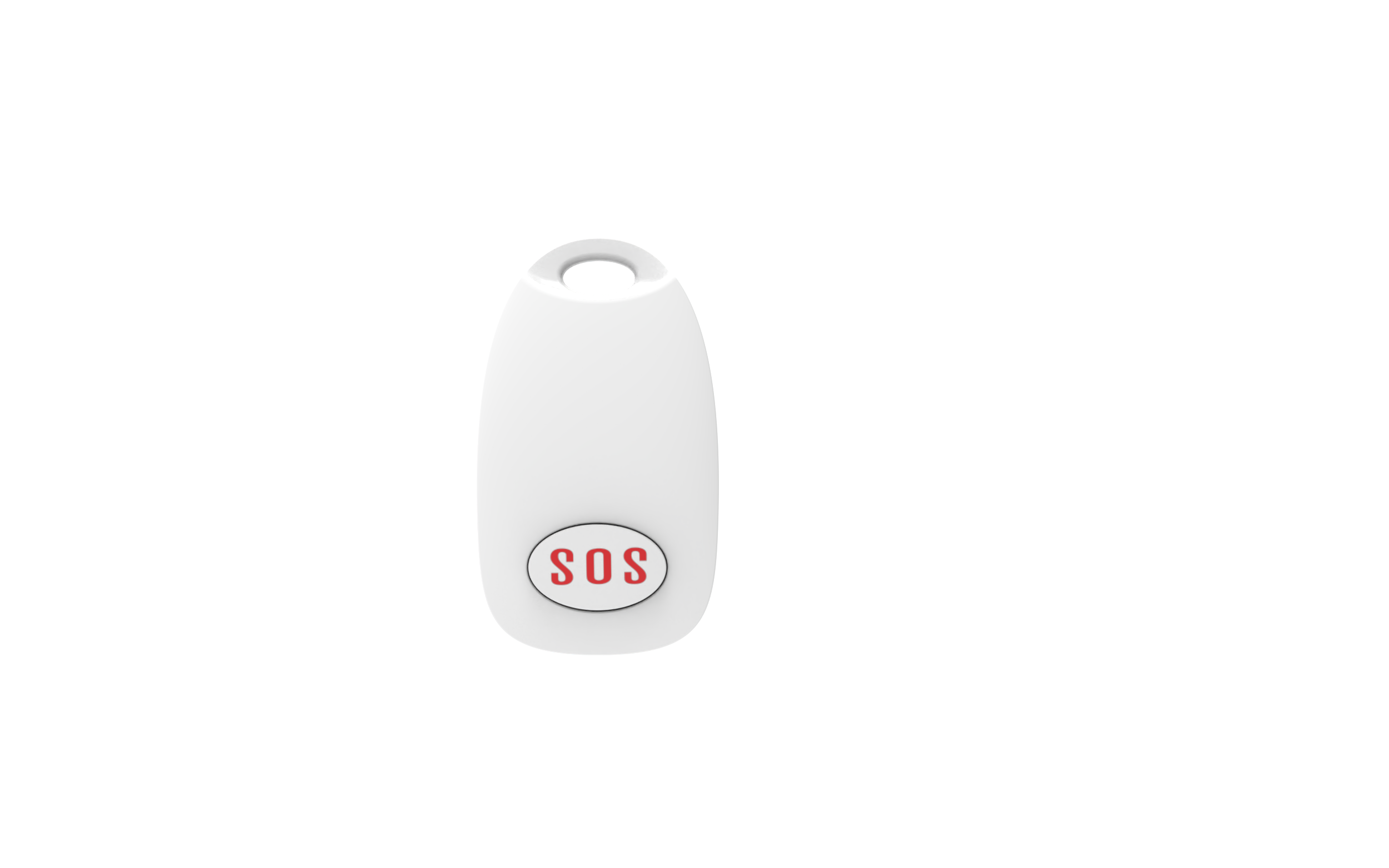
Fanvil KT10 Wireless Key for Y501/Y501-Y and X305
The Fanvil KT10 Wireless Key is a rebound-type kinetic energy wireless key designed for the Y501/Y501-Y and X305 series products. Its compact size belies its advanced features, including: • Patented micro-energy harvesting technology, allowing for battery-free operation • Rebound-type design for efficient energy harvesting • Compatible with Fanvil Y501/Y501-Y series products for seamless equipment control For detailed specifications and product information, refer to the provided datasheet.
About This Product
The Fanvil KT10 is a purpose-built accessory that turns a simple button press into a control event for select Fanvil desk phones. It suits small offices, reception desks, or entry-management setups where a single, maintenance-free trigger is all that’s needed—think door-release activation or one-touch call routing without reaching for the phone itself. Because it harvests energy from the press, there’s no battery to replace, making it a fit-and-forget addition in environments that value low upkeep.
Its value is tightly coupled to the Y501, Y501-Y, and X305 models. If you already use those phones for door-phone integration or speed-dial workflows, the KT10 slots in neatly. For a multi-tenant Toronto office or a GTA medical clinic that relies on Fanvil handsets for visitor entry, this key can live on a reception counter and stay reliable for years. Just keep in mind it’s a single-action device; if you need a bank of programmable keys or a full attendant console, you’ll outgrow it quickly.
The main trade-off is its limited compatibility. It won’t work with other Fanvil series or third-party phones, so it’s not a universal wireless button. Range is typical for a low-power RF device—adequate within the same room or adjacent space, but not designed to cover a whole floor. For a busy multi-line reception where several functions need dedicated buttons, a sidecar expansion module would be a better fit. In a quiet solo office, though, it’s a tidy, inexpensive way to add a physical shortcut.
Its value is tightly coupled to the Y501, Y501-Y, and X305 models. If you already use those phones for door-phone integration or speed-dial workflows, the KT10 slots in neatly. For a multi-tenant Toronto office or a GTA medical clinic that relies on Fanvil handsets for visitor entry, this key can live on a reception counter and stay reliable for years. Just keep in mind it’s a single-action device; if you need a bank of programmable keys or a full attendant console, you’ll outgrow it quickly.
The main trade-off is its limited compatibility. It won’t work with other Fanvil series or third-party phones, so it’s not a universal wireless button. Range is typical for a low-power RF device—adequate within the same room or adjacent space, but not designed to cover a whole floor. For a busy multi-line reception where several functions need dedicated buttons, a sidecar expansion module would be a better fit. In a quiet solo office, though, it’s a tidy, inexpensive way to add a physical shortcut.
Services We Provide
- Professional Installation & Configuration
- Ongoing Maintenance & Support
- Troubleshooting & Repairs
- System Upgrades & Updates



