
Grandstream UCMRC Business Plan
Frequently Asked Questions
First, confirm that the UCMRC license is correctly applied to your UCM's MAC address and that the subscription is active. Then check that the user's device (Wave app or IP phone) has internet access and that the UCM's remote connect settings are enabled under the UCM's web UI. If the issue persists, a Toronto-based VoIP support provider can usually resolve this remotely.
For every license ordered, you must provide the MAC address of your UCM in the order notes. After purchase, the license is activated on Grandstream's side and will appear in your UCM's license management page. No manual upload is required beyond entering the MAC at time of order.
Start by verifying your internet connection's upload speed; remote calls need at least 100 kbps per call. Also ensure that your router supports SIP ALG turned off, as that can cause audio issues. Try rebooting both the UCM and the remote user's device to clear any temporary network glitches.
Yes, the UCMRC service is compatible with all Grandstream UCM series PBXs, including the UCM6200, UCM6300, and UCM6510. The license enables the remote connect features built into the UCM firmware.
First, check that the remote user's mobile or desktop is on a network that allows outbound UDP ports 5060-5062 (or the configured SIP port) and that the UCM's remote connect domain is correctly entered in the app settings. Also ensure the UCMRC subscription is active and the user is provisioned on the UCM.
You can register up to 200 remote users or devices, but only 32 of them can be in an active call or meeting at the same time. If you need more concurrent calls, consider multiple licenses or a different deployment.
Yes, the service includes a FQDN (fully qualified domain name) that you can set to a custom top-level domain or subdomain, allowing remote users to connect to your company's phone system using a branded address.
Have the remote user temporarily switch from WiFi to a wired connection or cellular data to rule out local network issues. Also check if the UCM's firewall/inbound rules are blocking traffic; try disabling any VPN software temporarily during the test.
The UCMRC Business Plan is capped at 32 simultaneous sessions. For higher capacity, you might deploy multiple UCM units or consider a hosted PBX solution. Alternatively, check if Grandstream offers a higher-tier UCMRC plan (if available) or use multiple licenses across separate UCMs.
No, the UCMRC service uses automated NAT traversal, so it works even with dynamic public IPs. However, a stable internet connection is essential, and port forwarding may still be required in some restrictive network environments.
Accessories
Grandstream UCMRC Business Plan
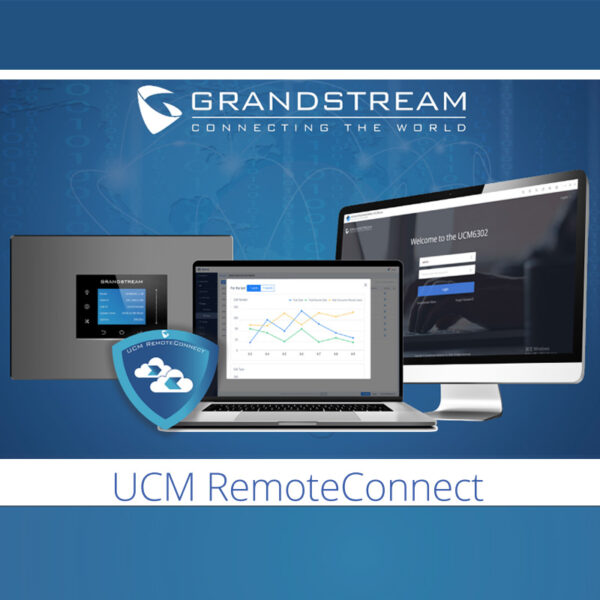
Annual subscription fee for 32 Concurrent Voice/Video Calls, 200 registered users, 5 GB cloud storage. Please note that for every license ordered, add the MAC address of the UCM into the order notes to apply the license. Key Features: • Max 200 Registered Remote Users/ Devices • Max 32 Concurrent Remote Sessions of Voice/Video Calls/ Meetings • Unlimited Calls/ Meetings • 5 GB Cloud Storage • Wave app for mobile, desktop and web • Automated NAT Firewall Traversal • System & Device Security, Real-Time Monitoring & Alerts • Advanced Remote Admin • API & SDK to support 3rd Party Add-ons • WebRTC Trunk Integration • Call Quality Stats, Analysis & Reports • Custom Logo and TOP-LEVEL domain (FQDN) for your company
About This Product
The Grandstream UCM Remote Connect (UCMRC) Business Plan is an annual subscription that unlocks remote connectivity features for an on-premise Grandstream UCM PBX. It's designed for organizations that need to securely connect remote employees, teleworkers, or branch offices to the corporate phone system without maintaining a VPN or exposing the PBX directly to the internet. This plan suits companies in the Greater Toronto Area and beyond that support hybrid work models, allowing staff to use the Wave app on mobile, desktop, or web to make and receive calls through the office PBX as if they were on-site.
A key consideration is the 32 concurrent session limit — ensure your remote workforce doesn't regularly exceed that number before committing. The 200 registered user cap is generous, but if you need more than 32 simultaneous remote calls, you'll need to evaluate multiple licenses or a different architecture. The service integrates seamlessly with any Grandstream UCM series PBX and supports custom branding (logo and FQDN), which is useful for professional deployments. It's ideally suited for mid-sized businesses; too large for a single user, and potentially underpowered for an enterprise with hundreds of concurrent remote workers. For Canadian carriers, the service is carrier-agnostic as long as the underlying UCM is properly configured with SIP trunks.
A key consideration is the 32 concurrent session limit — ensure your remote workforce doesn't regularly exceed that number before committing. The 200 registered user cap is generous, but if you need more than 32 simultaneous remote calls, you'll need to evaluate multiple licenses or a different architecture. The service integrates seamlessly with any Grandstream UCM series PBX and supports custom branding (logo and FQDN), which is useful for professional deployments. It's ideally suited for mid-sized businesses; too large for a single user, and potentially underpowered for an enterprise with hundreds of concurrent remote workers. For Canadian carriers, the service is carrier-agnostic as long as the underlying UCM is properly configured with SIP trunks.
Services We Provide
- Professional Installation & Configuration
- Ongoing Maintenance & Support
- Troubleshooting & Repairs
- System Upgrades & Updates



