
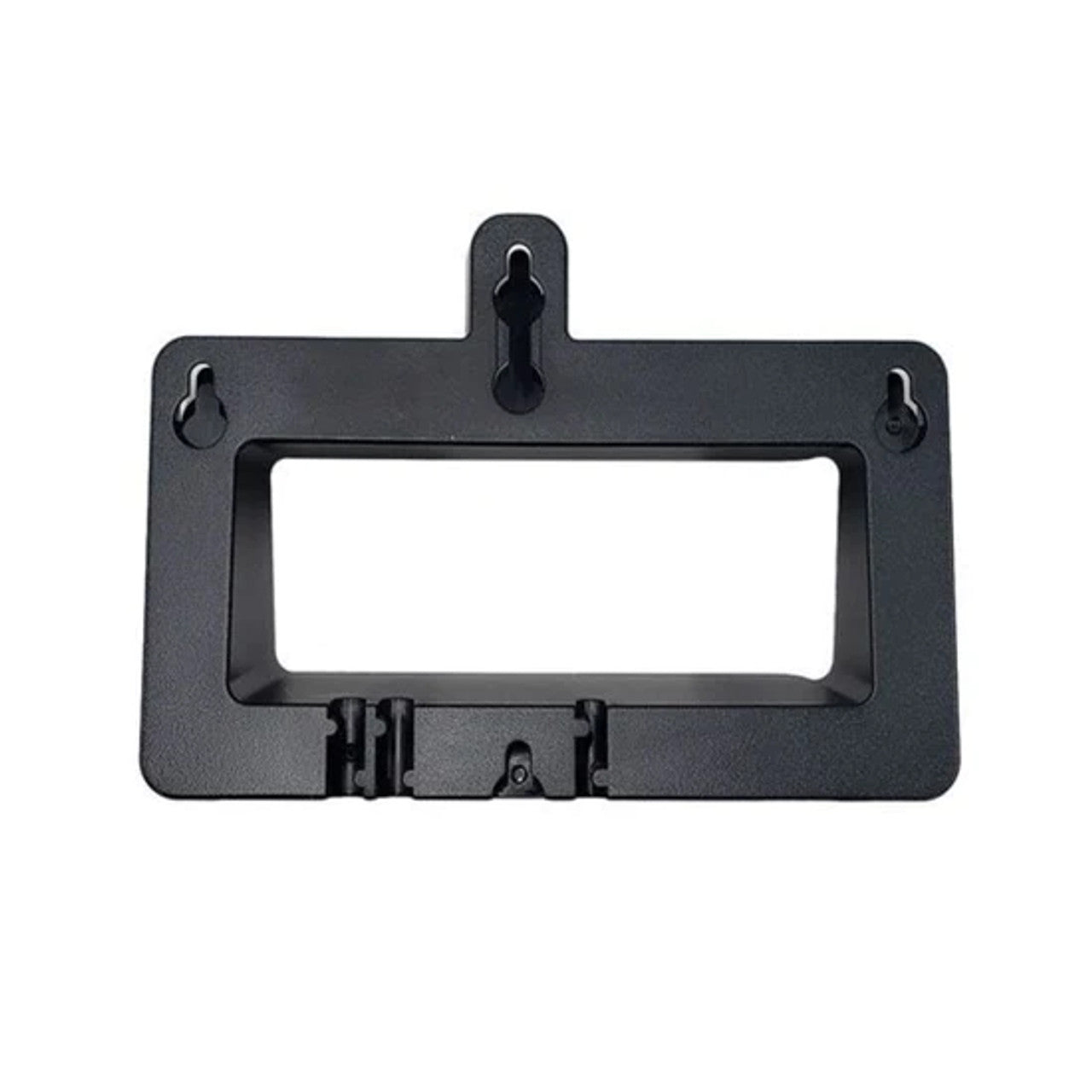
Yealink Wall Mount bracket for T31P/T31G/T31W
Frequently Asked Questions
First, double-check that you have a T31P, T31G, or T31W. Other Yealink models look similar but won't fit. Also verify that the bracket is oriented correctly—the mounting tabs should align with the slots on the phone's base. If you're certain the model matches, remove the phone and inspect the bracket for any bent tabs or debris.
If you're mounting into drywall, the screws may not be biting into a stud. Try relocating the bracket so at least one screw hits a stud, or use appropriate wall anchors rated for the phone's weight. Tighten the screws gently—over-tightening can strip the plastic bracket holes.
A standard Phillips screwdriver is usually all you need. A level is helpful to keep the phone straight. If you're drilling into masonry or tile, you'll need a drill and suitable anchors, but those aren't included with the bracket.
The bracket is designed for the phone to sit upright in its normal orientation. Mounting it sideways or inverted could strain the locking tabs and may cause the handset to fall. Stick with the intended vertical orientation.
Yes, the bracket accommodates the T31W base station. The charging contacts and handset cradle aren't obstructed, so you can wall-mount the base and still dock the cordless handset normally.
You can download a printable template from Yealink's support site by searching for the T31 wall mount documentation. Alternatively, you can hold the bracket against the wall, mark the screw holes with a pencil, and use a level to confirm alignment before drilling.
Yes, the bracket doesn't interfere with power connections. The cable routing cutouts allow you to neatly guide the Ethernet or power cord out from behind the phone. Just ensure the cable isn't pinched when you snap the phone onto the bracket.
The T31 series phones are passively cooled and don't generate much heat. The bracket is designed with clearance in mind, so normal airflow isn't restricted. If you're in a very hot environment, just make sure the area around the phone isn't covered by other objects.
Accessories
Yealink Wall Mount bracket for T31P/T31G/T31W
• The Yealink T31 Wall Mount Bracket is designed to fit accurately with the Yealink T31P, T31G, and T31W phone. • Weight: 0.2 lbs • Dimensions: 8 × 8 × 6 in • Brand: Yealink • Accessory Type: Wall Mount Brackets
About This Product
This wall mount bracket is a straightforward accessory for anyone who needs to free up desk space by securing a Yealink T31 series phone to a wall. It's well suited to compact workstations, reception counters, or common areas like break rooms and hallways where a handset on a flat surface could be knocked aside. In a busy Toronto office, it helps keep the phone accessible without cluttering an already tight desk layout.
Because the bracket is purpose-built for the T31P, T31G, and T31W, alignment is precise and the phone sits securely. That specificity is also its main limitation: it won't fit other models, even those that look similar. If you're standardizing on T31 phones across a GTA deployment, a few of these brackets can make a noticeable difference in tidiness, but they aren't a universal solution.
In environments where the phone might be subjected to frequent bumps—say, a warehouse corridor or a school hallway—the bracket holds up fine for normal use, but it's not a reinforced security mount. For a simple, clean wall installation in a typical office or home office, it does exactly what's needed without unnecessary complexity.
Because the bracket is purpose-built for the T31P, T31G, and T31W, alignment is precise and the phone sits securely. That specificity is also its main limitation: it won't fit other models, even those that look similar. If you're standardizing on T31 phones across a GTA deployment, a few of these brackets can make a noticeable difference in tidiness, but they aren't a universal solution.
In environments where the phone might be subjected to frequent bumps—say, a warehouse corridor or a school hallway—the bracket holds up fine for normal use, but it's not a reinforced security mount. For a simple, clean wall installation in a typical office or home office, it does exactly what's needed without unnecessary complexity.
Services We Provide
- Professional Installation & Configuration
- Ongoing Maintenance & Support
- Troubleshooting & Repairs
- System Upgrades & Updates



