

Business Communications
Plan how calls reach the main office, administration, and other teams, with voicemail and after-hours messages, for one site or several.
Explore business communications Estimate My Phone SystemSchools & Education · Toronto and the GTA
Families call the main office, staff need the right doors, and installation has to fit around the school day and calendar. AIM plans, installs, and supports communications, camera, and access-control systems around your people, your buildings, and your schedule, for one location or several.

Plan how the main number reaches reception, administration, and other offices, and what callers hear outside office hours.
Decide which staff groups use which doors, and how credentials are added or removed during the year.
Agree which entrances and areas need coverage, who may view recordings, and what your own policies require.
Share term dates, events, and quiet periods so the installation sequence can take them into account.
Plan the handover so the people who run the systems day to day, and their successors, know how to manage them.
Review each site and stage improvements when not everything can change at once.
Start with one system or plan several together. Each service is scoped to your equipment, space, and requirements.
Plan how calls reach the main office, administration, and other teams, with voicemail and after-hours messages, for one site or several.
Explore business communications Estimate My Phone System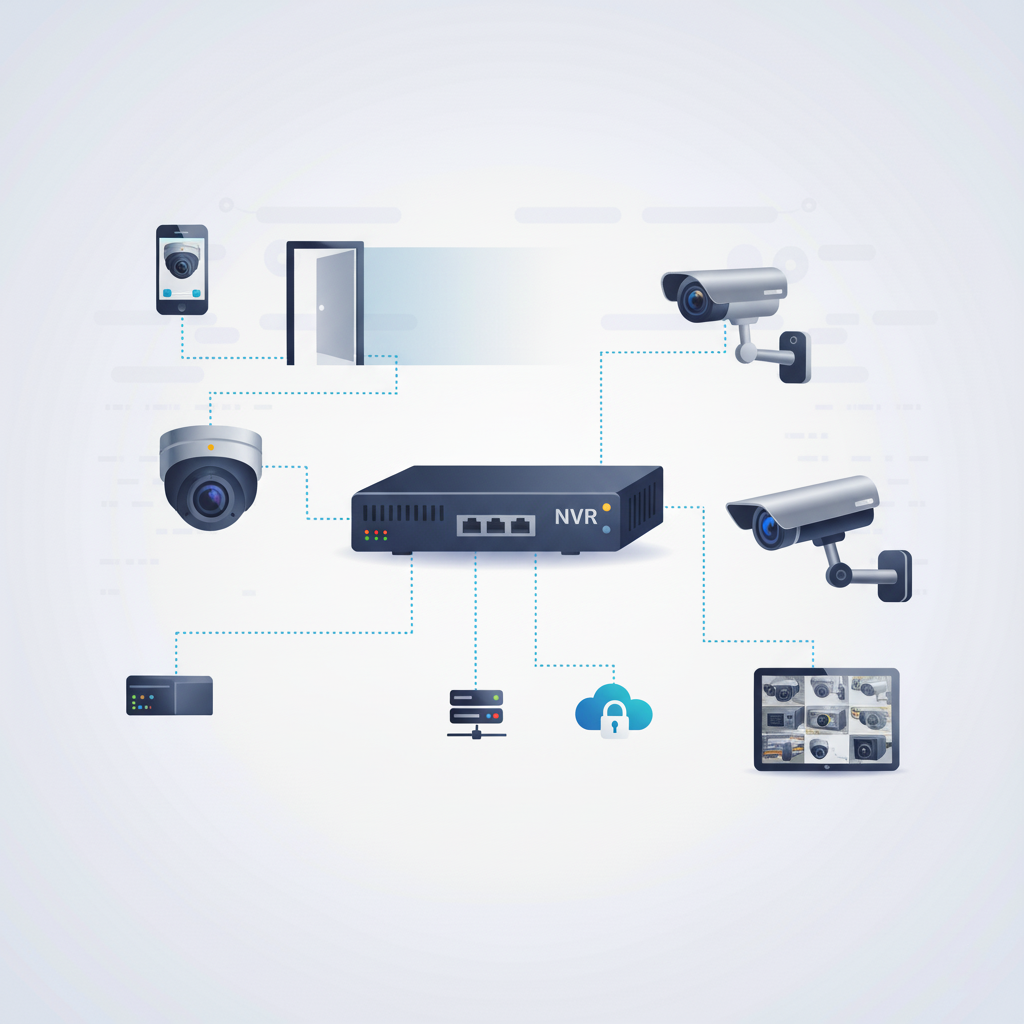
Discuss camera coverage for entrances and agreed areas, and who is authorized to view recordings, based on your requirements and policies.
Explore security cameras Plan My Camera System
Plan staff credentials and door groups, and a simple process for adding and removing people as roles change.
Explore access control systems Plan My Access System
Review cabling for offices, classrooms, and equipment so phones, cameras, and readers have the connections they need.
Explore infrastructure wiring
Get help with a phone, camera, or door reader that is not working. Share the affected location and when the problem happens.
Explore troubleshooting and supportExample project scenario
Imagine an organization with two sites that wants a consistent way to answer calls, manage staff credentials, and review entrance cameras. A site-by-site review can identify what to reuse, what to replace first, and which work should wait for a break in the calendar.
Start with your location, existing equipment, floor plan, and the changes you want to make.
Identify equipment, connection points, site access, and the installation work included in your quote.
Plan the sequence and discuss expected service interruptions alongside your operating hours.
Review the installed systems, routine administration, and the support arrangements agreed for your project.
Share term dates, events, and the times areas can be accessed. The proposed sequence is built around them. Availability for after-hours or break-period work is confirmed for each project.
Yes, planning can cover more than one site. Provide the addresses and what each location has today, and the work can be staged.
The handover covers how credentials are added, changed, and removed, and who in your organization does it. Tell us who will administer the system.
Those are not assumed. If your organization has a specific requirement, describe it in your inquiry so it can be assessed and confirmed before anything is included in a quote.
Include any quote format, approval steps, or documentation your organization requires, and we will tell you what we can provide.
Tell us about your locations, the systems you use today, and when work is possible.
Something not working right now? Get help with an existing system. Commercial installations in Toronto and the GTA. For another location, contact AIM to discuss availability.