
Algo 1198 Satellite Speaker
Frequently Asked Questions
First, verify that the CAT5/CAT6 cable connecting the 1198 to the 8198 is securely plugged in at both ends and that the cable is not damaged. The 1198 must be daisy-chained directly to the 8198’s satellite port; it cannot be connected through a network switch. If the connection is good, power cycle the 8198 by unplugging its PoE source for 10 seconds, then reconnect and wait for the 1198 to appear in the 8198’s web interface.
No, the Algo 1198 is designed exclusively for use with the Algo 8198 SIP PoE+ Ceiling Speaker. It will not work with any other brand or model of speaker. If you need a standalone SIP speaker, consider the Algo 8198 itself.
First, confirm that the 1198 is properly detected by the 8198 by logging into the 8198’s web interface and checking the satellite status. If it shows as offline, reseat the cable connections and power cycle the 8198. If the satellite is online but silent, verify that the volume level for the satellite output is not muted or set too low in the 8198’s settings. Also, check that the 8198 itself is receiving audio from your PBX or paging source.
Connect the first 1198 to the 8198’s satellite port using a standard CAT5 or CAT6 patch cable. Then, connect the next 1198 to the first satellite’s pass-through port using another patch cable. The 8198 supports up to 8 satellites in a single daisy chain. Each satellite is automatically detected and supervised once powered through the 8198.
A fault indication means the 8198 has detected a problem with the satellite connection, such as a short or open circuit in the cable. Inspect the cable for damage or loose connections. Try replacing the patch cable between the 8198 and the first satellite, or between satellites, to isolate the issue. If the fault persists, contact support to test the satellite port on the 8198.
The Algo 1198 does not have its own PoE input and cannot be powered directly by a PoE switch. It receives both power and data exclusively through the connection to the Algo 8198. Ensure the 8198 is powered by a PoE+ switch or injector that meets its power requirements.
Intermittent offline behaviour is often caused by a loose or damaged cable connection. Check all RJ45 connectors in the daisy chain and reseat them firmly. Also, ensure the total cable length from the 8198 to the last satellite does not exceed 100 metres per segment. If using multiple satellites, verify that the 8198’s power supply is adequate (PoE+ is required).
Yes, the 1198 does not require a separate network drop because it connects directly to the 8198 via a patch cable. This makes it suitable for installation in ceiling tiles where running a separate Ethernet cable to a switch would be impractical. Just ensure the cable from the 8198 reaches the satellite location.
First, lower the volume level for that satellite in the 8198’s settings to see if the distortion reduces. If it does, the volume was set too high for the satellite’s driver. Also, check that the cable connections are clean and not introducing noise. If the issue persists, test with a known-good cable to rule out a faulty connection.
The Algo 1198 does not have its own firmware; it relies on the Algo 8198 for configuration and control. Ensure the 8198 is running the latest firmware from Algo’s support site. The 8198 will manage the satellites automatically. If you encounter issues after an 8198 firmware update, power cycle the entire system.
IP Paging
Algo 1198 Satellite Speaker
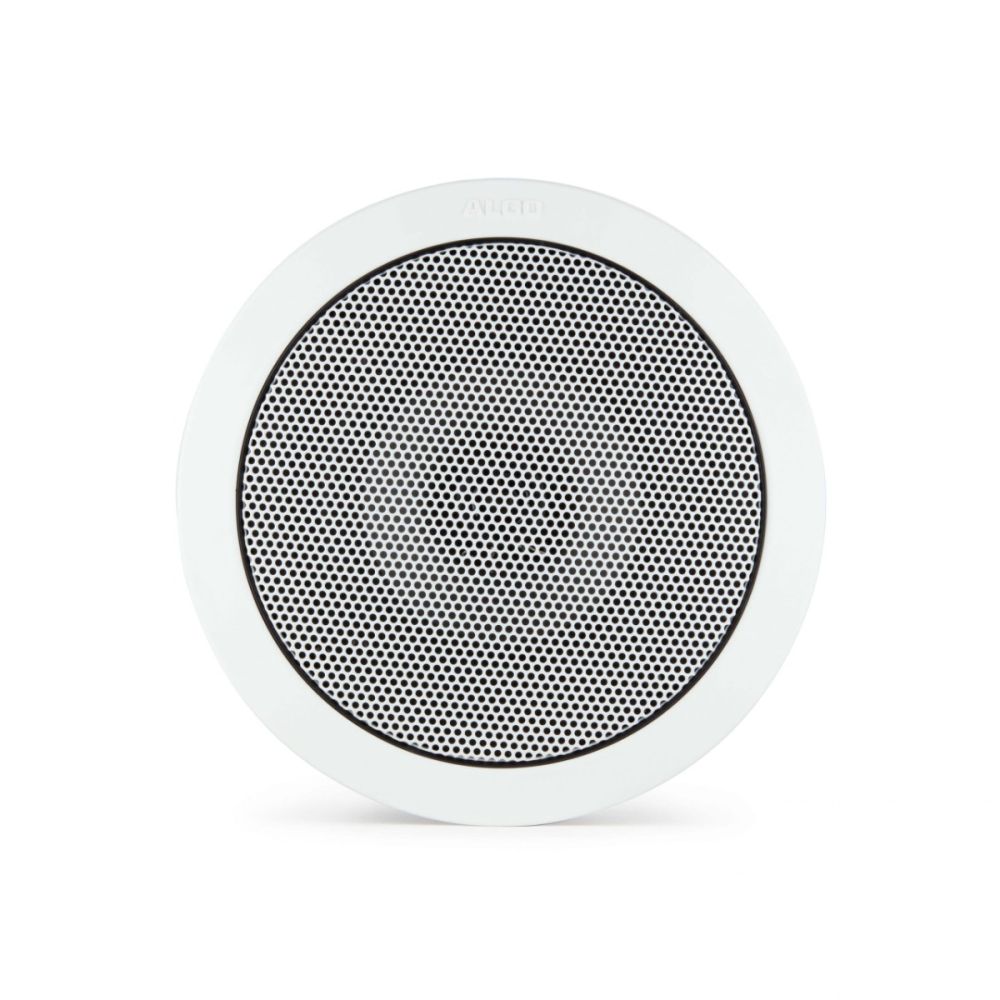
The Algo 1198 Satellite Speaker is designed for retail stores, airports, schools, offices, and other locations where announcements need to be made. It combines seamlessly with the Algo 8198 SIP PoE+ Speaker. Key features: • Identical in appearance • Fully supervised • Daisy-chained together through a CAT5/CAT6 standard patch cable • Automatically detected when connected to an Algo satellite system Note: The Algo 1198 Satellite Speaker is designed to be part of a larger satellite system and requires connection to an Algo 8198 IP PoE+ Ceiling Speaker.
About This Product
The Algo 1198 Satellite Speaker is intended for environments where wide-area paging or announcement coverage is needed, such as retail stores, school hallways, airport terminals, or open-plan offices. It is not a standalone device; it must be connected to an Algo 8198 SIP PoE+ Ceiling Speaker, which acts as the primary controller. Once daisy-chained via standard CAT5 or CAT6 cable, the 1198 is automatically detected and fully supervised, meaning the system can alert you if a satellite goes offline. This makes it a good choice for expanding an existing Algo 8198 deployment without adding more SIP endpoints or separate power sources. The tradeoff is that the 1198 adds no additional SIP or PoE capacity on its own—it relies entirely on the 8198 for power and control. For a small office with just a few zones, a single 8198 might be sufficient, but for a multi-zone campus or large retail floor, adding several 1198 satellites provides cost-effective coverage without additional network drops. In a Canadian business context, this system works well for GTA-based retail chains or school boards already using SIP-based paging, as it integrates with most VoIP platforms and avoids the need for separate analog paging amplifiers.
Services We Provide
- Professional Installation & Configuration
- Ongoing Maintenance & Support
- Troubleshooting & Repairs
- System Upgrades & Updates



