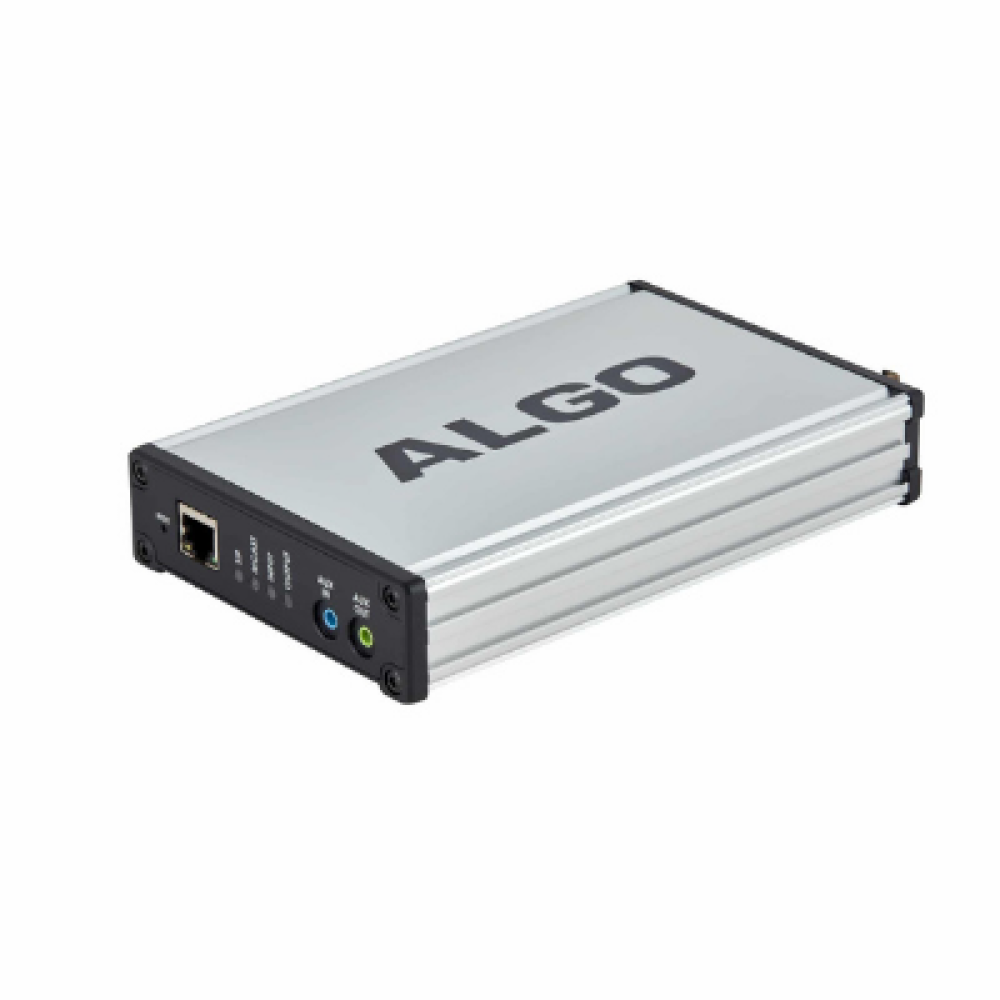
Algo 8201 PoE SIP Intercom

Frequently Asked Questions

First, confirm that the intercom is receiving PoE and has network connectivity by checking the link light on your switch port. Next, log into the web interface and verify that the SIP server address, extension, and authentication credentials match exactly what is configured on your PBX for this device. A common oversight is a typo in the registrar address or a mismatched password field.
Check whether your network has SIP Application Layer Gateway (ALG) enabled on the router or firewall; SIP ALG can interfere with audio streams and is a frequent cause of one-way or no audio on VoIP intercoms. Also, ensure that the intercom and the phone answering the call are using a codec that both sides support, with G.722 and G.711 being the most reliable starting points.
The Algo 8201 itself dials a single configured destination. To reach multiple phones, point the intercom to a ring group, hunt group, or call queue extension on your PBX. The PBX then handles ringing all member phones simultaneously or in sequence, depending on how your administrator sets up that group.
Verify that the unit is receiving sufficient power over Ethernet by checking the switch port’s PoE status; the 8201 requires IEEE 802.3af PoE. If the switch port shows power is being delivered, try rebooting the intercom through its web interface or by briefly disconnecting and reconnecting the network cable. A non-responsive button on a unit that otherwise appears online can sometimes be resolved with a clean power cycle.
Yes, the 8201 is compatible with Microsoft Teams when deployed through a Direct Routing configuration or a certified SIP gateway that bridges the intercom into the Teams environment. The intercom itself registers as a standard SIP endpoint; it does not natively sign into a Teams account, so the integration path depends on how your Teams voice infrastructure is set up.
Intermittent behavior after a power event often points to a network switch that has not fully reinitialized PoE delivery or to a DHCP server that assigned a different IP address to the intercom. Check that the switch port is providing stable PoE and that the intercom’s IP address has not changed unexpectedly. If the IP address is different from what you expect, consider reserving an IP for the intercom’s MAC address in your DHCP server.
The Algo 8201 does not have a built-in dry contact relay for direct door control. To trigger a door strike or gate opener from a call, you would typically use a DTMF relay controller connected to the network or an external relay module that the PBX or phone system can activate when a user presses a key during the call.
Both the speaker volume and microphone sensitivity are adjustable through the intercom’s web interface under the audio settings section. Make small incremental changes and test with a real call, paying attention to whether the environment has significant background noise that might require lower microphone gain to avoid feedback or echo.
Inspect the speaker and microphone openings on the faceplate for debris, ice, or insect nests that can block sound. Gently clean the grille area with a soft brush or cloth while the unit is dry. If the problem persists after cleaning, log into the web interface and verify that the audio settings have not been inadvertently changed. If the issue remains, a Toronto-based VoIP support provider can usually resolve this remotely.
IP Paging

Algo 8201 PoE SIP Intercom

The Algo 8201 is a one-piece PoE solution that offers an alternative to the popular Algo 8028 SIP Doorphone. The intercom can be mounted either surface or flush, fitting in a standard or double gang electrical box. • Outdoor-rated plastic enclosure • Stainless steel faceplate • Conformal coated electronics • Tactile backlit call button for complete weather protection and long product life Wideband G.722 codec support provides optimum speech clarity and intelligibility for critical safety, security, or emergency applications where reliable voice communication is essential. Installation and configuration are via a simple intuitive web interface with centralized provisioning supported. Features: • Eliminates FXS port or ATA • One-piece solution alternative to the popular 8028 SIP Doorphone • SIP compatibility with many leading UC vendors/ VoIP platforms such as 3CX, MS Teams, and more. • Wideband HD voice for high intelligibility speech • Initiates or accepts intercom calls • Outdoor-rated – conformal coated electronics • Popular solution for room intercom applications • Ideal for door or gate entry, controlling access points, and secure areas such as day care, hospital ward, lab, or data center For a full list of specifications, please refer to the product datasheet.

About This Product

The Algo 8201 is designed for organizations that need a simple, rugged SIP endpoint for two-way communication at an access point. It fits well in environments where a door, gate, or secure room requires voice interaction but does not need a video feed or a complex access control system. Common deployments include daycare centers, hospital wards, laboratories, and small commercial entryways where durability and clear speech are the priorities. Because it is a single-piece, PoE-powered unit, it removes the need for a separate analog telephone adapter or an FXS port on a legacy PBX.

For a Canadian business, the outdoor rating and conformal coating mean the 8201 can handle a Toronto winter at an exterior gate or a loading dock intercom, provided it is installed in a protected location per the manufacturer's guidelines. It pairs naturally with hosted VoIP platforms commonly used across the GTA, and its wideband audio codec support helps ensure that speech remains intelligible even when background noise is present. The stainless steel faceplate and backlit button are practical choices for high-traffic areas where the device will see heavy physical use.

The main tradeoff to consider is that this is a single-button intercom. It works well as a call point, but it is not a multi-tenant entry panel and it does not include a keypad or camera. If your building requires visitors to dial specific extensions or you need visual verification before granting access, this model is underpowered for that role. It is best understood as a direct replacement for an analog door phone in a SIP environment, not a full access control terminal.

Deploying the 8201 is overkill for an indoor office hallway where a simpler and less expensive SIP speakerphone would suffice, and it is not the right fit for a noisy industrial bay where an armored unit with a reinforced handset might be required. It sits in a sweet spot for moderately exposed locations that need reliable voice communication without additional infrastructure like separate door controllers or video intercom servers.
Services We Provide
  • Professional Installation & Configuration
  • Ongoing Maintenance & Support
  • Troubleshooting & Repairs
  • System Upgrades & Updates