Fanvil AC002 RFID Card
Frequently Asked Questions
Start by confirming the card is actually enrolled on that specific intercom; a beep can also indicate an unrecognized card. If it is enrolled, the issue is likely with the door strike wiring or the unlock relay settings. Check that the intercom’s relay output is securely connected and that the unlock duration is set to a value long enough for the door mechanism to release.
A completely dead reader response usually points to the RFID function not being enabled on the intercom, or the card being presented outside the reader’s sensing area. Access the intercom’s web interface and verify that the RFID module is turned on. Then test the card again by holding it flat against the designated reader zone, without any other cards or metal objects between it and the intercom.
The AC002 is validated only for the specific Fanvil models listed in its documentation. Using it with an unlisted model will typically result in no response because the card’s encoding is not recognized. If you have an older or different Fanvil device, check its original documentation for the supported credential type, or contact your vendor to confirm compatibility before purchasing.
Enrollment is usually done through the intercom’s web configuration page, where you can add the card’s unique ID while the device is in registration mode. The exact steps vary slightly by model, but typically you navigate to the access control or card management section, trigger the learn mode, and present the card. The intercom will confirm the capture, and you can then assign a name or user label to the credential.
Inconsistent reads are often caused by the card being held at an angle, too quickly, or near other RFID or NFC devices that create interference. Try presenting the card flat and steady against the reader area for a full second. If the problem persists, inspect the intercom’s faceplate for dirt, moisture, or metal objects mounted nearby that could weaken the RF field.
In most cases yes, but thick leather, metal credit cards, or a phone case with a metal plate can reduce the read range enough to cause failures. For reliable daily use, test the card in the exact wallet or holder the user intends to carry. If reads become inconsistent, a dedicated badge holder with no metal backing is a more dependable option.
Yes, as long as all the intercoms are compatible models and you enroll the card on each one individually. The card itself is a passive credential; it does not store door permissions. You will need to add its ID to every intercom where access is required, which is straightforward for a small number of doors but can become time-consuming across a large campus.
IP Door Phones
Fanvil AC002 RFID Card
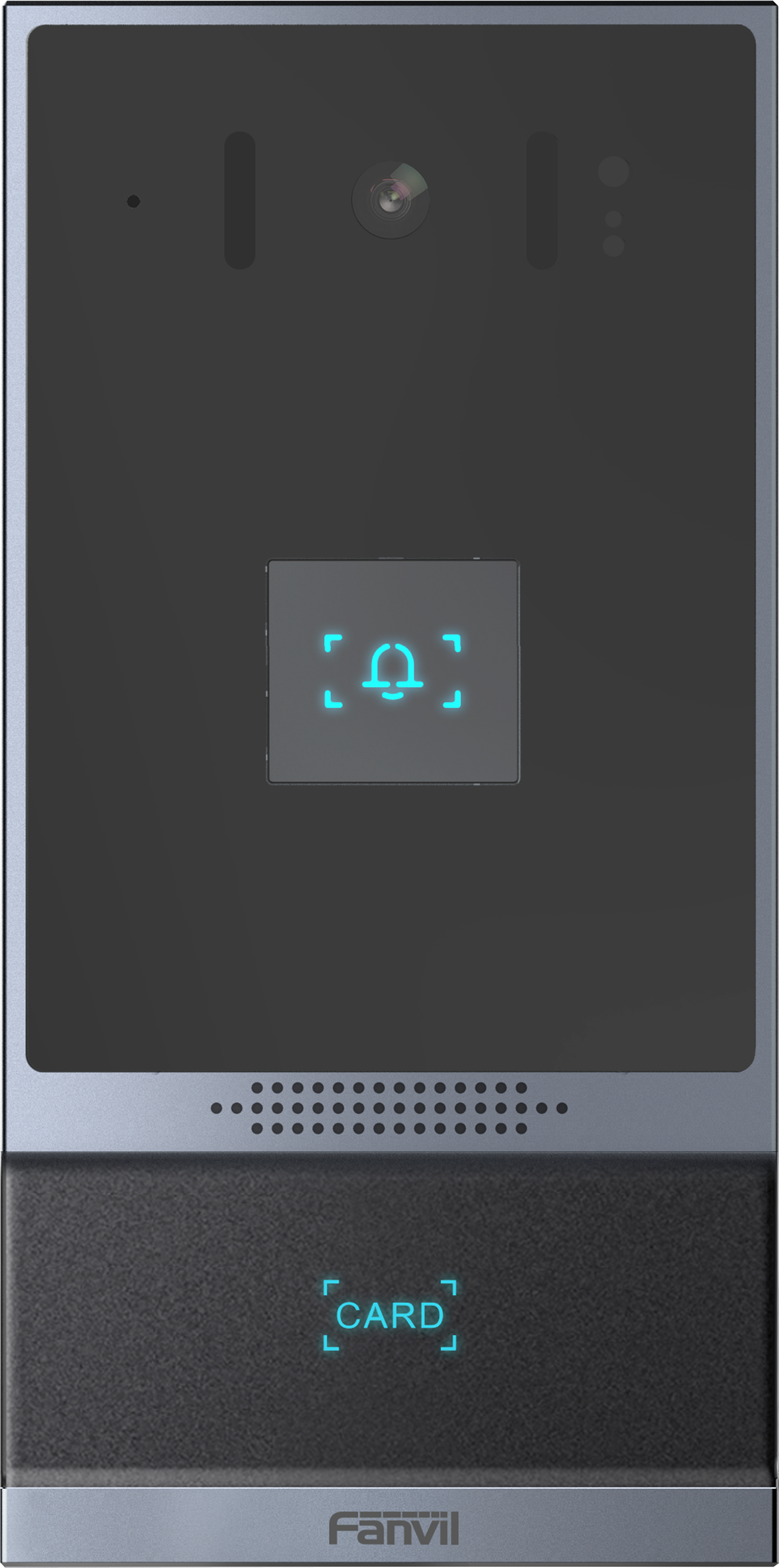
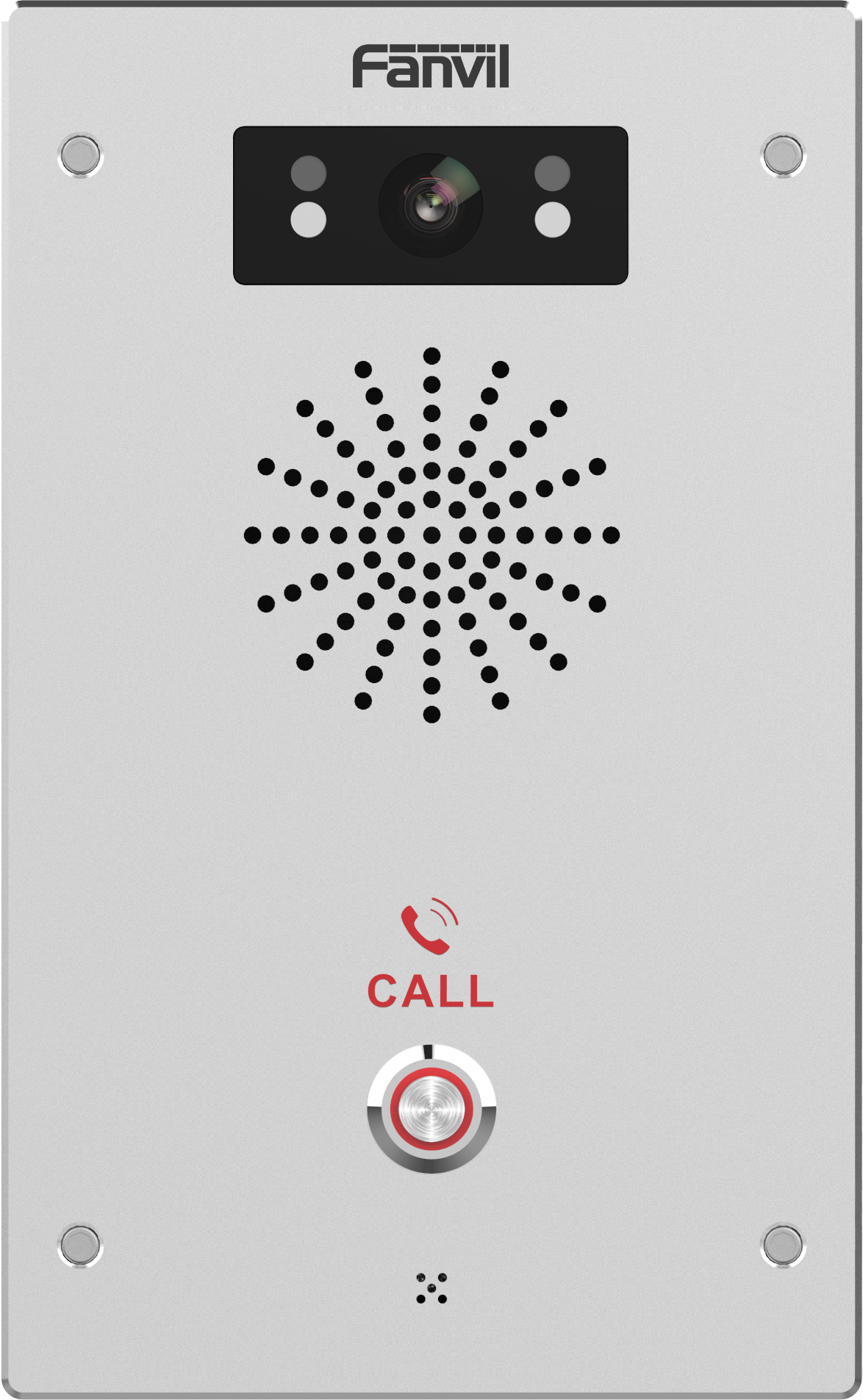
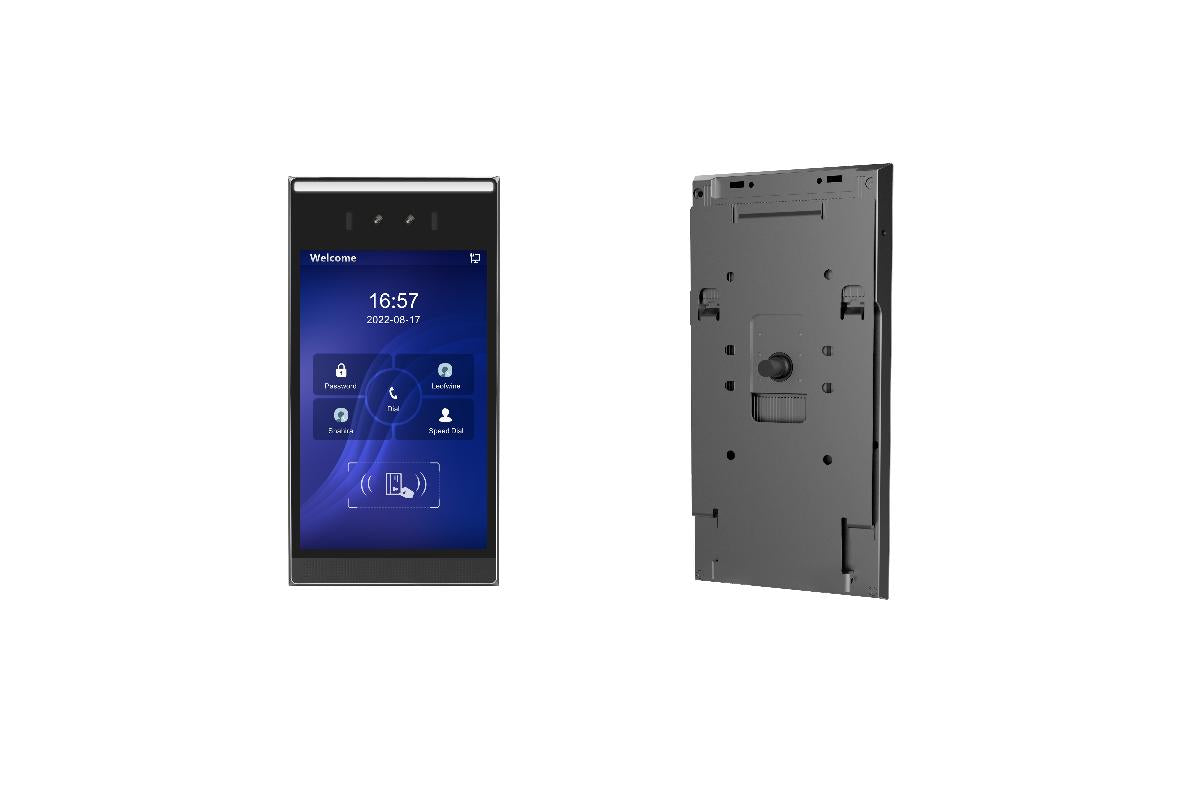
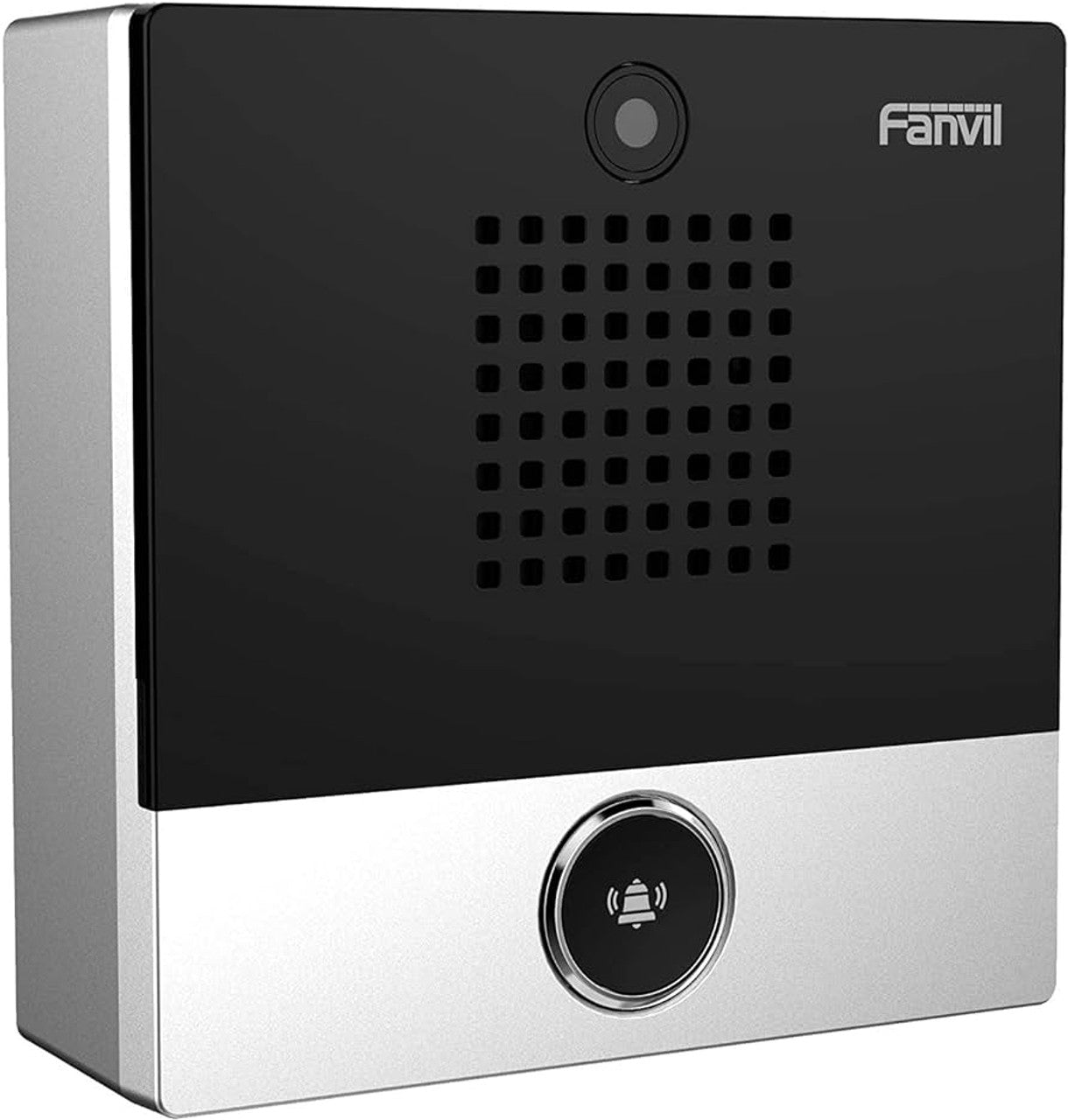
The Fanvil AC002 RFID Card is designed to be compatible with a range of devices, including: • i16V • i20S • i30 • i23S • i31S • i32V • i33V This card offers enhanced security and convenience features, making it an ideal solution for various applications.
About This Product
The Fanvil AC002 is a companion RFID card specifically coded for Fanvil's line of IP door phones and access control intercoms. It is a practical, low-cost credential for small to mid-sized deployments where a handful of users need keyless entry—think a boutique office in Liberty Village, a dental practice with a private entrance, or a multi-tenant professional suite that wants to move beyond keycodes. Because it is a passive high-frequency card, it requires no batteries and holds up well to daily pocket or lanyard wear.
This card is purpose-built for a closed ecosystem. It will only work with the Fanvil models listed in its compatibility notes, and it cannot be enrolled on generic third-party readers. That simplicity is a strength during setup: there is no cross-platform configuration to worry about, and provisioning typically means presenting the card to the intercom while in enrollment mode. The tradeoff is that if your building already uses a mixed fleet of readers from different manufacturers, this card will not unify them.
A single card makes sense as a spare or a replacement for a lost credential, but anyone outfitting an entire office should factor in the unit cost multiplied by the number of users. For a Toronto property manager or business owner, keeping a few extras on hand is a sensible hedge against the inevitable Monday morning call from a staff member who left their card at home. In contrast, a large enterprise with hundreds of users and a need for centralized access management would find this card too limited; that scenario calls for a more scalable, manage-from-the-cloud credential system.
In a typical GTA office, the AC002 pairs well with a Fanvil i-series video intercom at the main door, giving employees a quick tap-to-enter experience without the complexity of mobile credentials. It is not a heavy-duty industrial badge, so environments with extreme temperatures, constant moisture, or metallic mounting surfaces may require a more ruggedized alternative. For the standard commercial suite, however, it does exactly what it is meant to do—reliably identify an authorized user and release a door.
This card is purpose-built for a closed ecosystem. It will only work with the Fanvil models listed in its compatibility notes, and it cannot be enrolled on generic third-party readers. That simplicity is a strength during setup: there is no cross-platform configuration to worry about, and provisioning typically means presenting the card to the intercom while in enrollment mode. The tradeoff is that if your building already uses a mixed fleet of readers from different manufacturers, this card will not unify them.
A single card makes sense as a spare or a replacement for a lost credential, but anyone outfitting an entire office should factor in the unit cost multiplied by the number of users. For a Toronto property manager or business owner, keeping a few extras on hand is a sensible hedge against the inevitable Monday morning call from a staff member who left their card at home. In contrast, a large enterprise with hundreds of users and a need for centralized access management would find this card too limited; that scenario calls for a more scalable, manage-from-the-cloud credential system.
In a typical GTA office, the AC002 pairs well with a Fanvil i-series video intercom at the main door, giving employees a quick tap-to-enter experience without the complexity of mobile credentials. It is not a heavy-duty industrial badge, so environments with extreme temperatures, constant moisture, or metallic mounting surfaces may require a more ruggedized alternative. For the standard commercial suite, however, it does exactly what it is meant to do—reliably identify an authorized user and release a door.
Services We Provide
- Professional Installation & Configuration
- Ongoing Maintenance & Support
- Troubleshooting & Repairs
- System Upgrades & Updates