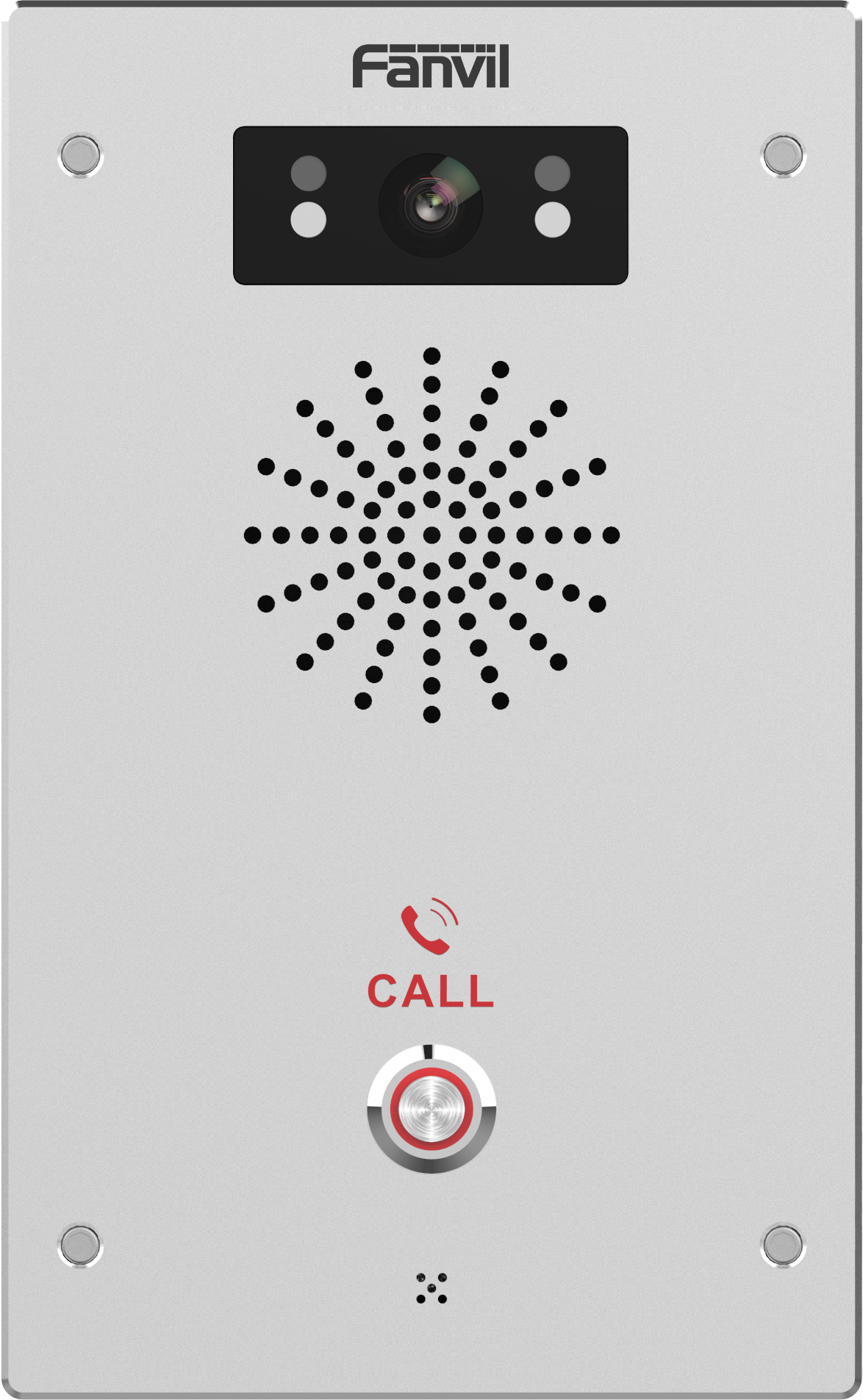
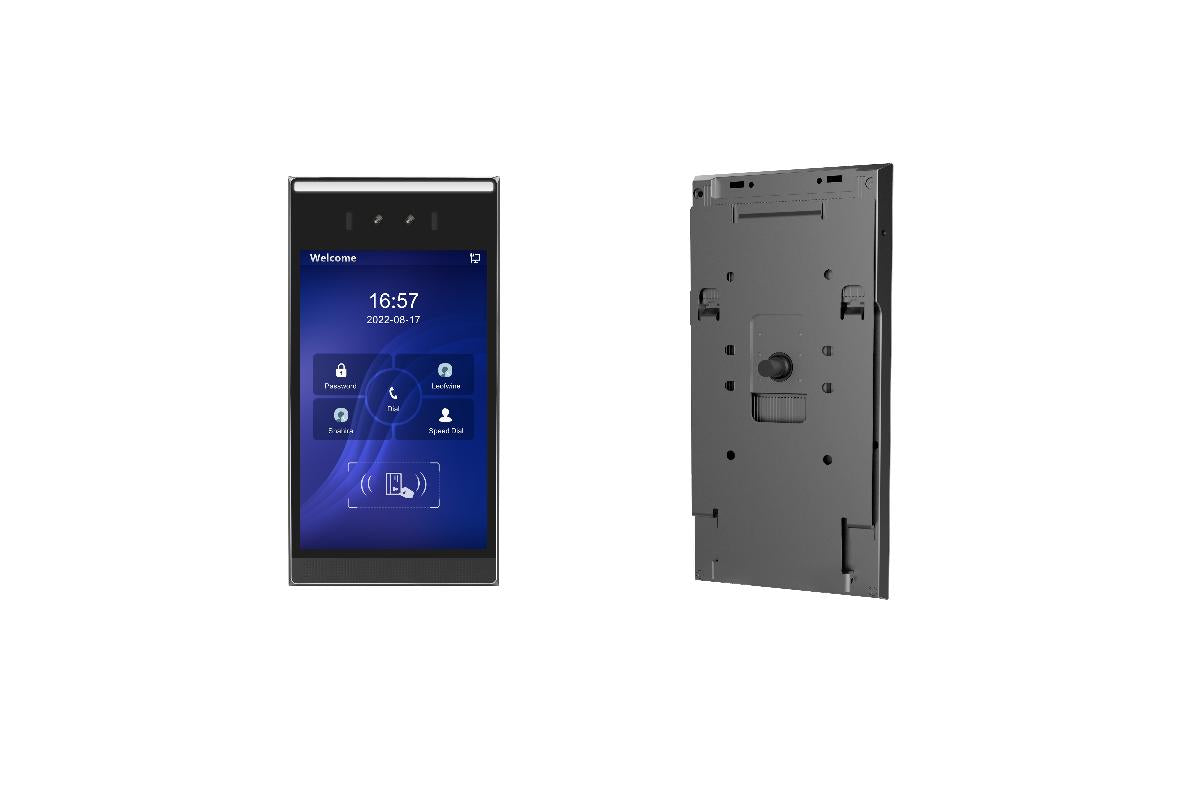
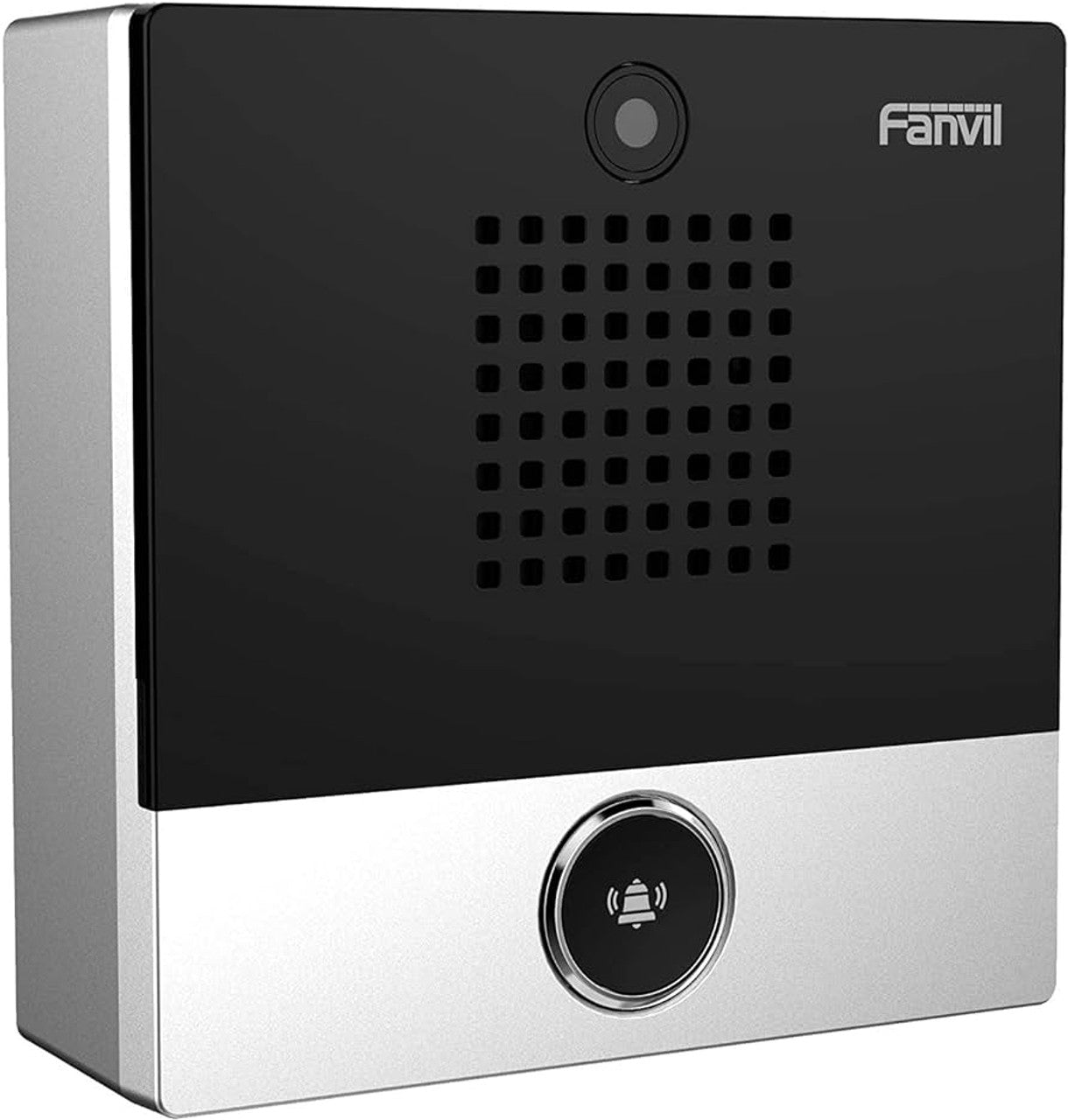
Fanvil i62 SIP Outdoor Audio & Video Door Phone
Frequently Asked Questions
Start by confirming the Ethernet connection and PoE power to the unit. Then check the SIP server address, username, and password in the web configuration interface—typos are common. Make sure no firewall or VLAN settings are preventing the device from reaching the server on the required SIP port (usually 5060 or 5061). If the issue persists, a Toronto-based VoIP support provider can usually resolve this remotely.
Verify that the switch port provides PoE compliant with the 802.3af standard and that the port has enough power budget. Try a different known-working PoE port, or use a PoE injector to rule out switch issues. Without proper PoE, the door phone will not light up or announce its IP address.
Make sure the built-in acoustic echo cancellation (AEC) is enabled in the audio settings. Network congestion or jitter can also cause choppy audio—place the door phone on a stable local network with QoS if possible. Lowering the microphone sensitivity in the web interface can sometimes reduce echo in challenging environments.
Confirm that both the i62 and your receiving device support a common video codec, such as H.264. During the call, check that video is actually being sent and that your SIP endpoints are configured to accept video. A bandwidth-limited link could block video, so try testing locally on the same switch to rule out WAN problems.
Look at the DSS key settings in the web GUI: ensure the button is programmed with the correct SIP extension or phone number. Also confirm that the SIP line is registered (status should show OK). Call the door phone’s extension from another phone to confirm two-way communication; if that works, the button programming is the likely culprit.
Check the physical wiring between the i62’s relay output and the electric strike or magnetic lock, and verify that the external power supply for the lock is operating. In the web interface, confirm that the DTMF code or unlock method you are using matches what the door phone expects. Test the relay from the device’s own web unlock command to isolate the problem.
Ensure the cards are 13.56 MHz compatible and that they have been properly enrolled through the i62’s web interface or management tool. Check that the card reader area is clean and unobstructed. Try adding a new, known-good card and testing it immediately; if it works, the original cards may be faulty or unsupported.
You can use the device’s web interface if you set up port forwarding on the router or connect via a VPN. Configure the remote access list in the i62’s settings to authorize the external device. For secure and reliable remote access, a Toronto-based VoIP support provider can design a VPN or cloud-access setup tailored to your system.
Yes, the i62 can be powered by a 12 V DC power adapter as an alternative to PoE. Use one or the other—never connect both power sources simultaneously. Check the datasheet for the exact current requirements if you need to purchase an adapter.
IP Door Phones
Fanvil i62 SIP Outdoor Audio & Video Door Phone
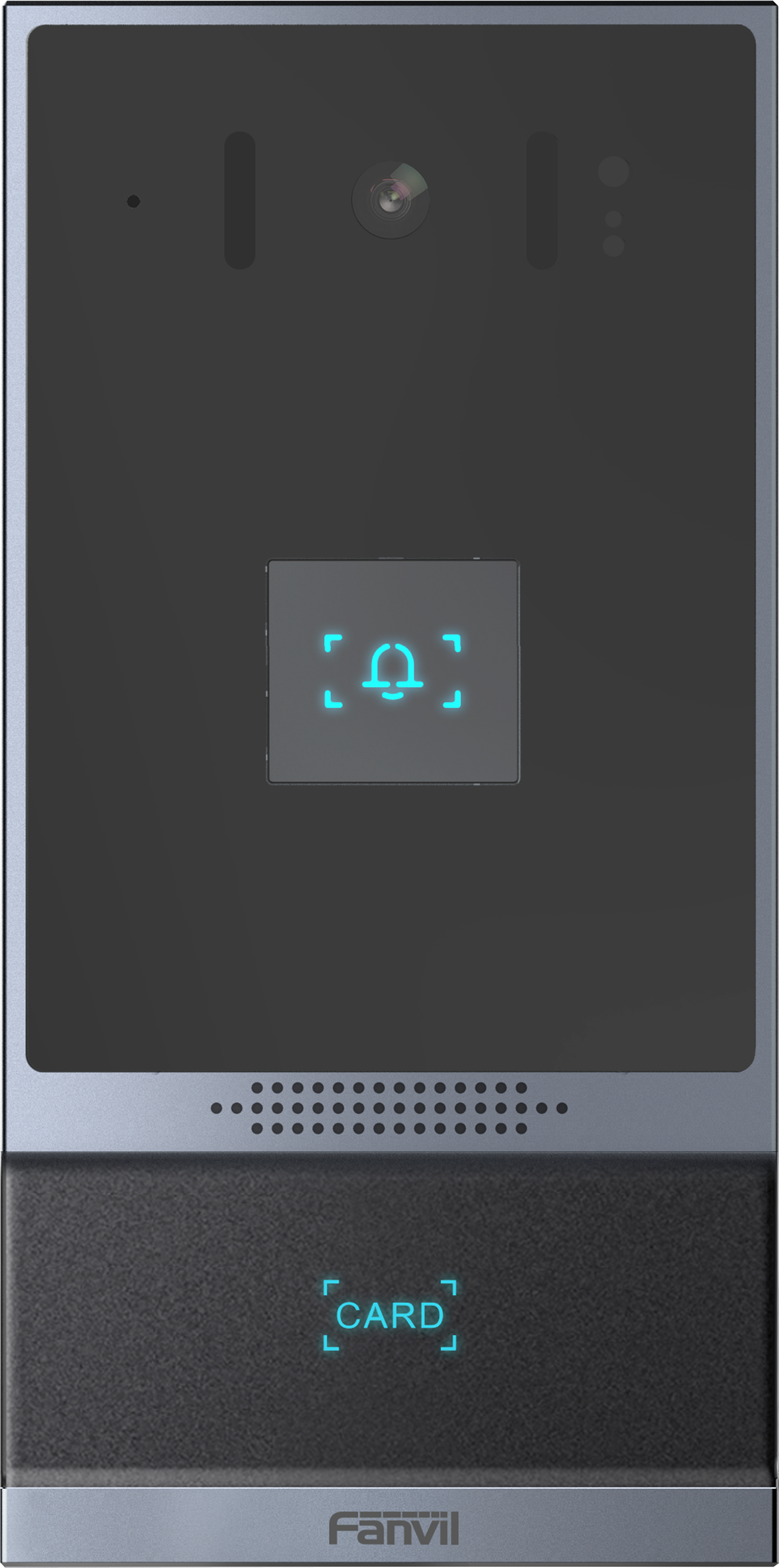
The Fanvil i62 is a vandal-resistant doorphone featuring echo cancelation, HD voice and video. It has one mechanical metal button for easy installation. Key features include: • 2 SIP lines • PoE enabled • IP address announcement in English • Programmable mechanical DSS key • Switch signal input and output • Support TF card • Open the door operation: DTMF, RFID card, push-button, WEBpage, 3rd party API • Remote access list and support for up to 10,000 RFID cards • Door open records (support 200,000) • Full-duplex hands-free speakerphone with AEC For a full list of specifications, please refer to the product datasheet.
About This Product
The Fanvil i62 is a straightforward outdoor door phone built for single-point entry control. With one mechanical button and a vandal-resistant housing, it suits small businesses, retail storefronts, or a single entrance at a residential building where visitors only need to reach one destination. PoE support simplifies installation, and because it operates as a standard SIP endpoint, it fits easily into most existing VoIP environments without proprietary hardware.
For organizations that just need a reliable outdoor intercom that can also handle video and access control, the i62 hits a practical sweet spot. Its RFID reader and relay output let you manage employee or resident entry with cards, and you can unlock the door from a phone during a call. The all-in-one design avoids the complexity of separate intercoms, cameras, and access controllers.
However, the single button limits its role. If your building requires callers to select between multiple tenants or departments, a multi-button panel would be necessary; the i62 is overkill for interior doors as well, where a simpler intercom might suffice. For outdoor use in harsh Canadian winters, its robust build is an asset, though you’ll want to confirm the IP rating for your particular exposure.
In the GTA or similar urban settings, the i62 works well where a clean, single-call-point entrance needs to stay secure and functional year-round. Pair it with any Canadian SIP trunk provider or on-premise IP-PBX, and it becomes a natural extension of your existing phone system.
For organizations that just need a reliable outdoor intercom that can also handle video and access control, the i62 hits a practical sweet spot. Its RFID reader and relay output let you manage employee or resident entry with cards, and you can unlock the door from a phone during a call. The all-in-one design avoids the complexity of separate intercoms, cameras, and access controllers.
However, the single button limits its role. If your building requires callers to select between multiple tenants or departments, a multi-button panel would be necessary; the i62 is overkill for interior doors as well, where a simpler intercom might suffice. For outdoor use in harsh Canadian winters, its robust build is an asset, though you’ll want to confirm the IP rating for your particular exposure.
In the GTA or similar urban settings, the i62 works well where a clean, single-call-point entrance needs to stay secure and functional year-round. Pair it with any Canadian SIP trunk provider or on-premise IP-PBX, and it becomes a natural extension of your existing phone system.
Services We Provide
- Professional Installation & Configuration
- Ongoing Maintenance & Support
- Troubleshooting & Repairs
- System Upgrades & Updates