Fanvil i68 SIP Audio And Video Outdoor Access Control Terminal

Frequently Asked Questions

First, confirm the SIP server address, extension, and password are entered exactly as provided by your VoIP administrator—typos are common. Then check that the i68 is on the same VLAN or has proper routing to reach the server, and that your firewall allows SIP traffic on the required ports. A quick test is to ping the server from a device on the same network segment as the door phone.
Verify the Ethernet cable is securely connected at both ends and that the PoE switch port is delivering power and data. Look at the network status icon on the screen; if it shows a disconnected state, try a different cable or switch port. Many call failures trace back to a simple layer‑1 issue like a loose patch cable.
Log into the i68's web interface and navigate to the face management section. You can upload a clear, front-facing photo or use the terminal's camera to enroll a person directly. Ensure the lighting is even and the face is unobstructed during enrollment, as the quality of the captured image directly affects matching accuracy.
Check the wiring between the i68's relay output and the door strike or magnetic lock. Using a multimeter, confirm that the relay clicks and provides continuity when access is granted. Also verify in the configuration that the correct relay trigger duration is set—too short a pulse may not disengage the lock long enough.
This often points to network jitter or packet loss. Start by testing the i68 on a dedicated, unmanaged PoE switch with no other traffic to isolate whether the issue is the network or the device. If audio clears up, you may need to prioritize SIP traffic on your managed switch or router using QoS settings.
Yes, the i68 uses standard SIP, so it generally works with any Canadian provider that supports third-party SIP devices. You'll need the provider's SIP server address, your assigned credentials, and possibly STUN settings if the device is behind NAT. Confirm with the provider that they allow SIP registration from on-premises endpoints.
The i68 relies on its built-in camera and may need supplemental infrared or white light in very dark conditions. Check if the device's night vision mode is enabled in the settings. If the area is completely unlit, adding a small external IR illuminator near the entry can dramatically improve nighttime recognition.
First, ensure the provisioning URL is typed correctly and that the i68 can reach that server over HTTP/HTTPS. If you're using TFTP or FTP, verify the file permissions and directory structure match the device's expectations. Temporarily disable any firewall on the provisioning server to rule out blocked connections. If the issue persists, a Toronto-based VoIP support provider can usually resolve this remotely.
In the web interface, look for the call settings or destination configuration. You can often specify a ring group or a list of extensions separated by commas, so the call rings several phones simultaneously or in sequence. Test with a single extension first to confirm basic calling works before adding more complex routing.
A simple power cycle often restores responsiveness: disconnect the PoE cable for 30 seconds and reconnect. If the problem recurs, check that the device's firmware is up to date, as newer releases sometimes include touchscreen driver improvements. Also, ensure the screen is clean and free of moisture or debris that might interfere with touch detection.
IP Door Phones

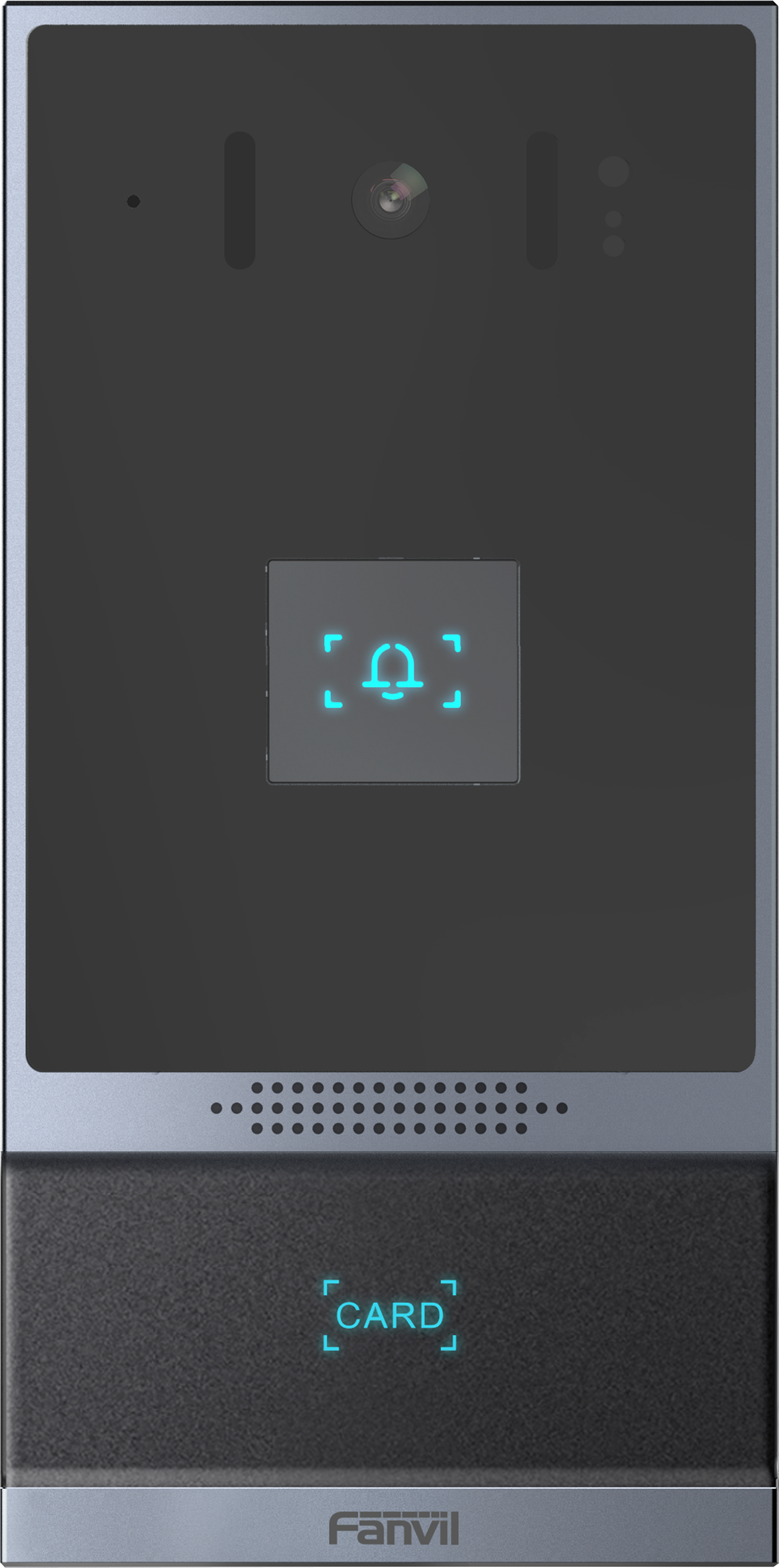
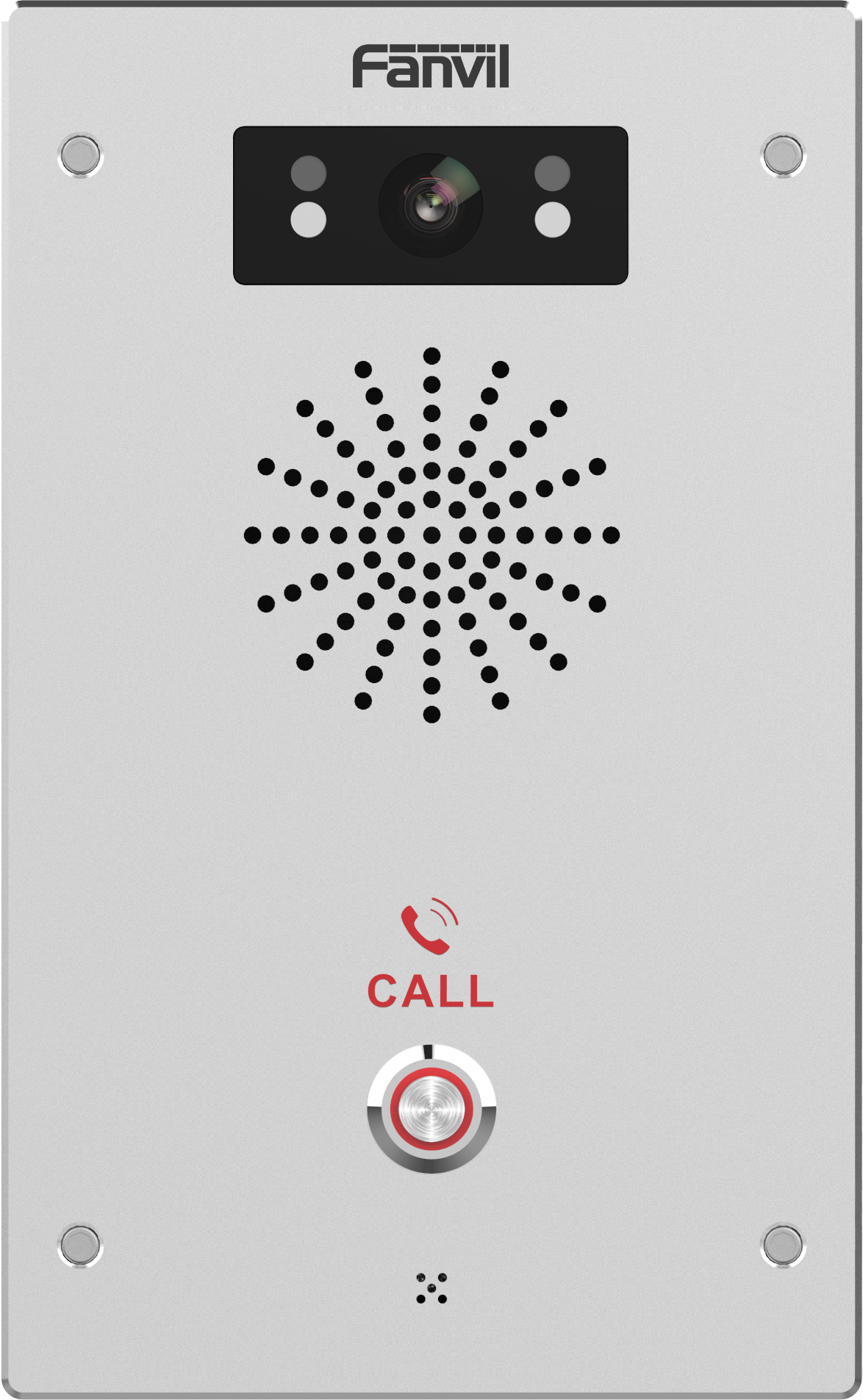
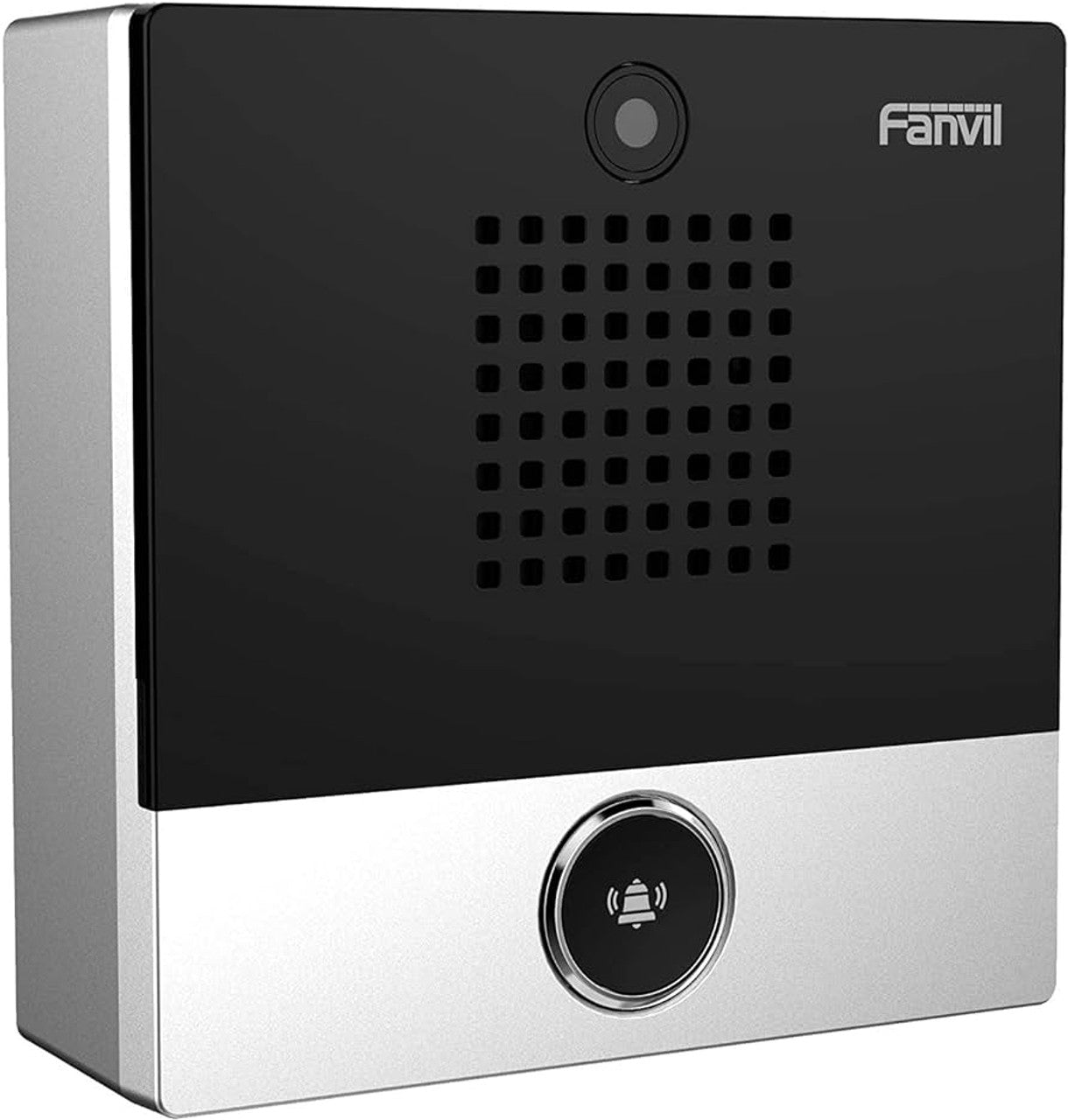
Fanvil i68 SIP Audio And Video Outdoor Access Control Terminal
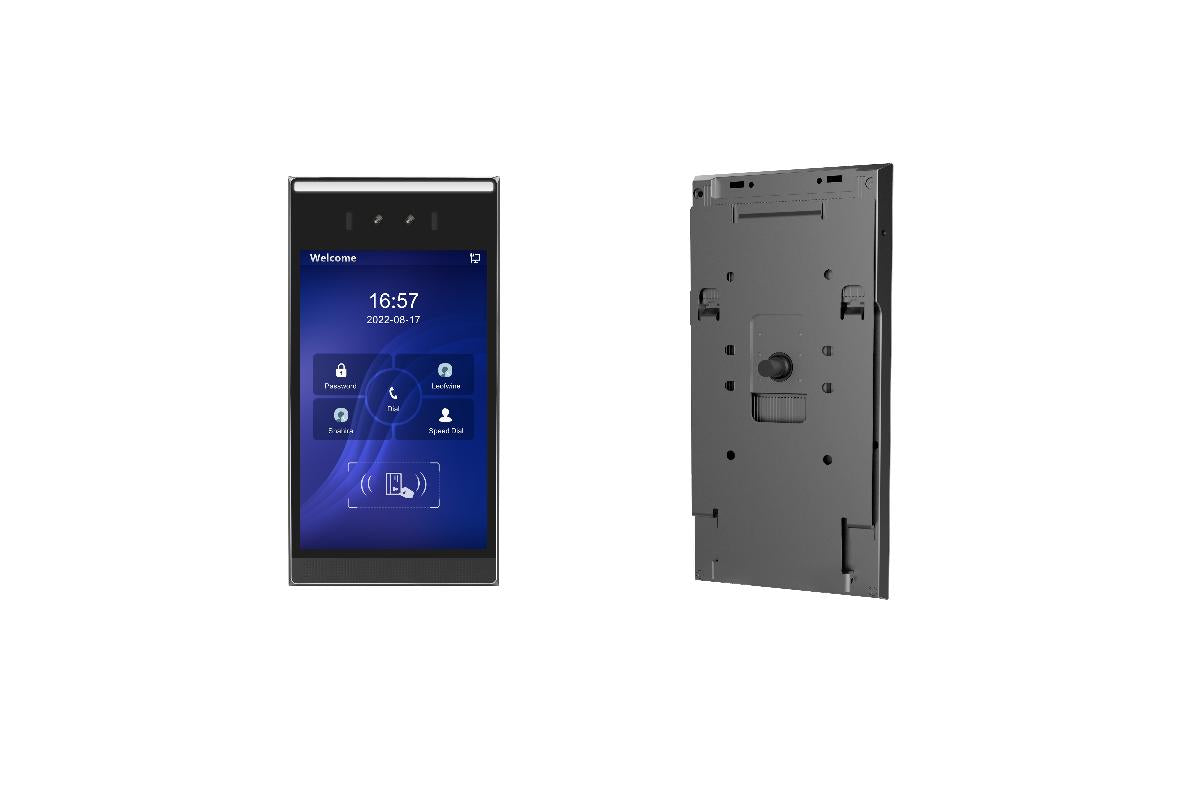
• The Fanvil i68 integrates intelligent security, audio, and video access control into one. • IP66 rating for waterproof and dustproof grade, and IK07 anti-riot grade, making it suitable for harsh outdoor environments. • Features: • 2 mainstream detection and recognition modalities: support IC card, face detection, and recognition modalities. • 8-inch large-screen ultra-thin metal design with high-definition color touch screen. • High protection grade: IP66 waterproof and dustproof grade, IK07 explosion-proof grade. • Full HD binocular camera capture for noncontact biometric identification. • High-accuracy face recognition algorithm with anti-spoofing capabilities, accuracy greater than 99%. • Standard SIP protocol instant messaging for real-time communication intercom. • For a full list of specifications, please refer to the product datasheet.

About This Product

The Fanvil i68 is built for properties that demand reliable, all-weather access control with video intercom. It suits multi-tenant residential lobbies, commercial building entrances, and gated industrial yards where a combination of face recognition and SIP-based calling simplifies entry management. Its rugged enclosure means it can handle Canadian winters and dusty summers without an additional protective housing, which reduces installation complexity for Toronto-area integrators.

This terminal makes the most sense when paired with an existing SIP phone system—such as 3CX, Asterisk, or a hosted PBX—and a compatible electric door strike. It replaces the need for separate intercom, camera, and card reader units, consolidating everything into a single network endpoint. The large touchscreen and anti-spoofing camera are practical advantages in busy lobbies where a quick, contactless entry experience matters.

Buyers should be aware that the i68 is a network-dependent device; if the local network or PoE switch fails, the door becomes inaccessible via the terminal, so redundant power and network paths are worth considering for critical entry points. The built-in face recognition is accurate for controlled, well-lit approaches, but extreme backlighting or very low temperatures can occasionally challenge the sensor, just as with any outdoor biometric reader.

For a small office with a single interior door, this unit is overkill—a simpler audio-only SIP door phone would be more cost-effective. Conversely, in high-security government or financial environments requiring multi-factor authentication beyond face and card, a dedicated access control panel with additional credential layers would be more appropriate.
Services We Provide
  • Professional Installation & Configuration
  • Ongoing Maintenance & Support
  • Troubleshooting & Repairs
  • System Upgrades & Updates