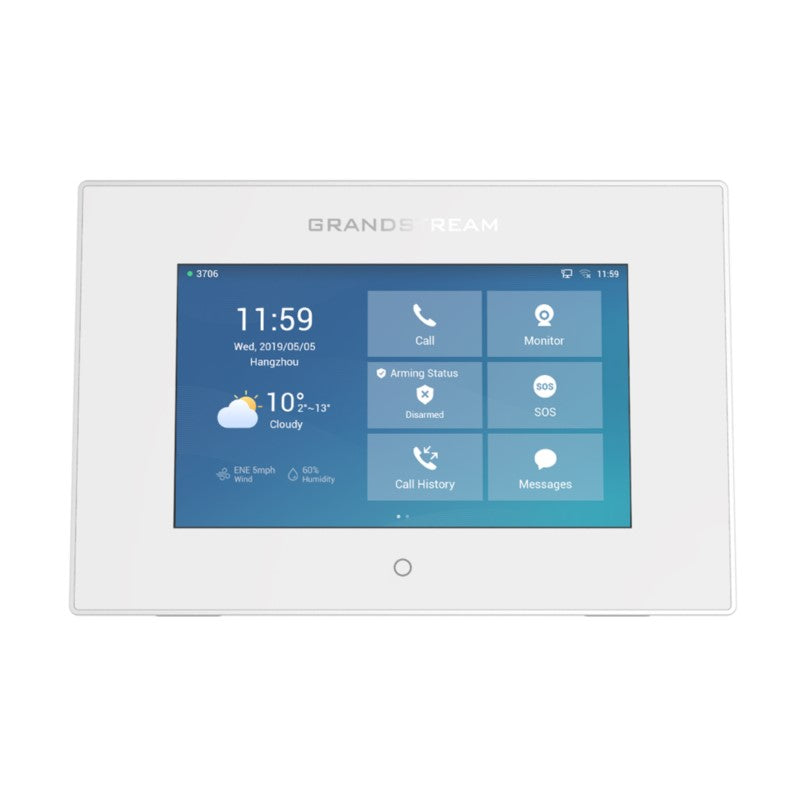
Fanvil i10SV Audio and Video Intercom

Frequently Asked Questions
First, verify that the SIP credentials (username, password, and server address) entered in the device web interface exactly match those in your PBX extension settings. Check that the intercom is on the correct VLAN and can reach the server by pinging its IP from a computer on the same network segment. If registration still fails, confirm the PBX is not blocking the intercom’s IP or MAC address. A Toronto-based VoIP support provider can usually resolve this remotely.
Start by confirming that the handset or softphone answering the call has its microphone and speaker unmuted and volume turned up. Next, test with a different receiving device to rule out an endpoint issue. On the i10SV, ensure the audio codec selected in its settings is one your PBX supports, such as G.711. If the problem is one-way audio, check for NAT or firewall rules that might block RTP traffic.
Confirm that the Ethernet cable is plugged into a PoE-enabled switch port or injector that provides 802.3af power. Try a different port and a known-good cable, as damaged cables often cause PoE failure. If the switch shows no power draw on that port, test the intercom with a standalone PoE injector to rule out switch configuration issues.
Log into the intercom’s web interface and check the button’s assigned action—it should be set to call a specific SIP extension or ring group. Also verify that the target number is correctly formatted (e.g., just the extension number, no extra characters). If the device is not registered, the button will do nothing, so first confirm registration status.
Make sure the lens is clean and the area in front of the intercom has adequate lighting; the i10SV relies on ambient light rather than built-in illumination. In the web interface, check if video is enabled and the resolution is set appropriately for your network bandwidth. If the video freezes or pixelates, test with a lower resolution to see if network congestion is the cause.
Yes, the i10SV is compatible with 3CX and many other SIP platforms. You will need to configure it as a generic SIP device in the PBX, using the provisioning link or manual settings. For 3CX, you can typically auto-provision the intercom by entering the provisioning URL in the device’s web interface under the maintenance section.
Download the latest firmware from Fanvil’s official support site, then upload it through the intercom’s web interface under the upgrade section. Do not power off the device during the update. After the process completes, the intercom will reboot. If you are unsure about the correct firmware version, contact your support provider before proceeding.
Check the Ethernet cable and port for physical damage or loose connections. In the web interface, confirm the network settings are correct—if using a static IP, ensure there is no conflict with another device. If the problem is intermittent, try disabling Energy-Efficient Ethernet (EEE) on the switch port, as this can sometimes cause drops with VoIP devices.
The i10SV has an IP54 rating, which protects against dust and splashing water, but it is designed for indoor use. It is not rated for prolonged exposure to freezing temperatures or heavy rain, so outdoor installation in a Canadian winter would likely lead to failure. If you need an outdoor intercom, look for a model with a higher IP rating and an extended temperature range.
Yes, if your PBX supports video calls and you are using a SIP softphone app with video capability on your mobile. The intercom sends a standard SIP video stream, so any compatible client can display it. Ensure the softphone is set to accept video and that your mobile device is on the same network or has proper remote connectivity to the PBX.
Door Phones
Fanvil i10SV Audio and Video Intercom
The i10SV Video Intercom is a versatile and compact solution for indoor deployments, ideal for retail, office buildings, and residential spaces. With its waterproof and dustproof design (IP54), it provides reliable operation in various environments. Key Features: • 1 button control • 2 SIP lines • HD Audio • PoE power over cable • Waterproof and dustproof (IP54) • Easy to deploy and manage through Fanvil's Device Management System • Compatible with multiple platforms (3CX, OpenVox, Yeastar, epygi, Xorcom, Asterisk, and more) For a full list of specifications, please refer to the product datasheet.
About This Product
The Fanvil i10SV is a straightforward, single-button video intercom built for indoor spaces that still see dust or occasional moisture—think building entrances, warehouse offices, or retail back doors. Its IP54 rating means it handles splashes and grit without fuss, and Power over Ethernet keeps cabling simple. This is a device for locations where you need a reliable call point that can also show who is there, without the complexity of a full access control panel.
It pairs naturally with a SIP-based phone system, whether that is a cloud PBX or an on-premise platform like 3CX or Asterisk. In a small Canadian office or a Toronto retail store, the i10SV can act as the visitor-facing end of a door phone setup, ringing a reception phone or a group of handsets when someone presses the single button. Because it only has one button, it is ideal for a single entrance where visitors do not need to dial an extension or select a department; it simply places a call to a preconfigured destination.
The trade-off is that single button. If you need a keypad for tenant directories, pin codes, or multi-tenant entry, this intercom is underpowered. It also does not include a built-in relay for door strikes, so you will need a separate controller if you want to remotely unlock a door. For a straightforward video doorbell that integrates into an existing VoIP system, it hits a sweet spot, but for anything more than basic visitor calling, you will quickly outgrow it.
It pairs naturally with a SIP-based phone system, whether that is a cloud PBX or an on-premise platform like 3CX or Asterisk. In a small Canadian office or a Toronto retail store, the i10SV can act as the visitor-facing end of a door phone setup, ringing a reception phone or a group of handsets when someone presses the single button. Because it only has one button, it is ideal for a single entrance where visitors do not need to dial an extension or select a department; it simply places a call to a preconfigured destination.
The trade-off is that single button. If you need a keypad for tenant directories, pin codes, or multi-tenant entry, this intercom is underpowered. It also does not include a built-in relay for door strikes, so you will need a separate controller if you want to remotely unlock a door. For a straightforward video doorbell that integrates into an existing VoIP system, it hits a sweet spot, but for anything more than basic visitor calling, you will quickly outgrow it.
Services We Provide
- Professional Installation & Configuration
- Ongoing Maintenance & Support
- Troubleshooting & Repairs
- System Upgrades & Updates