
Fanvil I10V SIP Mini Video Intercom w/camera

Frequently Asked Questions

Start by verifying that the device has power and network connectivity — confirm the PoE switch port is active and that the Ethernet cable is secure. Then double-check the SIP server address, extension credentials, and port numbers in the intercom's web interface. If the problem persists, a Toronto-based VoIP support provider can usually resolve this remotely.
This is often a microphone or audio codec mismatch. First, ensure the unit's microphone is not physically blocked and that the handset or softphone on your end is not muted. Then check that both the intercom and your PBX are using a compatible audio codec (G.711 or Opus). If audio is one-way after verifying settings, try power-cycling the intercom.
First confirm that your phone or softphone supports SIP video calls — not all extensions do. Then check that the intercom's video settings are enabled and that your network allows video streaming (no firewall blocking RTP/RTCP ports). A simple reboot of both the intercom and your phone can often resolve temporary glitches.
Ensure the intercom is registered and the SIP destination number is correctly programmed in the web interface. If the PBX requires a specific caller ID, verify that too. Pressing the call button should trigger an invite; if not, check the unit's event settings to confirm the button action is assigned to a valid extension.
Echo is usually caused by the speaker being too loud or the unit placed near a hard surface that reflects sound. Lower the volume setting on the intercom or adjust the echo cancellation settings in the web interface. If the unit is mounted in a hallway, adding acoustic padding nearby can help.
Start with the physical network: inspect the Ethernet cable for damage, try a different cable or port, and ensure the PoE switch has enough power budget for all connected devices. After that, check the intercom's logs for packet loss or registration timeouts. If issues continue, your network may need a QoS priority update for RTP traffic.
Yes, the I10V works as a generic SIP intercom with 3CX. In the 3CX management console, add the device as a 'Fanvil i10V' or create a custom SIP extension. Then access the intercom's web GUI using its IP address, enter the SIP credentials, and set the call destination to the desired extension or ring group.
The I10V is powered over Ethernet (PoE) using the standard IEEE 802.3af PoE. Any PoE switch or single-port PoE injector that supplies this standard will work. Make sure the switch port is set to 802.3af and not to high-power mode, as the intercom only draws about 3–4 watts.
It has an IP54 rating, meaning it resists dust and splashes but is not fully waterproof. For Canadian climates, install it under a sheltered area such as a canopy or porch — direct rain or snow buildup could cause issues. In freezing temperatures, the unit will still function as long as it is not flooded with ice.
The I10V uses a 1-megapixel sensor delivering 720p video, which is suitable for visitor identification at close range but not for license-plate reading or broad surveillance. If higher video fidelity is critical, consider a dedicated IP camera in tandem with the intercom, since the I10V's primary function is door audio communication.
Door Phones

Fanvil I10V SIP Mini Video Intercom w/camera
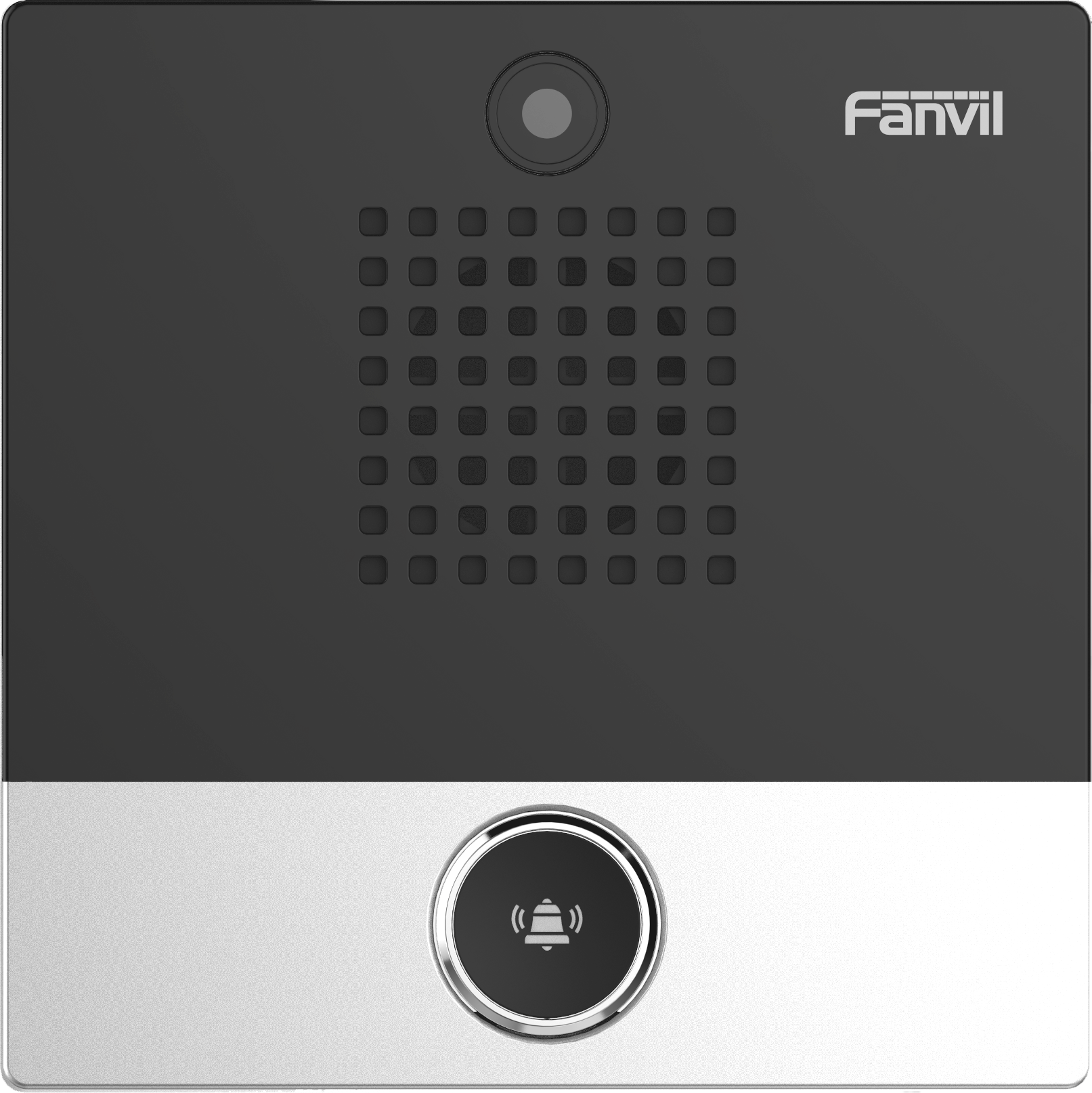
The Fanvil i10V is an access control audio and video intercom that enhances the security of any given area. It features a single button for two-way audio communication and comes with a built-in 1-megapixel camera that can transmit video to a SIP phone, smartphone or display inside a facility. The i10 Series of intercoms from Fanvil includes devices such as the i10 with one button, the i10D with two buttons and the i10V with video capabilities. These devices are elegant and compact in size yet powerful and robust with high-quality communication features. They are ideal for various settings including hotel bathrooms, nursing homes, schools, apartment buildings, office entrances and supermarkets. Key Features: • Single button for two-way audio communication • Built-in 1-megapixel camera with HD video (720p resolution) • HD audio with built-in speaker and Opus support • Acoustic Echo Cancellation (AEC) for clear communication • IP54 rated, waterproof and dustproof • Power over Ethernet (PoE) for easy deployment • Compatible with multiple platforms including 3CX, OpenVox, Yeastar, epygi, Xorcom, Asterisk and more For a full list of specifications, please refer to the product datasheet.

About This Product

The Fanvil I10V is a compact SIP video intercom designed for access control at entry points such as office doors, apartment building entrances, or restricted areas in schools and nursing homes. It fits best in environments where a single-call button is sufficient and where the existing phone system is IP-based, allowing seamless integration with popular PBX platforms like 3CX, Asterisk, or Yeastar. Its PoE support simplifies deployment in locations without nearby power outlets, making it a practical choice for Canadian offices looking to upgrade from analog intercoms without running new electrical wiring.

The built-in 1-megapixel camera delivers 720p video, which is adequate for identification but not high-resolution surveillance — a tradeoff buyers should weigh against their security needs. The single button limits the device to one call destination, so it is best suited for point-of-entry applications rather than multi-tenant call stations. While the IP54 rating offers protection against dust and splashes, the unit may not withstand prolonged exposure to heavy rain or freezing rain; in harsh Canadian winters, a sheltered installation under an eave or canopy is advisable to maintain reliability.

For a business with a single entrance that already uses SIP trunking, the I10V is a cost-effective alternative to more elaborate video doorbell systems. It would be overkill in an indoor corridor where a simple audio intercom suffices, or underpowered for a busy lobby requiring multiple buttons and higher video resolution. Pairing it with a PoE switch and a compatible PBX gives remote staff the ability to see and speak to visitors without needing a dedicated monitor or app.
Services We Provide
  • Professional Installation & Configuration
  • Ongoing Maintenance & Support
  • Troubleshooting & Repairs
  • System Upgrades & Updates



