Grandstream GDS3705 IP Audio Door System

Frequently Asked Questions

First, confirm the SIP server address, username, and password were entered exactly as provided by your carrier. Check that your firewall allows SIP and RTP traffic to and from the door phone’s IP address. If you are using a PoE switch, ensure the port is supplying sufficient power and that the device shows a stable network link light.
Verify that the Ethernet cable is securely seated at both ends and that the switch port is configured for PoE (IEEE 802.3af). If your network switch does not provide PoE, you will need to connect a 12V DC power supply, which is not included in the box. A common oversight is plugging the cable into a non-PoE port or a data-only wall jack.
In the door phone’s web configuration, set the primary SIP account’s dial-out number to the extension or phone number you want it to call. Make sure the SIP account is registered successfully first. You can often set a second number for fallback in case the first is busy or unanswered.
Start by checking the network path for packet loss. A quick test is to temporarily move the door phone to a short, known-good cable and switch port to rule out physical cabling issues. Also confirm that your PBX and the door phone are set to use the same audio codec, such as G.711, and that your network prioritizes voice traffic.
The GDS3705 supports 125kHz RFID standard cards. You will need to check if your existing cards operate on this frequency. The door phone can be configured to store authorized card IDs locally, and you can manage the list through its web interface.
The door phone has a relay output that you wire to your electric door strike or gate controller. Configuration is done through the web interface, where you can set the relay to trigger for a specific duration after a valid RFID read or a remote unlock command from an answered call.
First, test the speaker and microphone using the 'test key' function in the unit's web interface. Also, check your network’s firewall and SIP Application Layer Gateway settings, as these can sometimes block one direction of the RTP audio stream. Confirm that the volume levels are set appropriately in the door phone’s settings.
This often points to a network issue, not a faulty unit. Check the switch’s PoE power budget to ensure it isn't overloaded, and inspect the Ethernet cable run for damage. A problematic power supply or a loose connection can cause intermittent reboots. If the issue persists, a Toronto-based VoIP support provider can usually resolve this remotely by analyzing your network path.
IP Door Phones

Grandstream GDS3705 IP Audio Door System
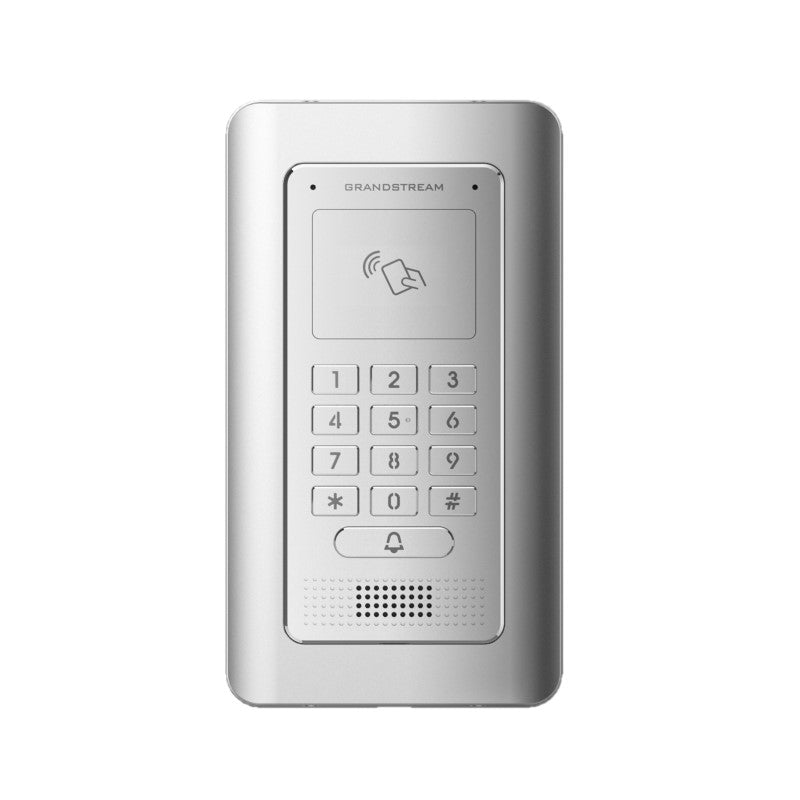
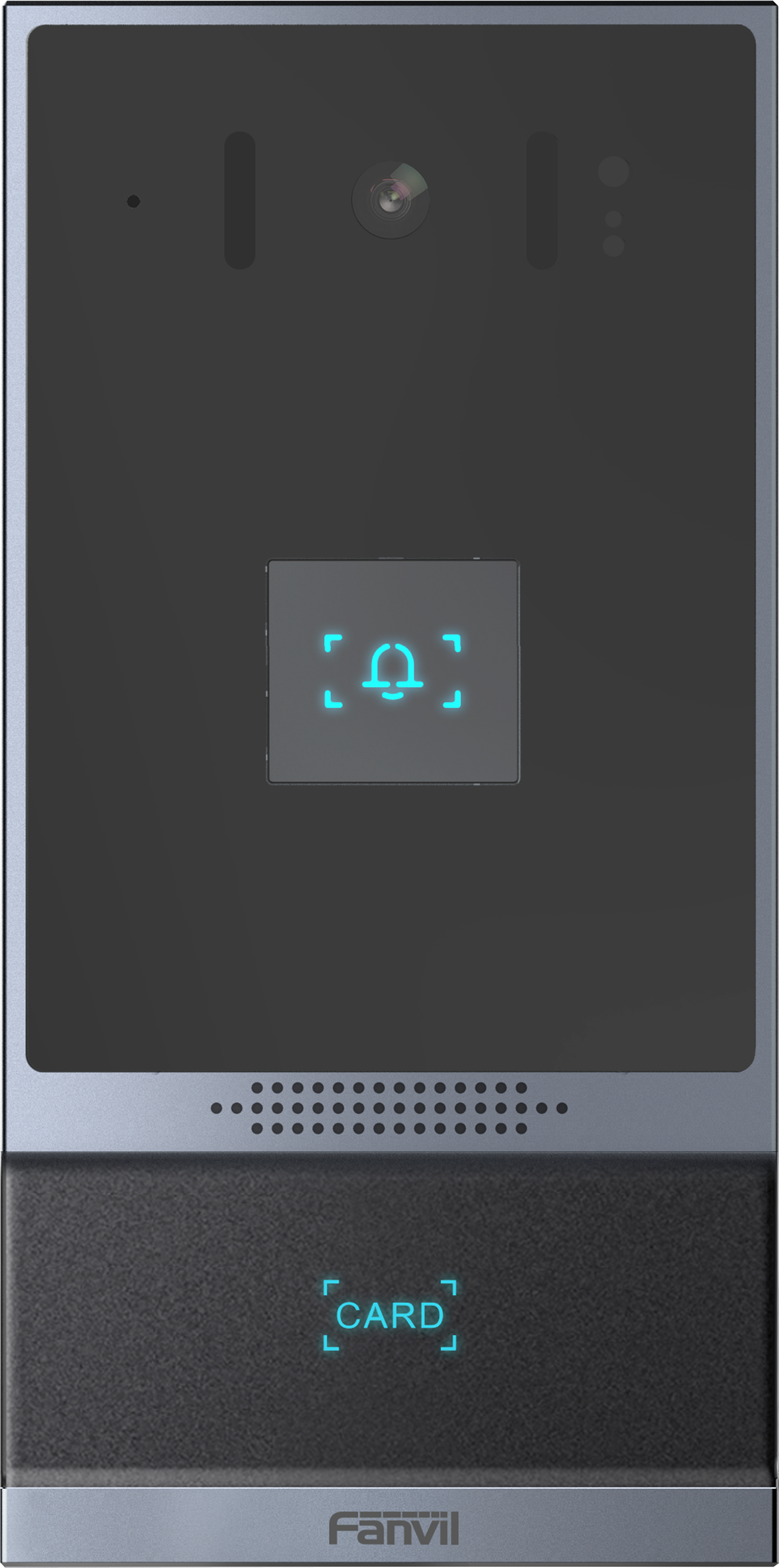
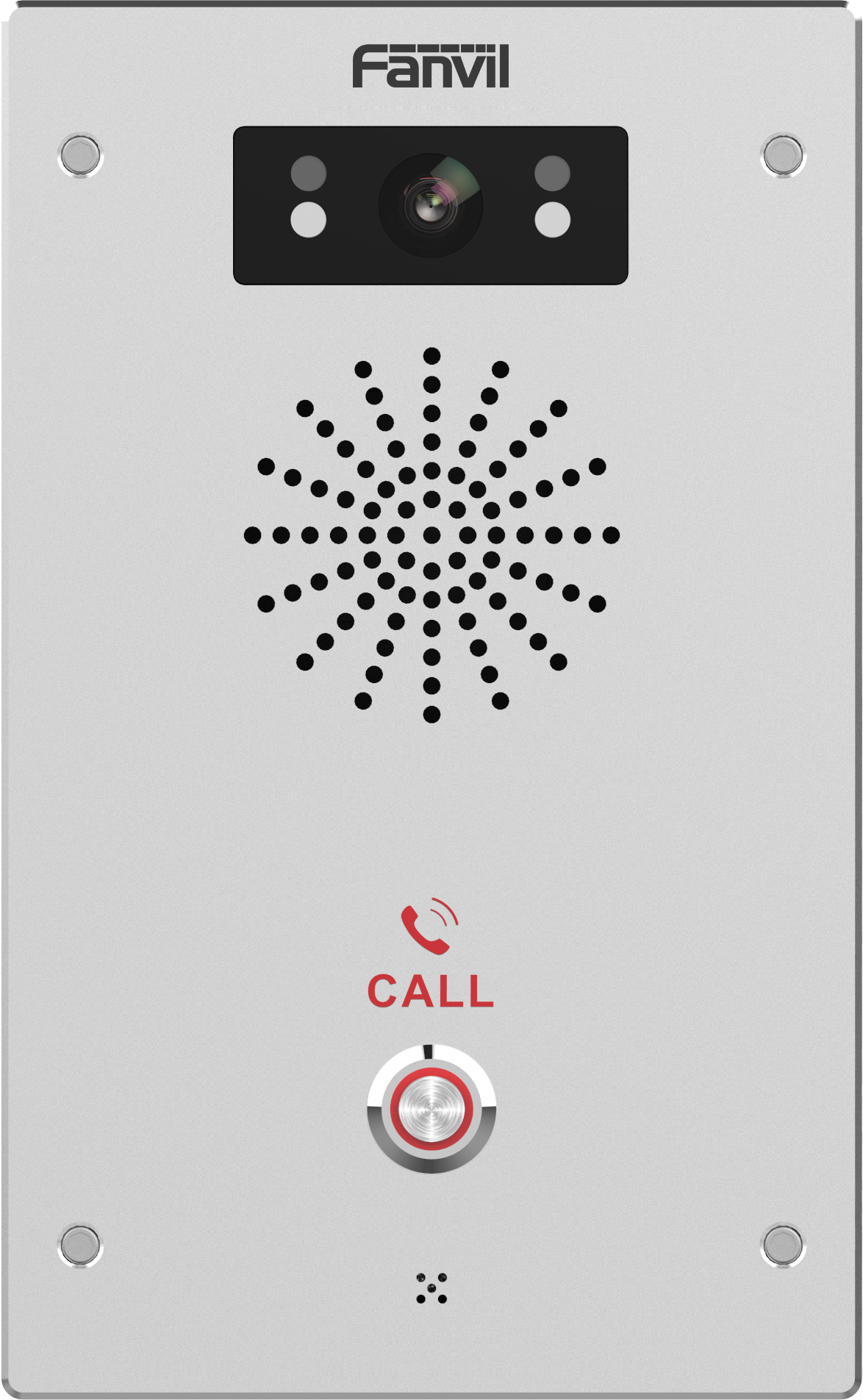
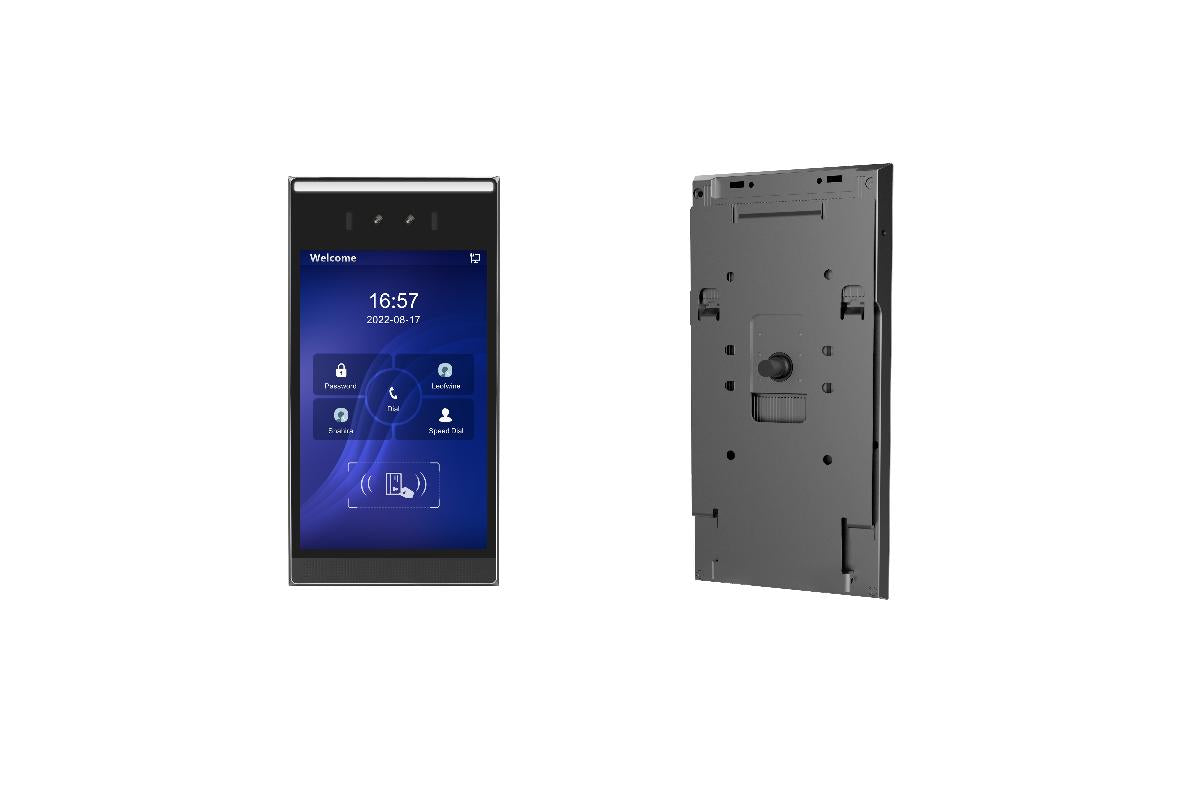
The GDS3705 is a comprehensive audio-only facility access and security monitoring solution designed for users requiring robust audio facilities in environments of all sizes. It features dual microphones and an HD loudspeaker with advanced AEC, offering intercom functionality. Key features include: • Dual microphone and HD loudspeaker with advanced AEC • Supports SIP calls to IP phones for facilitated communication • Built-in RFID chip reader for keyless entry • Weatherproof and vandal resistant due to its zinc alloy metal casing • Integrated PoE for powering the device and providing a network connection Additional information: • Weight: 2.6 lbs • Dimensions: 10 × 8 × 4 in • Brand: Grandstream • Door Phone Type: Indoor, Intercom, Keypad, Outdoor, RFID Capable Technical specifications: • Network: 10M/100M Auto-sensing • PoE: PoE IEEE 802.3af Class3 • Supply Voltage: 12VDC /1A (AC power adapter not included) • SIP/VoIP Support: Yes, broad interoperability • Voice Codecs: G.711μ/a-law, G.722, DTMF (RFC2833, SIP INFO), AEC, ANC • Audio Input: Integrated dual microphones up to 1.5m • Audio Output: HD loudspeaker 2W, up to 3m

About This Product

The Grandstream GDS3705 is an audio-only IP door phone built for environments that need reliable, hands-free visitor communication without the cost or complexity of a video intercom. It is well-suited to small and mid-sized office entry points, secure storage rooms, delivery doors, and residential or multi-tenant building side entrances. Because it is weatherproof and vandal-resistant, it can be installed outdoors in the Canadian climate, provided it is somewhat sheltered from direct precipitation. The unit pairs naturally with Grandstream IP phones and SIP-compatible PBXs, acting as an extension that can call a receptionist or ring group when a visitor presses the button.

The integrated RFID reader is a practical addition for businesses that want keyless access for employees. It eliminates the need for a separate card reader at the door, though you will need to manage RFID enrollment through a compatible system. The device is powered via PoE, which simplifies cabling, but if your switch does not supply PoE, you will need to purchase a separate 12V DC power adapter. For a Toronto office or retail storefront, this door phone is a straightforward way to add intercom and access control without running extra wiring.

Potential buyers should understand the audio-only limitation. If you need visual verification of visitors, this is not the right product. The dual microphones and HD speaker provide clear two-way audio, but in a very noisy environment—like directly beside a busy street—the advanced echo cancellation will help, though it cannot completely eliminate extreme ambient noise. Deployment is typically a single door or gate; this device is not designed to manage multiple entry points without additional software or hardware for access control logic.

For a large corporate lobby with a reception desk, the GDS3705 can serve as a secondary intercom at a rear entrance or loading dock. It is overkill for a simple internal office door where a basic intercom would suffice, and it is underpowered for a high-traffic building entrance that demands video, a large directory, or integration with a full building management system. In the Canadian VoIP landscape, its broad SIP compatibility means it will work with most on-premise or hosted PBX providers commonly used in the GTA, including those offering flat-rate local calling plans.
Services We Provide
  • Professional Installation & Configuration
  • Ongoing Maintenance & Support
  • Troubleshooting & Repairs
  • System Upgrades & Updates