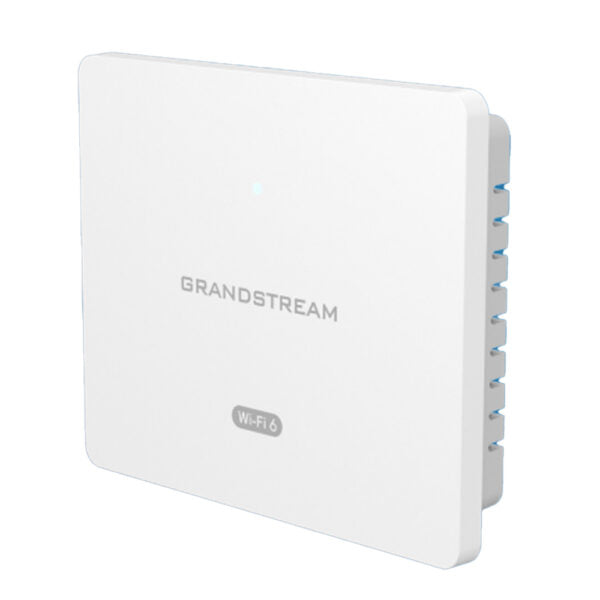
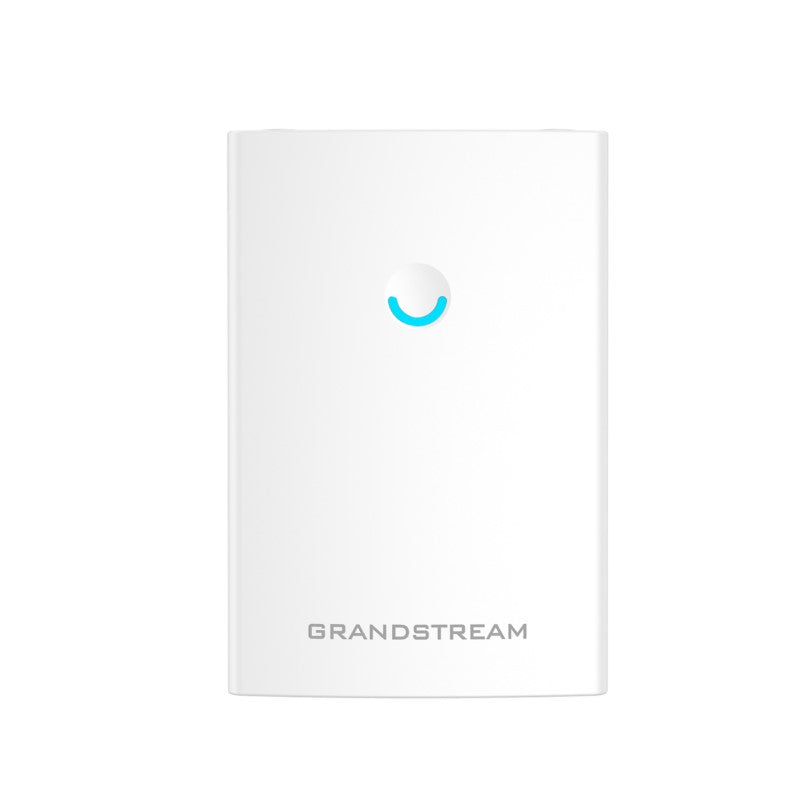
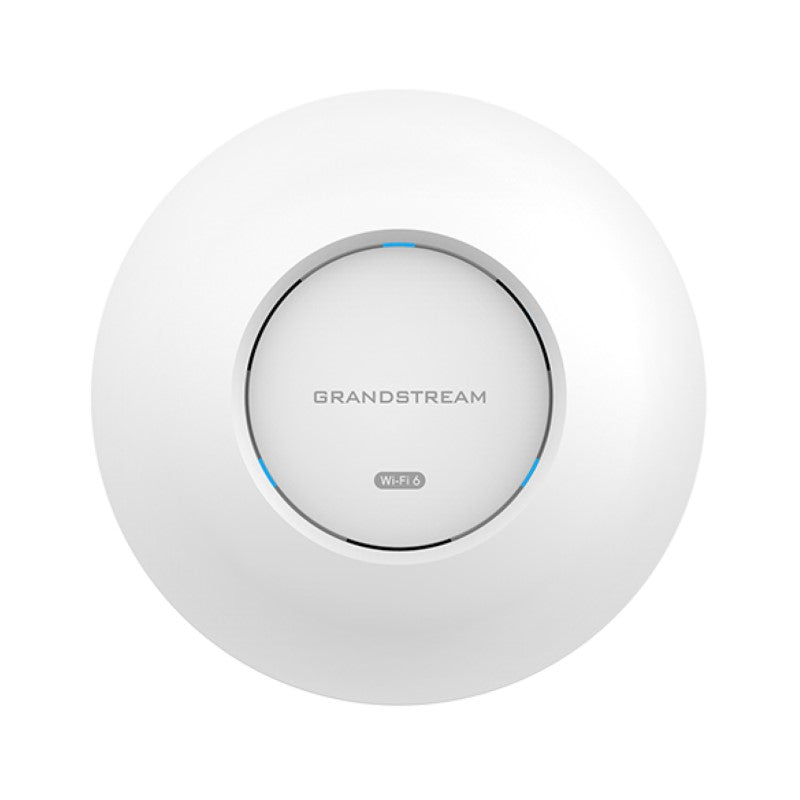
Grandstream GWN7062E WiFi 6 Router

Frequently Asked Questions

Start by power-cycling the router and confirming the firmware is up to date via the embedded controller or GDMS. Then check for radio interference nearby—microwave ovens, cordless phones, or adjacent Wi-Fi networks on the same channel are common culprits. Temporarily switching to a less crowded channel or moving the router to a central, elevated location often stabilizes connections.
The router’s wireless throughput rating is internal network speed, not your internet pace. First test with a wired device directly into the router to measure your ISP plan’s actual speed. For Wi-Fi, ensure the client is on the 5 GHz band and close enough; thick walls or distance will reduce performance. Confirming that no aggressive QoS rule is limiting bandwidth can also help.
Check the WAN connection quality at both sites—packet loss on either internet line will cause tunnel flaps. Verify the VPN configuration matches exactly on both routers (pre-shared keys, encryption algorithms, and peer addresses). A simple restart of both GWN7062E units may clear a hung state; if the issue persists, review firewall logs for blocked IKE or ESP traffic.
Confirm your computer’s IP address is on the same subnet as the router (often 192.168.1.x). If the router has been added to a mesh or changed to bridge mode, its local HTTP port may have shifted; try scanning the network with GDMS Discovery tool. A cold reboot usually restores access without erasing settings.
Make sure both units broadcast the identical SSID and security protocol. Update firmware on all routers to the same version, then check for overlapping coverage—if signal overlaps too much, clients may oscillate. Lowering the transmit power on one unit by 3–6 dBm often encourages clean handoffs.
Check whether MAC address filtering or a blocklist is enabled on the router. Also, if you’ve set the network to WPA3-only, some older IoT devices or laptops may not support it; try creating a temporary guest SSID with WPA2 to test connectivity. A mismatch in 802.11 mode (e.g., 802.11ax vs. 802.11n) can also block a client.
Inside the embedded controller or GDMS, create a new SSID and enable guest isolation under the network settings. This keeps guest traffic from reaching your main office LAN. You can also apply bandwidth limits and a captive portal if desired.
Yes, Grandstream offers free on-premises management via GWN Manager software you can host yourself, and the cloud-based GDMS platform is also free. Both allow full configuration, monitoring, and firmware updates from any location with internet access to the router.
In the router’s QoS section, you can create a rule that prioritises traffic based on the IP phones’ MAC addresses or the SIP/RTP port ranges. Many Grandstream phones also support LLDP; if your switches pass those markings, the router will honour the prioritised traffic automatically.
The mesh networking is designed to work between Grandstream routers. While third-party access points may coexist on the same network as normal Wi-Fi sources, they won’t participate in the Grandstream mesh management or seamless roaming. For a mixed-vendor setup, it’s generally simpler to use the GWN7062E as a standard router and manage the other APs independently.
Access Points

Grandstream GWN7062E WiFi 6 Router
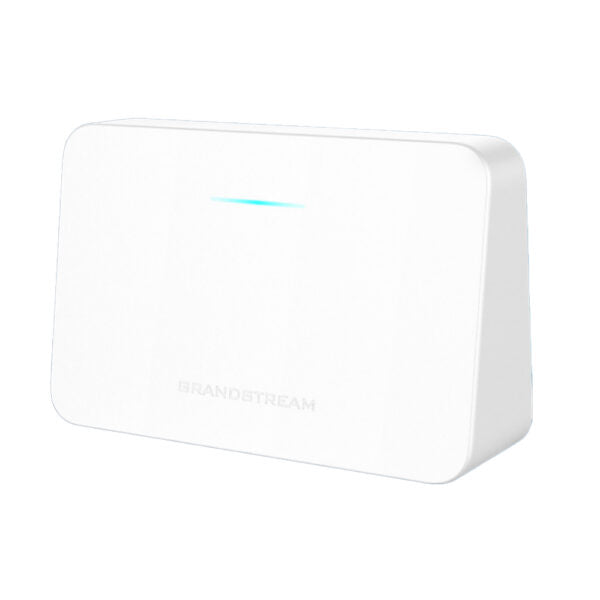
* Powered by Wi-Fi 6 (802.11ax) standard with up to 3Gbps wireless throughput * Dual-band 2.4G 2×2:2 and 5G 3×3:2 MU-MIMO technology for enhanced network performance * Built-in VPN support for secure in-office and inter-office connectivity * Supports up to 128 concurrent wireless client devices * Powerful security features, including guest network, network blocklist, Anti-hacking secure boot & critical data/control lockdown via digital signatures * Rich firewall features, including DoS, blocklist, and URL content filtering * Supports Mesh networking with Grandstream routers for easy network expansion * 1.3GHz dual-core processor provides Wi-Fi speeds up to 3Gbps * Embedded controller for easy installation and management * Supported by GDMS Networking and GWN Manager, Grandstream's free cloud and on-premises Wi-Fi management platforms

About This Product

The Grandstream GWN7062E is a WiFi 6 router built for small to medium-sized offices, retail spaces, and professional environments where dependable wireless performance is essential. It serves well as the central network hub for a team that relies on a mix of cloud applications, VoIP calls, and video meetings, delivering the speed and capacity to handle those demands without constant IT intervention. Its ability to support a generous number of concurrent clients makes it a natural fit for open-plan workspaces or customer-facing locations with many personal devices.

What sets this model apart for a growing business is the combination of built-in VPN and mesh networking support. A small law firm or accounting practice with two or three locations in the Greater Toronto Area, for example, can securely link branch offices over VPN and add extra GWN routers to blanket a larger floor without starting from scratch. The free cloud management platform also means multi-site visibility is straightforward, a genuine advantage for an IT provider overseeing several client networks.

That said, the GWN7062E is not a high-density carrier-grade access point. In a call center or event space with dozens of simultaneous high-bandwidth streams, you would likely need supplemental access points to maintain consistent throughput. It also lacks Power over Ethernet, so placement must be near a power outlet. For a typical professional office with a dozen or two knowledge workers, it strikes a sensible balance between cost, simplicity, and the features that modern work requires.
Services We Provide
  • Professional Installation & Configuration
  • Ongoing Maintenance & Support
  • Troubleshooting & Repairs
  • System Upgrades & Updates