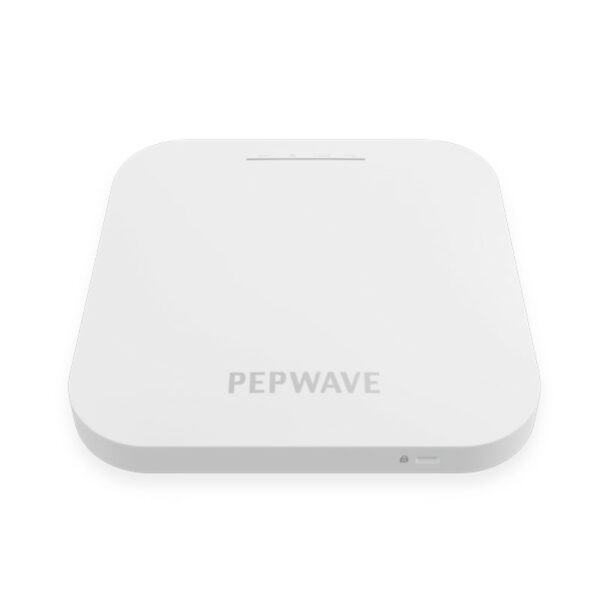
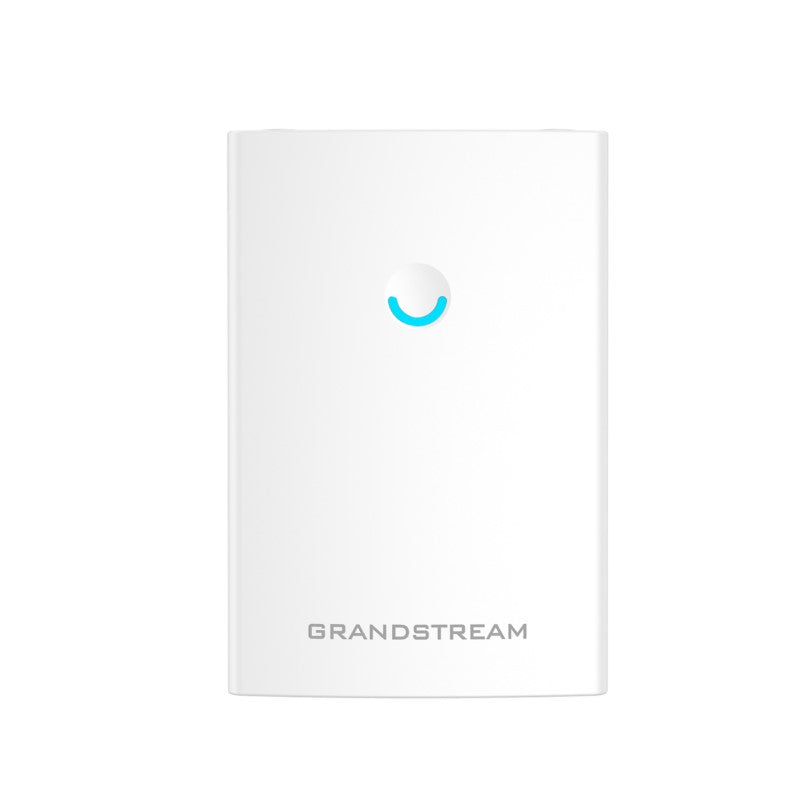
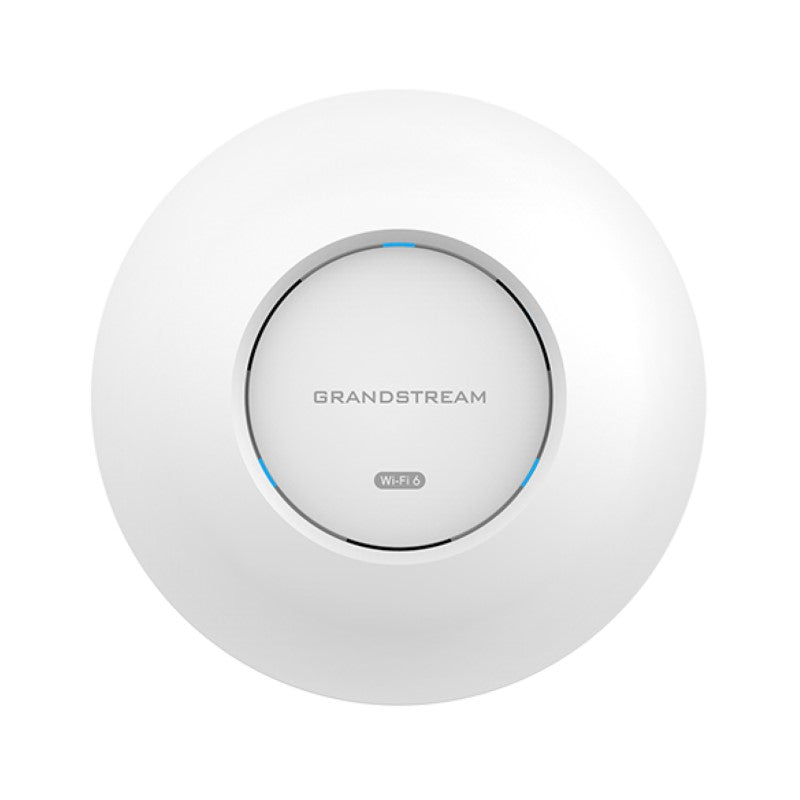
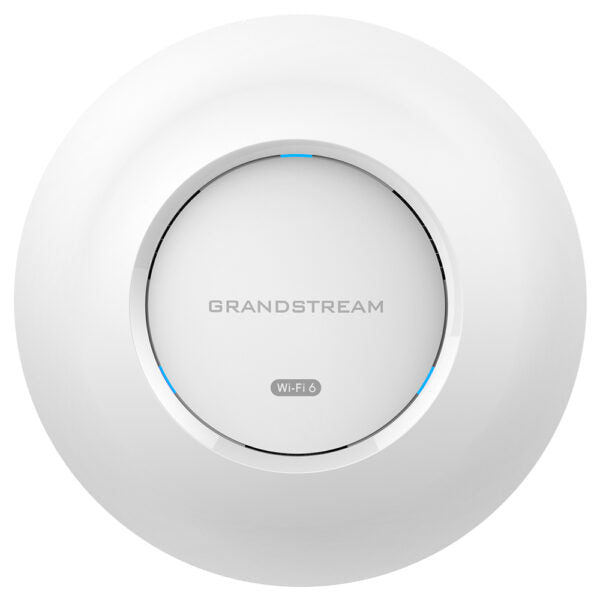
Grandstream GWN7604 Wi-Fi 6 Access Point with 4 Integrated Gigabit Ethernet Ports

Frequently Asked Questions

Confirm the Ethernet cable is plugged into the uplink port (usually marked as a separate port or PoE‑in) and that the other end is connected to a PoE or PoE+ switch or injector that provides at least 802.3af power. Try a short, known‑good patch cable to rule out cabling faults. If the switch port shows no link, reseat the connection and try a different PoE‑capable port.
First verify that the uplink cable is delivering both PoE and a working network link by checking the switch port status lights. Then log into the access point’s local web interface and confirm the DHCP‑assigned IP address, subnet mask, and default gateway are correct for your network. If the AP uses a static IP, double‑check that the gateway and DNS servers match the rest of your LAN.
Ensure the QoS feature is enabled and set to prioritise voice traffic (look under the wireless settings in the GWN interface). Move the Wi‑Fi phone closer to the AP and switch to the 5 GHz band if the device supports it, because 5 GHz is usually less congested in typical office buildings. Also check that the uplink switch port is not overloaded and that enough bandwidth is available from your internet connection.
Connect the GWN7604 to a Grandstream GWN Manager controller (cloud or on‑premise) or use the local web interface if stand‑alone mode is sufficient. In the controller, navigate to the SSID configuration, enable the captive portal, and choose your authentication method such as a simple click‑through, a voucher code, or an external RADIUS server. The access point will enforce the portal logic according to the policy you define in the controller.
Start by confirming the power source is stable: an underpowered PoE injector or a switch port that cannot supply sufficient wattage can cause intermittent reboots under load. Verify the AP’s power consumption via the switch’s management interface and make sure it matches the PoE budget. Also take the unit to a cooler, ventilated spot to eliminate the possibility of heat‑related behaviour, as compact designs can throttle or restart when trapped in a hot ceiling void.
Yes, the design supports exactly that. One port serves as the PoE‑in uplink that powers the access point and connects it to your network; the remaining three ports can be used to attach wired devices such as a desk phone, a printer, or a smart TV. All ports share the access point’s internal switch, so keep the combined traffic load in mind if you plan to move large files across the wired connections while also serving a full wireless load.
The 100‑meter figure is measured in open air with ideal antenna orientation and no obstacles. Inside a typical Canadian office with drywall partitions, glass, and furniture, range at 5 GHz will shrink substantially, and even 2.4 GHz will cover a smaller area. If the AP is inside a metal enclosure or mounted near ductwork, try repositioning it in an open spot, ideally on a ceiling or high on a wall, and test again.
Adopt both access points into the same Grandstream GWN Manager controller first. Within the controller, designate one unit as the root AP that has a wired uplink, then enable mesh mode on the second unit while it is still connected via Ethernet for initial provisioning. Once the mesh SSID configuration is pushed, you can disconnect the satellite and move it to its remote location; it will connect back to the wired root using the dedicated wireless mesh link.
Access Points

Grandstream GWN7604 Wi-Fi 6 Access Point with 4 Integrated Gigabit Ethernet Ports
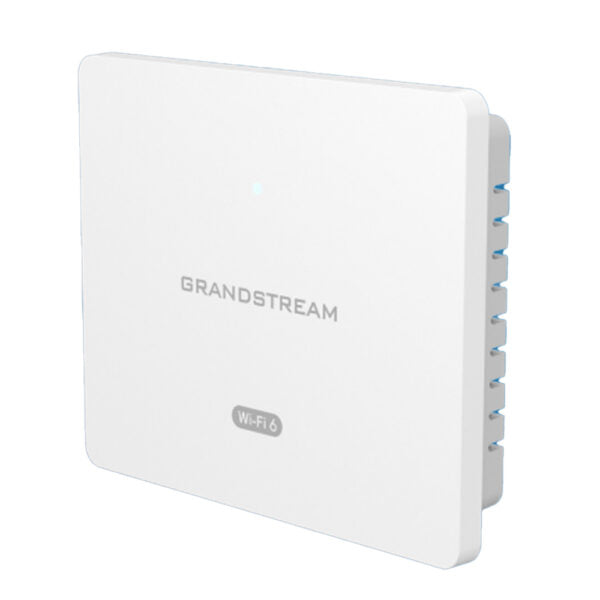
• Compact AX3000 Wi-Fi 6 access point for small businesses, hotels, and home offices • Versatile with four Gigabit Ethernet ports, including one uplink port that receives PoE/PoE+ to power the access point • Dual-band 2.4G 2×2:2 and 5G 3×3:2 MU-MIMO technology for 256 concurrent clients and up to 100-meter coverage range • Supports advanced QoS, low-latency real-time applications, mesh networks, captive portals, and four Gigabit network ports Key Features: • 3Gbps aggregate wireless throughput • Up to 100 meters coverage range • Self-power adaptation upon auto detection of PoE/PoE+ and PSE • Anti-hacking secure boot and critical data/control lockdown via digital signatures • Support up to 256 concurrent Wi-Fi client devices • Advanced QoS to ensure real-time performance of low-latency applications Weight: 0.82 lb Dimensions: 6.73 × 5.53 × 1.30 in WiFi Standard: Wi-Fi 6 (802.11ax) Network Band: Dual Band Frequency Band: 2.4 Ghz, 5 Ghz Business Routers: VPN Routers Network Type: Wired, Wireless

About This Product

The GWN7604 is a compact Wi‑Fi 6 access point that doubles as a small wired switch, making it a practical choice for hotel guest rooms, dormitories, and small professional offices where you would otherwise need two separate devices. Because it delivers four integrated Gigabit Ethernet ports – one of which can receive PoE to power the unit – it lets you connect nearby wired equipment such as a VoIP desk phone or a thin-client workstation without running additional cabling back to a main closet. This simplicity can lower installation costs and reduce clutter in tight spaces like a Toronto meeting room or retail kiosk.

It is built around AX3000 dual‑band radios with MU‑MIMO, so it handles dense client counts well for its size. Up to 256 concurrent devices can associate, and the advanced QoS engine prioritises low‑latency traffic. That makes the unit genuinely useful in a busy boutique hotel lobby where guests expect solid Wi‑Fi while streaming media, but where the real business‑critical work may be a handful of SIP phones and a cloud‑based PMS terminal sharing the same air. It pairs naturally with small‑site VoIP deployments that use Wi‑Fi phones, softphones on laptops, or a third‑party hosted PBX accessible over a broadband connection.

There are practical trade‑offs to note. The 100‑meter coverage rating is an open‑air figure; real‑world range through drywall and furniture will be less, especially on 5 GHz, so a single GWN7604 suits a small footprint rather than a full‑size floor. While the built‑in Ethernet ports are genuinely useful, they share internal switching capacity, so if you plan to push high‑bandwidth LAN traffic across all four simultaneously while serving a full wireless load, you may notice performance ceiling effects. Additionally, the unit does not include an AC adapter in the box; you must supply a PoE or PoE+ source via the uplink port, which is a common requirement but worth factoring into your switch budget.

Deployments where this access point would be overkill are single‑user home setups that can be served by a standard ISP gateway. Conversely, large open‑plan offices, warehouse floors, or multi‑room medical suites that need seamless roaming across the entire space would be under‑served by a lone GWN7604; it works best as a building block in a Grandstream mesh or controller‑managed network, and if you only need pure high‑density coverage with no wired‑port requirement, a simpler ceiling‑mount AP may offer better value per dollar.
Services We Provide
  • Professional Installation & Configuration
  • Ongoing Maintenance & Support
  • Troubleshooting & Repairs
  • System Upgrades & Updates