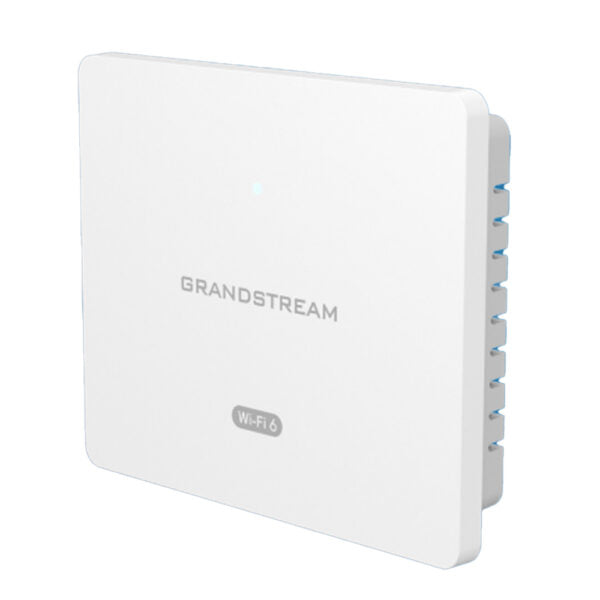
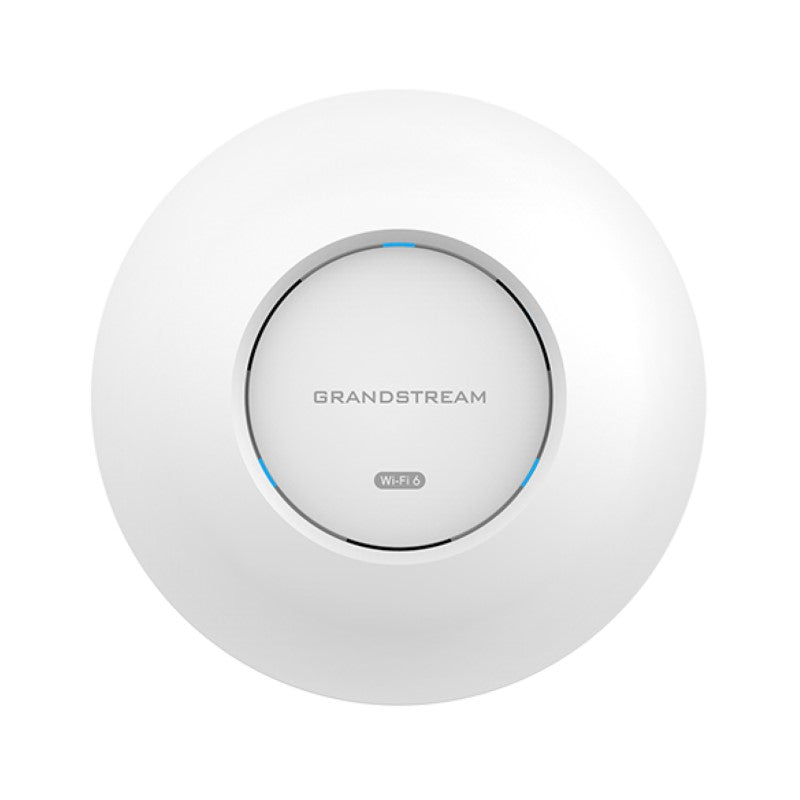
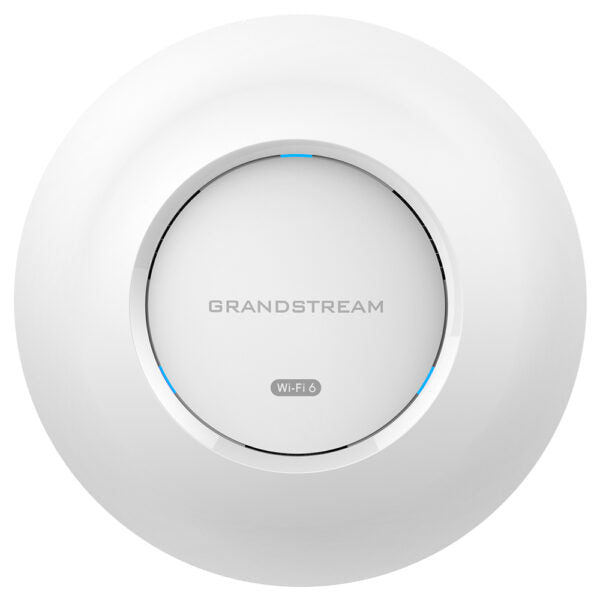
Peplink Access Point One AX Lite – APO-AX-LITE

Frequently Asked Questions

Log into InControl 2 and confirm that the SSID is enabled and assigned to the correct device group and radio band. Next, verify that the access point’s status shows as “online” and that its radio settings are not set to a channel or transmit power level that would prevent nearby clients from discovering it. If the SSID is still invisible, temporarily disable any band‑steering or minimum data rate controls that might be filtering older client adapters.
Check that the Ethernet cable is firmly seated in the single Gigabit port and that the switch port it connects to is active and negotiating at the expected speed. Confirm the access point can reach the internet by verifying DNS resolution and that no firewall rule is blocking outbound HTTPS traffic to the InControl cloud. A simple power cycle often clears transient link‑negotiation issues, but if the unit drops offline repeatedly, inspect the cabling run and the switch port’s error counters for signs of a physical layer problem.
Older 2.4 GHz clients sometimes struggle when the 5 GHz band is configured with an identical SSID and band‑steering is active. Try creating a dedicated 2.4 GHz‑only SSID for those legacy devices, and on that SSID disable Wi‑Fi 6 (802.11ax) features, falling back to 802.11n mode. Also ensure that WPA3 or protected management frame settings are not set to “required,” as many IoT radios only support WPA2‑PSK.
The unit is primarily supplied with a DC power adapter. While some deployments have successfully powered it via passive PoE injectors that match the voltage and pin‑out requirements, it is not officially described as an 802.3af/at‑compliant device. Before connecting it to a PoE switch, consult the hardware installation guide for your specific revision and, if in doubt, use the included power adapter to avoid damaging the access point.
Ensure that WMM (Wi‑Fi Multimedia) is enabled in the radio profile, as it prioritises voice traffic ahead of bulk data. Next, look at the channel utilisation on both 2.4 GHz and 5 GHz bands through InControl; if the 2.4 GHz band is crowded, steer voice clients to 5 GHz by giving that SSID a higher preference. If the issue persists, a Toronto‑based VoIP support provider can usually help tune QoS end‑to‑end without requiring a site visit.
Check that the access point is mounted with the dome or face oriented downward and not obstructed by metal light fixtures, ductwork, or thick masonry. In InControl, confirm the 5 GHz radio transmit power is not set to a low value and that the channel width is not forced to 80 MHz, which can reduce range compared to a 20 or 40 MHz setting. A modest repositioning of the AP away from a ceiling beam sometimes yields a measurable improvement.
First, power‑cycle the unit and wait several minutes to see if it completes the update and reconnects to InControl. If it remains unresponsive, connect a laptop directly to its Ethernet port and check whether the access point is offering a recovery web page or responding to pings on its default IP. Do not initiate a factory reset or manual firmware downgrade until you have confirmed the device is truly stuck; if you are unsure, contact Peplink support or your local IT provider before taking any irreversible action.
Within InControl 2, create a new SSID and tag it as a guest network; this automatically enables client isolation and blocks access to the local subnet. You can also apply bandwidth limits and a captive portal with a simple click‑through acceptance page. For Canadian businesses that need to log guest usage for compliance, InControl’s event logs will capture connection timestamps and MAC addresses.
The AP One AX Lite itself does not run a DHCP server, so a rogue DHCP source elsewhere on the LAN is the likely culprit. Temporarily disable any other routers, extenders, or misconfigured VLAN interfaces on the same broadcast domain and observe whether clients then receive the correct address. If the problem continues, a Toronto‑based VoIP support provider can usually resolve this remotely by tracing the rogue server through a packet capture.
Access Points

Peplink Access Point One AX Lite – APO-AX-LITE
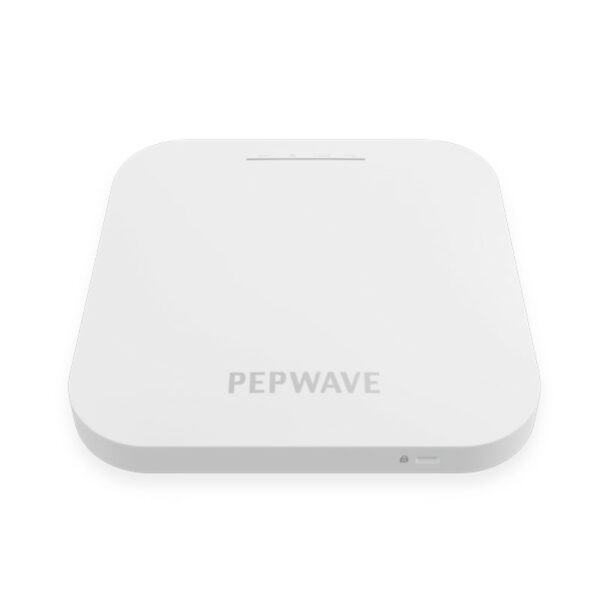
Peplink AP One AX Lite is equipped with InControl central management, allowing users to control and monitor their network from any web browser. Manage network SSIDs, radio settings, and search event logs with ease to diagnose the entire network. Key Features: • 2 x 2:2 Radio Chain • 2 x 2 MU-MIMO Data Rates • InControl 2 - one-stop platform for managing the entire WLAN network • Plenum Rated, Indoor Plastic Design • Ceiling Mounting Option Additional Information: • Weight: 0.84 lb • Dimensions: 5.90 × 5.90 × 1.3 in • Wi-Fi Standard: Wi-Fi 6 (802.11ax) • Network Band: Dual Band • Frequency Bands: 2.4 Ghz, 5 Ghz • Mounting Options/Type: Ceiling Technical Specifications: • Ethernet Ports: 1 x 1Gbps Gigabit Ethernet • Wi-Fi Standard: Simultaneous - 1 x 2.4GHz 802.11b/g/n/ax and 1 x 5GHz 802.11a/n/ac/ax • Radio Chains/Streams: 2 x 2:2 • Data Rates: • 2.4 GHz: up to 574 Mbps • 5 GHz: up to 1200 Mbps For a full list of specifications, please refer to the Product Datasheet.

About This Product

The Peplink AP One AX Lite is a straightforward Wi‑Fi 6 access point built for small to mid‑sized offices that already rely on Peplink routers or plan to adopt the broader Peplink ecosystem. Its ceiling‑mount design and plenum‑rated plastic enclosure make it a clean fit above a suspended ceiling in a retail storefront, a professional services office, or a classroom where discreet coverage matters more than a floor‑standing appliance. Because it is managed entirely through InControl 2, the device appeals to IT generalists and managed service providers who want to push configuration, monitor client counts, and search event logs from a single browser tab without juggling separate controller hardware.

A single Gigabit Ethernet uplink and a 2×2 radio chain position this unit as a workhorse for moderate client density rather than a high‑capacity lecture hall or warehouse solution. It will comfortably serve a handful of concurrent users doing video calls, cloud application work, and general browsing, typical of a small Toronto accounting firm or a dental office. The dual‑band radio supports Wi‑Fi 6 on both 2.4 GHz and 5 GHz, bringing the efficiency gains of OFDMA and MU‑MIMO to environments that have recently refreshed their laptop fleet but are not yet ready to re‑cable the entire premises for multi‑gigabit speeds.

Organizations considering this model should weigh the single Ethernet port against any future need for link aggregation or wired passthrough. The AP One AX Lite does not include a secondary port, so daisy‑chaining another device or bonding two switch ports is not possible. Power is drawn via the included adapter; buyers planning a PoE‑only deployment will need to verify that their switch can deliver sufficient power over a single cable, as the unit is not fully described as an 802.3af/at‑powered device in all documentation. In a Canadian context, this is a sensible choice for a small office in the GTA where the Peplink SD‑WAN router is already the centre of the network, but it would be overkill for a home office with only two or three wireless gadgets.

For larger open‑plan floors or venues that need to handle dozens of simultaneous high‑bandwidth clients, stepping up to a 4×4 access point would be more appropriate. The AX Lite is best understood as a cost‑controlled entry into centrally managed Wi‑Fi 6, ideal where coverage consistency and remote troubleshooting matter more than raw throughput numbers.
Services We Provide
  • Professional Installation & Configuration
  • Ongoing Maintenance & Support
  • Troubleshooting & Repairs
  • System Upgrades & Updates