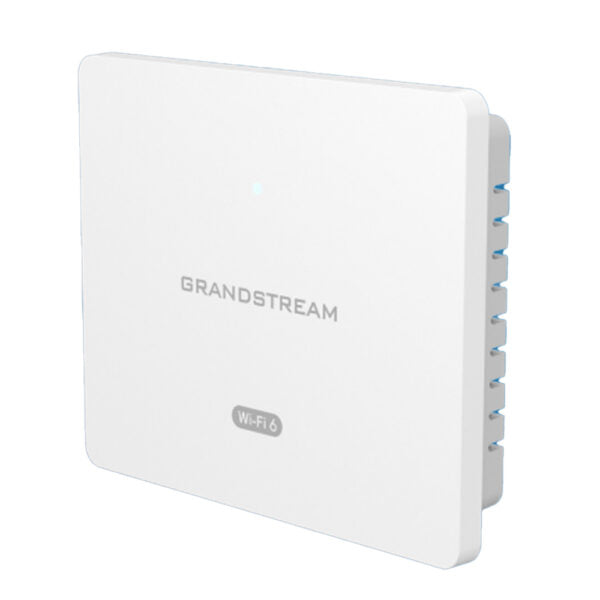
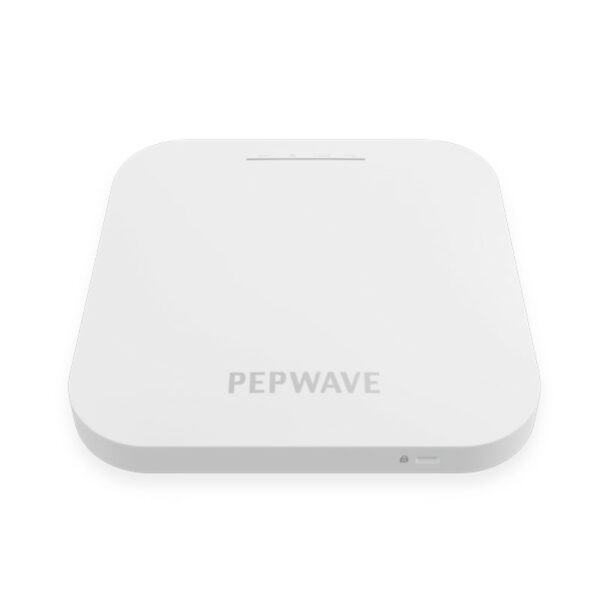
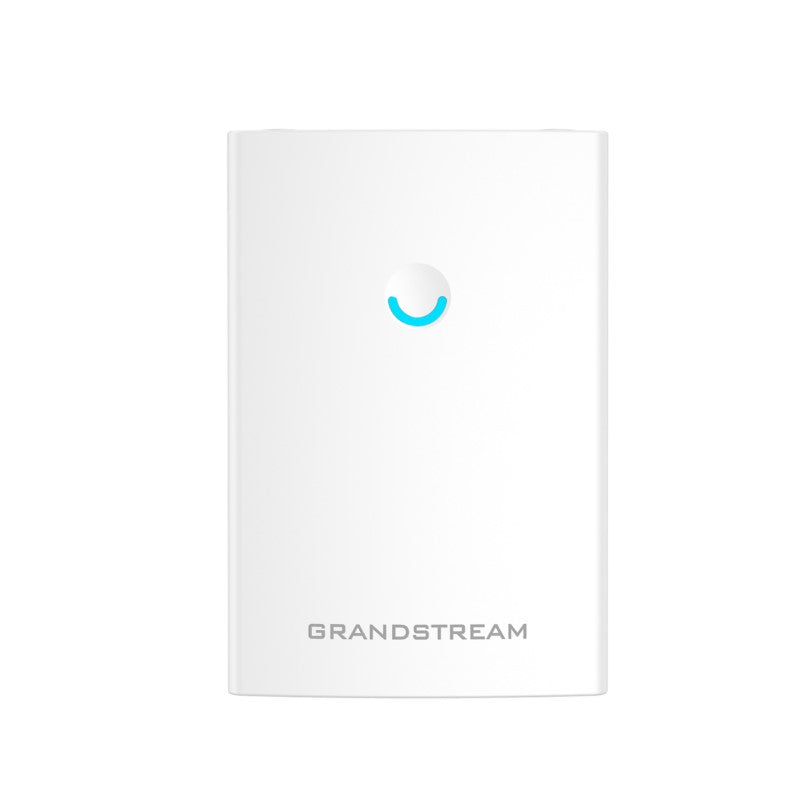
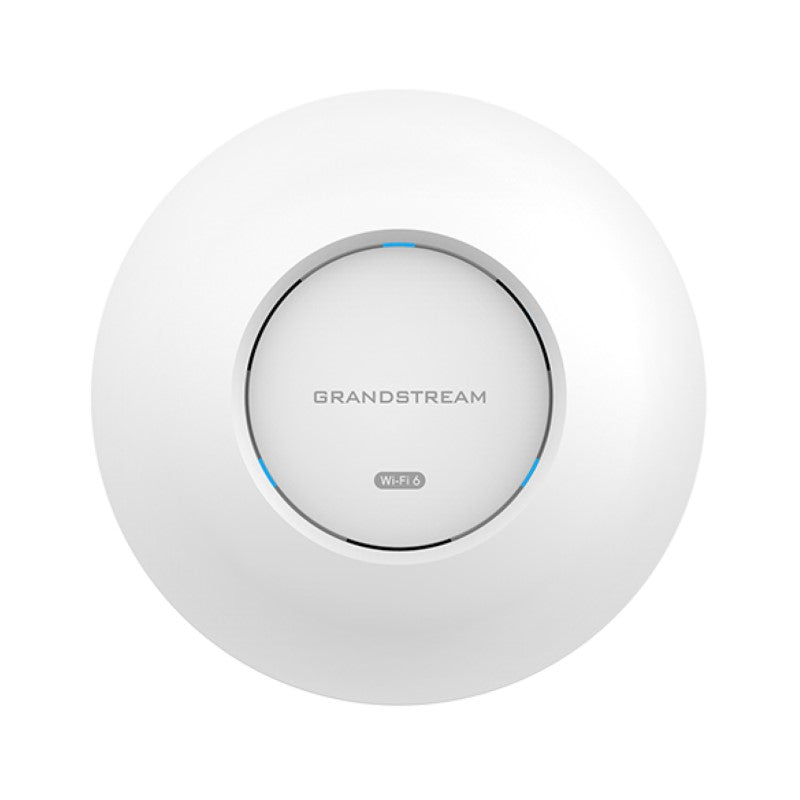
Grandstream GWN7605 Wi-Fi Access Point

Frequently Asked Questions

Start by confirming the PoE source is active and the Ethernet cable is securely connected at both ends. Try a different port on your PoE switch or a known working injector. If the LED remains off, check that the cable is rated for PoE (Cat5e or better) and is not damaged.
First, verify that the SSID is broadcast and not hidden in the access point's settings. Ensure the client device supports 2.4 GHz or 5 GHz bands as configured. Also check if you've reached the client limit (100+ devices) and that MAC filtering or other security settings aren't blocking connections.
Look for nearby sources of interference — other access points, cordless phones, or microwaves on the same channel. Log into the AP and adjust the channel to a less congested one. Also ensure the firmware is up to date, as older builds may have connectivity bugs.
Check that you're using a 5 GHz band with a 40 MHz or 80 MHz channel width. Band steering can force clients to the faster band. Also verify that QoS settings are not overly restricting traffic. If many devices are connected simultaneously, performance may degrade naturally.
Confirm that your computer is on the same subnet as the access point. Try accessing via IP address instead of hostname. Clear your browser cache or try a different browser. If you've changed the default IP, make sure there's no IP conflict on your network.
Wait at least five minutes for the AP to fully reboot after the update. If it still doesn't respond, power-cycle the device by disconnecting PoE for 30 seconds. Do not attempt a factory reset or downgrade unless you have confirmed the cause — contact your VoIP support provider for guidance first.
Use Grandstream's free cloud management platform (GWN.Cloud) or the on-premise GWN.Manager software. Both allow you to configure, monitor, and update multiple APs remotely. Each AP can work standalone, but central management simplifies large deployments.
Yes, the GWN7605 operates as a standard access point and can connect to any router that provides DHCP and internet access. It uses bridge mode by default. For advanced features like VLANs, ensure your router supports them.
It auto-detects and supports both 802.3af and 802.3at PoE. Standard PoE switches or injectors work fine. No proprietary power source is required. If your switch only provides 802.3af, the AP will still operate but with limited power — sufficient for Wi-Fi without additional USB devices.
Yes, the GWN7605 is designed to pair seamlessly with Grandstream's Wi-Fi-capable IP phones (such as the GXV series). Enable the Wi-Fi on the phone, scan for the SSID, and enter credentials. For best voice quality, ensure your QoS settings prioritize VoIP traffic on the AP.
Access Points

Grandstream GWN7605 Wi-Fi Access Point
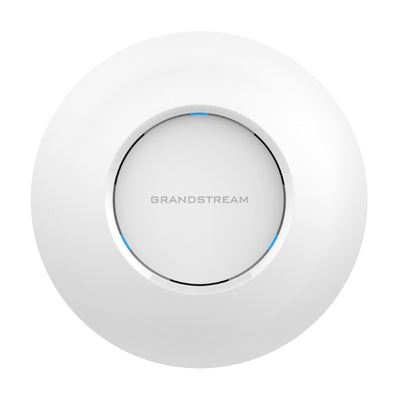
* The GWN7605 is an affordable 802.11ac Wave-2 Wi-Fi access point designed for small to medium wireless network deployments with medium user density. • Key features: • Dual-band 2×2:2 MU-MIMO with beamforming technology • Self power adaptation upon auto detection of PoE/PoE+ • Supports 100+ concurrent Wi-Fi client devices • Up to 165-meter coverage range • Advanced QoS for real-time performance of low-latency applications • Anti-hacking secure boot and critical data/control lockdown via digital signatures, unique security certificate/random default password per device • The GWN7605 uses a controller-less distributed network management design for easy installation and management. • It is supported by Grandstream's cloud and on-premise Wi-Fi management platform, GWN.Cloud and GWN.Manager. • The access point offers seamless connection with Grandstream's Wi-Fi-capable IP phones for voiceover-Wi-Fi deployments. • Key specifications: • Weight: 1.2 lbs • Dimensions: 10 × 10 × 4 in • Brand: Grandstream • Wi-Fi Standard: Wi-Fi 5 (802.11ac) • Frequency Band: 2.4 Ghz, 5 Ghz • Network Band: Dual Band

About This Product

The Grandstream GWN7605 is an affordable dual-band Wi-Fi 5 access point designed for small to medium-sized business environments where reliable connectivity is needed without a heavy investment. It works well in offices, retail spaces, or hospitality venues with moderate client density — think a law firm with 30 staff or a boutique hotel with 20 guest devices. The controller-less management is a practical advantage for businesses without dedicated IT staff, as each AP can be set up individually or managed through Grandstream's cloud platform.

This AP integrates naturally with Grandstream's Wi-Fi-capable IP phones, making it a solid choice for voice-over-Wi-Fi deployments. For Canadian businesses, the auto-sensing PoE support (802.3af/at) means you can power it directly from a standard PoE switch, eliminating the need for extra power adapters. The 165-metre coverage range is generous for open-concept layouts, though real-world performance depends on walls and interference.

That said, the GWN7605 uses 802.11ac (Wi-Fi 5), so it lacks the throughput and efficiency of newer Wi-Fi 6 models. It's best suited for environments where speed demands are modest — web browsing, email, VoIP calls — rather than heavy video streaming or large file transfers. While it supports up to 100 concurrent clients, performance will drop under sustained high traffic. For a small home, it's overkill; for a large warehouse with hundreds of users, it will be underpowered. A single GWN7605 is ideal for a room or small floor, but multiple units may be needed for larger open areas.
Services We Provide
  • Professional Installation & Configuration
  • Ongoing Maintenance & Support
  • Troubleshooting & Repairs
  • System Upgrades & Updates