Grandstream GWN7660E Wireless Access point

Frequently Asked Questions

First, verify that your PoE switch or injector is delivering power. The GWN7660E supports both 802.3af (PoE) and 802.3at (PoE+), but if your switch only provides passive PoE, it may not work. Try connecting the AP to a different port or using a known-good PoE injector. Also check that the Ethernet cable is securely seated at both ends and is not damaged.
Ensure the phone and AP are on the same 5 GHz band if possible, as it is less prone to interference. Check that the AP's firmware is up to date and that the phone is within a reasonable range (ideally within 30-50 feet of the AP). You can also try power-cycling both the phone and the AP. If the issue persists, a Toronto-based VoIP support provider can usually resolve this remotely.
Confirm that the SSID is broadcast and that there is no MAC address filtering blocking your client devices. Check that the Wi-Fi password is entered correctly on the client. Also, ensure that the AP's DHCP server (or your main router's DHCP) is active and that there are no IP address conflicts. Restarting the AP and the client often clears this up.
First, run a speed test over Ethernet to rule out an internet issue. Then check for interference from nearby networks—use a Wi-Fi analyzer app to see which channels are congested and set the AP to a less crowded channel. Also, verify that the client device supports Wi-Fi 6 and is connected to the 5 GHz band. The GWN7660E's performance depends on the client and environment.
Log into the AP's web interface or Grandstream's management platform. Under the Wi-Fi settings, create a new SSID and enable the 'Guest Network' option, which typically isolates guest traffic from your internal network. You can apply bandwidth limits and set a separate password. Ensure VLAN tagging is configured if your network requires it for guest separation.
Inspect the Ethernet cable and its connectors—damaged or loose cables are a common cause. Also, check if the PoE switch port is providing adequate power; a marginal PoE supply can cause intermittent drops. Try swapping the cable and port. If the problem continues, look for any scheduled power-saving settings on the switch that might be turning the port off.
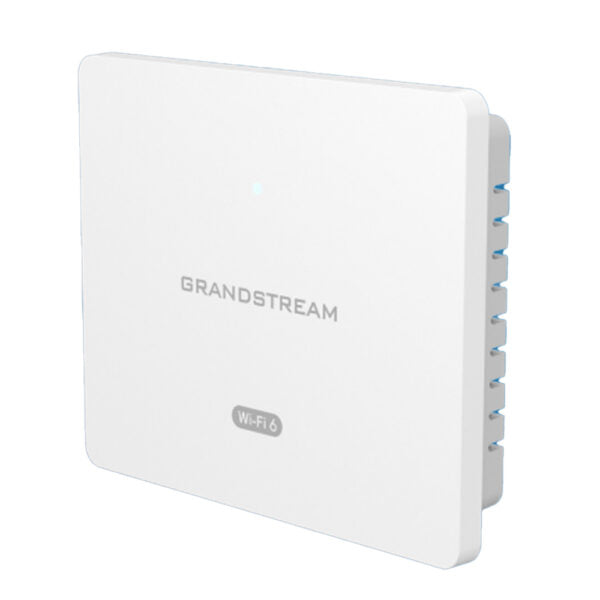
Yes, the GWN7660E includes mounting kits for both ceiling and wall installations. Wall mounting is fine, but keep in mind that the antenna pattern is designed for ceiling-mount orientation, so coverage may shift slightly. For best results, mount it centrally in the coverage area and away from large metal objects.
Access the AP's web interface using its IP address. Go to the 'Maintenance' or 'Firmware' section and check for updates. You can either upload a firmware file downloaded from Grandstream's website or enable automatic updates if your management system supports it. Always back up your configuration before upgrading, just in case.
Yes, you can increase the transmit power in the AP's settings, but be aware that higher power may cause interference with neighboring APs. Start by moving the AP to a more central location or adjusting its antennas (if yours has external ones). The GWN7660E's XTRA Range technology helps, but building materials like concrete can still limit coverage.
Absolutely. The GWN7660E is standards-compliant (802.11ax) and supports any Wi-Fi device, including VoIP phones from other manufacturers. For best call quality, ensure your phone is using a modern Wi-Fi chipset and that the network is configured with QoS for voice traffic. The AP's advanced QoS features can prioritize voice packets regardless of phone brand.
Access Points

Grandstream GWN7660E Wireless Access point
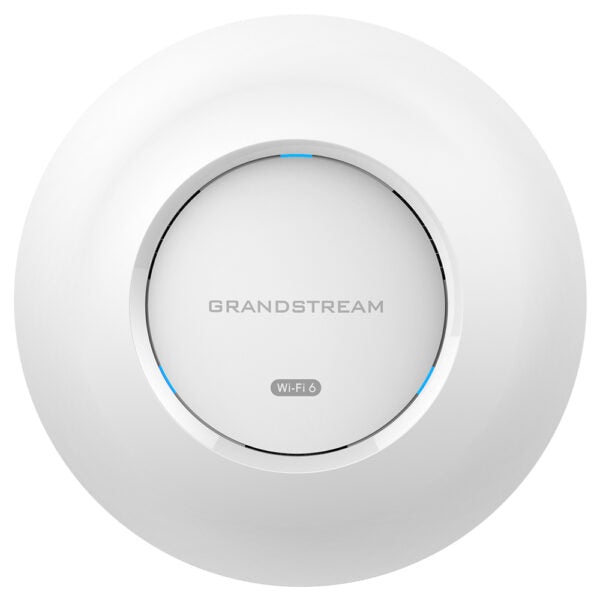
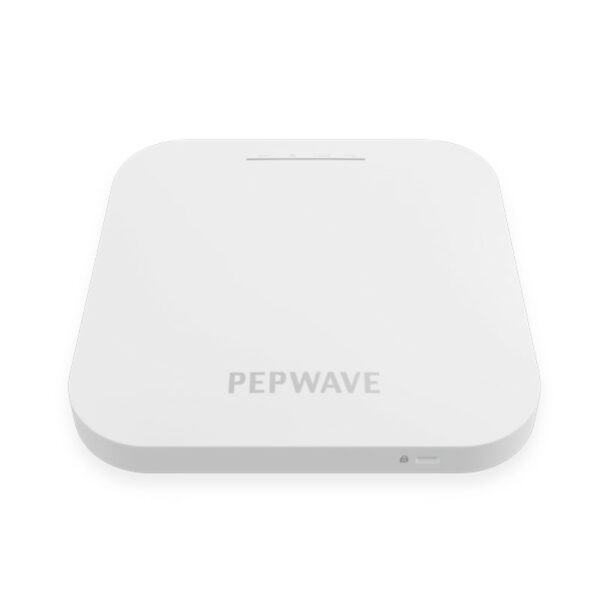
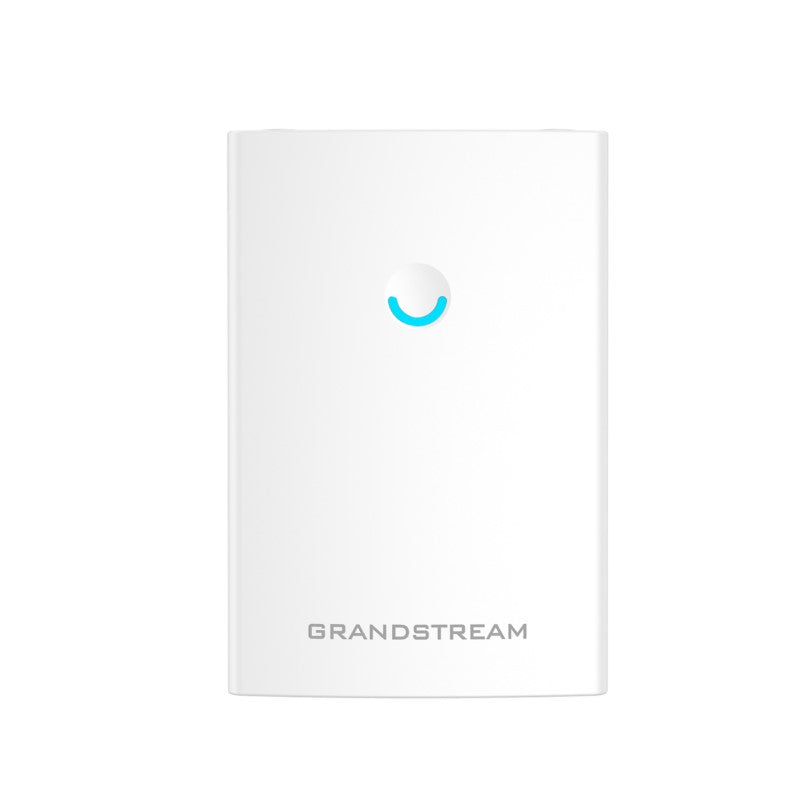
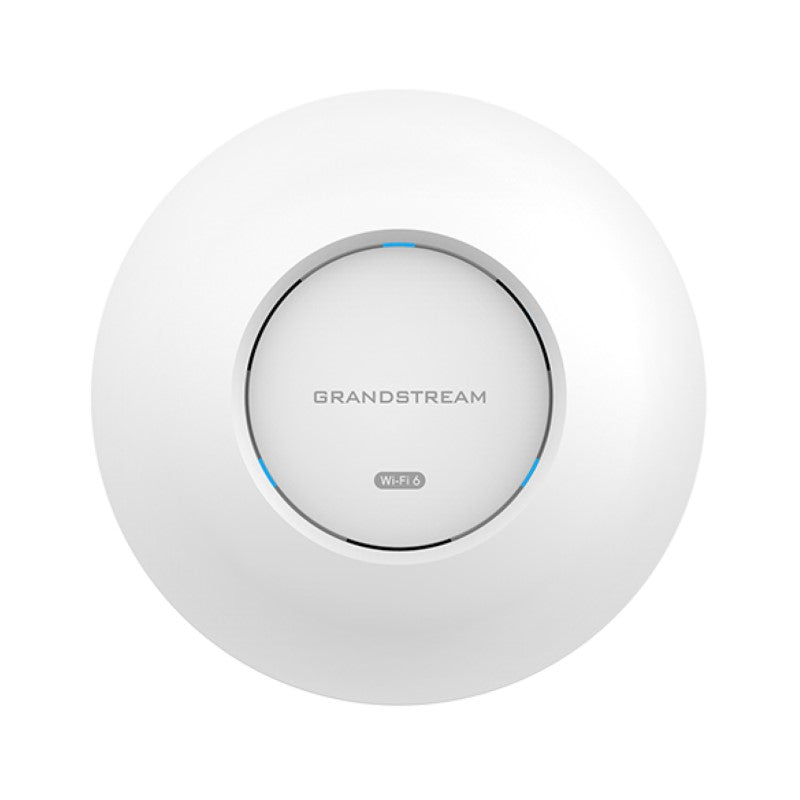
• The GWN7660E is an enterprise-grade Wi-Fi 6 access point designed for high-density environments, offering 2×2:2 MU-MIMO technology on the 2.4G band and 3×3:2 MU-MIMO on the 5G band. • Key features include: + Dual-band support with XTRA Range technology and beamforming + Up to 175-meter coverage range + Support for up to 256 concurrent Wi-Fi client devices + Advanced QoS and anti-hacking security measures + Self-power adaptation upon auto detection of PoE or PoE+ • This access point is suitable for medium wireless network deployments with medium-to-high user density, particularly ideal for voice-over-Wi-Fi deployments and seamless connections with Grandstream's Wi-Fi capable IP phones. • Weight: 3.75 lb • Dimensions: 17.28 × 12.95 × 5.39 in • WiFi Standard: Wi-Fi 6 (802.11ax) • Network Band: Dual Band • Frequency Band: 2.4 Ghz, 5 Ghz • Mounting Options: Ceiling, Wall Plate • General Info: + Model: GWN7660E + Wi-Fi Standards: IEEE 802.11 a/b/g/n/ac/ax + Antennas: 5 individual internal antennas, gain 4.0dBi (2.4GHz) and 5.0dBi (5GHz) • Coverage Range: Up to 175 meters • Mounting: Indoor wall mount or ceiling mount, kits included • Environmental: + Operation: 0°C to 50°C + Storage: -10°C to 60°C + Humidity: 10% to 90% Non-condensing • Power and Green Energy Efficiency: + PoE 802.3af/ 802.3at; + Maximum Power Consumption: 12.95W

About This Product

The Grandstream GWN7660E is a Wi-Fi 6 access point built for businesses that need reliable, high-capacity wireless coverage in a medium-density environment. It is particularly well-suited for offices where voice-over-Wi-Fi is a priority, as its dual-band design and MU-MIMO technology help maintain call quality even when many devices are connected. This access point works naturally alongside Grandstream’s Wi-Fi capable IP phones, making it a solid choice for a unified communications deployment.

Designed for indoor use, the GWN7660E mounts easily on a ceiling or wall and powers over Ethernet (PoE or PoE+), which simplifies installation in spaces like retail stores, conference rooms, or open-plan offices in the GTA. With a coverage range of up to 175 metres, it can fill a medium-sized floor without requiring multiple units, though real-world range will depend on building materials and layout. The unit supports up to 256 concurrent clients, so it can handle a busy workplace, but it may be overkill for a small home office with only a handful of devices.

A practical trade-off is that the GWN7660E requires a PoE-compatible switch or injector; if your existing network uses only AC-powered switches, you will need to account for that cost. It is an indoor-only unit, so it is not suited for outdoor coverage. For a typical Toronto office with 30–80 users, this access point delivers strong performance without breaking the budget, but in a high-density environment with hundreds of clients per AP, you might want to consider a model with more spatial streams or dedicate more units. Overall, it is a dependable, no-nonsense solution for businesses that value voice quality and straightforward deployment.
Services We Provide
  • Professional Installation & Configuration
  • Ongoing Maintenance & Support
  • Troubleshooting & Repairs
  • System Upgrades & Updates