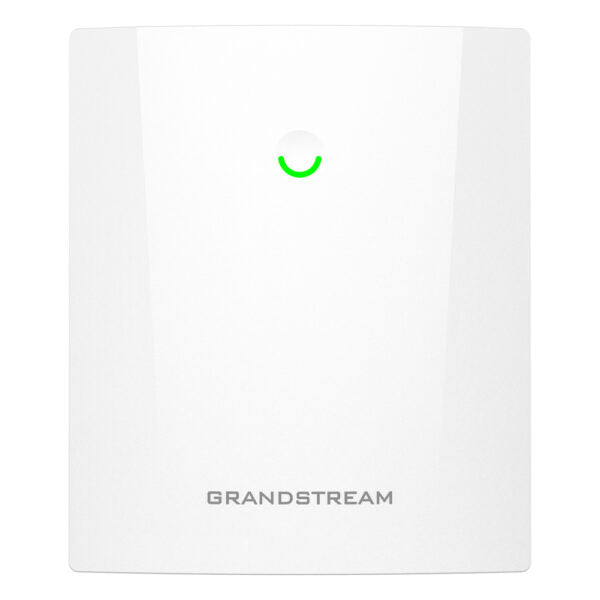
Grandstream GWN7660ELR Wireless Access point
Frequently Asked Questions
Grandstream GWN7660ELR Wireless Access point
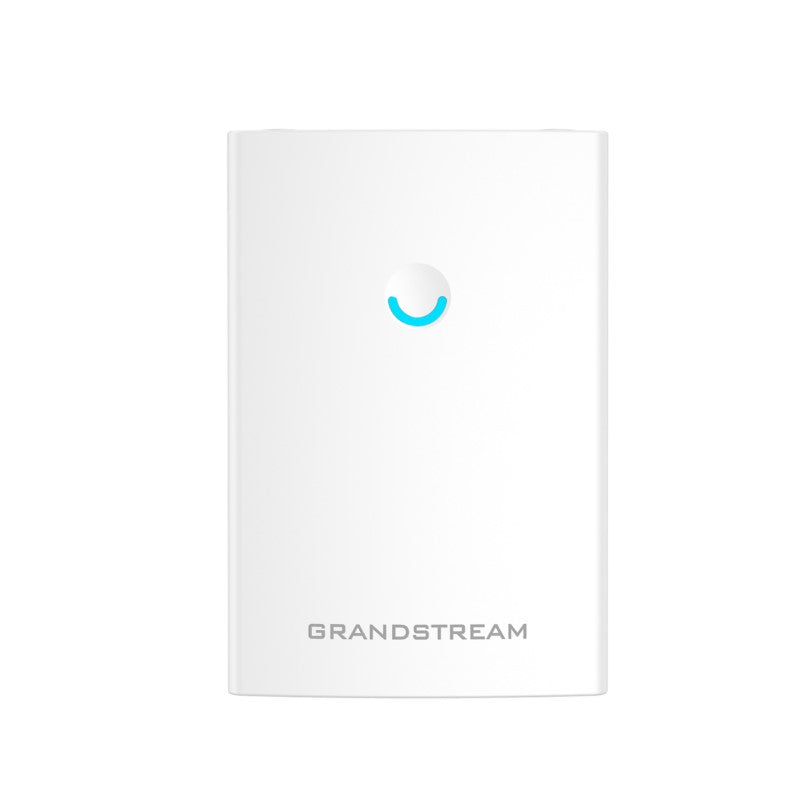
• Enterprise-grade long range Wi-Fi 6 access point for high-density environments • Supports up to 256 concurrent Wi-Fi client devices and a coverage range of 300 meters • Weatherproof casing with IP67 rating and heat resistant technology • Dual-band 2×2:2 MU-MIMO with XTRA Range technology for maximum network throughput • Advanced QoS and low-latency real-time applications support • Self power adaptation upon auto detection of PoE/PoE+ • Embedded controller manages up to 50 local GWN APs; GWN.Cloud offers unlimited AP management, & GWN Manager offers on-premise software AP management Key Features: • 3 Gbps aggregate wireless throughput • Support for 256 concurrent Wi-Fi client devices • Anti-hacking secure boot and critical data/control lockdown via digital signatures • Dual-band 2×2:2 MU-MIMO with XTRA Range technology • Up to 300-meter coverage range • Flexibility of 5 internal antennas • Self power adaptation upon auto detection of PoE/PoE+ • Advanced QoS to ensure real-time performance of low-latency applications • Embedded controller manages up to 50 local GWN APs; GWN.Cloud offers unlimited AP management, & GWN Manager offers on-premise software AP management Additional Information: • Weight: 3.75 lb • Dimensions: 17.28 × 12.95 × 5.39 in • WiFi Standard: Wi-Fi 6 (802.11ax) • Network Band: Dual Band • Frequency Band: 2.4 Ghz, 5 Ghz • Mounting Options: Outdoor (Pole), Wall Plate
About This Product
This access point fits into a growing Grandstream ecosystem, pairing naturally with their GWN series controllers and VoIP endpoints. For a business already using Grandstream IP phones or cameras, managing the GWN7660ELR through the embedded controller or GWN.Cloud keeps administration consistent under one pane of glass. It is a practical choice when you want to extend a voice-grade Wi-Fi network into a fleet yard or a patio area without introducing a different management platform.
Where you need to be realistic is with the 256-client count and 300-meter range figure. Those numbers represent theoretical maximums in ideal, interference-free conditions. In a real setting, especially one with dense walls, competing signals, or heavy upload traffic, usable range and simultaneous-client capacity will be lower. The dual-band 2×2:2 MIMO radio provides solid throughput for web browsing and light application use, but it is not a four-stream high-capacity access point. If your outdoor users will primarily check email, scan inventory, or make occasional Wi-Fi calls, it holds up well. For bandwidth-intensive tasks like large file transfers or HD video streaming to many users at once, you may want to consider higher-density access point alternatives.
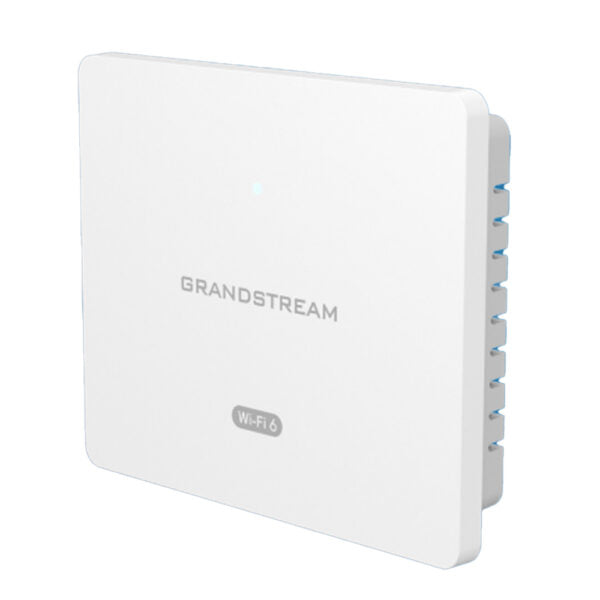
Powering the unit is flexible thanks to PoE/PoE+ auto-detection, which simplifies cabling when you are mounting it on a pole or exterior wall far from an AC outlet. Just ensure your switch can deliver the required power budget. For a Toronto business, compatibility with Canadian carrier networks is not a factor here—this is purely a Wi-Fi 6 access point and does not include a cellular radio. Overall, it is a solid choice when physical resilience and long reach matter more than raw top-end speed, but overkill for a small office interior where a simpler wall-plate AP would do the job at a lower cost.
Services We Provide
- Professional Installation & Configuration
- Ongoing Maintenance & Support
- Troubleshooting & Repairs
- System Upgrades & Updates