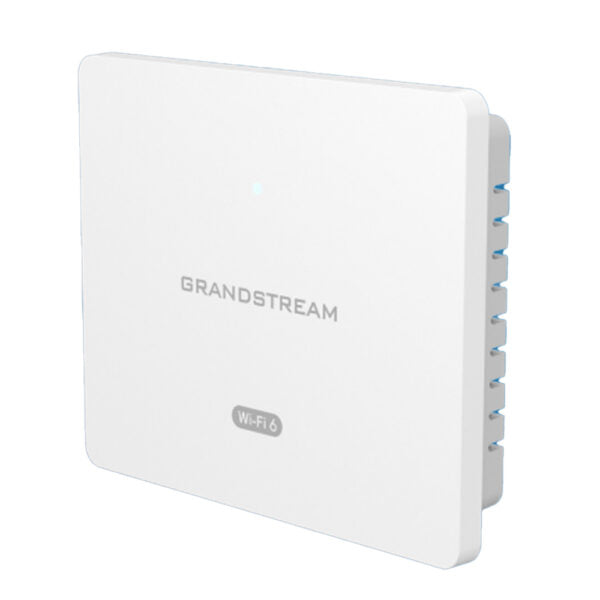
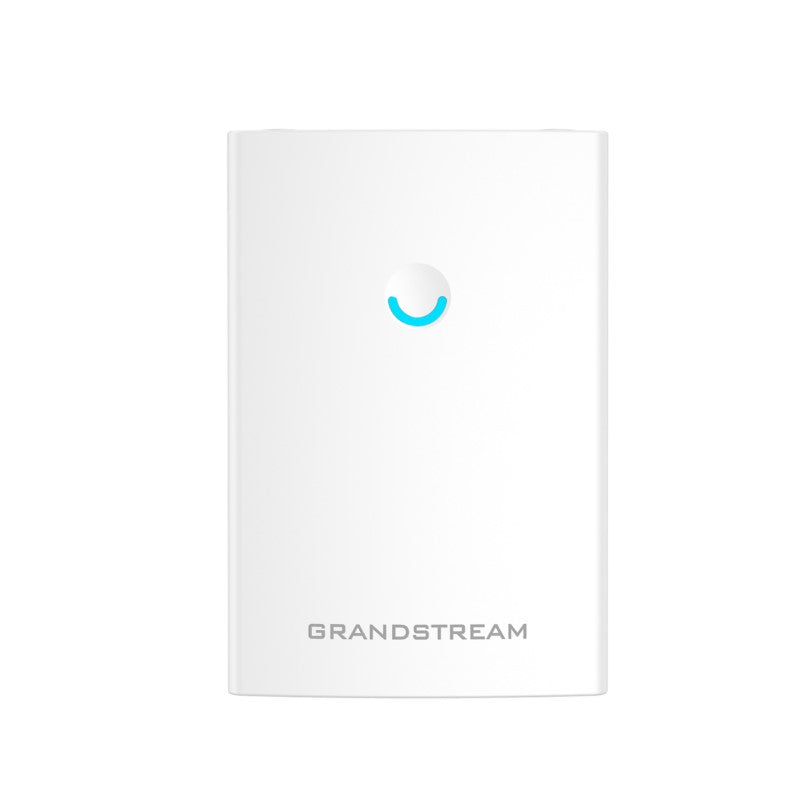
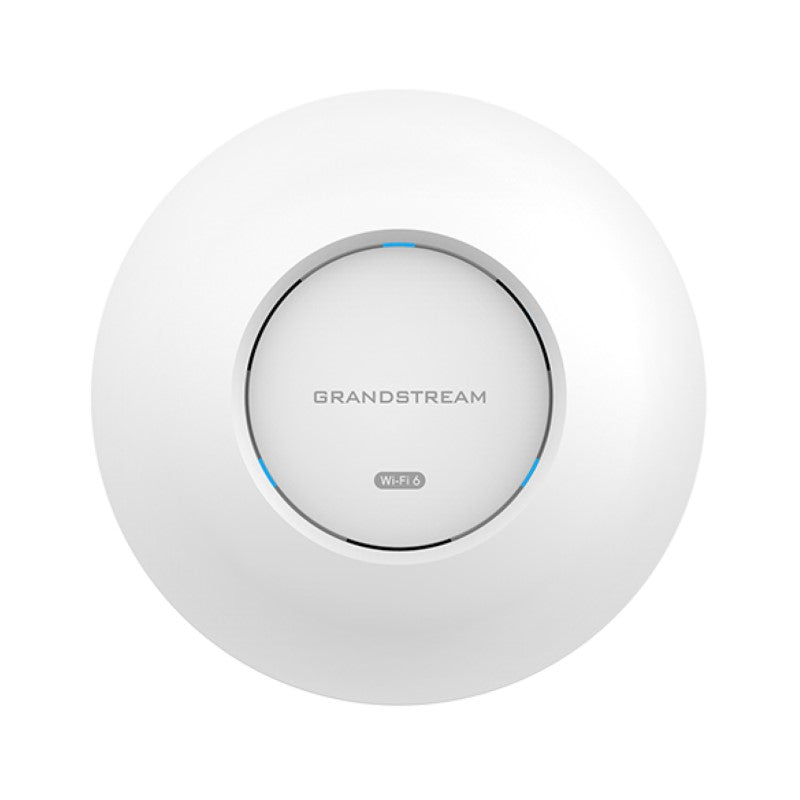
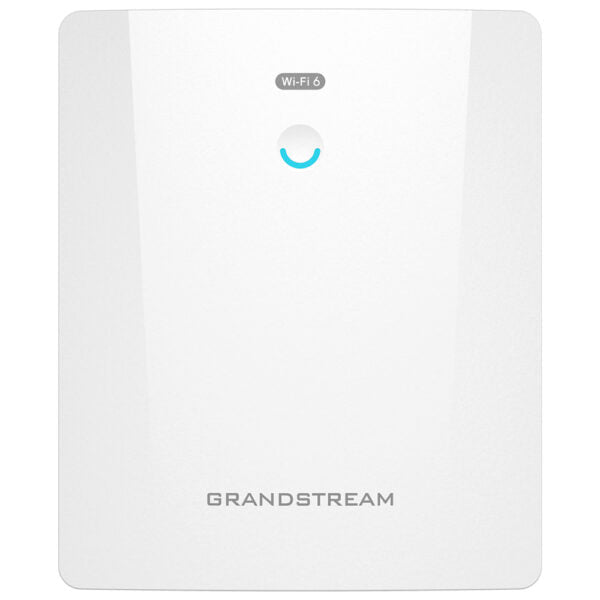
Grandstream GWN7664ELR Wi-Fi Access Point | 4×4 802.11ax Wi-Fi 6 Outdoor Long-Range AP, AX6000, 1 x 2.5 Gbe + 1 x 2.5 SFP Ports, HE160, Bluetooth, Integrated Antenna
Frequently Asked Questions

First, confirm that your PoE switch provides at least 802.3at PoE+ (30W) per port. The GWN7664ELR requires PoE+ and will not power up on standard PoE. Also check that the Ethernet cable is securely seated at both ends and is not damaged. If the switch port is PoE+ capable and the cable is good, try a different port on the switch. If the issue persists, a Toronto-based VoIP support provider can usually resolve this remotely.
This is often a signal-strength issue. Verify that the AP is mounted at the recommended height and that there are no large metal obstructions between the AP and the clients. You can adjust the transmit power in the AP's web interface or via GWN.Cloud; setting it too high can actually cause clients to hold a weak signal instead of roaming to a closer AP. If you have multiple APs, ensure they are on non-overlapping channels.
The GWN7664ELR has a 2.5 GbE port, but it will work fine with a standard 1 GbE switch port. You will not get the full 2.5 Gbps throughput, but for most outdoor Wi-Fi deployments, 1 Gbps is still sufficient. Use a quality Cat5e or Cat6 cable. If you need the extra bandwidth later, upgrade the switch port to 2.5 GbE.
Make sure the AP has an active internet connection and can reach the GWN.Cloud servers. Check that your firewall allows outbound HTTPS traffic. Also verify that the AP has been adopted in GWN.Cloud—simply adding the MAC address does not adopt it; you must scan the QR code or enter the serial number and authentication code from the device label. If adoption still fails, power cycle the AP and try again.
The 6 Gbps is the aggregate maximum theoretical throughput across both bands under ideal conditions. Real-world speeds depend on your client devices, distance, interference, and the number of connected clients. For example, a single Wi-Fi 6 client on 5 GHz may get around 1-2 Gbps. Check that your clients support Wi-Fi 6 and are connected to the 5 GHz band. Also ensure no other nearby APs are causing co-channel interference.
Yes, but mounting it directly on a metal surface can affect signal propagation, especially on the side facing the metal. Use the included mounting bracket and keep at least a few inches of clearance if possible. The AP's internal antennas are designed for outdoor use, but for best coverage, avoid placing it behind metal structures or inside enclosures that block the signal.
This often points to a power or network stability issue. First, check that the PoE+ switch is providing consistent power and that the Ethernet cable is not damaged or too long (max 100 meters). Also verify that the AP has the latest firmware; outdated firmware can cause memory leaks or connectivity drops. If the problem continues, check the system log on the AP for errors and consider contacting your VoIP support provider for remote diagnostics.
Log into the AP's web interface or use GWN.Cloud. Under the SSID settings, you can assign a VLAN ID to each network. Make sure your switch is configured to pass that VLAN to the AP's port. For example, set the guest SSID VLAN to 100, and on the switch set the port to trunk mode with VLAN 100 allowed. The AP will tag traffic from that SSID accordingly.
A flashing red LED typically indicates the AP is not connected to the network or cannot obtain an IP address. Check that the Ethernet cable is plugged in and that the upstream switch or router is assigning IP addresses via DHCP. If the AP is in bridge mode, ensure the LAN connection is active. If the LED stays solid red, it may indicate a hardware fault—contact support.
No, the GWN7664ELR is designed to work with Grandstream's management platform: the built-in controller (up to 50 APs), GWN.Cloud (unlimited), or GWN Manager (on-premise software). It will not be manageable by other brands' controllers. You can still use it as a standalone AP by configuring it via its web interface, but you lose centralized management features.
Access Points

Grandstream GWN7664ELR Wi-Fi Access Point | 4×4 802.11ax Wi-Fi 6 Outdoor Long-Range AP, AX6000, 1 x 2.5 Gbe + 1 x 2.5 SFP Ports, HE160, Bluetooth, Integrated Antenna

• This is a high-performance outdoor long-range 802.11ax Wi-Fi6 access point designed for medium-to-large businesses and enterprises that require long-range coverage in outdoor spaces. • It features IP67-level weatherproof capability, dual-band 4×4:4 MU-MIMO with DL/UL OFDMA technology, and a sophisticated antenna design for up to 6 Gbps wireless throughput. • The access point supports up to 512 concurrent Wi-Fi client devices, has a coverage range of up to 300 meters, and includes a built-in controller for easy installation and management. • Key features include: • 6Gbps aggregate wireless throughput • Supports 512 concurrent Wi-Fi client devices • Dual-band 4×4:4 MU-MIMO with DL/UL OFDMA technology • Up to 300-meter coverage range • Flexibility of 8 internal antennas • 2.5 Gigabit Ethernet Port supports self power adaptation upon auto detection of PoE+ • Advanced QoS to ensure real-time performance of low-latency applications • Embedded controller manages up to 50 local GWN APs; GWN.Cloud offers unlimited AP management, and GWN Manager offers on-premise software AP management • Weight: 6.75 lb • Dimensions: 18.46 × 14.84 × 5.39 in • WiFi Standard: Wi-Fi 6 (802.11ax) • Network Band: Dual Band • Frequency Band: 2.4 Ghz, 5 Ghz

About This Product

The Grandstream GWN7664ELR is a rugged outdoor Wi-Fi 6 access point built for medium-to-large businesses that need reliable, long-range wireless coverage in outdoor spaces. It handles campus courtyards, warehouse yards, hotel pool areas, or outdoor event spaces where standard indoor APs would fail. With an IP67 weatherproof enclosure and a 300-meter coverage radius, it is well suited for Canadian deployments, including GTA office parks or industrial sites where seasonal weather extremes demand durable hardware. The built-in controller can manage up to 50 local GWN access points, making it a practical choice for multi-AP outdoor networks without requiring a separate controller appliance. While it supports up to 512 concurrent clients and offers a 2.5 GbE port plus SFP uplink, the real-world throughput depends on client devices and interference; in dense deployments, the 4x4 MU-MIMO and OFDMA help, but this AP is overkill for small retail patios or single-AP home backyards. It pairs naturally with a Grandstream GWN series switch for PoE+ power and seamless management, but any PoE+ switch with a 2.5 GbE port will work. The main tradeoff is that outdoor APs require proper grounding and mounting for weather sealing, and the SFP port adds flexibility but also extra cost if you need a transceiver.
Services We Provide
  • Professional Installation & Configuration
  • Ongoing Maintenance & Support
  • Troubleshooting & Repairs
  • System Upgrades & Updates