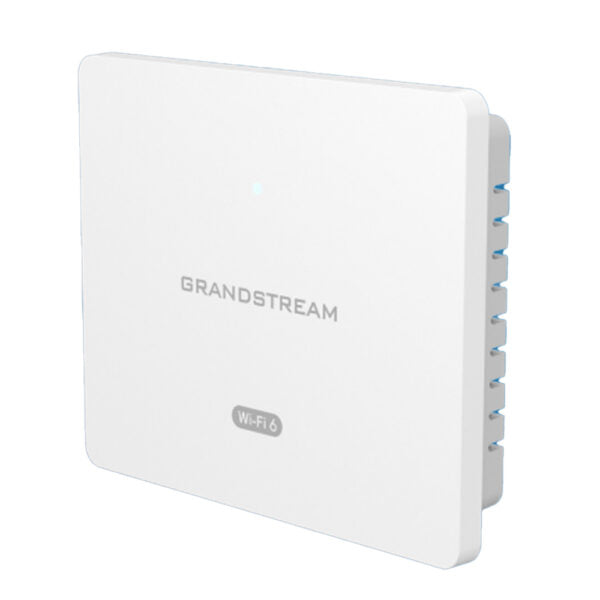
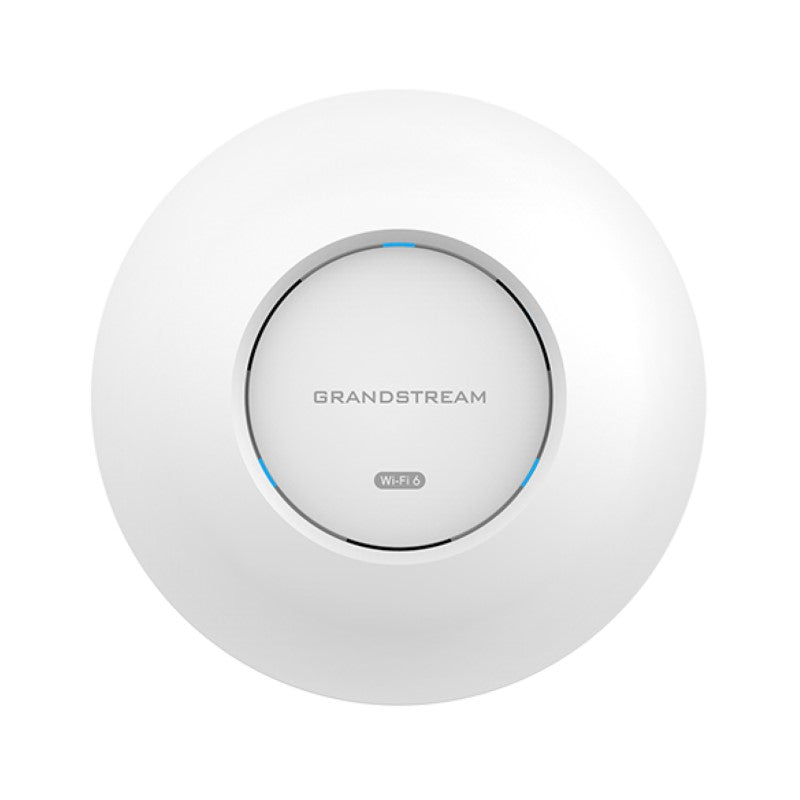
Grandstream GWN7665 Access Point 2×2 802.11ax Wi-Fi 6E, AX5400, 1xGigE, 1×2.5GigE, BLE, HE160

Frequently Asked Questions

Verify that the Ethernet cable is securely connected to a PoE+ port or to the included injector, and that the power source is live. If using PoE, confirm the switch or injector can supply at least 30 W (802.11at). Try a different cable or port to isolate a hardware fault before contacting support.
Log into the AP’s web interface or controller and confirm the SSID is enabled and not hidden. Check that the broadcast band (2.4, 5, or 6 GHz) isn’t inadvertently disabled. If using a managed environment, ensure the SSID is assigned to the correct VLAN and the clients are on the same subnet.
First, rule out power‑related drops: check that the PoE source delivers steady voltage (a marginal PoE++ supply can cause the AP to reboot). Next, scan for channel congestion—3rd‑party tools show co‑channel interference. Temporarily switch the problematic radio to a less crowded channel and test stability.
Ensure clients support Wi‑Fi 6E and the 6 GHz band; older devices connect only to 2.4 or 5 GHz, which are inherently slower. Check the channel width setting—80 or 160 MHz widens the pipe. The 2.5 GbE port only helps if your wired backbone also runs at that speed; otherwise the Gigabit link may limit throughput.
Make sure the AP and controller are on the same Layer‑2 network, or that the controller’s IP is reachable from the AP’s subnet. Verify the AP is not secured by another controller. A factory reset (press the reset pin for 7 seconds) clears prior associations, but only do that if you’re certain the network path is correct. Contact your VoIP support provider for remote assistance if adoption still fails.
Do not power off the AP. Wait at least 10 minutes for the update to time out or complete. Usually the AP reverts to the previous firmware after a reboot. If it is stuck in a loop, use the reset pin to factory reset and then re‑upload the correct firmware file from a wired connection. For critical issues, reach out to a Toronto‑based VoIP support company for hands‑on help.
Yes. The GWN7665 functions as a standard standalone AP behind any router. For centralized management you would need the embedded controller (up to 50 APs) or a Grandstream cloud account, but basic connectivity works with any DHCP‑enabled network. Configure the SSID and security directly from the AP’s web UI.
In the AP’s configuration under Radio Settings, you can enable or disable each band independently. Create a dedicated SSID for 6 GHz by assigning it only to that band. Make sure your clients support Wi‑Fi 6E and are running the latest wireless drivers to see the network.
Start with automatic channel selection; the AP scans the environment and picks the least congested channels. For 5 GHz, consider enabling DFS channels if your office is far from radar sources—this opens more bandwidth. Avoid forcing a manual channel unless you have site‑survey data. A local VoIP integrator can perform a professional Wi‑Fi audit for optimal placement.
Yes. Log into the AP’s web GUI or controller and go to Network/VLAN settings. Assign a dedicated VLAN ID to your guest SSID. Ensure your switch and router are configured to pass that VLAN. The AP will tag all guest traffic appropriately, keeping it isolated from your corporate network.
Access Points

Grandstream GWN7665 Access Point 2×2 802.11ax Wi-Fi 6E, AX5400, 1xGigE, 1×2.5GigE, BLE, HE160
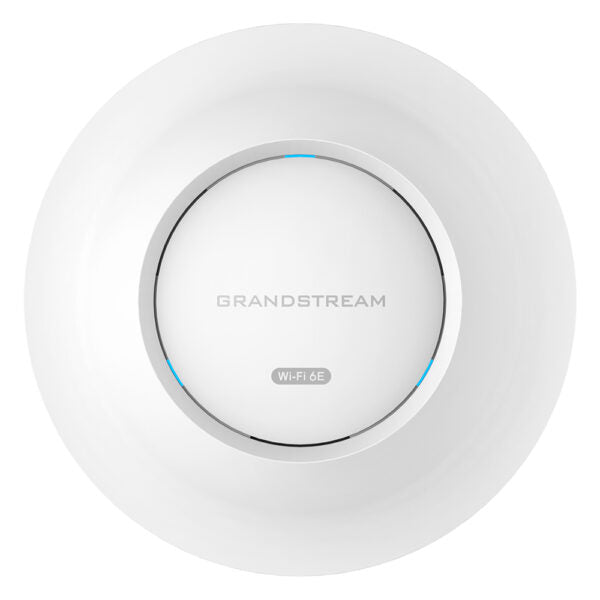
• The GWN7665 is a powerful, enterprise-grade Wi-Fi 6E access point ideal for small-to-medium sized businesses and residential settings. It features tri-band 2×2:2 MU-MIMO with DL/UL OFDMA technology, providing stronger anti-interference, stable connections, and maximum network throughput. • Key features: • Up to 384 concurrent Wi-Fi client devices • Advanced QoS for real-time performance of low-latency applications • Anti-hacking secure boot and critical data/control lockdown via digital signatures • Self-power adaptation upon auto-detection of PoE or PoE+ • Embedded controller manages up to 50 local GWN APs; GWN.Cloud offers unlimited AP management, and GWN Manager offers on-premise software AP management • Additional information: • Weight: 2.44 lb • Dimensions: 10.16 × 9.73 × 3.39 in • WiFi Standard: Wi-Fi 6 (802.11ax) • Network Band: Dual Band • Frequency Band: 2.4 GHz, 5 GHz, and 6 GHz • Mounting Options: Ceiling • Technical Specifications: • Model: GWN7665 • Box Contents: Includes the GWN7665 Wireless AP, mounting kits, and a quick start guide • Wi-Fi Standards: IEEE 802.11 a/b/g/n/ac/ax • Antennas: 7 individual internal antennas with gains for each frequency band • Wi-Fi Data Rates: Up to 2403 Mbps for 5 GHz and 1734 Mbps for 6 GHz • Frequency Bands: 2412 – 2484 MHz for 2.4 GHz, 5180 – 5825 MHz for 5 GHz, and 5945 -7125MHz for 6 GHz • Channel Bandwidth: Up to 160 MHz • Wi-Fi and System Security: WEP, WPA/WPA2-PSK, WPA/WPA2 Enterprise, and WPA3 with anti-hacking secure boot and critical data/control lockdown via digital signatures.

About This Product

The Grandstream GWN7665 is a tri-band Wi‑Fi 6E access point built for small‑to‑medium businesses that need reliable high‑density wireless without the complexity of a full enterprise stack. It fits naturally in open‑plan offices, retail spaces, or meeting rooms where dozens of devices compete for bandwidth, and its 6 GHz radio helps offload traffic from the crowded 2.4 and 5 GHz bands. The single 2.5 GbE port ensures the wired backhaul won’t choke the maximum Wi‑Fi throughput, making it a solid upgrade for offices still running Gigabit‑only APs. Pair it with a capable PoE+ switch or use the included injector; the AP auto‑senses power and adjusts performance accordingly.
Services We Provide
  • Professional Installation & Configuration
  • Ongoing Maintenance & Support
  • Troubleshooting & Repairs
  • System Upgrades & Updates