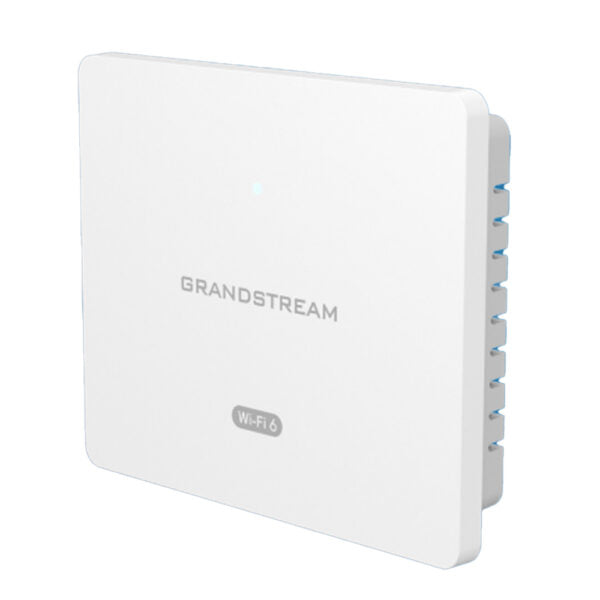
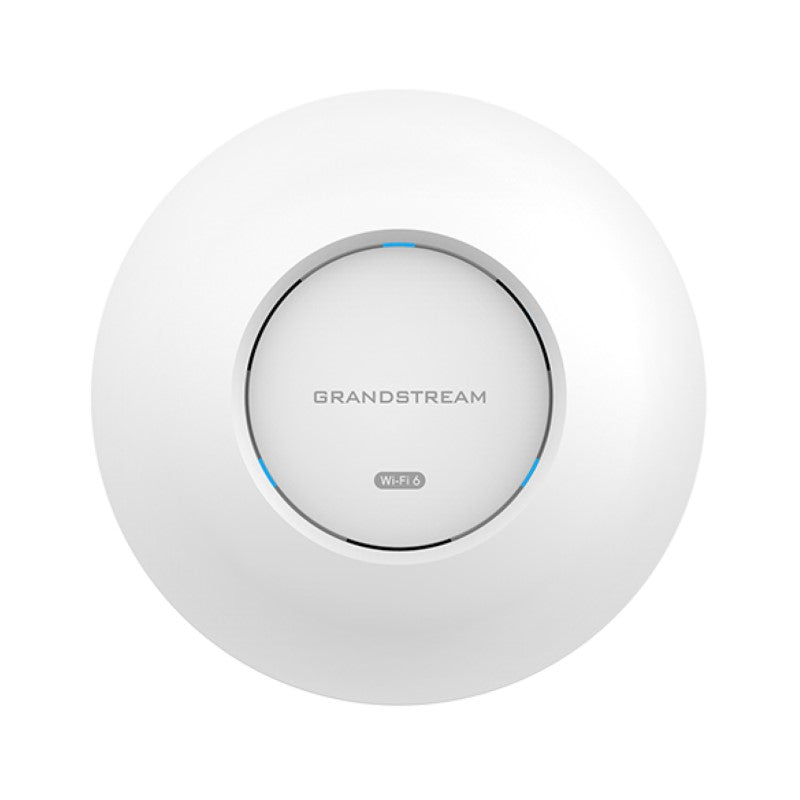
Grandstream GWN7674 Tri-Band Wi-Fi 7 Access Point | BE21000, 10G Port, 768 Clients

Frequently Asked Questions

Wi-Fi 7 maximum speeds require both a compatible client and a clean 6GHz channel. First, check that your client device actually supports Wi-Fi 7 (802.11be) and that it's connected to the 6GHz band – some devices may default to 5GHz. Then verify that the AP's 6GHz radio is enabled and not blocked by DFS restrictions. A simple reboot of both the AP and the client can resolve transient issues. If speeds remain low, confirm your wired backhaul is at least 2.5 Gbps to avoid a bottleneck.
Intermittent disconnects often stem from channel interference or client signal thresholds. Start by checking the AP's scanning radio logs for co-channel interference from neighbouring APs. Reduce the transmit power slightly – full power in a dense area can cause clients to stick to a weak signal rather than roaming. Also ensure firmware on both the AP and client is up to date, as Wi-Fi 7 optimizations are still maturing. If the issue persists, a Toronto-based VoIP support provider can usually resolve this remotely.
The GWN7674 requires PoE++ (802.3bt) with at least 30W of power. Standard PoE (802.3af) or PoE+ (802.3at) will not provide enough power. Verify your switch or injector delivers PoE++ on the port you're using. If you're using a PoE+ switch, you'll need to add a PoE++ injector between the switch and the AP. A multimeter check at the cable end can confirm power delivery.
Log into the GWN7674's web interface or use a Grandstream controller (GWN.Cloud or GWN Manager). Under the SSID settings, you can create up to 8 SSIDs and assign each a different VLAN ID. Make sure your upstream switch is configured to trunk these VLANs to the AP port. For a typical business deployment in the GTA, this allows separate guest, employee, and IoT networks.
Provisioning errors usually indicate a mismatch in the configuration format or XML structure. First, confirm you're using the correct Grandstream template for the GWN7674 (not a different model). Then check that the provisioning server URL is reachable from the AP's management interface. A common issue is a missing or incorrect password for the config file. Re-download the latest template from Grandstream's support site and re-upload it.
The scanning radio is a separate Wi-Fi radio that continuously monitors the airwaves for channel utilization, interference, and rogue access points – it doesn't serve client traffic. In the AP's web UI, under 'Radio Settings > Scan', you can view real-time channel stats and adjust your operating channels based on the scanning results. It's especially useful in dense downtown office towers where many APs compete for spectrum.
The GWN7674 has both a 10G port and a 2.5G port, giving you flexibility. For most deployments, a 2.5G switch port is sufficient because even Wi-Fi 7's peak throughput is unlikely to saturate a 2.5G link under real-world conditions. The 10G port is beneficial if you have a high-capacity switch and many concurrent clients transferring large files. Simply use the 2.5G port if your switch lacks 10G – just ensure it's at least 2.5G to avoid bottlenecking the AP.
The 6GHz radio is enabled by default, but your client must support Wi-Fi 6E or Wi-Fi 7 with a 6GHz-capable radio. Also, check that the AP is not located in an area with radar interference – in some regions, 6GHz channels are shared with weather radar and may be dynamically avoided. You can verify by looking at the AP's logs for DFS events. If your client is compatible and still doesn't see the 6GHz SSID, ensure the SSID is broadcast on that band and not hidden.
Multi-Link Operation is a Wi-Fi 7 feature that allows a client to use multiple bands simultaneously for better throughput and latency. To enable it, go to the AP's advanced wireless settings and turn on MLO. Note that MLO requires a client device that also supports it, and both the AP and client must be on the same VLAN. After enabling, test with a Wi-Fi 7 client to confirm the link uses both bands. If you see no improvement, your client may not support MLO yet.
This is usually a DHCP issue. First check that the AP's management VLAN and the SSID VLAN are configured correctly and that your DHCP server is reachable from both. On the AP, go to Network Settings and verify that the 'DHCP Server' option is set to 'Relay' or 'External' – it should not be 'Internal' unless you explicitly configured it. Also confirm that the wired switch port is not blocking DHCP traffic (e.g., due to DHCP snooping). A quick test: assign a static IP to a client on the same subnet to see if it can ping the gateway.
Access Points

Grandstream GWN7674 Tri-Band Wi-Fi 7 Access Point | BE21000, 10G Port, 768 Clients
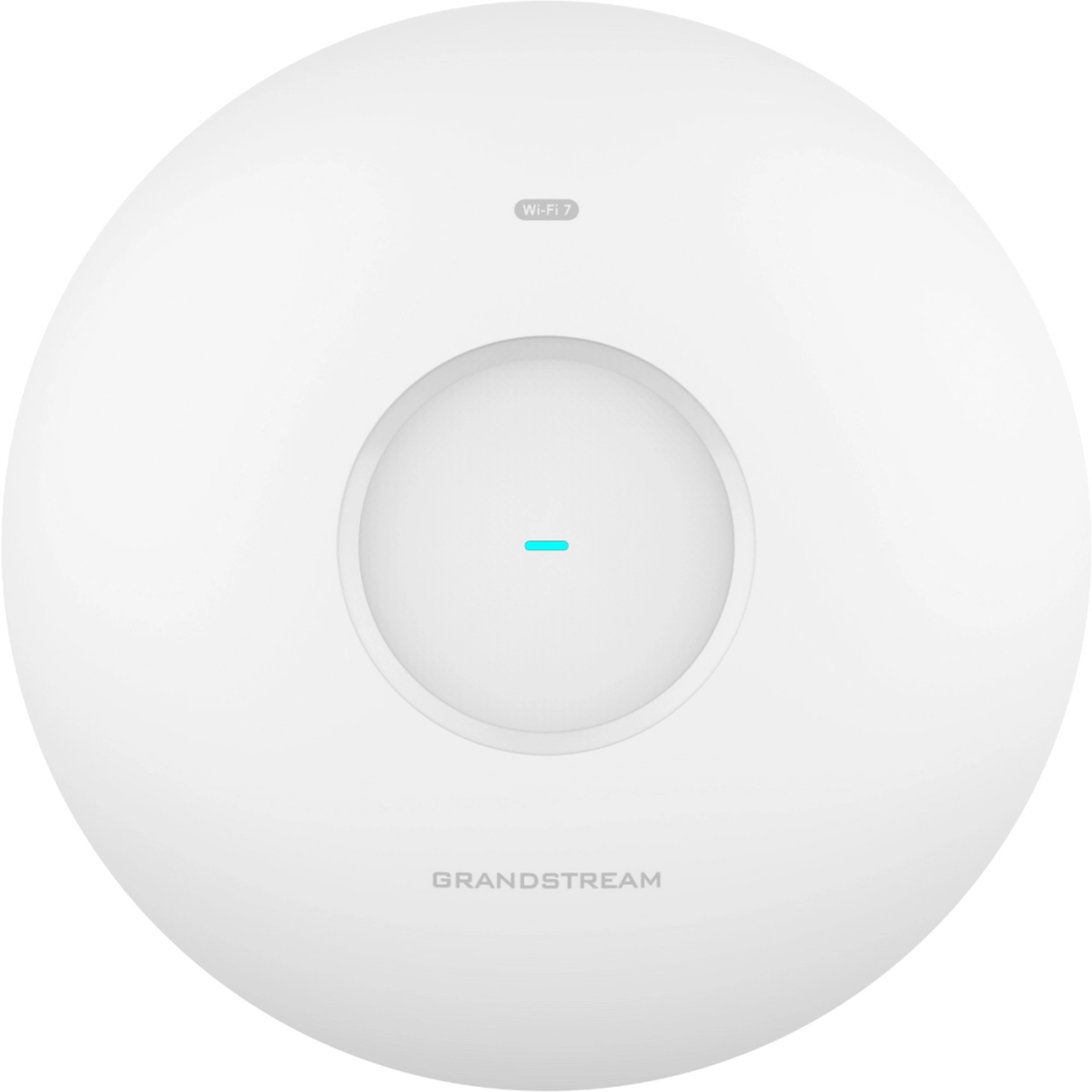
The Grandstream GWN7674 is a next-generation Wi-Fi 7 (802.11be) access point designed for high-density environments and bandwidth-hungry applications. • BE21000 tri-band speeds, delivering up to 11.5 Gbps on the 6GHz band, 8.6 Gbps on the 5GHz band, and 688 Mbps on the 2.4GHz band • 4x4:4 MU-MIMO for high-capacity performance with up to 768 concurrent clients • Advanced wireless technologies including MLO, 4096-QAM, and Preamble Puncturing for maximum efficiency and minimal interference • Dedicated scanning radio for real-time monitoring of environmental wireless quality and signal status • High-speed wired infrastructure with 10G and 2.5G dual ports • PoE++ support for easy deployment over a single cable • Integrated Bluetooth Low Energy 5.3 for asset tracking, proximity marketing, and IoT device integration • Advanced security features including anti-hacking secure boot, WPA3 encryption, and unique security certificates per device The package includes: * Grandstream GWN7674 Wi-Fi 7 Access Point * Ceiling and wall mounting kits * Quick installation guide

About This Product

The Grandstream GWN7674 is a purpose-built Wi-Fi 7 access point for high-density environments where bandwidth demand is intense and client counts run high. Think large open-plan offices, convention centres, university lecture halls, or busy retail spaces in downtown Toronto – places where hundreds of devices compete for airtime and every megabit matters. It's designed to sit upstream of a 10G-capable switch, so it fits naturally into enterprise networks that already invest in high-speed wired backbones. For a small retail shop or a home office, this AP would be overkill in both cost and capability; a more modest dual-band model would serve those spaces better without the complexity of PoE++ requirements. The dedicated scanning radio is a genuine advantage for IT teams who need real-time spectrum visibility to troubleshoot interference, but it does add a layer of configuration that a plug-and-play device wouldn't demand. Buyers should also note that while the GWN7674 supports the latest Wi-Fi 7 features, many client devices in 2025 still use older Wi-Fi 6 or 5, so the full tri-band speed may only be realized gradually as the client fleet upgrades. In a Canadian context, this AP works well with business-grade internet plans from carriers like Rogers or Bell but requires a PoE++ switch or injector – something to budget for if your current network runs on standard PoE.
Services We Provide
  • Professional Installation & Configuration
  • Ongoing Maintenance & Support
  • Troubleshooting & Repairs
  • System Upgrades & Updates