Grandstream HT801-V2 1-Port FXS ATA

Frequently Asked Questions

First, verify that the SIP server address, account credentials (username and password), and port numbers are entered correctly in the device's web interface under the SIP Settings page. Also confirm that your network allows outbound SIP traffic on the required ports (typically 5060 UDP/TCP). If the issue persists, a Toronto-based VoIP support provider can usually resolve this remotely.
Ensure the analog phone is firmly connected to the FXS port labeled 'PHONE' on the back of the HT801. Then check that the device has successfully registered with your VoIP provider by logging into the web interface and looking at the SIP account status. If the account shows as registered, try a different analog phone or cable to rule out a hardware fault.
Connect the HT801 to your network via Ethernet, then find its IP address (usually displayed on the phone connected to it by dialing *** and then 02). Open a web browser and enter that IP address. The default username is 'admin' and the default password is 'admin' (change it after first login).
The HT801 supports T.38 fax relay, but faxing over VoIP can be sensitive to network conditions. First, ensure that the fax machine is set to the slowest speed (usually 9600 bps or lower) and that the HT801's fax settings are configured for T.38 with ECM (Error Correction Mode) disabled. Also verify that your VoIP provider supports T.38 faxing.
Yes, you can connect the base station of a cordless phone to the FXS port of the HT801. The ATA will treat the cordless base as a standard analog device. Keep in mind that the HT801 provides power for the line (ring voltage and loop current), so the cordless base must be powered separately via its own AC adapter.
Choppy audio is usually caused by network congestion or high latency. Check your internet connection speed and ensure no other devices are using significant bandwidth (like streaming video or large downloads) during calls. You can also try switching the codec in the HT801's settings to G.711, which uses more bandwidth but often provides clearer audio.
Connect the HT801 to the same network as the UCM. On the UCM's web interface, go to the 'PBX > Extension > Analog' section and add the HT801 by its MAC address. The UCM will automatically provision the ATA once it detects it on the network. Ensure the HT801 is set to factory defaults or has DHCP enabled.
First, check the Ethernet cable connection and try a different cable or port on your switch/router. If the device is using PoE (Power over Ethernet), ensure the switch provides sufficient power. Otherwise, use the included power adapter. Also verify that the HT801's IP address is set to static or has a long DHCP lease to avoid frequent IP changes.
Yes, the HT801 supports a wide range of codecs including G.711, G.722, G.729, and OPUS. You can prioritize or disable codecs in the web interface under the 'SIP Settings' or 'Audio Settings' section to match your provider's requirements. If you are unsure which codec to use, contact your VoIP provider for their recommended settings.
The factory reset button is a small pinhole on the device. With the power on, use a paperclip to press and hold the button for about 7 seconds until the LED indicators flash. If the device still does not reset, ensure you are pressing the button firmly and for the full duration. If it still fails, the hardware may need replacement.
VoIP Adapters

Grandstream HT801-V2 1-Port FXS ATA
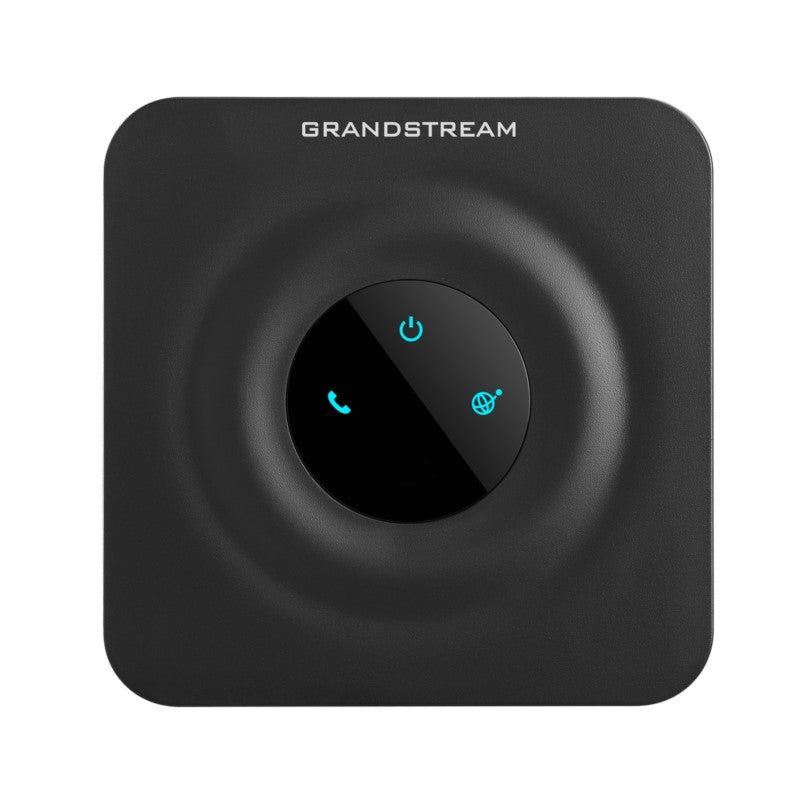
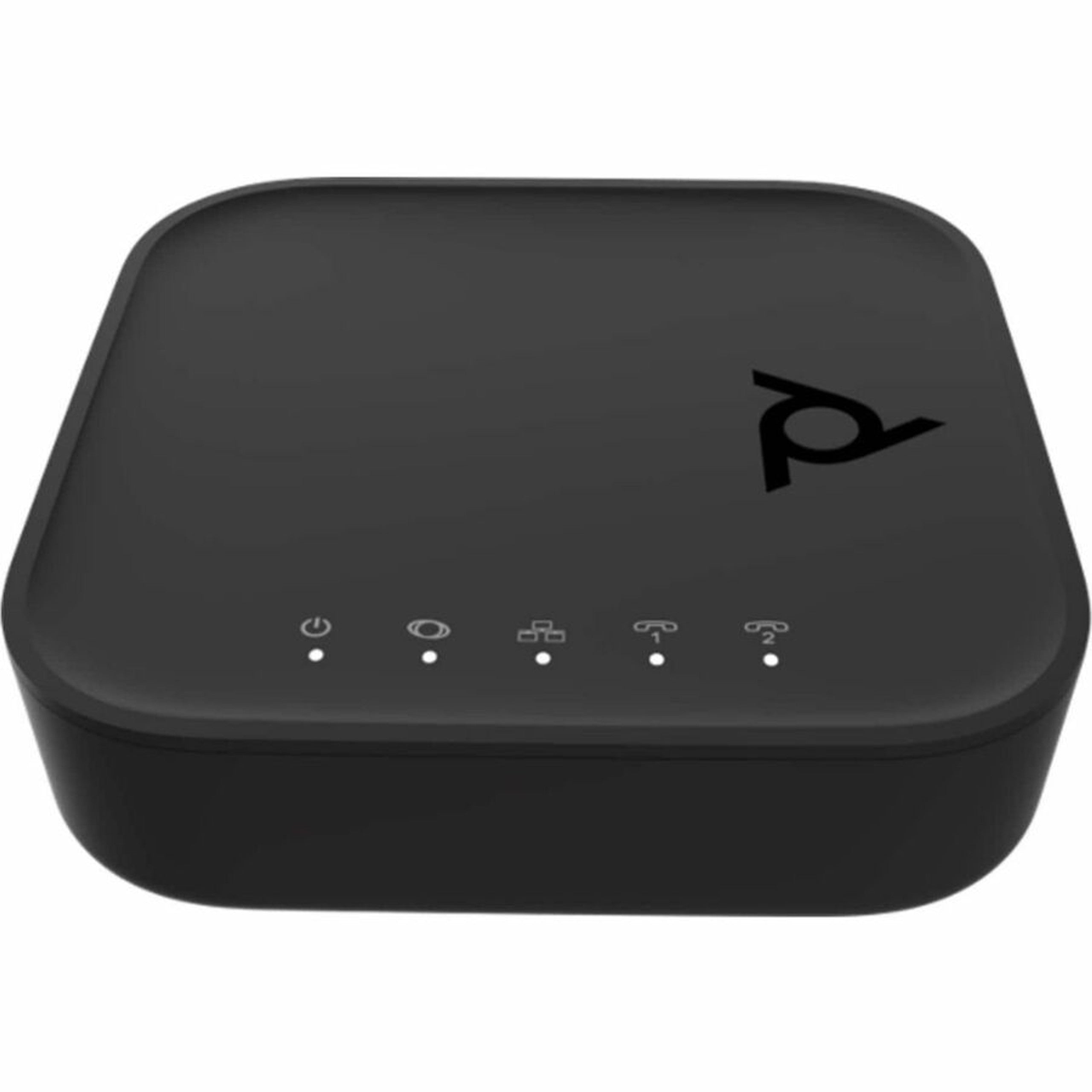
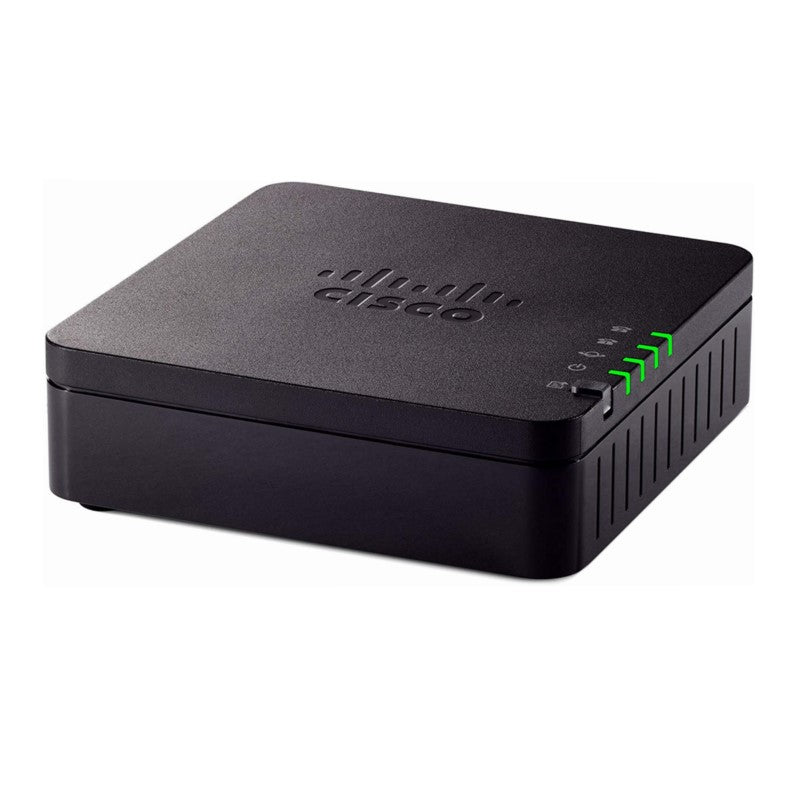
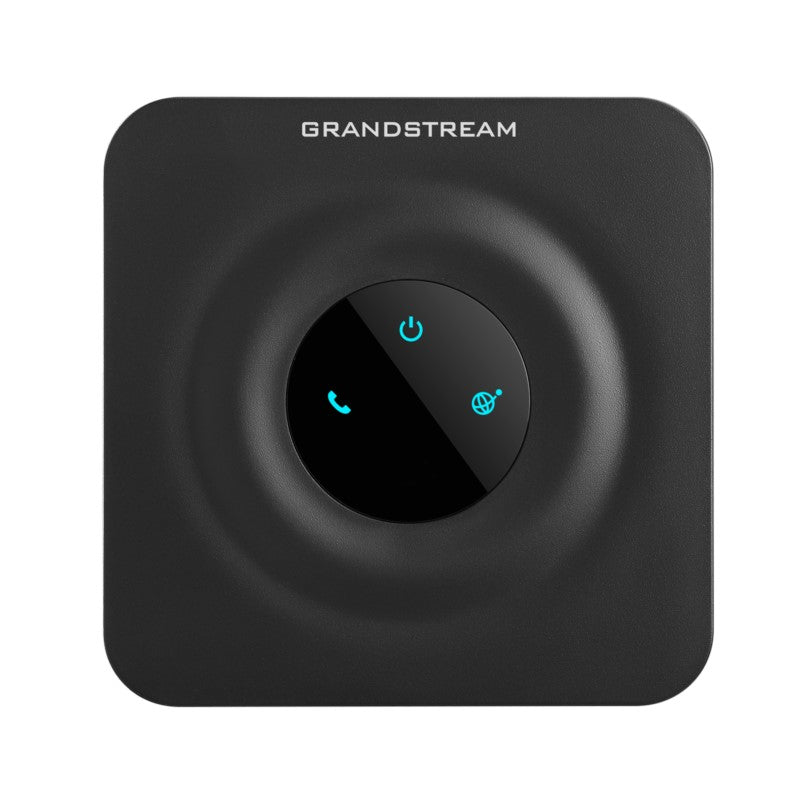
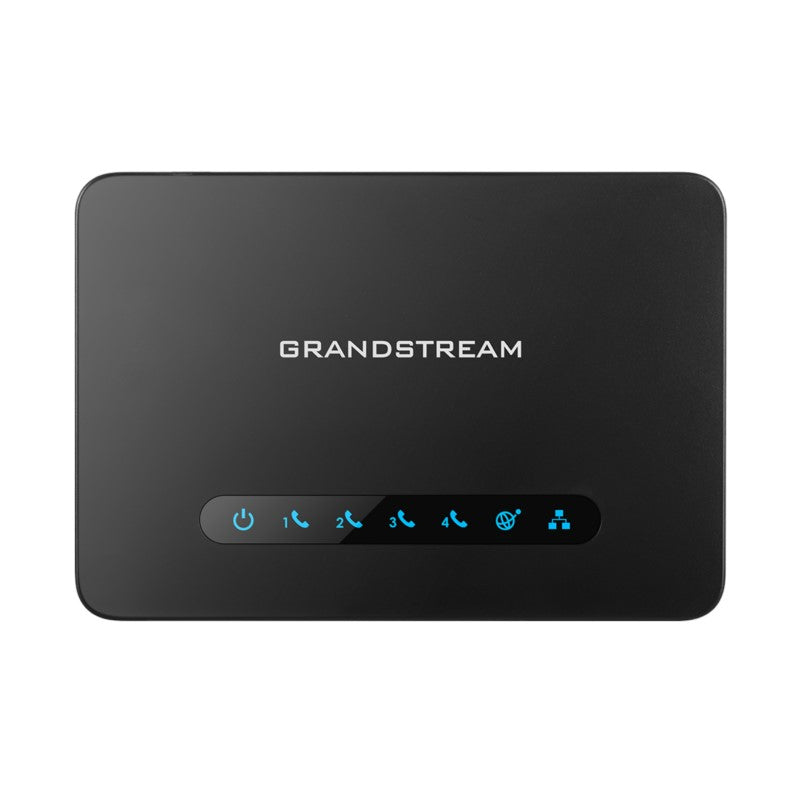
The HT801 is a single port analog telephone adapter (ATA) that enables high-quality and manageable IP telephony solutions for residential and office environments. Its compact size, advanced VoIP functionality, security protection, and auto provisioning options make it an ideal choice for individual use as well as commercial IP voice deployments worldwide. Key Features: • Supports 1 SIP profile through a single FXS port and a single 10/100Mbps port • TLS and SRTP security encryption technology to protect calls and accounts • Automated provisioning options include TR-069 and XML config files • Supports 3-way voice conferencing • Failover SIP server automatically switches to secondary server if main server loses connection • Supports T.38 Fax for creating Fax-over-IP • Supports a wide range of caller ID formats • Use with Grandstream’s UCM series of IP PBXs for Zero Configuration provisioning • Supports advanced telephony features, including call transfer, call forward, call-waiting, do not disturb, message waiting indication, multi language prompts, flexible dial plan and more Additional Information: Weight: 1 lbs Dimensions: 8 × 6 × 3 in Number of Ports: 1 FXS Technical Specifications: Model: HT801 Box Contents: • HT801 • Power Supply • Cable • Quick Start Guide Interfaces: • Telephone Interfaces: One (1) FXS port • Network Interfaces: One (1) 10/100Mbps auto-sensing ethernet port (RJ45) • LED Indicators: POWER, INTERNET, PHONE • Factory Reset: Button Yes Voice, Fax, Modem: Telephony Features: Caller ID display or block, call waiting, flash, blind or attended transfer, forward, hold, do not disturb, 3-way conference Voice Codecs: G.711 with Annex I (PLC) and Annex II (VAD/CNG), G.722, G.723.1, G.729A/B, G.726, iLBC, OPUS, dynamic jitter buffer, advanced line echo cancellation Fax Over IP: T.38 compliant Group 3 Fax Relay up to 14.4kpbs and auto-switch to G.711 for Fax Pass-through Short/Long Haul Ring Load: 5 REN: Up to 1km on 24 AWG Caller ID Bellcore: Type 1 & 2, ETSI, BT, NTT, and DTMF-based CID Disconnect Methods: Busy Tone, Polarity Reversal/Wink, Loop Current For a full list of specifications, please refer to the product datasheet.

About This Product

The Grandstream HT801-V2 is a single-port analog telephone adapter (ATA) designed for users who need to connect a traditional analog phone, fax machine, or analog PBX extension to a modern VoIP phone system. It is a good fit for a home office, a small retail location, or a single desk in a larger office where only one analog line is required. The device pairs naturally with Grandstream's UCM series IP PBXs, which enable zero-configuration provisioning, but it also works with any standard SIP-based VoIP service. A key tradeoff is the single FXS port: if you need to connect multiple analog devices, you would need multiple HT801 units or a multi-port model like the HT802 or HT812. The 10/100Mbps Ethernet port is adequate for voice traffic but may be a bottleneck if the device is daisy-chained with other network equipment. For a GTA office deployment, this ATA is a practical choice for adding a single analog line to a primarily IP-based phone system, but it would be overkill for a fully digital environment and underpowered for a location requiring more than one analog port.
Services We Provide
  • Professional Installation & Configuration
  • Ongoing Maintenance & Support
  • Troubleshooting & Repairs
  • System Upgrades & Updates