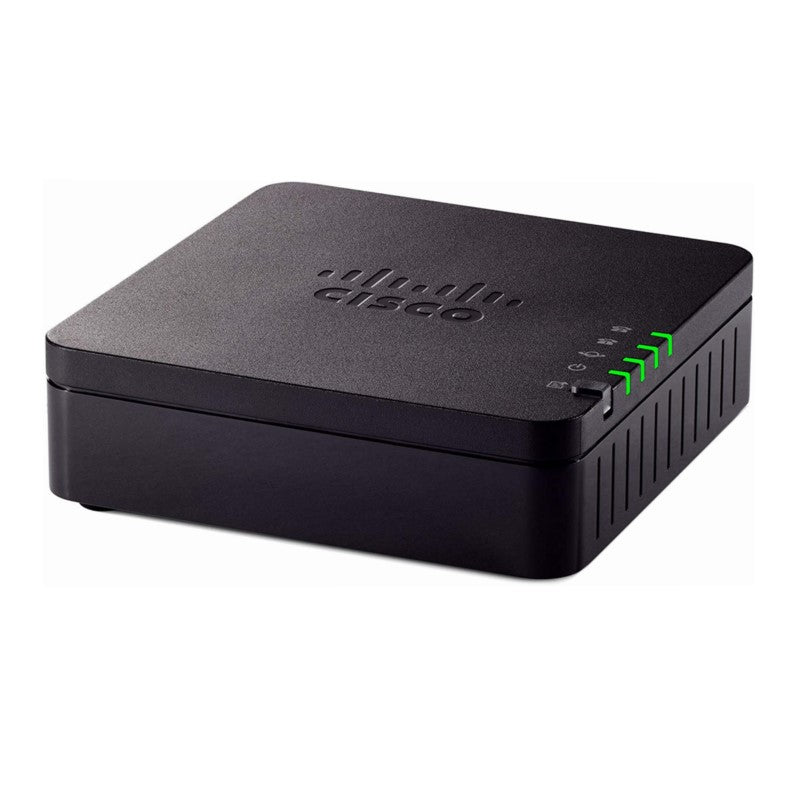
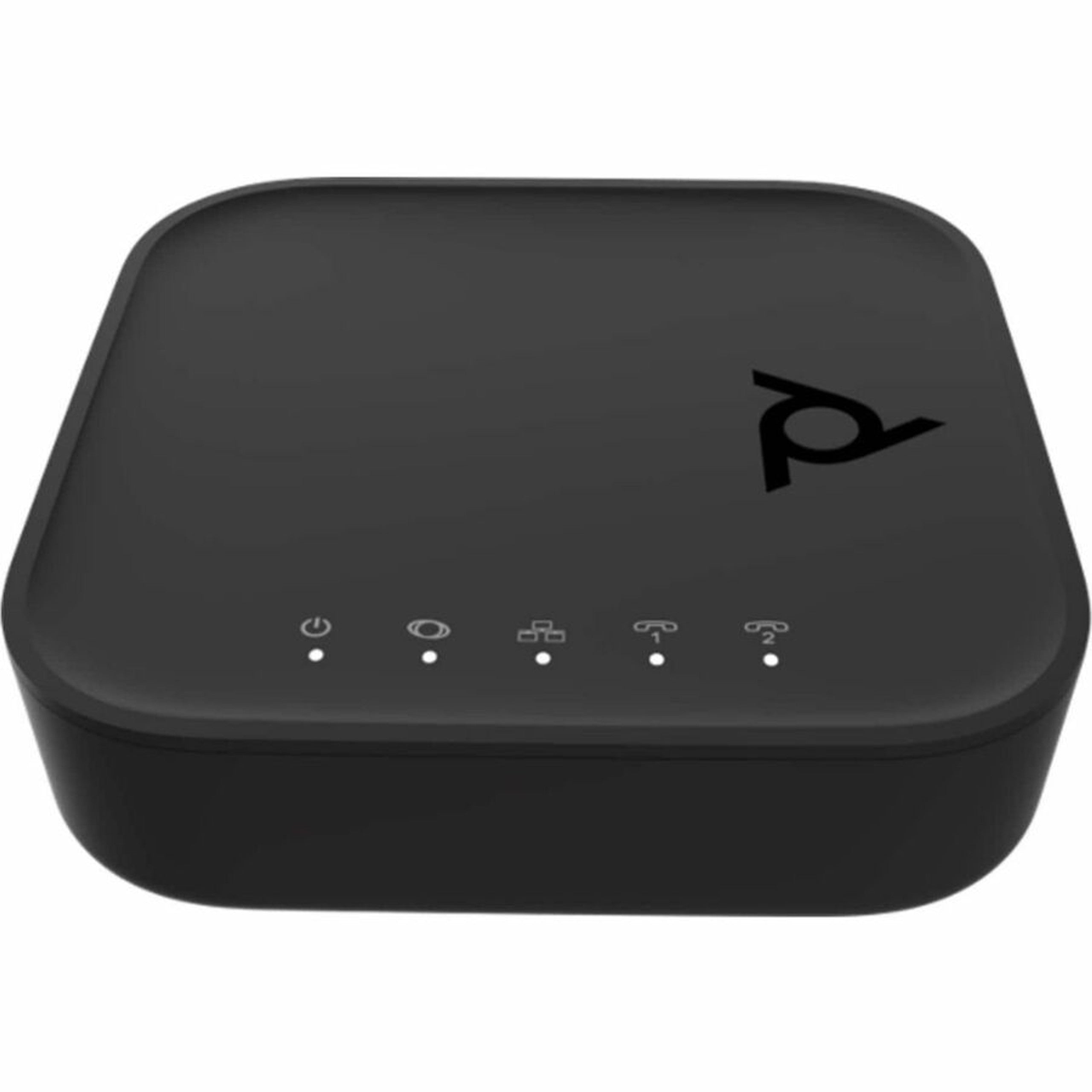
HP POLY ATA 402 2FXS VP VOIP ADPTR SIP U.S. 8F3H5AA#ABA
Frequently Asked Questions
First, confirm the phone is connected to the correct FXS port on the back and that the phone itself works by testing it on a known-good line. Next, check the ATA’s power adapter and Ethernet cable are firmly seated, and verify the network port it is connected to is active. If the device has successfully obtained an IP address from your router, the line status LEDs should indicate readiness; a missing dial tone often points to a registration failure with your SIP provider, which you can check in the device’s web interface.
Start by lowering the fax baud rate to 9600 bps and disabling Error Correction Mode (ECM) in the fax machine’s settings, as these adjustments help over packet-based networks. In the ATA’s configuration, ensure the codec is set to G.711 pass-through and that T.38 is enabled if your ITSP supports it. If the issue persists, a Toronto-based VoIP support provider can usually resolve this remotely by fine-tuning jitter buffer and packetization settings.
Confirm the SIP server address, username, and password entered in the ATA’s configuration match exactly what your provider supplied. Also verify your router’s firewall is not blocking SIP traffic on port 5060, and that SIP ALG is disabled in the router, as this feature often corrupts SIP packets. A brief power cycle of both the ATA and the router can clear a temporary NAT session issue.
Yes, the ATA 402 allows each of the two FXS ports to be mapped to different SIP accounts, which can be from separate providers. You would configure each port with its own set of SIP credentials and server details through the web interface. This is useful if you want one line for a local Canadian provider and another for a different service, such as a low-cost long-distance carrier.
This typically indicates a problem with your upstream bandwidth or network jitter. First, check if any large uploads or cloud backups are running on your network and pause them to see if call quality improves. If your router supports Quality of Service (QoS), prioritize traffic from the ATA’s IP address to ensure voice packets are not delayed behind other data.
Check that the phone’s ringer is turned on and that it is not set to an inaudibly low volume. In the ATA’s settings, verify the ring frequency and voltage are compatible with your phone; North American phones typically expect a 20 Hz, 90 VAC ring signal. If these are correct, the issue may be a SIP header problem where your provider is not sending the correct alert-info, which you can confirm by testing with a different analog phone.
Log into the ATA’s web interface and navigate to the attendant settings, where you can record a greeting and define the menu options that route calls to the attached phones. You will need to assign one of your SIP accounts to handle incoming calls for the attendant. Once configured, test by calling in from an outside line to ensure the greeting plays and key presses route correctly.
This pattern often points to a NAT timeout on your router where the SIP session appears idle and gets dropped. Try reducing the SIP registration interval to 120 seconds or less in the ATA’s settings so it sends keep-alive packets more frequently. Also check for a firmware update from HP Poly’s support site, as newer firmware releases often include stability improvements for session handling.
VoIP Adapters
HP POLY ATA 402 2FXS VP VOIP ADPTR SIP U.S. 8F3H5AA#ABA
• Poly ATA 402 2FXS VP SIP VoIP Adapter is a fully configurable device that works with any SIP-compliant internet telephone service (ITSP). Key Features: • Supports up to 4 SIP accounts • Allows 4 SIP accounts on Poly ATA 400 and ATA 402 devices independently • Automatic Attendant (AA) for simplified call routing • Callback Service: automatic callback to connect you to the AA or call you back on an attached phone later Package Contents: • ATA 402 2FXS Voice Port VoIP Adapter with Open SIP and Power Supply • Quick Start Guide • AC Power Adapter • Ethernet Cable • ATA400 Voice Service Bridge and Telephone Adapter
About This Product
The HP Poly ATA 402 is a straightforward analog telephone adapter built for small offices or home-based setups that need to bring a couple of legacy devices—like analog phones or fax machines—onto a modern SIP-based voice network. It is a practical choice for a Canadian professional transitioning away from copper lines, or for a business that already runs a hosted PBX and wants to retain existing desk phones without replacing them. The two FXS ports mean it can support two separate analog endpoints, and the ability to handle up to four SIP accounts independently gives it flexibility beyond a basic single-line adapter.
This adapter fits best in environments where call volume is moderate and the network is relatively simple. It pairs well with most major hosted VoIP platforms that provide standard SIP credentials, and it can serve as a quiet, always-on bridge for a lobby phone and a fax machine simultaneously. The built-in automatic attendant and callback service are useful for small businesses that want a simple auto-attendant without running a full phone system, such as a retail shop or a solo professional’s office. For a Toronto-area business, it can be a cost-effective way to connect traditional devices to a provider like a local CLEC or a national cloud PBX service.
A buyer should understand that this is a pure SIP adapter, not a router or firewall, so it relies entirely on the local network for security and quality of service. It does not have built-in Wi-Fi or advanced echo cancellation beyond the basics, so a clean, well-configured network is essential for clear calls. If your internet connection is unstable or you lack the ability to set QoS rules on your router, you may encounter choppy audio or dropped calls. This is not a device that will compensate for a poor network; it simply translates analog signals into SIP packets.
For a larger office with more than two analog devices, or a call center environment, this unit is underpowered—you would be better served by a multi-port gateway. Conversely, for a single home office phone that could simply be replaced by a softphone or a basic IP phone, the ATA 402 is overkill. It shines in that middle ground where you have one or two critical analog devices that need to stay in service on a modern VoIP platform.
This adapter fits best in environments where call volume is moderate and the network is relatively simple. It pairs well with most major hosted VoIP platforms that provide standard SIP credentials, and it can serve as a quiet, always-on bridge for a lobby phone and a fax machine simultaneously. The built-in automatic attendant and callback service are useful for small businesses that want a simple auto-attendant without running a full phone system, such as a retail shop or a solo professional’s office. For a Toronto-area business, it can be a cost-effective way to connect traditional devices to a provider like a local CLEC or a national cloud PBX service.
A buyer should understand that this is a pure SIP adapter, not a router or firewall, so it relies entirely on the local network for security and quality of service. It does not have built-in Wi-Fi or advanced echo cancellation beyond the basics, so a clean, well-configured network is essential for clear calls. If your internet connection is unstable or you lack the ability to set QoS rules on your router, you may encounter choppy audio or dropped calls. This is not a device that will compensate for a poor network; it simply translates analog signals into SIP packets.
For a larger office with more than two analog devices, or a call center environment, this unit is underpowered—you would be better served by a multi-port gateway. Conversely, for a single home office phone that could simply be replaced by a softphone or a basic IP phone, the ATA 402 is overkill. It shines in that middle ground where you have one or two critical analog devices that need to stay in service on a modern VoIP platform.
Services We Provide
- Professional Installation & Configuration
- Ongoing Maintenance & Support
- Troubleshooting & Repairs
- System Upgrades & Updates