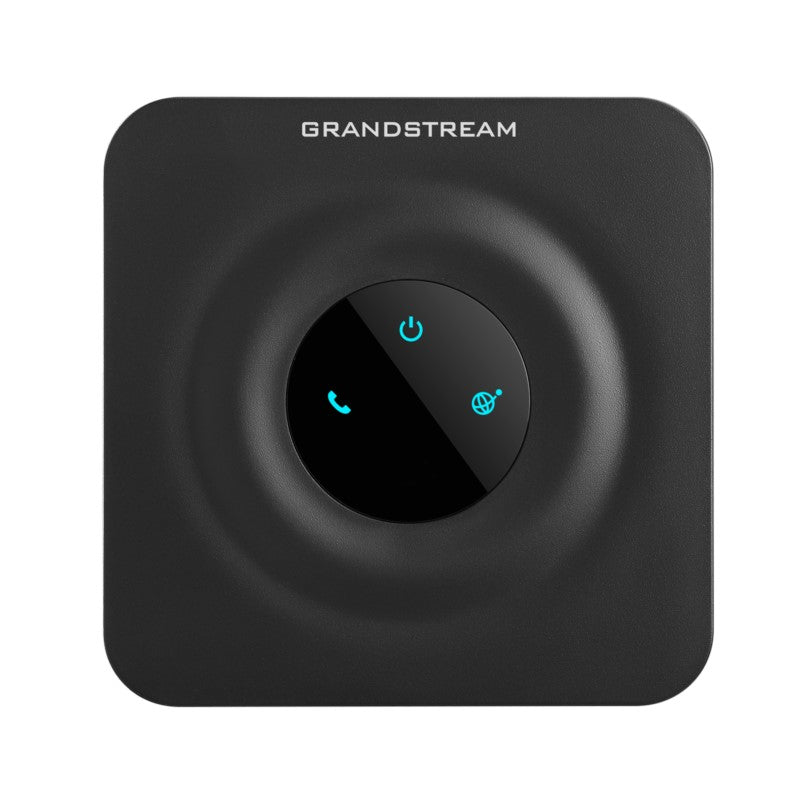
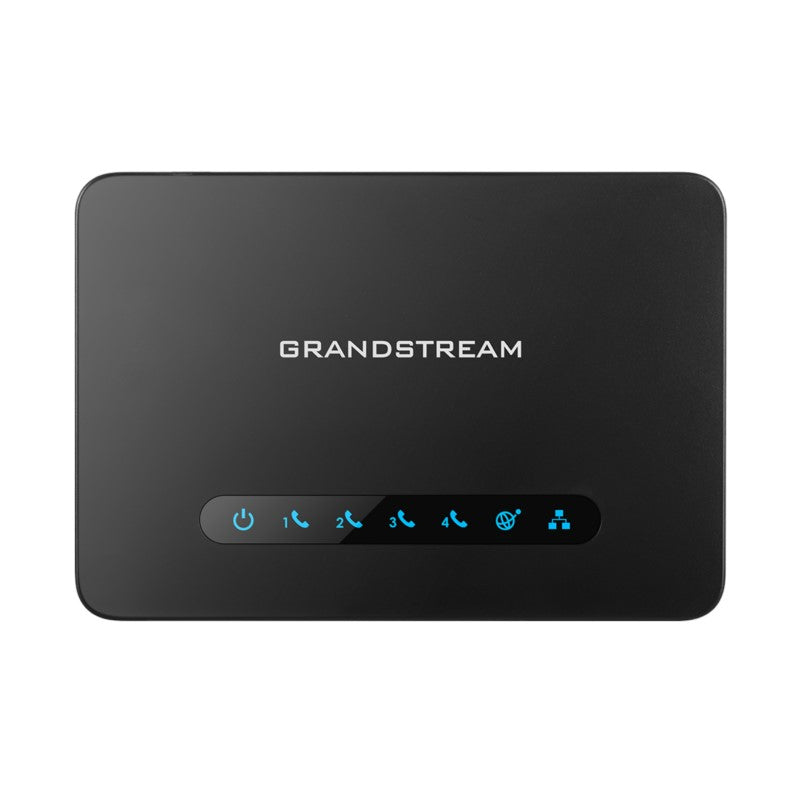
Grandstream HT802 V2 ATA | 2 FXS Ports, Failover SIP, T.38 Fax

Frequently Asked Questions

First, check that your internet connection and router are working by testing another device on the same network. Then, log into the HT802 V2's web interface and verify that the SIP server address, username, and password are entered correctly under the appropriate FXS port's account settings. If the issue persists, a Toronto-based VoIP support provider can usually resolve this remotely.
The HT802 V2 can be powered via Power over Ethernet (PoE) if your network switch or injector supports it, eliminating the need for the included power adapter. Simply connect the device to a PoE-enabled switch using the Ethernet cable, and it should power on automatically. If it doesn't, ensure your PoE equipment is working and that the cable is securely connected.
Confirm that the phone is firmly plugged into one of the FXS ports (labeled Phone 1 or Phone 2) and that the HT802 V2 is powered on and connected to the network. Then, check the device's web interface to see if the corresponding SIP account is registered. If registration is successful but you still have no dial tone, try a different analog phone to rule out a handset issue.
Yes, the HT802 V2 works with any SIP-based VoIP provider, including many services offered by Canadian carriers like Bell Business or Rogers Business. You'll need to obtain the SIP server details and account credentials from your provider and enter them into the device's configuration. It's always a good idea to confirm with your provider that they support BYOD (bring your own device) ATAs.
Ensure that T.38 fax relay is enabled in the device's FXS port settings and that your fax machine is set to a low speed (e.g., 9600 bps) for compatibility. Also, check that the HT802 V2 is not behind a router with strict firewall settings that might interfere with fax packets. For best results, test with a simple analog phone call first to confirm the line is working.
Log into the HT802 V2's web interface and go to the account settings for the FXS port you want to configure. Look for the 'Failover SIP Server' field and enter the secondary server's address, along with any necessary credentials. The device will automatically switch to the backup server if it detects a loss of registration with the primary server, helping maintain service during outages.
Choppy audio is often caused by network congestion or a weak internet connection. Check your network speed and ensure no other devices are using heavy bandwidth (like streaming or large downloads) during calls. You can also try adjusting the jitter buffer settings in the device's web interface to a higher value to compensate for network instability.
Yes, you can connect a cordless phone base station to one of the FXS ports, and all its handsets will share that single line. Keep in mind that each FXS port supports only one SIP account, so if you need separate lines for different handsets, you would need a multi-line cordless system or additional ATAs.
Connect the HT802 V2 to your network via Ethernet, then find its IP address by checking your router's DHCP client list or by dialing *** on a connected analog phone and listening for the IP address announcement. Enter that IP into a web browser on the same network, and use the default username 'admin' and password 'admin' (or the unique password printed on the device) to log in.
First, try a different Ethernet cable and ensure it's securely connected to both the device and your router or switch. If the issue continues, check that the device's power supply (or PoE) is stable and that the network port LEDs are lit. A temporary network outage may also be caused by IP address conflicts, so consider setting a static IP for the HT802 V2 in your router.
VoIP Adapters

Grandstream HT802 V2 ATA | 2 FXS Ports, Failover SIP, T.38 Fax
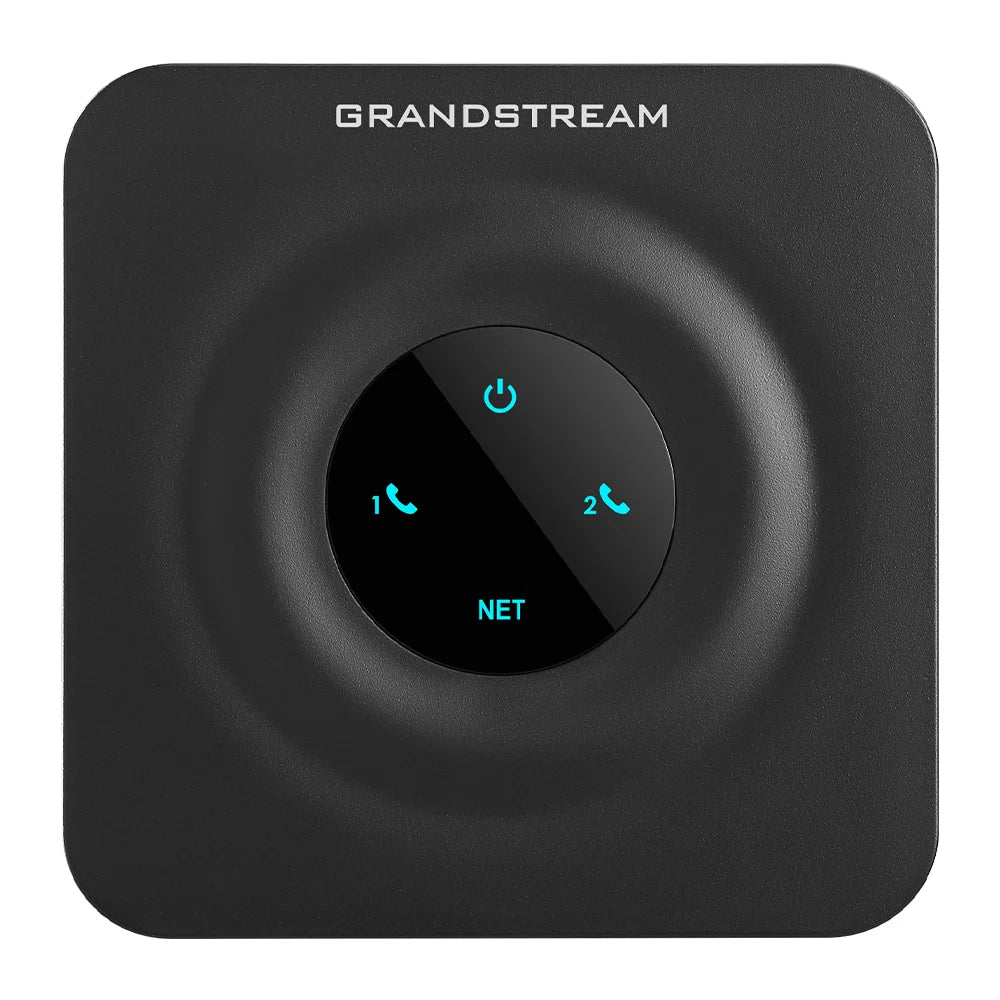
The Grandstream HT802 V2 is the premier choice for creating a high-quality, manageable, and highly reliable IP telephony solution. Its ultra-compact size and advanced feature set make it the ideal Analog Telephone Adapter (ATA) for seamlessly integrating analog phones and fax machines into a modern VoIP network. Key features of the HT802 V2 include: • Failover SIP Server: Automatically switches to a secondary SIP server if the main connection is lost, guaranteeing service reliability • Security Protection: Features advanced TLS and SRTP security encryption to protect calls, accounts, and provisioning files from security threats • Zero Configuration: Use with Grandstream’s UCM series of IP PBXs for effortless Zero Configuration provisioning Core features of the HT802 V2 include: • 2 FXS Ports & 2 SIP Profiles: Supports connecting two independent analog devices (phones or fax machines) to two separate SIP accounts • Fax Over IP: Supports T.38 Fax Relay up to 14.4 kbps, ensuring reliable Fax-over-IP transmission • Advanced Voice Quality: Includes Opus codec support, dynamic jitter buffer, and advanced line echo cancellation for crystal-clear HD voice communication • 3-Way Conferencing: Features local 3-way voice conferencing support directly on the analog phone The Grandstream HT802 V2 offers several key upgrades compared to the original HT802 model, including: • Faster processor (Cortex-A35 1.3GHz) for improved security and faster boot/registration times • Increased RAM capacity (512Mbit DDR2) for better performance • Larger firmware storage (1Gbit) allowing for advanced security (TLS) and codec support (Opus) • Unique password per unit for enhanced security The package includes: • Grandstream HT802 V2 Analog Telephone Adapter Unit • Universal Power Supply • Ethernet Cable (RJ45) • Quick Installation Guide

About This Product

The Grandstream HT802 V2 is a compact analog telephone adapter (ATA) designed for small offices, retail locations, or home offices in the Greater Toronto Area that need to keep existing analog phones or fax machines on a VoIP network. With two FXS ports, it can support two separate lines or devices, making it a practical choice for a small business that isn't ready to replace all its analog equipment. The device pairs well with Grandstream's UCM series IP PBXs for zero-touch provisioning, but it can also work with any standard SIP-based VoIP service, including those offered by Canadian carriers like Rogers or Bell Business. A key tradeoff is that the HT802 V2 is purely an adapter—it doesn't include routing or Wi-Fi, so you'll need a separate router and network switch. It's overkill if you only need a single analog line, as a one-port ATA would suffice, but it's underpowered for a busy office with more than two analog devices, where a multi-port ATA or a dedicated VoIP phone system would be more appropriate. The failover SIP server feature adds reliability for businesses that can't afford downtime, but it requires configuring a secondary SIP server with your provider.
Services We Provide
  • Professional Installation & Configuration
  • Ongoing Maintenance & Support
  • Troubleshooting & Repairs
  • System Upgrades & Updates