Grandstream HT812-V2 2 FXS Ports VoIP Gateway

Frequently Asked Questions

First, check that the device has a stable internet connection by logging into its web interface and verifying the WAN status. Then confirm that the SIP account credentials (username, password, and server address) are entered correctly under the FXS port settings. If the issue persists, ensure your router or firewall is not blocking SIP traffic on ports 5060 or 5061; a Toronto-based VoIP support provider can usually resolve this remotely.
Verify that the included 12V power adapter is securely plugged into the device and into a working electrical outlet. If the LED indicators do not light up, try a different outlet or a known-good power adapter of the same voltage and polarity. This device does not support Power over Ethernet (PoE), so it must use the external power supply.
Connect your computer to the same network as the gateway. Find the device's IP address either from your router's DHCP client list or by pressing the 'i' button on the device (if available) to hear it announced. Open a web browser and enter that IP address, then log in using the default credentials (admin/admin) or your custom password.
Check that the RJ11 cable connecting your phone to the FXS port is undamaged and securely seated. If the audio issue occurs only on VoIP calls, try switching the codec to G.711 in the device's web interface under the FXS port settings, as this is the most widely compatible codec. Also, confirm your internet connection has sufficient bandwidth and low latency for voice traffic.
Yes, the HT812-V2 supports T.38 fax relay for reliable fax-over-IP, and it can auto-switch to G.711 fax pass-through if needed. Connect your fax machine to one of the RJ11 FXS ports, then enable T.38 support in the device's web interface under the corresponding port's settings. For best results, use a dedicated analog fax machine and avoid using the line for voice calls simultaneously.
First, ensure the Ethernet cable connecting the device's WAN port to your router or modem is secure and not damaged. Try power cycling both the HT812-V2 and your router by unplugging them for 30 seconds and then plugging them back in. If the problem persists, log into the web interface and check whether the device is obtaining an IP address via DHCP; a static IP may be more stable in some networks.
Log into the web interface and navigate to the FXS port settings. Enter the SIP server address, username, and password provided by your VoIP provider. Most Canadian providers use standard SIP over UDP on port 5060, but check with them for any specific requirements. After applying the settings, reboot the device to ensure the registration takes effect.
This usually indicates that the line is not registered with the VoIP provider. Check the registration status in the web interface under the FXS port status page. If it shows 'Not Registered,' verify the SIP credentials and that the device has internet access. Also, ensure that your provider allows outbound calls from your account and that you have not reached any calling limits.
The HT812-V2 includes a basic NAT router, but it is not designed to replace a dedicated business-grade router. For a small office with only a few devices, it can work, but for any network with multiple users or advanced security needs, it is better to connect the gateway behind your existing router and use it solely as an ATA.
VoIP Adapters

Grandstream HT812-V2 2 FXS Ports VoIP Gateway
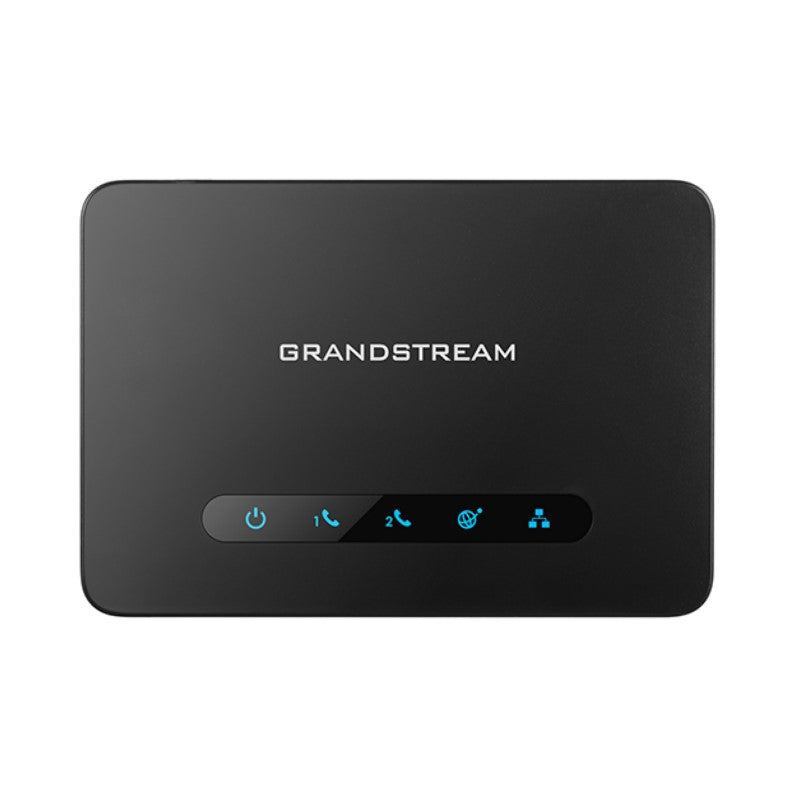
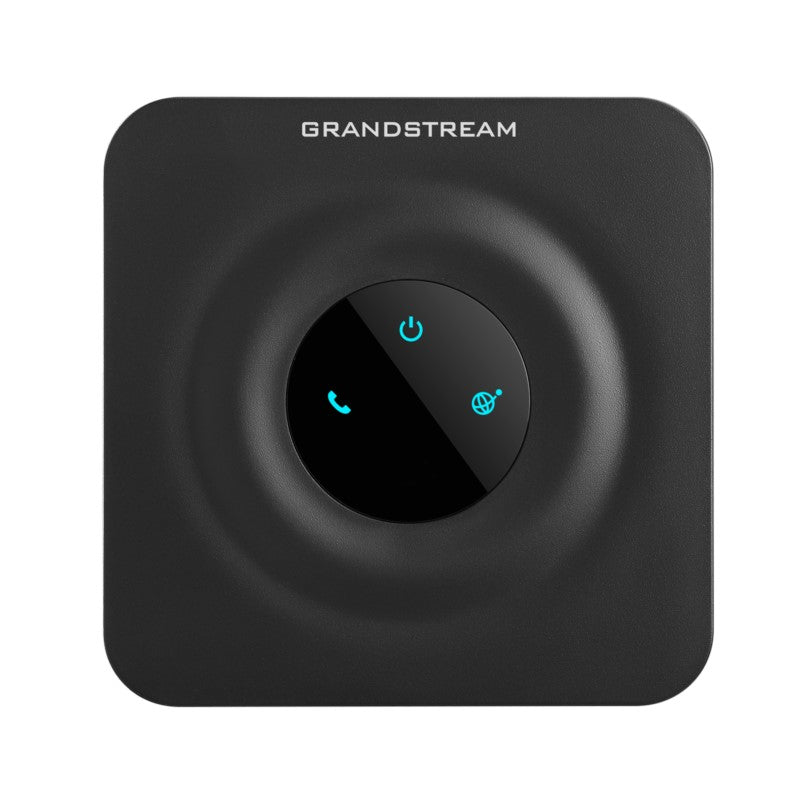
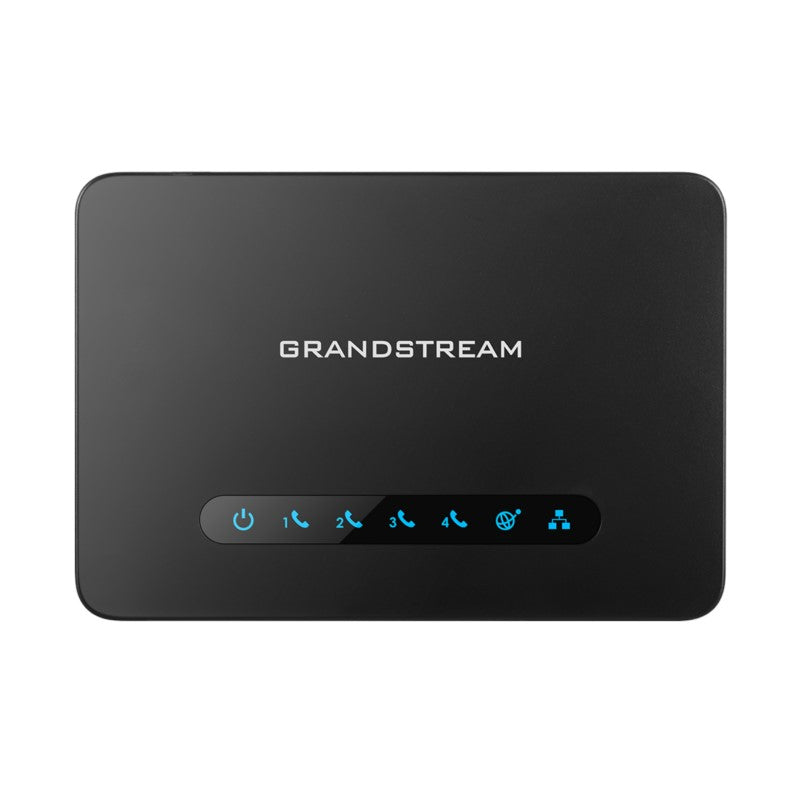
• The HT812 V2 is an advanced 2-port analog telephone adapter with 2 FXS ports and integrated Gigabit NAT router, built on Grandstream's market-leading SIP ATA/gateway technology. Features: • Supports 2 SIP profiles and 2 FXS ports • Strong AES encryption with security certificate per unit • Automated & secure provisioning options using TR069 • 3-way voice conferencing per port • Exceptional voice quality with wideband HD codec • Supports T.38 Fax for reliable Fax-over-IP • Dual Gigabit network ports • High performance NAT router Additional Information: • Weight: 1 lbs • Dimensions: 7.44 × 6.02 × 2.52 in • Device Ports: FXS, Gigabit • Number of Ports: 2 FXS • Business Router: VoIP-Gateway Router Technical Specifications: • Model: HT812 v2 • Interfaces: • Telephone Interfaces: Two (2) RJ11 FXS ports; can be expanded by peering with an FXS gateway • Network Interfaces: Two (2) 10/100/1000Mbps RJ45 ports • LED Indicators: POWER, NET1, NET2, PHONE1, PHONE2 • Factory Reset Button: Yes • Voice, Fax, Modem: • Telephony Features: Caller ID display or block, call waiting, flash, blind or attended transfer, forward, hold, do not disturb, 3-way conference • Voice Codecs: G.711 with Annex I (PLC) and Annex II (VAD/CNG), G.722, G.723.1, G.729A/B, G.726-32, iLBC, OPUS • Fax Over IP: T.38 compliant Group 3 Fax Relay up to 14.4kpbs and auto-switch to G.711 for Fax Pass-through • Short/Long Haul Ring Load: 3 REN, up to 1km on 24AWG line • Caller ID: Bellcore Type 1 & 2, ETSI, BT, NTT, and DTMF-based CID • Dial Methods: DTMF, Pulse • Disconnect Methods: Busy Tone, Polarity Reversal/Wink, Loop Current

About This Product

The Grandstream HT812-V2 is a compact analog telephone adapter designed for small offices or home offices that need to connect traditional analog phones, fax machines, or other analog devices to a VoIP phone system. It is a natural fit for businesses in the Greater Toronto Area that are migrating from a legacy PBX to a hosted VoIP service and want to keep their existing analog desk phones or fax lines. The device includes two FXS ports, so it can support two separate analog lines—for example, one for a desk phone and one for a fax machine—without needing a separate adapter for each.

This gateway also doubles as a basic Gigabit NAT router, which can simplify wiring in a very small setup, but most deployments will benefit from using it behind an existing office router or firewall. The dual Gigabit ports allow for a wired pass-through connection to a computer or network switch, but the router feature is not enterprise-grade; it is best used for simple plug-and-play scenarios rather than as a primary office router.

A key tradeoff to consider is that the HT812-V2 supports only two SIP profiles, meaning it registers as two separate extensions on a PBX. This is ideal for a small team or a single user with two lines, but it will not scale to more than two analog devices without adding another gateway. On the positive side, it supports T.38 fax relay, which is important for businesses that still rely on faxing, and it includes a wide range of HD voice codecs for clear audio on supported calls.

For Canadian buyers, the device works well with most VoIP providers that support standard SIP registration, and its power supply is compatible with 120V outlets. However, note that it requires a separate power adapter (not PoE), so plan for a nearby electrical outlet. Overall, the HT812-V2 is a reliable, no-frills gateway for small analog-to-VoIP conversions, but it is overkill for a single analog phone (a one-port ATA would suffice) and underpowered for a large office with many analog devices.
Services We Provide
  • Professional Installation & Configuration
  • Ongoing Maintenance & Support
  • Troubleshooting & Repairs
  • System Upgrades & Updates