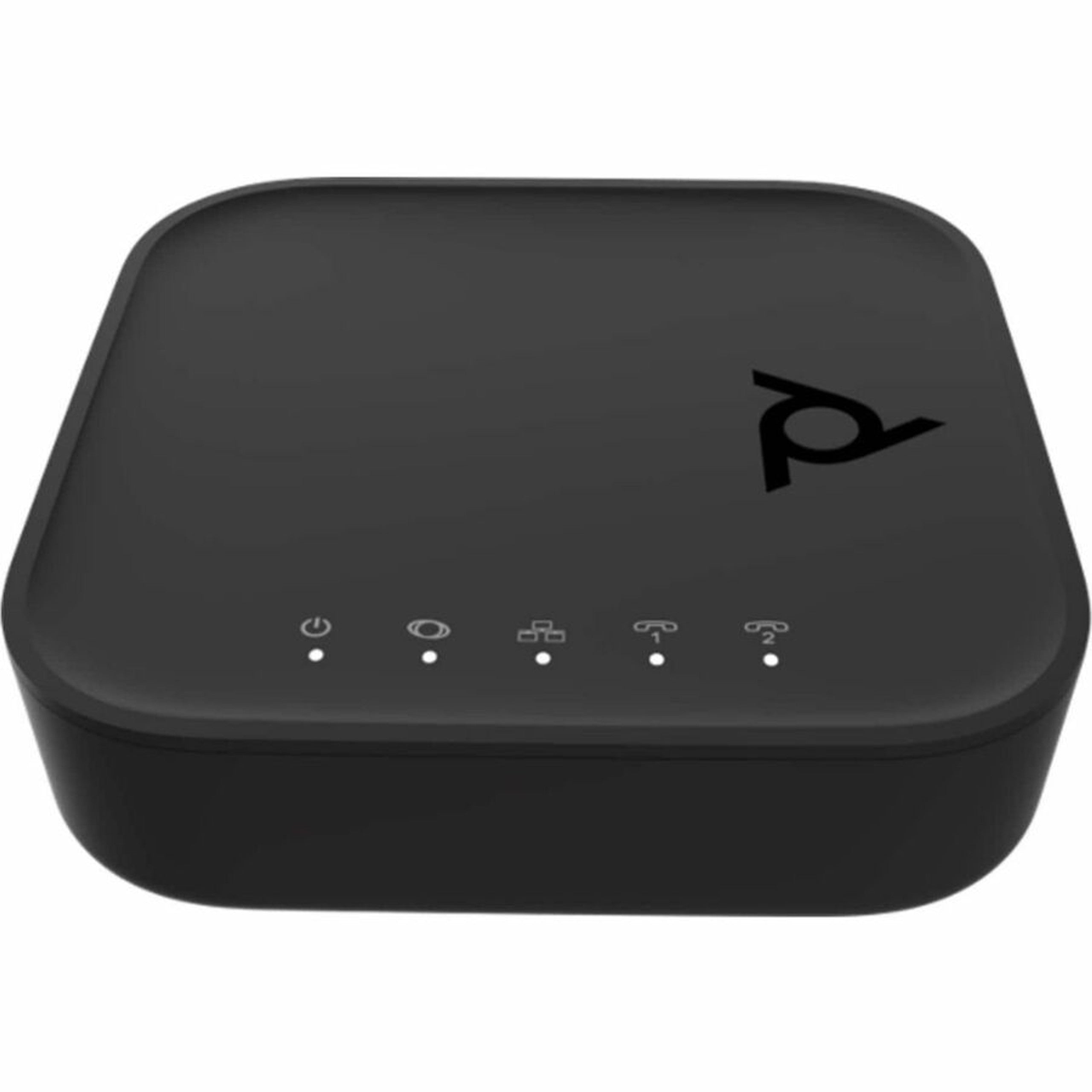
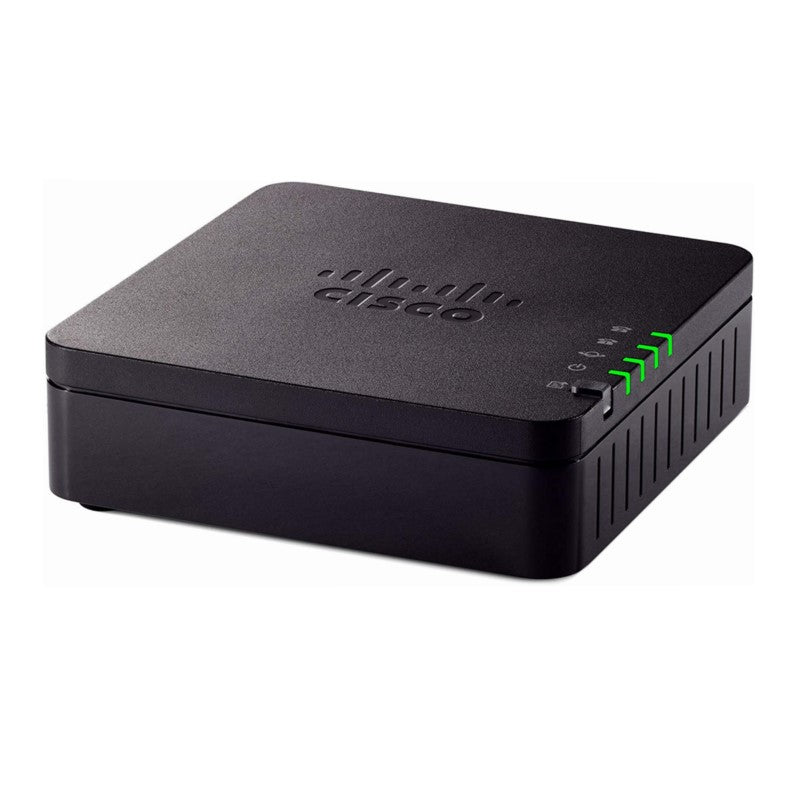
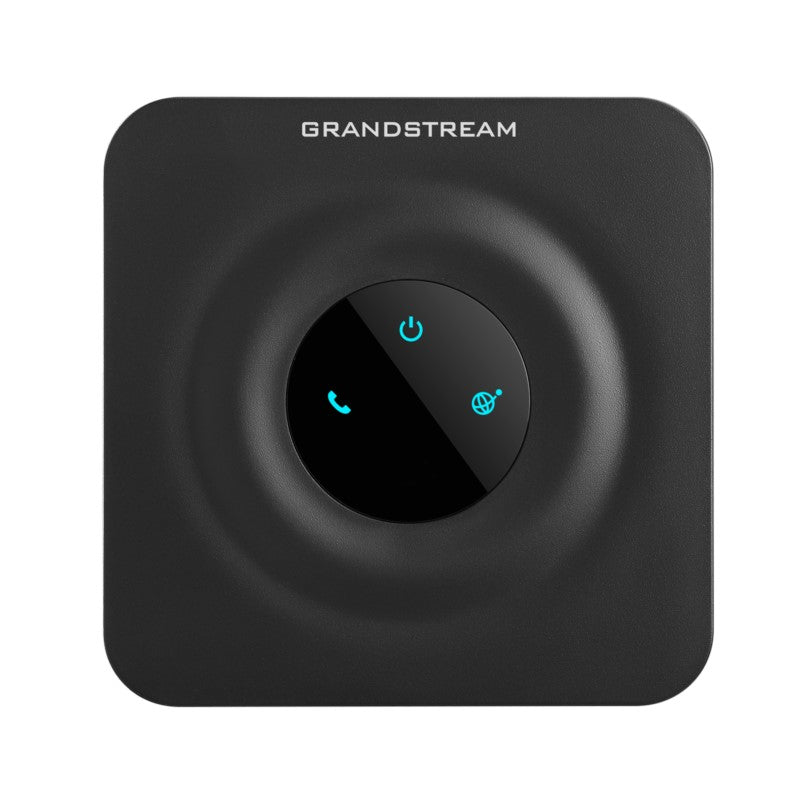
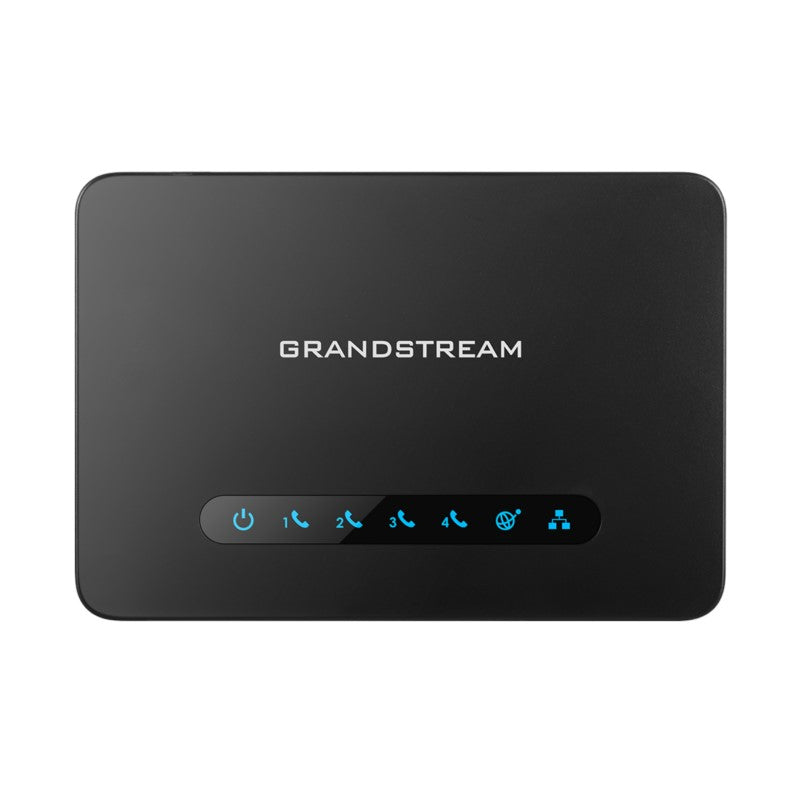
Grandstream HT813 Hybrid ATA with 1 FXS and 1 FXO Ports

Frequently Asked Questions

Start by confirming the HT813 is powered on and its Ethernet link lights are active on the LAN/WAN ports. Then check that your VoIP service account is properly registered in the web interface under the FXS SIP profile. A loose RJ11 cable or a misconfigured dial plan can also cause a dead line, so reseat the cable and review the dial plan rules for your area codes—in the GTA, ensure 10-digit dialing is set if needed.
First, verify your internet connection is stable by pinging the provider’s server from the ATA’s web interface. If registration drops intermittently, check that the SIP registration expiry time matches your provider’s recommendation—too short a value can cause excessive re-registrations. Also, confirm that NAT/STUN settings are enabled if the HT813 is behind a router, as many Canadian VoIP providers require this to maintain persistent registration.
Yes, but only if you have configured the FXO port for PSTN backup and set the appropriate call routing rules in the HT813’s web interface. When the internet or VoIP service fails, the lifeline feature automatically switches the FXS port to the PSTN line for basic incoming and outgoing calls. However, note that the FXO port itself also needs to be properly connected to an active PSTN line with correct line voltage—test the jack with a standard phone to ensure it’s working.
First, ensure the HT813’s T.38 fax relay is enabled in the FXS port settings and that the correct fax baud rate (up to 14.4 kbps) is selected. If faxes still fail, try reducing the fax speed or switching to G.711 pass-through mode. Additionally, check that your fax machine is set to the lowest possible error correction mode and that no call waiting or Voicemail features are interfering. For Canadian businesses using long-distance faxing, a dedicated clean analog line from the FXS port helps.
Choppy audio usually indicates packet loss or jitter on your network. Start by measuring your internet upload speed—voip needs at least 100kbps per call—and check for other devices hogging bandwidth during calls. Enable the built-in echo cancellation and adjust the jitter buffer size in the HT813’s FXS settings to a higher value (e.g., 200ms) to smooth out delays. If the echo persists on the far end, your phone’s handset volume may be too high, causing feedback.
The lifeline feature only works if the HT813 itself has power—it requires the unit to be plugged into a working outlet. During a blackout, the unit itself is powered down, so the FXS port cannot redirect calls. To maintain phone service during an outage, you must connect the HT813 to an uninterruptible power supply (UPS) and ensure your modem and router are also on the UPS. The hard-relayed FXS port will then use the PSTN line if the VoIP link drops.
Log into the HT813’s web interface, go to the FXO port configuration, and set the line impedance to match your carrier—Canadian PSTN lines typically use 600 ohms. Enable the FXO port for incoming and outgoing calls, and create call routing rules that send calls to the PSTN when VoIP is unavailable. You may also need to adjust the disconnect signal detection (usually loop drop or polarity reversal) as per your carrier’s specs; contact your PSTN provider for those details.
Yes, the HT813 supports up to two SIP profiles per FXS port. In the web interface, you can configure Profile 1 and Profile 2 with different credentials, then set a dial plan or a button sequence to switch between accounts. For example, you could have a personal line and a business line on the same handset. Just remember that only one account can be active at a time for calls.
If you locked yourself out, perform a safe hardware reset: press and hold the reset pin hole on the unit for 7 seconds (while powered) to return the IP address to its default static IP (192.168.2.1). Then connect your computer directly to the LAN port and access that IP. Note that this step does not erase your provisioning—it only resets network settings. If you need a full factory reset, contact support before proceeding as that will wipe all configuration.
The HT813 supports automated provisioning via TR-069 or by uploading a configuration file (XML or plain text) to a provisioning server or TFTP/HTTP location. Most Canadian VoIP providers offer a template; set the provisioning URL in the web interface under “Advanced Settings” and reboot the unit. For a single unit, you can manually enter settings, but for multiple deployments, a provisioning server saves time and ensures consistent settings across your office.
VoIP Adapters

Grandstream HT813 Hybrid ATA with 1 FXS and 1 FXO Ports
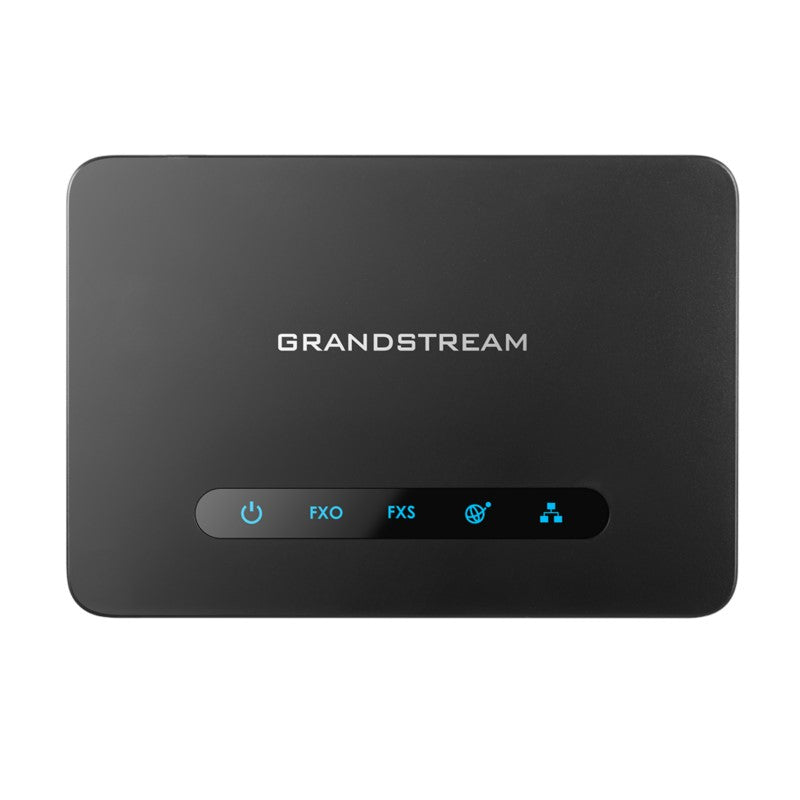
• The HT813 is a hybrid analog telephone adapter that combines the benefits of analog and VoIP technology. It features 1 FXS port for connecting an analog device to your network and 1 PSTN line FXO port for backup lifeline support. • Key Features: • Supports 2 SIP profiles through 1 FXS port • Dual 100Mbps LAN and WAN ports • Lifeline support with hard-relayed FXS port in case of power outage • 3-way voice conferencing per port • Automated and secure provisioning options using TR069 • Supports T.38 Fax for reliable Fax-over-IP • Failover SIP server automatically switches to secondary server if main server loses connection • Strong AES encryption with security certificate per unit • Dimensions: 8 × 6 × 3 in, Weight: 1 lb • Network Interface: Two (2) 10/100Mbps ports (RJ45) with integrated NAT router • Telephone Interfaces: One (1) RJ11 FXS port and one (1) RJ11 FXO PSTN line port with lifeline support • Additional features include: • Caller ID display or block, call waiting, flash, blind or attended transfer, forward, hold, do not disturb, 3-way conference • Voice codecs: G.711 with Annex I and II, G.722, G.723.1, G.729A/B, G.726, iLBC, OPUS, dynamic jitter buffer, advanced line echo cancellation • Fax over IP: T.38 compliant Group 3 Fax Relay up to 14.4kpbs and auto-switch to G.711 for Fax Pass-through • Short/Long Haul Ring Load: 3 REN: Up to 1km on 24 AWG

About This Product

The Grandstream HT813 is designed for small offices, retail locations, or home-based businesses that need to bridge an analog phone system with a modern VoIP service while keeping a traditional phone line as a safety net. Its single FXS port connects one analog device—such as a cordless phone, fax machine, or an older desk phone—to your VoIP network, while the FXO port ties directly into an existing PSTN line from a local carrier like Bell or Rogers. This makes it a practical choice for Canadian small businesses in the GTA that want the cost savings of VoIP without completely cutting ties with the legacy copper network, especially in areas where internet reliability is a concern.

The HT813 replaces a traditional analog phone adaptor or a standalone PSTN gateway by combining both functions in one compact unit. The built-in lifeline feature is its standout advantage: if power or internet fails, calls to the FXS port automatically route through the PSTN line, keeping your primary phone operational. However, the trade-off is that you get only one FXS and one FXO port, so it’s best suited for a single-line setup. If you need multiple analog extensions or advanced PBX features, this unit will feel limiting. Similarly, its 100Mbps Ethernet ports are adequate for voice traffic but not ideal for a network that also handles heavy data transfers—so plan to use it strictly for voice or attach it behind a gigabit switch.

For deployments where the PSTN backup is unnecessary—say, a fully cloud-based office with redundant internet—the HT813’s hybrid capability is overkill, and a simpler single-port ATA would suffice. Conversely, it’s underpowered for a multi-line reception desk that requires several analog handsets. Where it truly shines is in a single-worker office or a remote workstation that mirrors a classic home phone experience with full VoIP flexibility and fail-safe reliability.
Services We Provide
  • Professional Installation & Configuration
  • Ongoing Maintenance & Support
  • Troubleshooting & Repairs
  • System Upgrades & Updates