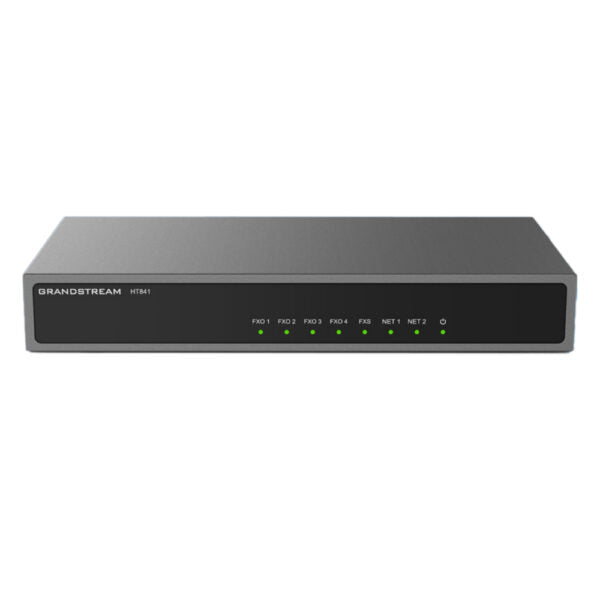
Grandstream HT841 Analog 4 FXO and 1 FXS Gateway
Frequently Asked Questions
Grandstream HT841 Analog 4 FXO and 1 FXS Gateway
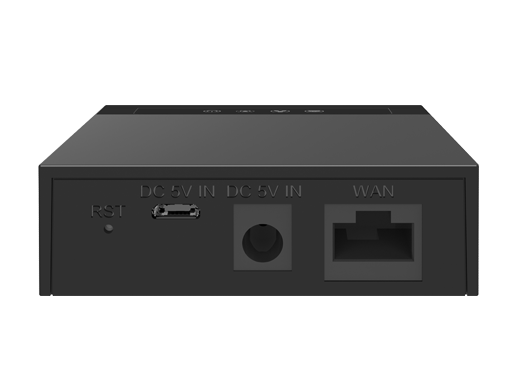
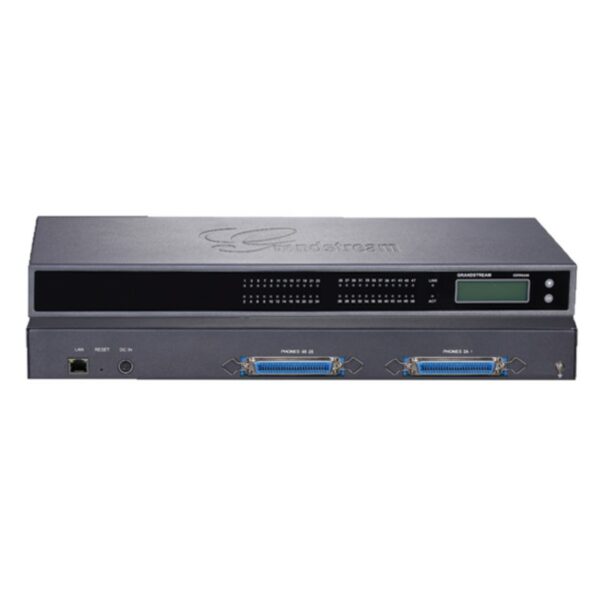
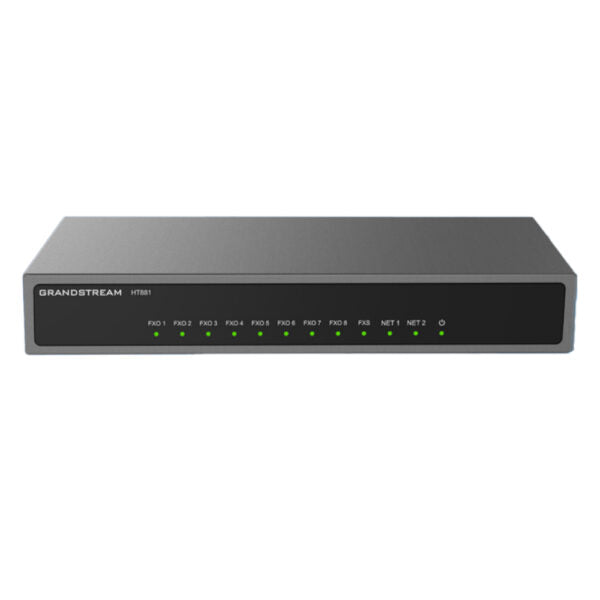
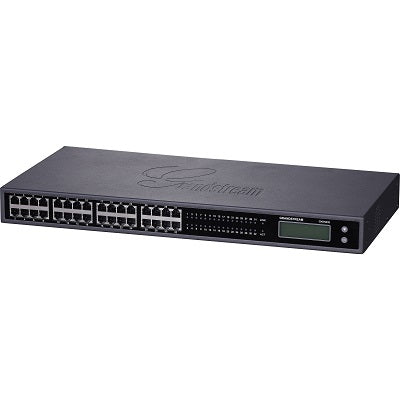
• The HT841 FXO gateway series enables businesses of all sizes to create an easy-to-deploy VoIP solution, seamlessly connecting multiple locations and devices within an office to any hosted or on-premise IP PBX network. • Advanced telephony features, automated provisioning, and superb voice quality make the HT8x1 series an ideal VoIP gateway for businesses. • Key features include: • 4 FXO ports • 1 FXS port • 2 GigE PoE ports • High-performance NAT router • Lifeline support in case of a power outage • 3-way voice conferencing per port • Automated and secure provisioning options using TR069 • Support for T.38 Fax for reliable Fax-over-IP • Failover SIP server with automatic switching to secondary server if main server loses connection • Strong AES encryption with security certificate per unit • Additional information: • Weight: 1.01 lbs • Dimensions: 7.48 × 3.94 × 1.1 in • Business Router: VoIP Gateway-Routers • Number of Ports: 1 FXS, 4 FXO • Network Type: Wired • Form Factor: Desktop • WAN Failover: Yes • Technical Specifications: • Universal Power Supply: • POE Input: 4 8 V / 0.5 A • DC Input: 12V/1A • HT841: 4 RJ11 FXO ports/1 RJ11 FXS
About This Product
Deployments that benefit most are those using hosted PBX or an on-premise IP-PBX like FreeSWITCH, 3CX, or Asterisk, where the gateway serves as a PSTN backup or primary trunking interface. The built-in router and dual Gigabit PoE ports let you collapse a small network edge into one box, cutting down on clutter in a wiring closet. Reliable faxing is a genuine strength: T.38 support means fax machines on the FXS port or behind the FXO lines typically work without the packet-loss glitches common on pure VoIP paths.
There are trade-offs to keep in mind. This is not an all-IP media gateway; it converts analog to SIP, not to TDM or PRI. The FXS port count is limited to one, so if you have several legacy analog desk phones scattered across rooms, a larger ATA or a separate FXS gateway would be needed. The PoE is on the Ethernet side to power connected network devices, not to power the HT841 itself from a switch—its own power comes from the included DC adapter. The lifeline relay on the first FXO port preserves one call path during a power outage, but only if that port is wired to a working PSTN line and you have an analog phone plugged into the FXS port.
For a single-site office with up to four outside lines and exactly one analog local device, the HT841 is cost-effective and straightforward. Larger branch offices or contact centres with higher analog density should look at multi-port FXS models. Similarly, if your deployment expects to route heavy, simultaneous call volumes across all trunks near capacity, verify that your IP-PBX can handle the necessary transcoding, because the gateway itself focuses on SIP-to-analog conversion rather than media processing at scale.
Services We Provide
- Professional Installation & Configuration
- Ongoing Maintenance & Support
- Troubleshooting & Repairs
- System Upgrades & Updates