Grandstream HT881 Analog 8 FXO and 1 FXS Gateway

Frequently Asked Questions

Verify that the analog line from your carrier is active by plugging a standard analog phone directly into the line. Also check that the FXO port’s LED is solid green and the cable is securely seated; try a different known-good phone cord. Loose or faulty wiring is the most common culprit.
Confirm that the SIP trunk registration to your IP PBX or service provider is successful (the SIP account status LED should be solid green). Review your inbound call routing rules in the PBX to ensure the FXO channels are directed to the right destination. Sometimes a soft reboot of the gateway re-establishes a stalled registration without losing configuration.
Ensure the HT881’s T.38 fax mode is enabled and that your VoIP provider supports T.38. Lower the fax transmission speed to 9600 bps as a test, and disable ECM on the fax machine if possible. Fax-over-IP is sensitive to jitter, so verify network quality between the gateway and the provider. If the issue persists, a Toronto-based VoIP support provider can usually resolve this remotely.
The lifeline function physically relays one FXS port to a specific FXO port only when the HT881 loses power completely. Check that the phone is connected to the designated FXS port and that the corresponding FXO port has an active PSTN line. If the gateway still had power (e.g., via PoE from a UPS), the relay wouldn’t trigger, so test by unplugging all power sources.
First, verify network connectivity by pinging the gateway from the provisioning server. Confirm that the TR-069 or HTTP/HTTPS provisioning URL is correctly set and that there’s no firewall blocking the required ports. A simple reboot may re-engage the provisioning client without altering any settings. Sometimes a Toronto-based support engineer can quickly spot a misconfigured option via remote access.
Test with a single active call to see if the problem persists under minimal load; if it clears, the issue may be bandwidth or jitter. Check your upstream router’s QoS settings to prioritize voice traffic, and confirm that your internet connection has sufficient upload capacity. Placing the gateway on a VLAN with proper traffic shaping often resolves echo and choppiness.
Log into the web interface, navigate to the FXO profile, and configure the primary SIP server address and credentials provided by your hosted provider. Then map each FXO port to a phone number by setting the channel dialing parameters. Most providers include step-by-step instructions for Grandstream gateways, and the auto-provisioning feature can push the configuration if you use TR-069.
The two Ethernet ports on the HT881 are not designed for automatic failover in bridged mode, but one can be used to connect an additional network device. For high availability, you can use the SIP failover feature to switch to a backup SIP server if the primary server becomes unreachable.
Enable the AES encryption feature for SIP signaling and media, change the default admin password, and place the gateway behind a firewall with strict access rules. Also disable web access from the WAN side if not needed, and use certificate-based authentication where supported by your provisioning server.
Firmware updates can fix known bugs and improve compatibility. Before upgrading, back up your current configuration to a file. Download the firmware from Grandstream’s official site and apply it during a maintenance window. If your gateway is stable and meeting all requirements, you can delay updates, but do check the release notes for any critical fixes.
VoIP Gateways

Grandstream HT881 Analog 8 FXO and 1 FXS Gateway
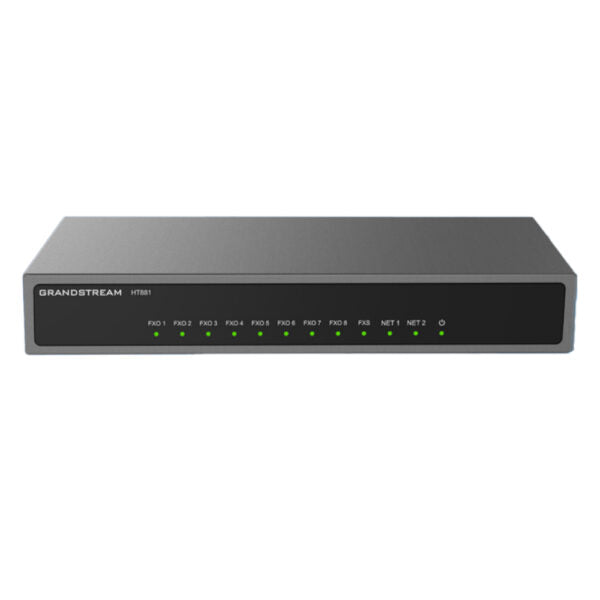
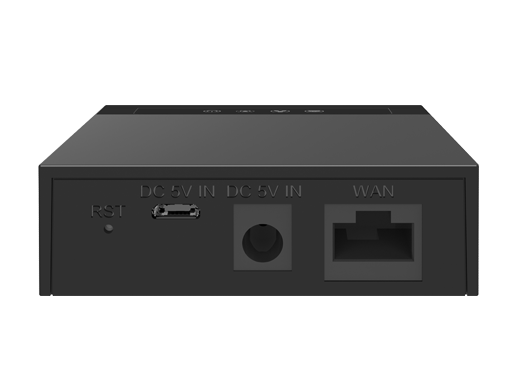
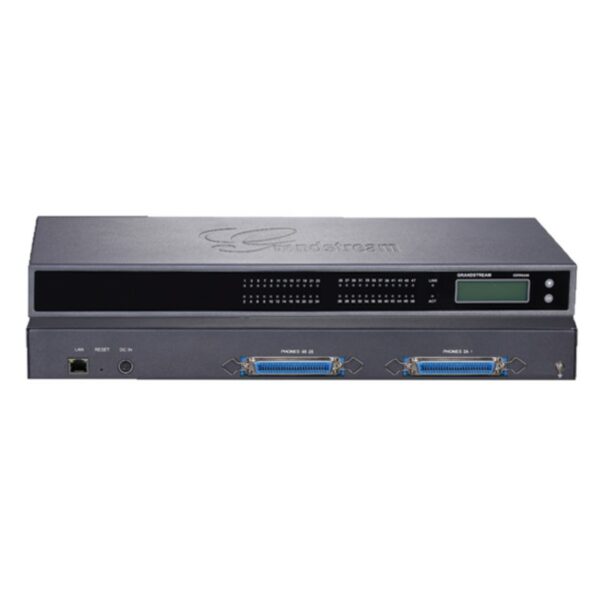
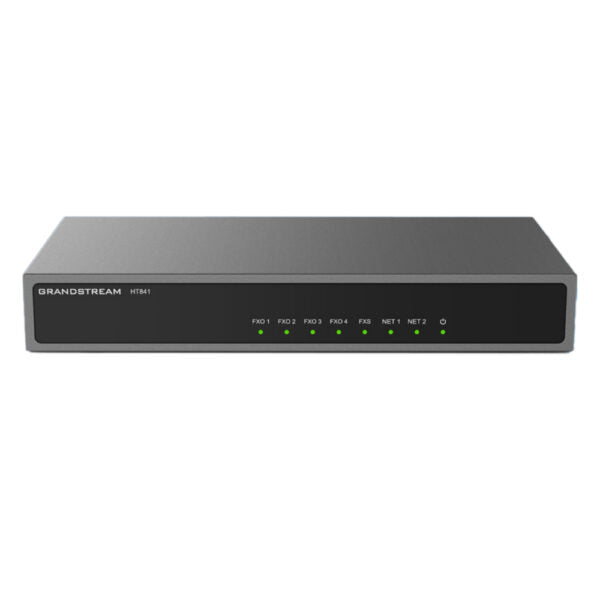
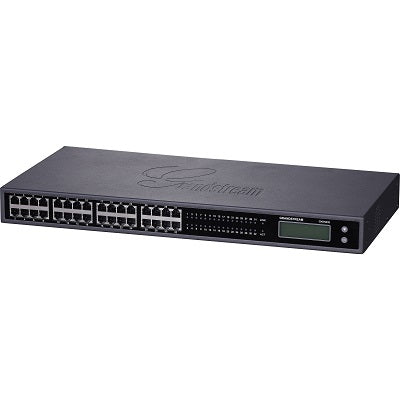
• The HT881 FXO gateway series enables businesses of all sizes to create an easy-to-deploy VoIP solution by seamlessly connecting multiple locations and devices to any hosted or on-premise IP PBX network. • Advanced telephony features, automated provisioning, and superb voice quality make the HT8x1 series ideal for businesses. Key Features: • 8 FXO ports • 1 FXS port • 2 GigE PoE ports • High-performance NAT router • Lifeline support (FXS port will be hard-relayed to FXO port) in case of a power outage • 3-way voice conferencing per port • Automated and secure provisioning options using TR069 • Supports T.38 Fax for reliable Fax-over-IP • Failover SIP server automatically switches to secondary server if the main server loses connection • Strong AES encryption with security certificate per unit Additional Information: • Weight: 1.01 lbs • Dimensions: 7.48 × 3.94 × 1.1 in • Business Router: VoIP Gateway-Routers • Number of Ports: 1 FXS, 8 FXO • Network Type: Wired • Form Factor: Desktop • WAN Failover: Yes

About This Product

The HT881 fills a specific niche for small to mid-sized businesses that want to keep using traditional copper phone lines while integrating with a modern VoIP phone system. It’s a desktop analogue gateway designed to convert up to eight PSTN lines into SIP trunks that register to an on-premise or hosted IP PBX. For a downtown Toronto medical clinic or a GTA law firm that receives calls on legacy Bell or Rogers lines, this device makes the transition to VoIP gradual and cost-effective without the disruption of porting numbers immediately.

Beyond its core FXO connectivity, the HT881’s single FXS port can run a lobby phone, a fax machine, or an emergency handset. The lifeline relay is particularly useful in areas prone to power interruptions: if the gateway loses power, one FXS port mechanically links to a designated FXO port, preserving access to a dial tone. The built-in NAT router and dual Gigabit ports let you simplify a small network by eliminating extra hardware, though a business that already has a capable router and switch may find these features redundant.

It’s important to size this gateway correctly. With precisely eight FXO interfaces, it’s perfect for an office that runs four to six lines plus a couple of reserved fax channels. A home office with one or two lines will find it over-provisioned, while a call centre or large enterprise consolidating dozens of PSTN circuits at a data centre would need a modular, higher-density chassis. As a desk unit, it occupies space a rackmount model wouldn’t, so consider shelf location and ventilation.
Services We Provide
  • Professional Installation & Configuration
  • Ongoing Maintenance & Support
  • Troubleshooting & Repairs
  • System Upgrades & Updates