
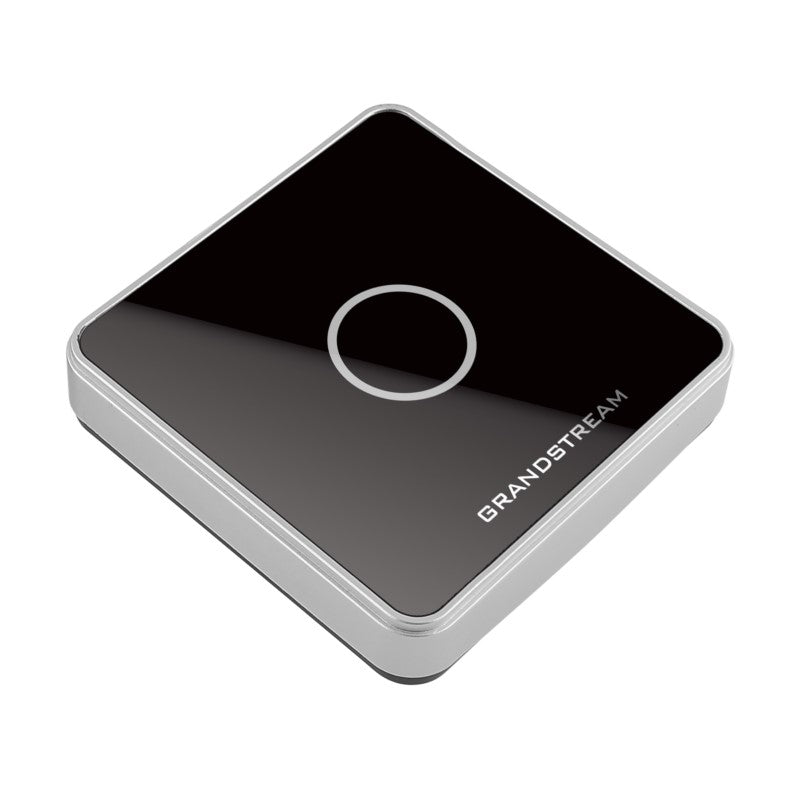
Grandstream USB RFID Card Reader for GDS Series Door Systems
Frequently Asked Questions
Grandstream USB RFID Card Reader for GDS Series Door Systems
The USB RFID Card Reader is designed to work seamlessly with the GDS series of IP Door Systems. This device connects via USB to a computer running Grandstream's free GDS Manager software, allowing central tracking, monitoring, and management of all RFID Card Reader activity. • Key Features: • Supports EM4100 RFID card at 125KHz frequency • Offers built-in antenna with card-seeking mode • Fully powered through USB • Compatible with Grandstream's free GDS Manager software The device has the following specifications: • Weight: 1 lb • Dimensions: 7 × 5 × 2 in • Power Supply: DC 5V (±4%) • Electric Current: Standby Current 20mA; Operation Current Less Than 35 mA • Working Temperature: -10°C ~ 70°C • Storage Temperature: -20°C ~ 80°C For a full list of specifications, please refer to the Product Data Sheet.
About This Product
The device reads EM4100 125kHz cards, a common and affordable RFID format. If your organization already uses a different card frequency (such as 13.56 MHz), this reader will not work with those cards. It is best suited for small to medium deployments where a single PC can run the management software and handle the reader's data. For larger facilities with multiple entry points, you would need one reader per door and a dedicated computer or server for the GDS Manager software.
The reader does not operate independently; it relies entirely on the GDS Manager software to log events and manage card access. If you are looking for a standalone access control solution, this will not be sufficient. However, as a simple add-on to an existing Grandstream GDS door system, it provides a cost-effective way to add card-based tracking without replacing your main door controller. Canadian businesses should verify that their network setup allows the host PC to remain accessible, and that the GDS Manager software is compatible with their Windows environment.
Services We Provide
- Professional Installation & Configuration
- Ongoing Maintenance & Support
- Troubleshooting & Repairs
- System Upgrades & Updates



