Teltonika RUTM50 Flagship 5G Industrial Cellular Router RUTM50000000 (NA)

Frequently Asked Questions

First, verify that the SIM card is correctly inserted and that the device is not locked to a specific carrier. Check the APN settings in the router's web interface under Network → Mobile → SIM Status; the APN must match your carrier's configuration. In Canada, carriers like Rogers, Bell, or Telus each have specific APN values—using the wrong one will prevent registration.
Ensure the router is within range of a 5G tower and that your data plan supports 5G. The RUTM50's LED status is configurable, but if the 5G LED stays off, log into the web UI and check the Mobile Status page to see if the device is registering on 4G instead. A weak signal or incorrect band selection can cause it to fall back to LTE. If you're in a fringe coverage area, try repositioning the antenna or using an external high-gain model.
In the router's web interface, go to Network → Mobile → SIM Management. Enable SIM switching and configure the failover rules based on signal strength, data usage, or connection loss. You can set the primary SIM and a backup, and the router will automatically switch when the primary fails. This is especially useful for Canadian operations where one carrier might have better coverage in a remote area.
Start by checking the router's system log (Status → System Log) for VPN disconnection reasons. Common causes include an unstable cellular link or a mismatch in VPN encryption settings. Verify that the keepalive interval is set low enough (e.g., 10 seconds) to detect drops quickly. If the connection drops only during peak hours, it may be a carrier throttling issue—contact your mobile provider to confirm.
Yes, but it is not optimized for high-density Wi-Fi. The RUTM50 supports dual-band 802.11ac (Wi-Fi 5) with MU-MIMO, which is sufficient for a handful of devices or a small workspace. For an office with 20+ simultaneous users, a dedicated access point would perform better. The RUTM50's strength is as a cellular gateway; its Wi-Fi is a secondary feature for light use or out-of-band management.
Check the firewall rules under Network → Firewall. By default, the RUTM50 blocks all inbound traffic. You need to create a rule allowing ICMP (ping) from a specific source IP or range. Also, ensure that the router's remote access (e.g., SSH or web UI) is configured to listen on a non-default port and that your carrier does not block inbound connections on the cellular network.
The RUTM50 supports Modbus TCP and Modbus RTU over serial (via the RS232/RS485 port, if equipped). In the router's web UI, go to Services → Modbus to configure the gateway. You will need to set the Modbus device's IP address and port, and then map the data points to the router's MQTT or HTTP endpoints for cloud integration. This is a common setup for monitoring equipment in Ontario's manufacturing plants.
First, check that the Wi-Fi antennas are securely attached and oriented vertically. In the web interface, verify that the transmit power is set to High (under Wireless → Advanced). If the router is mounted inside a metal enclosure, the signal will be attenuated; consider moving the router or using external antennas with extension cables. Also, ensure that the Wi-Fi channel is not congested—use a Wi-Fi analyzer to find a less crowded channel.
The router includes a built-in data usage monitor under Status → Mobile Data Limits. You can set monthly limits and thresholds, and configure the router to send alerts or disable the WAN when the limit is reached. This is particularly useful for Canadian businesses with capped data plans from carriers like Rogers or Bell. For more detailed tracking, integrate with Teltonika RMS.
Ensure that the GNSS antenna is connected and has a clear view of the sky—metal roofs or indoor rack mounting will block satellite signals. In the web UI, go to Services → GNSS and verify that the feature is enabled. If you are inside a building, the router may not get a fix; consider using an external active GNSS antenna. If the issue persists, check the system log for GNSS errors.
Routers

Teltonika RUTM50 Flagship 5G Industrial Cellular Router RUTM50000000 (NA)
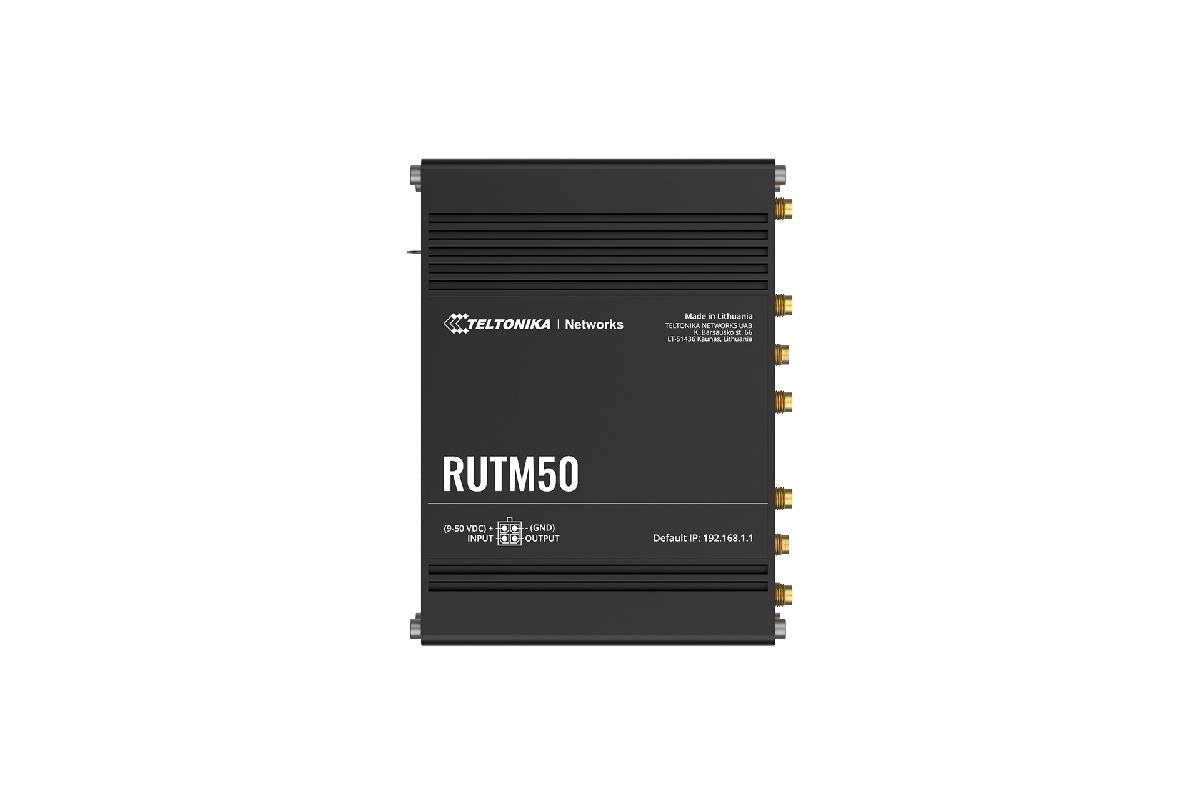
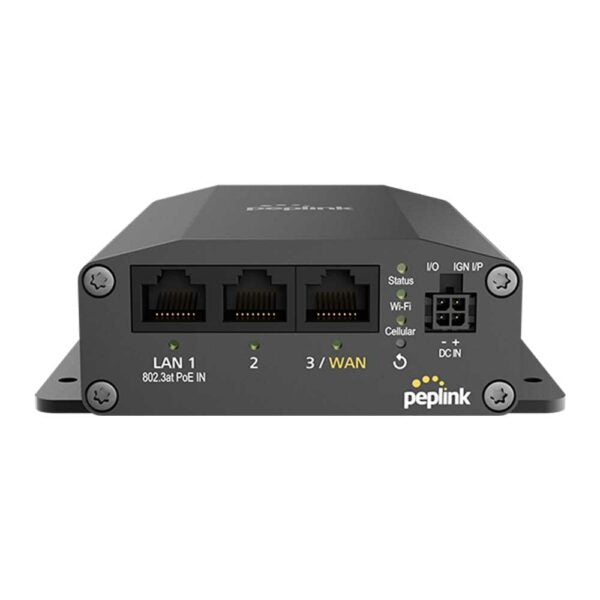
• The Teltonika RUTM50 is a powerful 5G router designed for mission-critical infrastructure and demanding industrial IoT applications. It delivers ultra-fast 3.4 Gbps 5G connectivity and features an advanced suite of redundancy and security protocols. • Key Features: • 5G NR NSA & SA (covers major US/CA carrier bands) • 4G (LTE-FDD) support for essential AT&T FirstNet and Verizon bands • Ultra-high 5G performance: up to 3.4 Gbps DL on 5G Sub-6 GHz SA/NSA bands • Comprehensive failover with dual SIM slots, 8 configurable auto-switch cases, and load balancing over multiple WAN connections • Multi-WAN backup using Wi-Fi WAN, Mobile, and VRRP • 5 x Gigabit Ethernet ports supporting 10/100/1000 Mbps speeds • Professional-grade wireless and VPN capabilities: • Integrated 802.11ac Wave 2 (Wi-Fi 5) with dual band and MU-MIMO capabilities • Advanced Wi-Fi features: Wireless Mesh (802.11s) and Fast Roaming (802.11r) • Extensive VPN suite with support for OpenVPN, WireGuard, IPsec, DMVPN, L2TP, and more • Rugged design and industrial protocol support: • Supports a wide range of protocols critical for IIoT integration: MQTT, Modbus, DNP3, DLMS/COSEM, and OPC UA • Designed with an IP30 rating and robust anodized aluminum casing, operating in extreme temperatures from -40 °C to 75 °C • Includes GNSS (GPS, GLONASS, BeiDou, Galileo) with geofencing support for asset tracking and location-based monitoring

About This Product

The Teltonika RUTM50 is a 5G industrial cellular router built for environments where network uptime and reliability are non-negotiable. It is best suited for remote critical infrastructure, such as oil and gas sites, utility substations, transportation hubs, or large-scale IoT deployments in the GTA's industrial zones. This device is not a typical office Wi-Fi router; it is a hardened, carrier-grade gateway designed to replace or augment wired connections in locations where a single point of failure is unacceptable.

It pairs naturally with Teltonika's Remote Management System (RMS) for centralized monitoring and over-the-air configuration, making it a strong fit for IT teams managing distributed assets across Ontario or beyond. The dual SIM slots and multi-WAN failover (including wired and Wi-Fi WAN) mean it can keep a connection alive even if the primary cellular carrier experiences an outage—a practical advantage for Canadian businesses operating in areas with spotty coverage from any single provider.

The tradeoff is complexity: the RUTM50's extensive feature set (VPNs, industrial protocols, geofencing) requires a knowledgeable administrator to configure and maintain. It would be overkill for a small retail shop or a home office, where a simpler 4G router would suffice. Conversely, it may be underpowered for a data center or a facility requiring high-density Wi-Fi for dozens of concurrent users, as its Wi-Fi 5 (802.11ac) and five Gigabit Ethernet ports are not designed for heavy local traffic. The device excels as a resilient cellular bridge, not as a local network switch.
Services We Provide
  • Professional Installation & Configuration
  • Ongoing Maintenance & Support
  • Troubleshooting & Repairs
  • System Upgrades & Updates