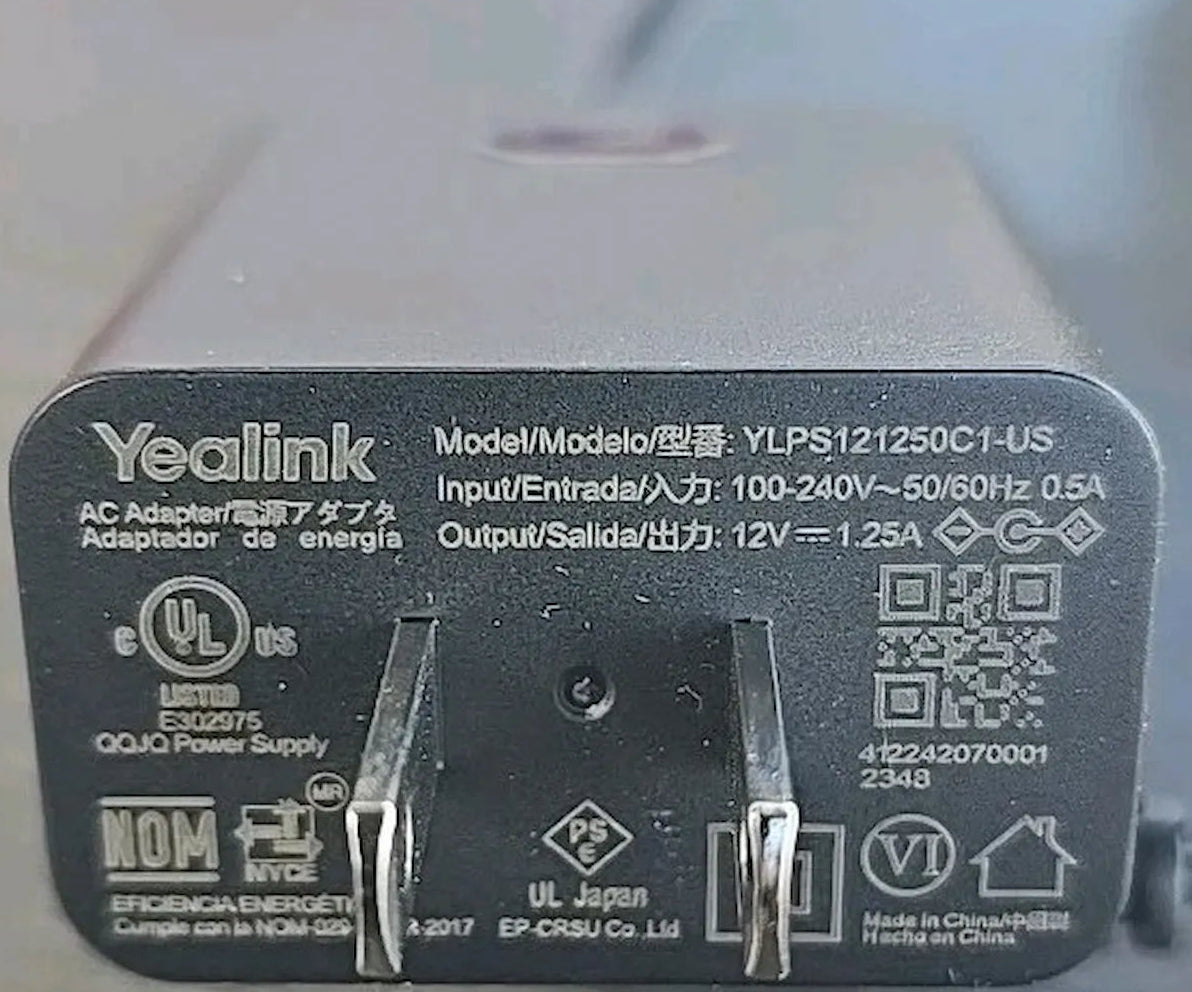
Yealink 12V 1.25A Power Supply for T88 Series-330000022007
Frequently Asked Questions
First, confirm that the power outlet is live by plugging in another device. Make sure the barrel connector is pushed fully into the phone’s DC input and that the AC cord is seated securely in both the adapter and the wall. If there’s still no response, try a different outlet and inspect the adapter’s cable for any signs of damage.
Intermittent power can be caused by a loose connection or overheating. Check that the DC plug is not partially pulled out and that the adapter is placed with ventilation around it. If the adapter feels unusually hot, unplug it and let it cool, then test again. If the problem continues, a Toronto-based VoIP support provider can usually diagnose this remotely and help rule out other hardware factors.
The T88 series phones have high peak current demands, especially when the Wi-Fi radio is active. Generic adapters may not regulate voltage tightly enough during those spikes, which can cause reboots or audio dropouts. Using the official Yealink adapter is strongly recommended to guarantee reliable operation.
It’s normal for a power adapter to get warm during use, particularly with power-hungry devices like the T88 series. Ensure it’s placed on a hard surface with airflow and not covered by papers or cables. If it becomes too hot to touch or emits a burning smell, unplug it immediately and contact support before using it again.
No, the phone is designed to draw power from one source at a time. When both are present, PoE typically takes priority and the power adapter acts as a backup. Leaving the adapter plugged in won’t damage the phone, though you may unplug it to reduce clutter if PoE is reliable.
A low-level hum or electronic whine can sometimes occur due to coil vibration, but a loud or new buzzing sound may indicate a failing component. If the noise is distracting, test the adapter in a different outlet to rule out ground loop interference. Should the noise persist or worsen, discontinue use and replace it, as it could be a fire hazard.
No, this adapter outputs 12V and is specifically designed for the T88 series phones, which require a higher voltage and use a different plug size than many other Yealink models. Using it with a T4 series phone could damage the device. Always check the voltage and connector specifications of your phone before connecting any adapter.
Extending the DC cable is not recommended because it can introduce voltage drop and resistance, which may affect the adapter’s ability to deliver stable power under load. Instead, use an extension cord on the AC side to reach a distant outlet, which is far safer and won’t degrade performance.
A weak Wi-Fi signal or interference is more likely than a power issue, but voltage sag can destabilize the radio. Confirm you’re using the official Yealink adapter and not a third-party supply. Also check that the phone’s firmware is up to date and that the access point is within range. For persistent wireless trouble on T88W phones in the GTA, a local VoIP specialist can perform a deeper radio environment analysis and check provisioning settings without requiring travel.
Not all versions of this adapter include an LED indicator. If your adapter has an LED and it stays dark while plugged in, check the outlet and ensure the DC cable isn’t shorted. A dark LED usually means no power is reaching the adapter, so test with a known-good outlet. If the outlet works but the adapter remains unlit, the adapter likely needs replacement.
VoIP Accessories
Yealink 12V 1.25A Power Supply for T88 Series-330000022007
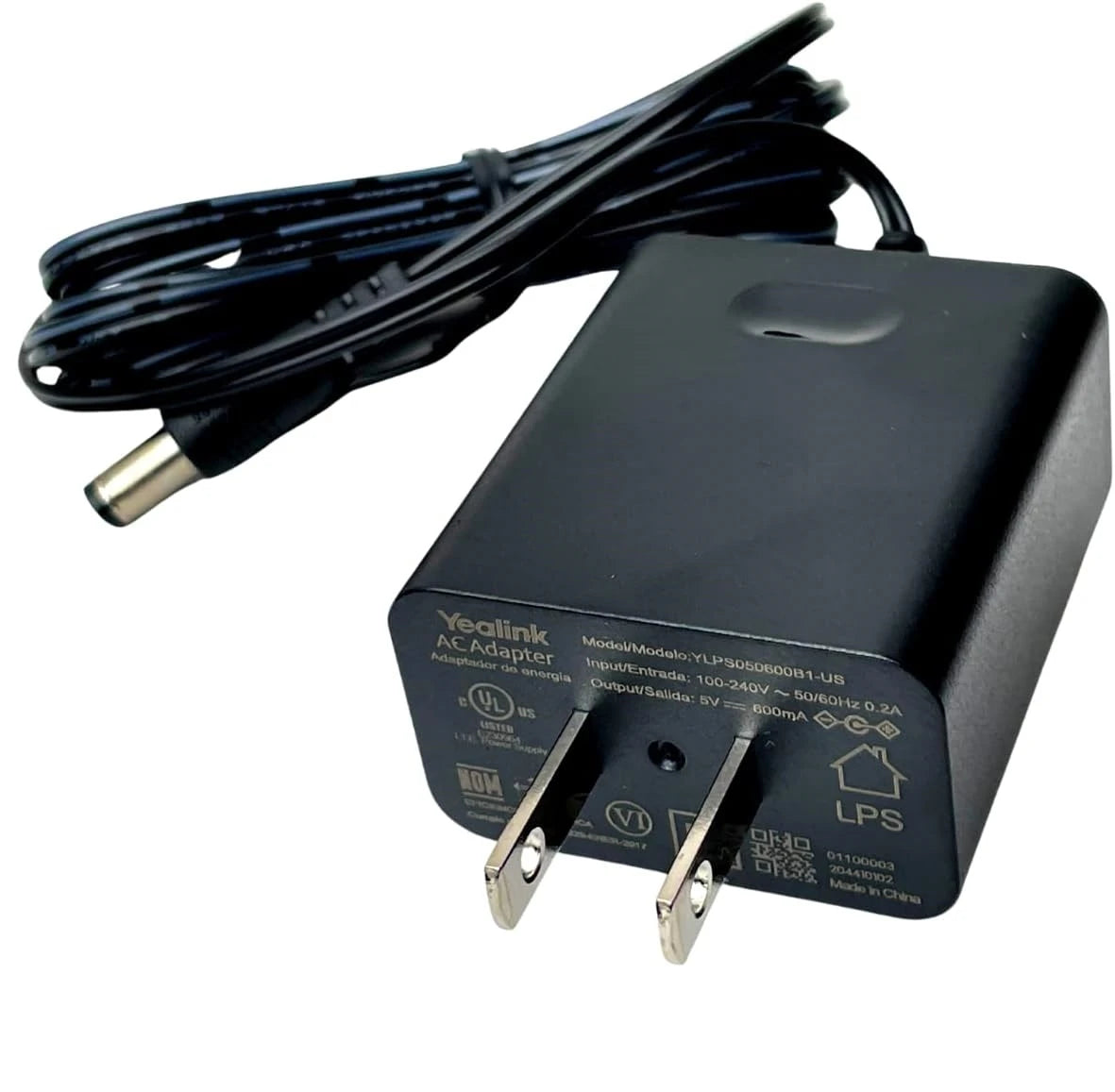
• Ensures continuous operation of your Yealink high-performance phones in any environment with the official 12V 1.25A Power Supply, a vital accessory for home offices, remote locations, or workspaces lacking PoE-enabled switches. Key features: • Reliable and consistent power • Designed to meet the power demands of large 7-inch touchscreens and Wi-Fi 6 radios • 12V 1.25A output Compatible Yealink IP Phone Models: • SIP-T88W • SIP-T88W PRO • SIP-T88V • SIP-T88V PRO
About This Product
This AC power adapter is a direct solution for powering a Yealink T88 series phone when Power over Ethernet is not an option. It's particularly useful for home offices, remote kiosks, or conference rooms where network switches lack PoE, or where a dedicated power supply is preferred for reliability. In Toronto-area businesses that have yet to upgrade aging network infrastructure, keeping one of these adapters on hand can avoid delays when deploying high-end desk phones like the T88W.
The T88 series phones draw significantly more current than entry-level IP phones, especially during peak Wi-Fi 6 radio activity or when their large colour screens are at full brightness. A generic 12V adapter may struggle to maintain stable voltage under those loads, leading to reboots, touchscreen glitches, or wireless drops. This official Yealink supply is engineered to handle those demands consistently.
This adapter is overkill for smaller Yealink models such as the T4 or T5 series, which use different voltage requirements and would risk damage if connected. It’s a single-purpose accessory with no management features—its value comes entirely from avoiding the instability that third-party alternatives can introduce. For T88 owners, it’s an inexpensive insurance policy against power-related downtime.
The T88 series phones draw significantly more current than entry-level IP phones, especially during peak Wi-Fi 6 radio activity or when their large colour screens are at full brightness. A generic 12V adapter may struggle to maintain stable voltage under those loads, leading to reboots, touchscreen glitches, or wireless drops. This official Yealink supply is engineered to handle those demands consistently.
This adapter is overkill for smaller Yealink models such as the T4 or T5 series, which use different voltage requirements and would risk damage if connected. It’s a single-purpose accessory with no management features—its value comes entirely from avoiding the instability that third-party alternatives can introduce. For T88 owners, it’s an inexpensive insurance policy against power-related downtime.
Services We Provide
- Professional Installation & Configuration
- Ongoing Maintenance & Support
- Troubleshooting & Repairs
- System Upgrades & Updates