Yealink A40-010 Collaboration Bar – 1206675
Frequently Asked Questions
Yealink A40-010 Collaboration Bar – 1206675
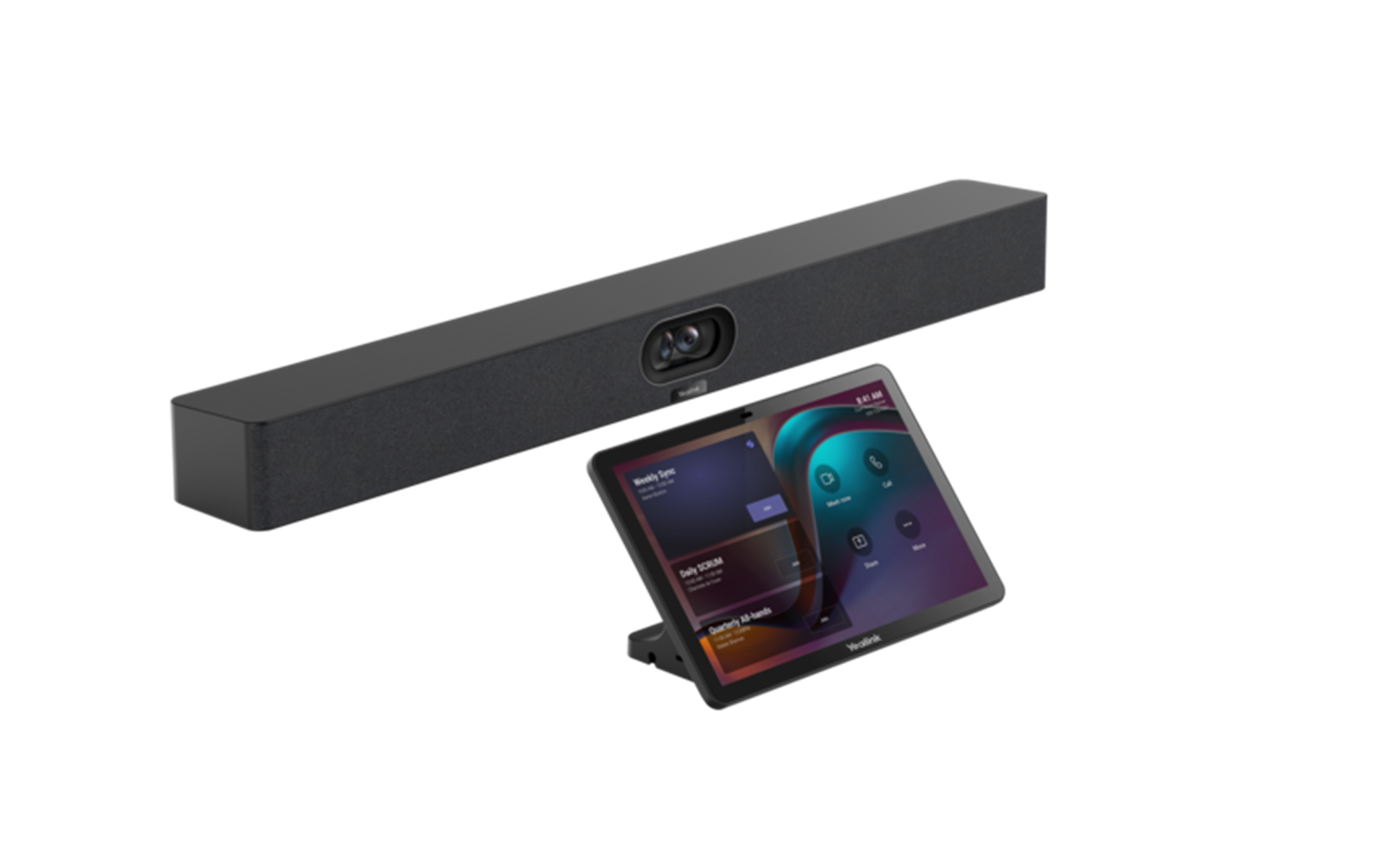
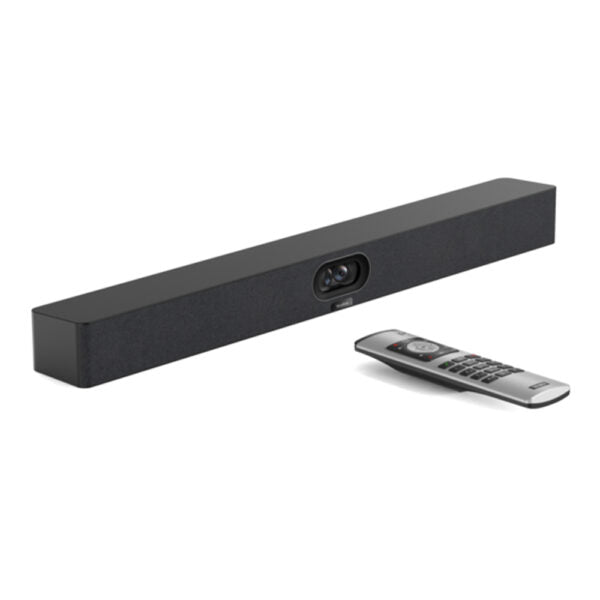
*All-in-one Video Collaboration Bar for Small-to-Medium Rooms The Yealink MeetingBar A40 is a premium all-in-one video collaboration bar designed for small-to-medium rooms. It combines high-quality 48MP images from two lenses, delivering clearer and more detailed image quality. Key Features: • All-in-one audio and video device • Video Fence and IntelliFocus technologies • 2 x 48MP Cameras with 6m pick-up range • Built-in 2 stereo speakers with stereo sound • Ultra HD picture quality and high-quality audio pickup experience • Compatible with Microsoft's MDEP for enhanced security and deployment experiences • Multi-platform flexibility and simple deployment Technical Specifications: • Model: A40-010 • Package Content: MeetingBar A40, HDMI cable x2, Network cable x1, TV-Clip Mount x1, Wall Mount x1 • Cameras: + Maximum pixels: 2 x 48MP pixels + Number of preset positions: 9 + Electronic gimbal + 120° DFOV, 54° VFOV, 110° HFOV • Speakers: + Built-in 2 x 10W speakers with frequency response 100-16kHz + Sampling rate: 48kHz • Video Codec: H.264 High profile, H.264 SVC, H.264 • Communication standard protocol: Dual stream protocol (H.239/H.323), FECC (H.224/H.281) • Audio Codec: ARES (24KHZ bandwidth), G.722.1C (16KHz bandwidth), G.722.1 (8KHz bandwidth) • Microphone: + Built-in 8 MEMS microphone array with 6m pick-up distance + Signal-to-noise ratio: 72dB • Resolution: Portrait resolution up to 4K30fps, bandwidth requirement 10Mbps or more • Installation: Wall mount, TV-Clip Mount, desktop placement • Ports: + 1 x USB2.0 USB-A port + 2 x USB-C ports + 1 x Ethernet port + 1 x Yealink VCH port (RJ-45) + 1 x 3.5mm Line-in & Line-out port + 1 x Power port + 1 x Security lock slot + 1 x Reset slot + 2 x HDMI-out Weight: 6.086kg
About This Product
What sets this bar apart from simpler USB devices is its dual-camera system with intelligent framing. The two lenses and built-in auto-framing work together to keep all participants visible, which matters when you have people seated along a long table rather than clustered directly in front of the screen. The audio pickup is engineered to capture a room rather than a single person, so you can expect clear voice at the far end without everyone needing to huddle near the microphone. It’s a device that rewards a well-shaped room with controlled lighting and acoustics.
There are practical limits to consider. The dual 48MP sensors and 4K output are impressive on paper, but the actual meeting experience will be dictated by your network uplink and the platform’s bandwidth allocation; a 10 Mbps minimum requirement is realistic, but you’ll want headroom if other services share the same connection. The bar’s 6-metre microphone pickup is rated for ideal acoustic conditions, so a glass-walled room or loud HVAC will reduce effective range. It’s also worth noting that this is an appliance built for video-first collaboration; if your primary use is audio-only conference calls, the built-in speaker and microphone array are overbuilt for the task, and a simpler conference phone might be a more cost-effective choice.
This bar is overkill for a personal office or phone-booth-style focus room, where a high-quality headset or a small USB speakerphone would be more appropriate. Conversely, it is underpowered for a large divisible ballroom or a training room with tiered seating, where you’d need external microphones and larger reinforcement speakers. In the Canadian context, it fits well in the standard 4-to-8-person meeting rooms common in downtown office towers, and its multi-platform flexibility means it won’t lock you into a single cloud video service if your organization works with clients on different ecosystems.
Services We Provide
- Professional Installation & Configuration
- Ongoing Maintenance & Support
- Troubleshooting & Repairs
- System Upgrades & Updates