Yealink Collaboration Bar A40-031 – 1206676

Frequently Asked Questions

First confirm whether you're using the 65W power adapter or a PoE network connection. If PoE, check that the switch port is enabled for 802.3af PoE and not just data. Try a different known-good Ethernet cable and a known-working PoE port, and if using the adapter, verify the outlet is live. This simple swap often isolates the issue to the power source rather than the bar itself.
From the touchscreen, verify the on-screen volume slider is not muted and is set above 20%. Then check that the Teams Rooms app is routing audio to the bar's built-in speakers and not to a paired Bluetooth device. A quick test is to play the Teams ringtone from the admin settings; if you hear that, the speakers work and the issue is likely a call audio routing setting.
First wipe the camera lenses with a clean microfiber cloth—a smudge can dramatically reduce clarity. Check the room lighting; the bar performs best with even, indirect light, and harsh backlighting from a window can force the image processing to push gain, creating noise. If the room is dim, try adding front-facing illumination before assuming a hardware fault.
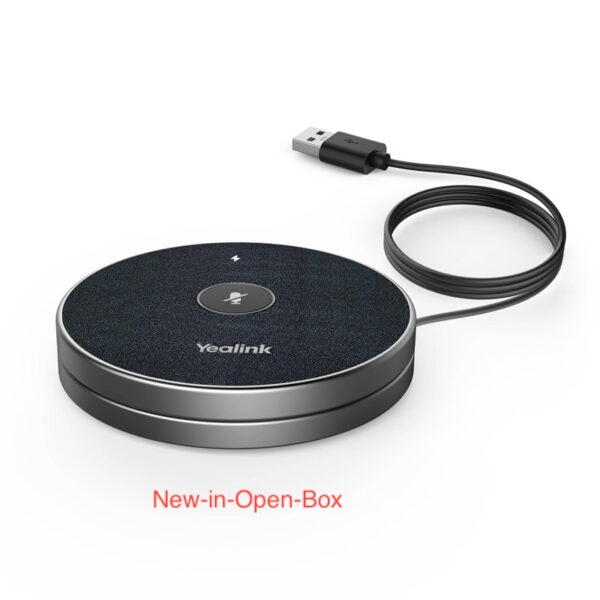
The expansion mics connect wirelessly and are configured through the device's web interface or the Yealink Device Management Platform. Bring an expansion mic close to the bar, power it on, and navigate to the microphone add wizard in the settings. Only order the mic models specifically listed as compatible with the A40; generic Bluetooth mics won't work.
Check network connectivity by confirming the Ethernet cable is securely seated and the switch port LED is blinking. If the bar is on Wi‑Fi, verify it didn't lose its SSID connection due to a AP change. A simple restart of the bar often re-establishes the registration with Microsoft Teams, and the admin center should then show it online within a few minutes.
The A40 is designed primarily as a Teams Rooms device on Android. While it may run other meeting apps through the Android platform, the integrated booking and one-touch-join experience requires a Teams Rooms license. Without one, you can still use the bar via USB passthrough with a laptop, but you lose the standalone appliance convenience.
Make sure the bar is receiving power—check the status LED indicator near the power input. Tap anywhere on the screen to wake it if the device is already on but in display sleep mode. If there's no response, unplug the power source for 10 seconds and reconnect; this clean boot often resolves a display stuck in sleep without harming any configuration.
The built-in 8-microphone array has an effective pickup radius of about 4–5 metres. If your table is longer, ensure the bar is centered under the display and not obstructed by monitors or laptops. For consistent coverage across a deep room, consider adding one or two expansion microphones placed midway down the table, which will integrate automatically once paired.
Video Conferencing

Yealink Collaboration Bar A40-031 – 1206676
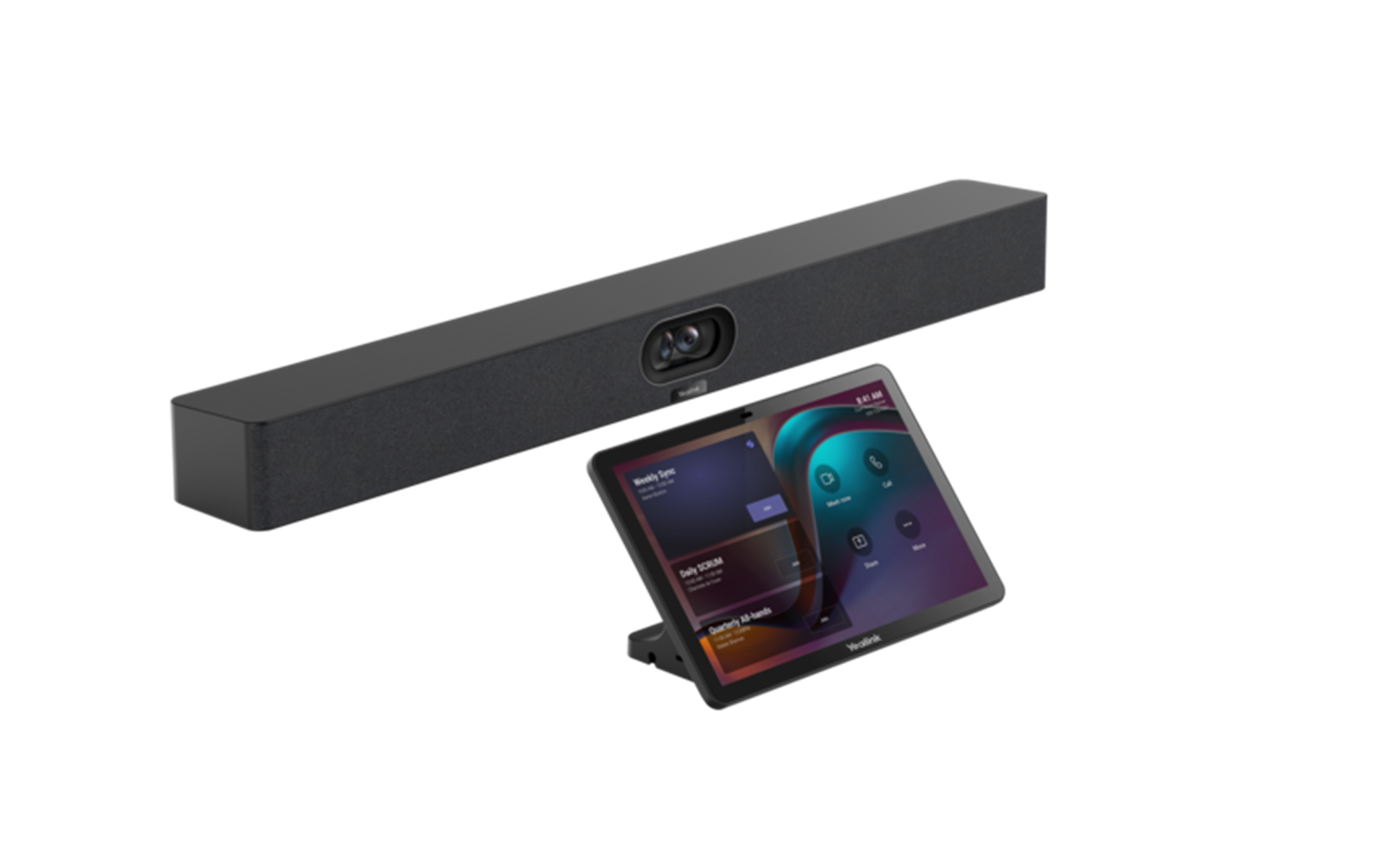
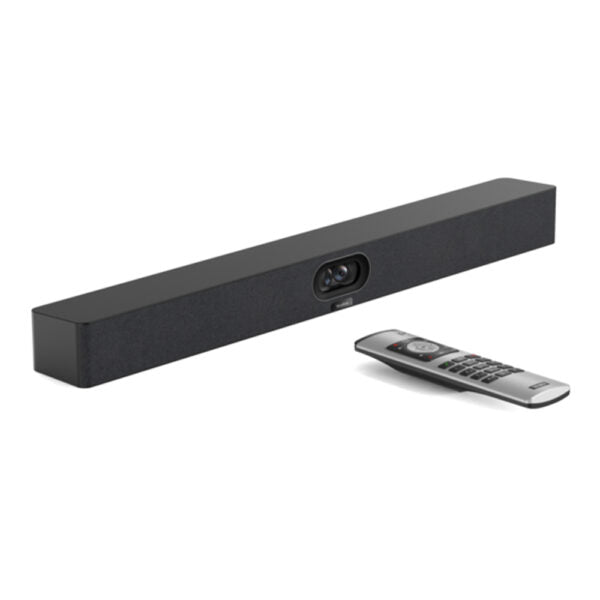
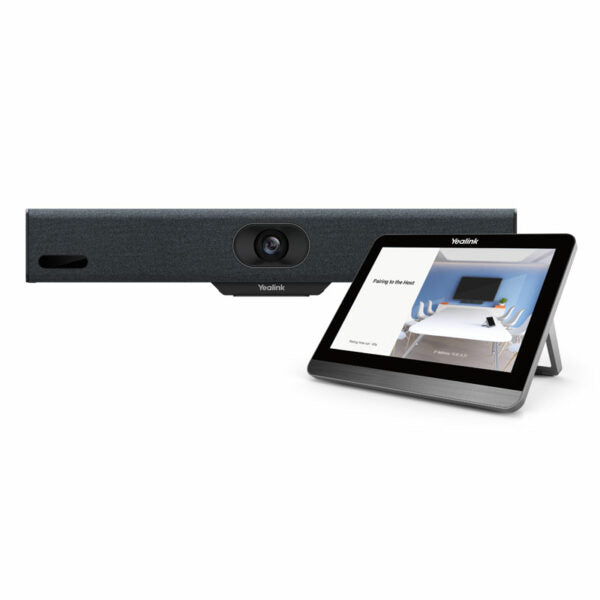
• All-in-one audio and video device for premium small-to-medium rooms • Combines images from two 48MP lenses, delivering a higher pixel picture and clearer image quality • Features built-in 2 stereo speakers and an 8x MEMS microphone array for high-quality audio experience • Intelligent noise reduction technology for enhanced audio quality • Supports 2 additional expansion microphones for added flexibility • Compatible with Microsoft’s MDEP for enhanced security and deployment experiences • Compatible with multiple platforms, including Android • Simple deployment process with remote device management capabilities • Integrated with CTP25 for a simplified login process • Video Room Size: Medium • Operating System: Android 13 • Cameras: • 2*48MP pixels • Maximum resolution: 4K • Maximum frame rate: 60FPS • Speakers: • Built-in 2 x 10W speakers • Frequency response: 80-18KHz • Sampling rate: 48K 16bit • Microphones: • Built-in 8 MEMS microphone array • Signal-to-noise ratio: 72dB • Maximum sound pressure level: 130dBSPL (whole device), 100dBSPL (individual microphone) • Display: • 10.1 inch IPS display • Resolution: 1280 x 800 • Contrast ratio: 1000:1 • Connectivity: • Wi-Fi 6 802.11a/b/g/n/ac/ax • Bluetooth 5.0 • 802.1X, and LLDP-MED • Power: • Power Consumption: Standby 5 W, Average 7.3 W, Peak 15.2 W • Power Adapter: 65W PD • PoE: IEEE 802.3af and above Weight: 14.8 lb Dimensions: 29.25 × 7.20 × 14.80 in Video Room Size: Medium

About This Product

The Yealink Collaboration Bar A40-031 targets small-to-medium meeting rooms where audio and video quality matter but a rack of separate components would be overkill. It replaces the usual camera-cable-speakerphone tangle with a single unit that mounts neatly under a display. In a typical Toronto office, this bar works well in huddle rooms, breakout spaces, or mid-sized boardrooms seating six to ten people. The Android 13 operating system and native Microsoft Teams Rooms integration mean you don't need a dedicated PC, which simplifies deployment and reduces points of failure.

For organizations standardizing on Microsoft Teams, the A40’s MDEP compatibility streamlines security policy and updates through the Teams admin center. The dual 48MP cameras are not just a spec bump—they allow the bar to crop and stitch a wider field of view without the distortion of a fisheye lens, keeping participants clearly framed even at the edges. The built-in eight-microphone array and stereo speakers handle most medium-room scenarios, and the option to add two expansion mics extends pickup reach if your table is unusually long.

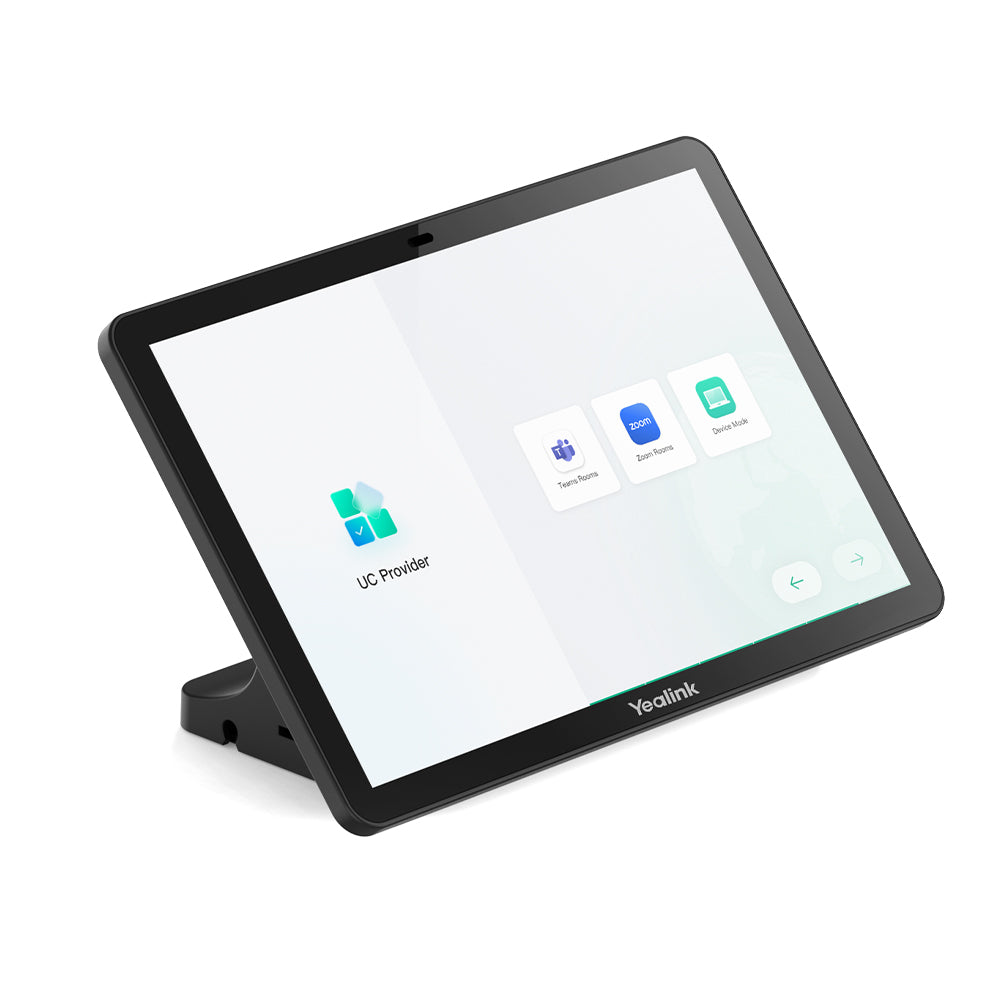
Buyers should know that while the bar supports Wi‑Fi 6, a wired Ethernet connection with PoE is strongly preferred for consistent video quality. An 802.3af PoE switch port can power the bar, but the included 65W PD adapter is there if your network doesn’t deliver PoE. The 10.1-inch touch display on the bar is for in-room control, not for content sharing—it won’t replace a front-of-room screen. Also, the fixed lens design means you can’t optically zoom in on a whiteboard; the bar relies on digital framing, which works well for people but not for fine detail.

This device is overkill for a one-person phone booth and underpowered for a large training room with twenty seats. It fits best in the Canadian mid-market—professional services firms, tech companies, and government meeting rooms where a clean, all-in-one setup saves time and support tickets. If you already own a high-quality USB speakerphone and a separate PTZ camera, the A40 may be more of a sideways move than an upgrade. But for a net-new room build-out, it bundles everything you need into one mountable bar.
Services We Provide
  • Professional Installation & Configuration
  • Ongoing Maintenance & Support
  • Troubleshooting & Repairs
  • System Upgrades & Updates