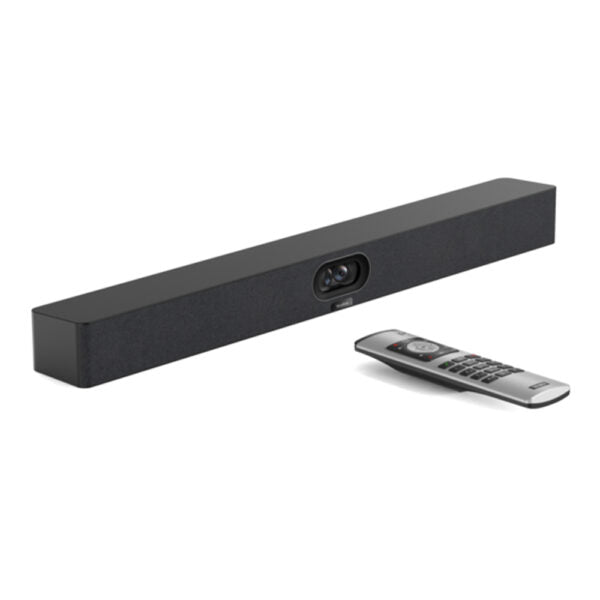
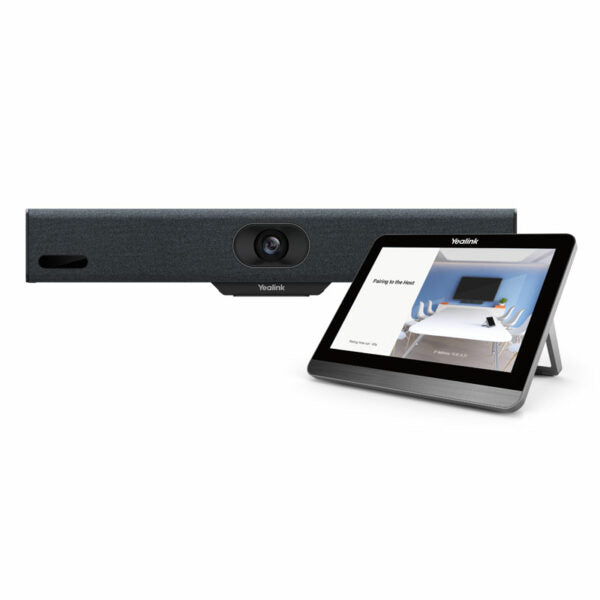
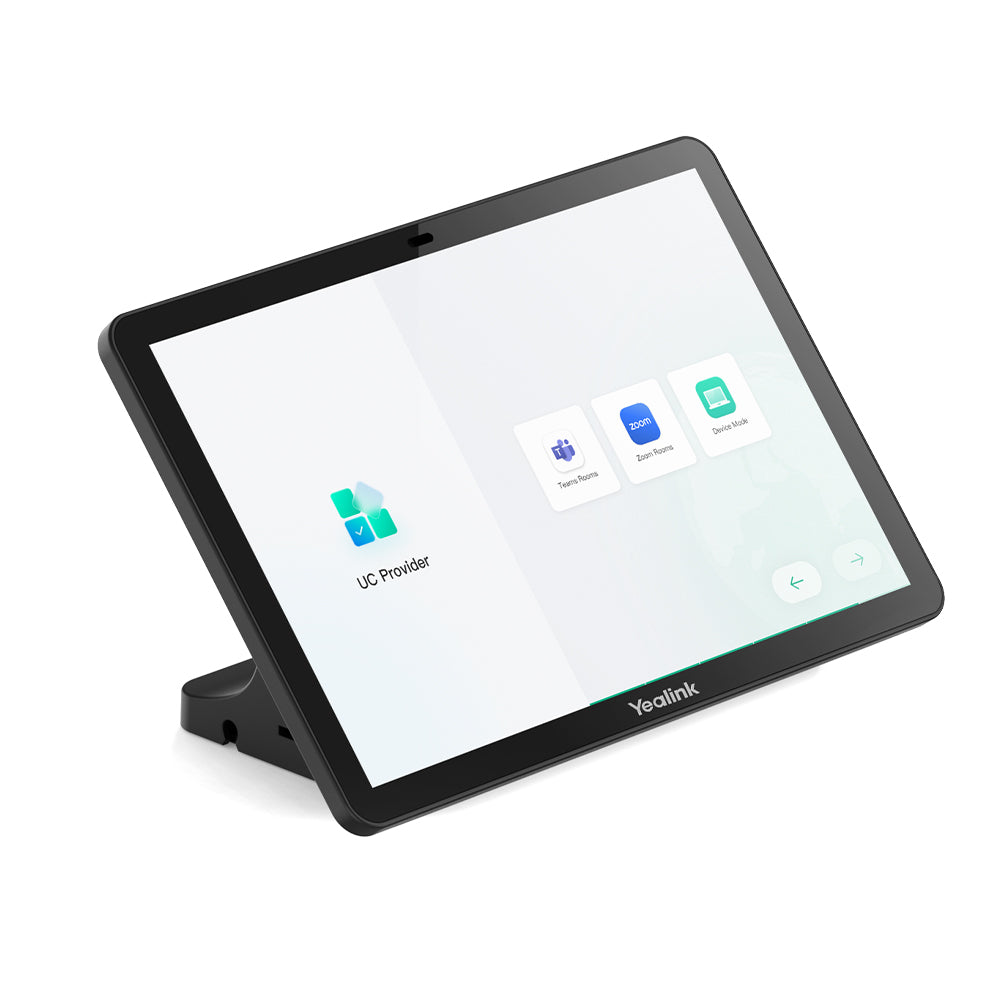
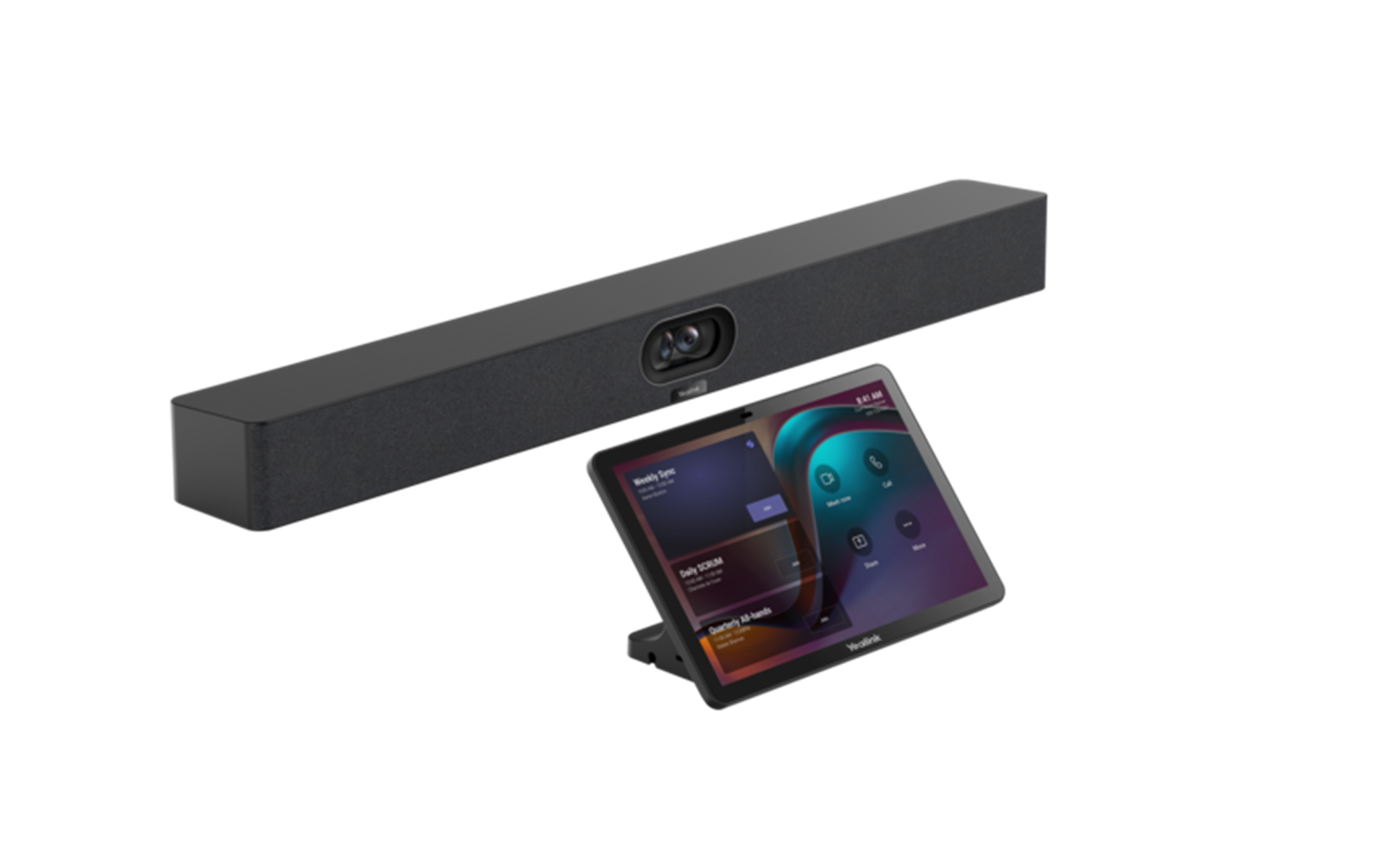
Yealink VCM36-W Package – 1303143-New-in-Open-Box

Frequently Asked Questions

First, check that the microphone and the host device are within 10 metres of each other with no large metal obstacles between them, as wireless range can drop sharply in enclosures. Next, confirm the microphone is fully charged—low battery can cause intermittent disconnections even when it appears paired. If the issue persists, a Toronto-based VoIP support provider can usually resolve this remotely.
Verify that the VCM36-W is selected as the active microphone in your meeting software’s audio settings, not the built-in mic on the camera or laptop. Also confirm the mute touchpad is not engaged—the LED ring indicates mute status, and it is easy to brush the capacitive pad accidentally when moving the unit.
Place the microphone on the charging cradle and observe whether the charging indicator lights up normally. If the unit charges fully but drains in under a couple of hours of talk time, the battery capacity has degraded. Do not attempt to open the sealed housing yourself; contact your supplier for a battery health assessment.
Ensure the VCM36-W is placed at least one metre away from the room’s speaker output. If the microphone is too close to the soundbar or external speakers, the echo canceller cannot fully separate the incoming audio from local voices. Also check that only one microphone is active in the room—having the VCM36-W and a laptop mic live simultaneously often causes echo.
Yes, the microphone is designed to operate while charging. This is useful for all-day meetings where battery life might be a concern. Just be aware that the cradle’s position may not be the optimal spot for voice pickup, so test the placement before a critical call.
First, confirm the USB-C cable is securely connected to both the cradle and a powered USB port that provides sufficient current—try a different USB port or adapter to rule out a low-power source. Wipe the contact points on the bottom of the microphone and the cradle with a dry cloth, as dust or residue can prevent a proper charging connection.
The VCM36-W is designed to pair with compatible Yealink video conferencing systems, and the audio is presented to the host device as a standard USB audio input. As long as your Yealink room system supports the platform you are using, the microphone audio will be available to Zoom, Teams, or any other meeting application running on that system.
Brief interruptions can happen if a person blocks the direct wireless path between the microphone and its paired host device. Try repositioning the host device higher or to the side of the room so the signal path is less likely to be obstructed. If dropouts happen with a clear line of sight, there may be wireless interference from nearby equipment.
Video Conferencing

Yealink VCM36-W Package – 1303143-New-in-Open-Box
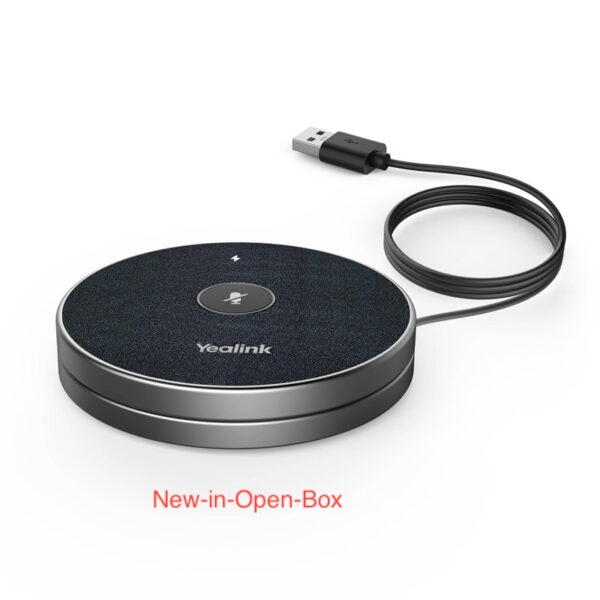
• The Yealink VCM36-W is a cutting-edge wireless video conferencing microphone designed for diverse meeting room requirements. Equipped with a built-in 3-microphone array, it offers a 20-foot (6-meter) 360° voice pickup range and advanced echo cancellation and noise suppression technology that reduces ambient noise by up to 90 dB. • Comprehensive audio coverage is delivered for conference rooms of all sizes, with simple one-step pairing. The microphone offers up to 12 hours of battery life in conference mode and 7 days in standby mode. • The wireless charging dock allows convenient recharging, while its portable design enables users to adjust the microphone's placement as needed during meetings for unparalleled flexibility and convenience. • Key features include: • Optima HD Voice • Full-Duplex technology • 20-feet (6-meter) 360° voice pickup range • Capacitive mute touchpad • Echo cancellation • Expansion Mic (works with built-in mic) • 2450mAh battery capacity, with 24-hour talking time and 14-day standby time • Additional information: • Weight: 1 lb • Dimensions: 8 × 8 × 4 in • Accessory type: Microphone • Technical specifications: • Package content includes 1x VCM36-W Video Conference Microphone, 1x Charger Cradle, 1x 1.2m USB-C Cable, 1x USB Adapter, double-sided adhesive, and a Quick Start Guide. • For a full list of specifications, please refer to the product datasheet available on our website.

About This Product

The Yealink VCM36-W is a wireless microphone purpose-built for video meetings where tabletop audio quality makes the difference between a productive conversation and a frustrating one. It serves small to mid-sized conference rooms—think huddle spaces or boardrooms seating six to twelve people—where a single centrally placed microphone can capture everyone around the table without forcing participants to lean in. The built-in three-microphone array and 360-degree pickup mean it does not need to be pointed at whoever is speaking, which simplifies setup and lets teams focus on the discussion rather than the equipment.

This unit pairs naturally with Yealink video bars and conference systems that support wireless expansion microphones, but it also works as a companion device in mixed-vendor rooms that accept a USB audio input. Its real strength is portability: the rechargeable battery and wireless charging cradle let you move it between rooms without hunting for cables or power outlets. For a growing business with several meeting spaces, that flexibility can reduce the number of microphones you need to buy.

There are practical limits to keep in mind. The 20-foot pickup range is measured under ideal acoustic conditions; in a room with hard surfaces, high ceilings, or significant background noise, effective reach will be shorter. This is an audio-only device—it does not include a speaker or camera, so it must be paired with a system that handles those functions. It is also not designed for large lecture halls or town-hall spaces where you would need multiple distributed microphones and a dedicated DSP to manage echo across zones.

For a Toronto office deploying Yealink MVC room kits, the VCM36-W fills a common gap: clear, cable-free table audio without over-investing in ceiling arrays. It is overkill for a solo office where the built-in mic on a soundbar is sufficient, and it is underpowered for a divisible training room that needs independent mute zones. If your room seats a dozen people around a single table and you want one less cable to trip over, this microphone fits the bill.
Services We Provide
  • Professional Installation & Configuration
  • Ongoing Maintenance & Support
  • Troubleshooting & Repairs
  • System Upgrades & Updates