Yealink CTP25 10.1-inch Touch Console for Meeting Control-1303132
Frequently Asked Questions
Yealink CTP25 10.1-inch Touch Console for Meeting Control-1303132
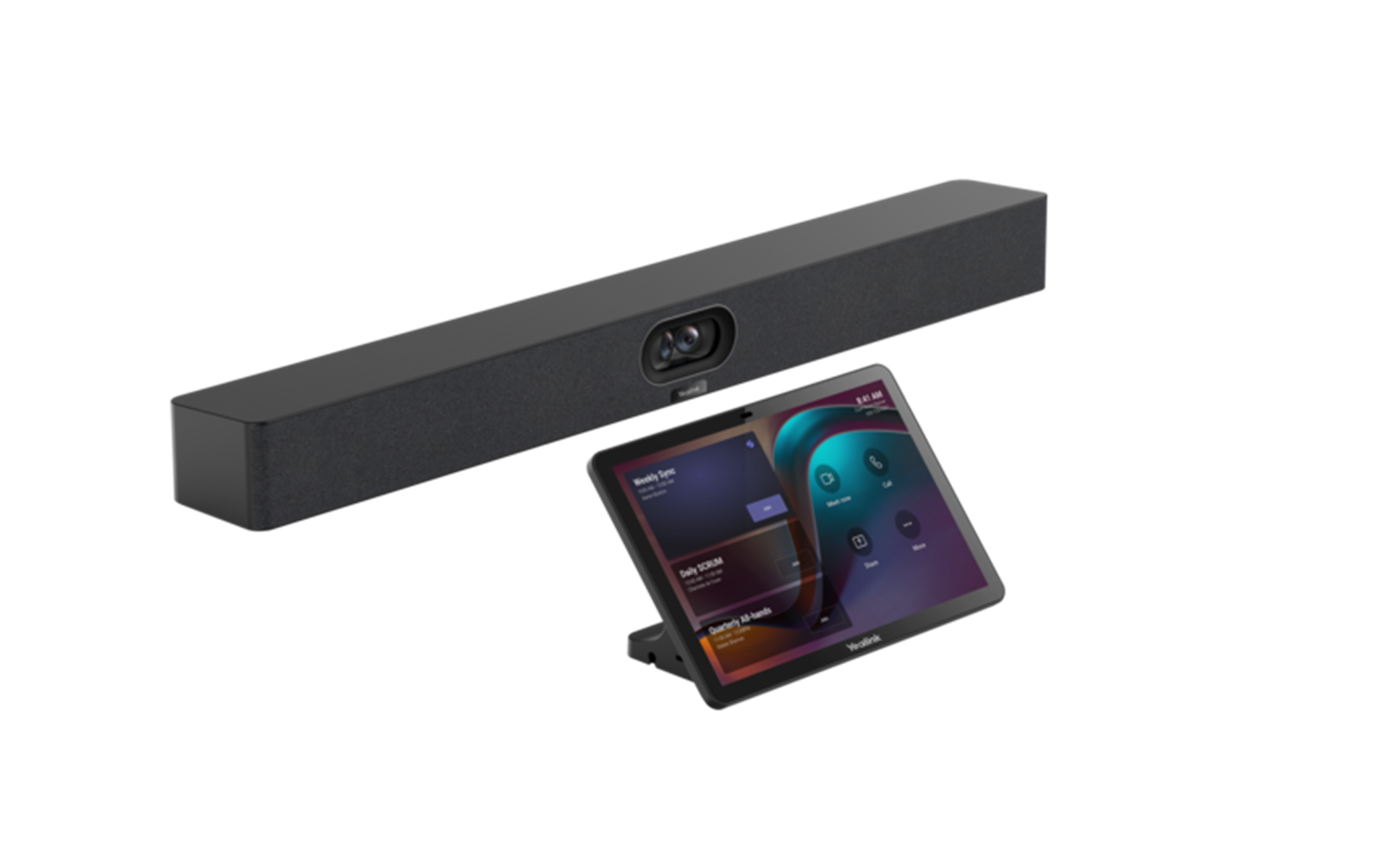
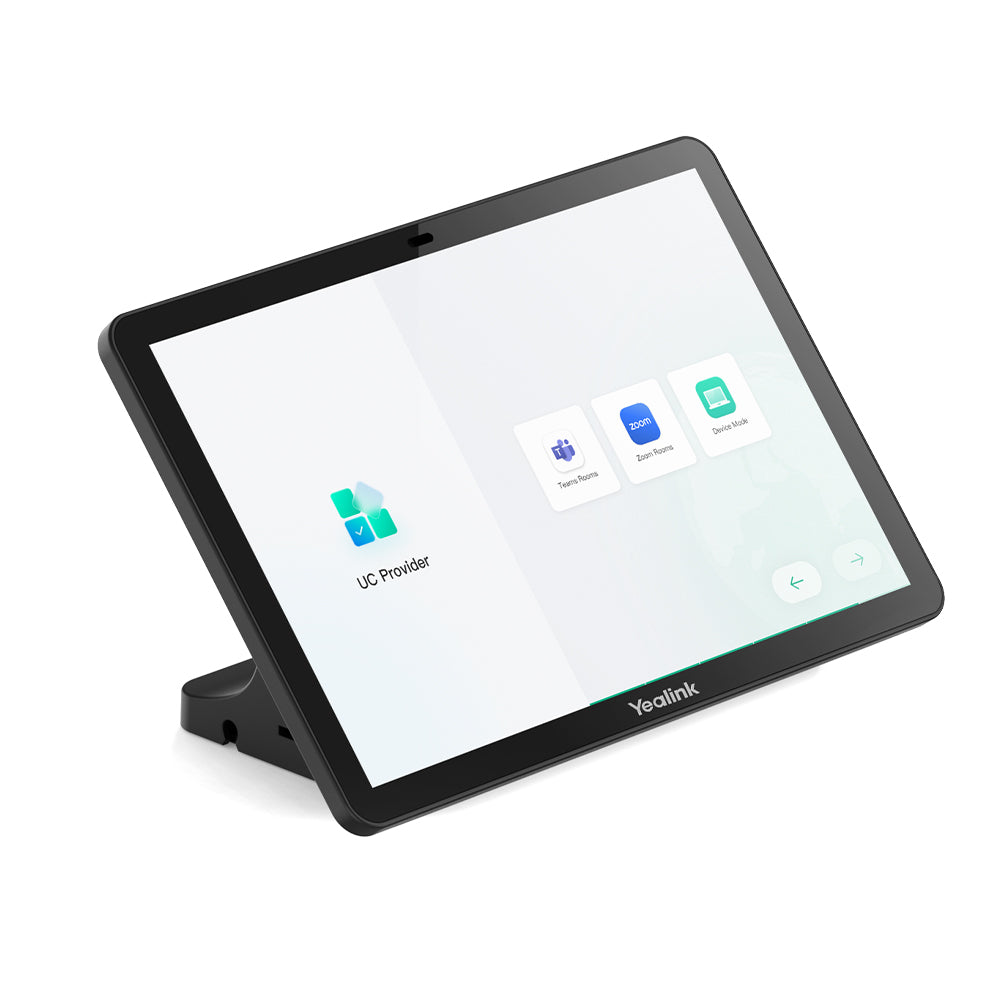
The CTP25 is a cutting-edge touch console designed for meeting control, featuring a user-centered interactive design and 10.1-inch touchscreen. It simplifies video conferencing with direct connection to the system, screen sharing, BYOD, and PD charging capabilities. Key Features: • 10.1 inches, ultra-high screen-to-body ratio • Supports Android 13 (continues to update) • MDEP supported • USB-C wired content sharing/BYOD/power • Ultrasonic technology • Multiple deployment methods Technical Specifications: Package Content: CTP25 7.5m Ethernet Cable 1.2m USB-C Cable PD Power Adapter (65W) Screwdriver High Stand Cable Management Cover M3 Screws 10x Cable Ties 5x Quick Start Guide Power: • Power Consumption: • Standby: 5 W • Average: 7.3 W • Peak: 15.2 W • Power Adapter: 65W PD • PoE: IEEE 802.3af and above Display: • Screen: 10.1 inch • Display Type: IPS • Resolution: 1280 x 800 • Contrast ratio: 1000:1 • Brightness: 350 cd/㎡ (typical) • Viewing angle (horizontal/vertical): 178°(H)/178°(V) • Touchpoints: Multi-points capacitive touch support • Anti-glare • Anti-fingerprint Audio: • Built-in Ultrasound Unit Wireless: • Wi-Fi 6 802.11a/b/g/n/ac/ax • Bluetooth 5.0 Network: • VLAN, 802.1P/Q, and Diffserv • 802.1X, and LLDP-MED • HTTPS Device Management: • Yealink Web Portal • Yealink Device Management Platform • Teams Admin Center • Zoom Device Management Physical Interface: • 1 x USB-A port • 2 x USB-C port • 1 x RJ45 port (PoE 802.3af compatible) • 1 x Reset hole • Motion Sensor Environment: • Operating Temperature: -10 to +45°C • Storage Temperature: -30 to +70°C Dimensions & Weight: • Box: • Dimension: 286 × 198 × 140 mm • N.W/CTN: 1.578 kg • G.W/CTN: 1.846 kg • CTP25: • Dimension: 242.95 × 27.50 × 161.95 mm • Weight: 0.683 kg
About This Product
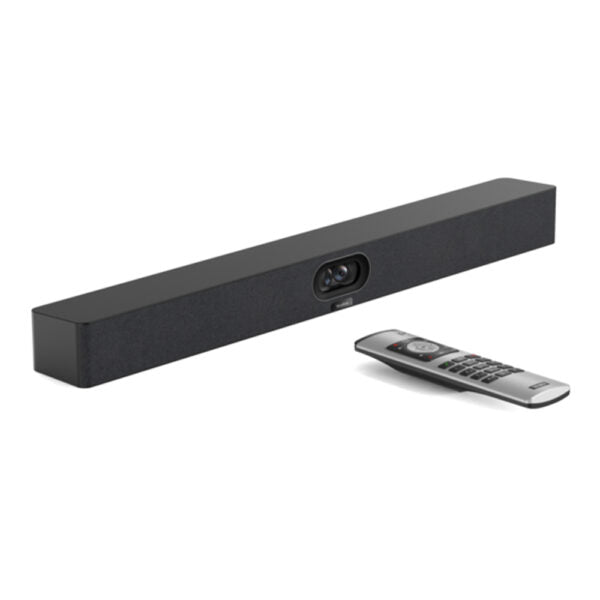
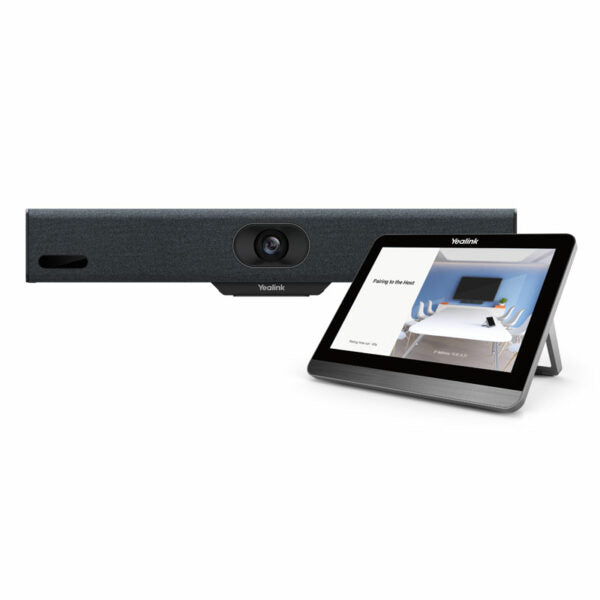
It pairs especially well with Yealink’s own video bars and room solutions, where the console becomes the primary input hub. The USB‑C port supports wired content sharing and can charge a laptop at the same time, which simplifies BYOD spaces. The Android foundation and Wi‑Fi 6/BT radios mean it can operate standalone or as part of a managed fleet without needing separate power or network cabling if PoE is available. In Canadian offices, that flexibility helps when retrofitting older boardrooms that lack nearby AC outlets.
There are tradeoffs. This is not a self‑contained conferencing endpoint—it has no camera, speaker, or microphone. Its job is strictly control and signaling. For a small huddle room that already has a simple all‑in‑one bar with a remote, the CTP25 may be more panel than necessary. Conversely, in a large divisible space that expects the console to also handle multi‑camera presets or room scheduling by itself, it may need pairing with a compatible processor.
For most mid‑sized meeting rooms in the GTA or similar professional environments, it strikes the right balance: enough screen real‑estate to display calendars and in‑call controls clearly, but not so large that it dominates the table. The motion sensor that wakes it on approach is a practical touch that reduces fumbling for a power button when a call is about to start.
Services We Provide
- Professional Installation & Configuration
- Ongoing Maintenance & Support
- Troubleshooting & Repairs
- System Upgrades & Updates