Yealink BH70 Mono UC USB-C/A – 1208706

Frequently Asked Questions

Ensure the BT51C dongle is fully inserted into a USB port and that your computer recognizes it (check Device Manager or system preferences). Power on the headset and put it in pairing mode by pressing and holding the power button until the LED flashes blue/red. If they don’t connect automatically, try removing and reinserting the dongle while the headset is in pairing mode. As always, verify that Bluetooth is enabled on your computer if using the dongle’s Bluetooth profile.
First, check that the boom microphone is positioned correctly—about two finger-widths from the corner of your mouth, not drooping or pushed back. Make sure no clothing or hair is obstructing the mic ports. In your softphone or meeting app, ensure the Yealink BH70 is selected as the input device, not the built-in laptop mic. If the issue persists, try updating the headset firmware via the Yealink USB Connect application, as newer releases often refine microphone processing.
Start by reducing the distance between the headset and the USB dongle; thick walls, metal furniture, or other wireless devices can cause interference. Try moving the dongle to a different USB port, preferably one on the front of a desktop or directly on your laptop instead of a hub. A quick power cycle of the headset (turn off, wait 10 seconds, turn on) often re-establishes a stable connection. If the problem continues, the dongle’s firmware may need an update, which can be done through Yealink USB Connect.
On your computer, right-click the sound icon and confirm that the “Yealink BH70” is set as both the default playback and communications device. Inside your specific UC application (Teams, Zoom, etc.), go to audio settings and select the BH70 for speaker output. Also, check that the headset’s volume is turned up using the physical controls on the earpiece. If none of these help, the headset might be connected to a second device that is playing audio; try disconnecting Bluetooth from your phone momentarily to see if sound returns.
The talk-time rating of 35 hours is measured with the busy light turned off. If your headset’s busy light is always on (or set to bright), it will drain the battery faster. Download the Yealink USB Connect software and reduce or disable the busy light in the settings. Also, if you use the headset primarily for music streaming rather than calls, the continuous audio signal consumes power at the music time rate (up to 43 hours), which is still substantial but different. Check that you aren’t leaving the headset connected and streaming overnight.
macOS often requires explicit permission to use the microphone. Go to System Preferences > Security & Privacy > Privacy > Microphone, and make sure your browser or meeting app is checked. Additionally, in your softphone’s audio settings, explicitly select “Yealink BH70” as the microphone—do not rely on “Default.” If the issue just started, try unplugging and re-plugging the USB dongle, then restarting the affected application. These steps usually resolve it, and a Toronto-based VoIP support provider can remotely diagnose further if needed.
The BH70 Mono is built for PC, Mac, and Bluetooth-enabled mobile devices. A traditional desk phone with an RJ9 handset port does not support it natively. You would need a Bluetooth-enabled phone or a third-party Bluetooth adapter that goes between the handset and phone, and even then call control features may be limited. For desk phone-only environments, a dedicated DECT or wired USB handset is often a simpler choice.
No, the BH70 is a mono headset. Even though some marketing mentions “impeccable stereo playback quality,” the single 35mm speaker mixes both left and right channels down to one earpiece. You get full audio content but not stereo separation. For voice calls this is irrelevant; for critical music work, a stereo model would be needed.
The headset maintains two simultaneous Bluetooth connections (for example, to a laptop via the dongle and to a mobile phone). In practice, it will automatically route audio to whichever device becomes active—if a call comes in on your phone, it moves there, then returns to the laptop after you hang up. You can also manually switch by pausing one device’s audio and starting playback on the other. The Yealink USB Connect app provides more detailed control over device priority.
Yes, the red busy light on the earpiece is visible and serves as a do-not-disturb indicator during calls. Some users find it helpful in open offices. You can adjust its behavior or completely disable it via the Yealink USB Connect software, which also lets you change brightness. Turning it off can extend battery life notably.
VoIP Headsets

Yealink BH70 Mono UC USB-C/A – 1208706
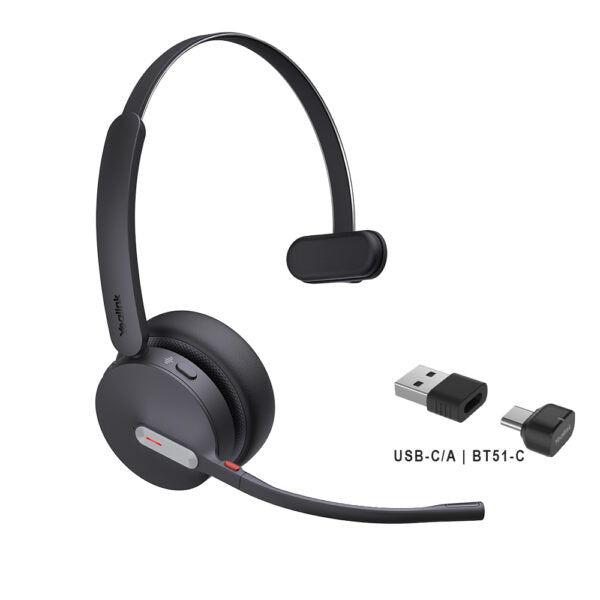
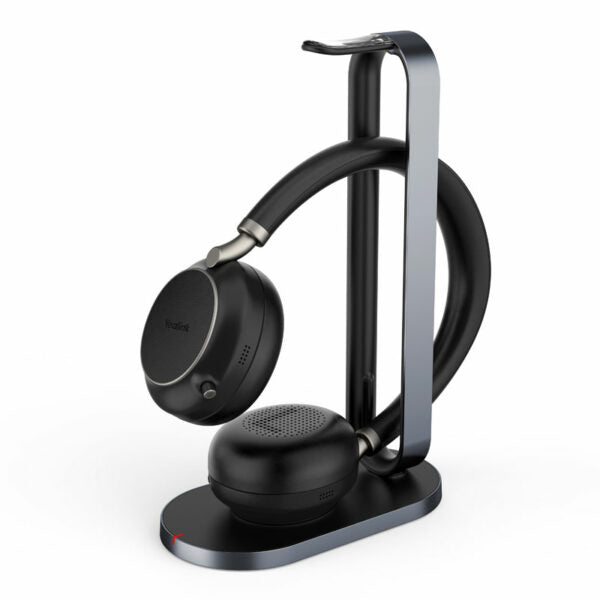
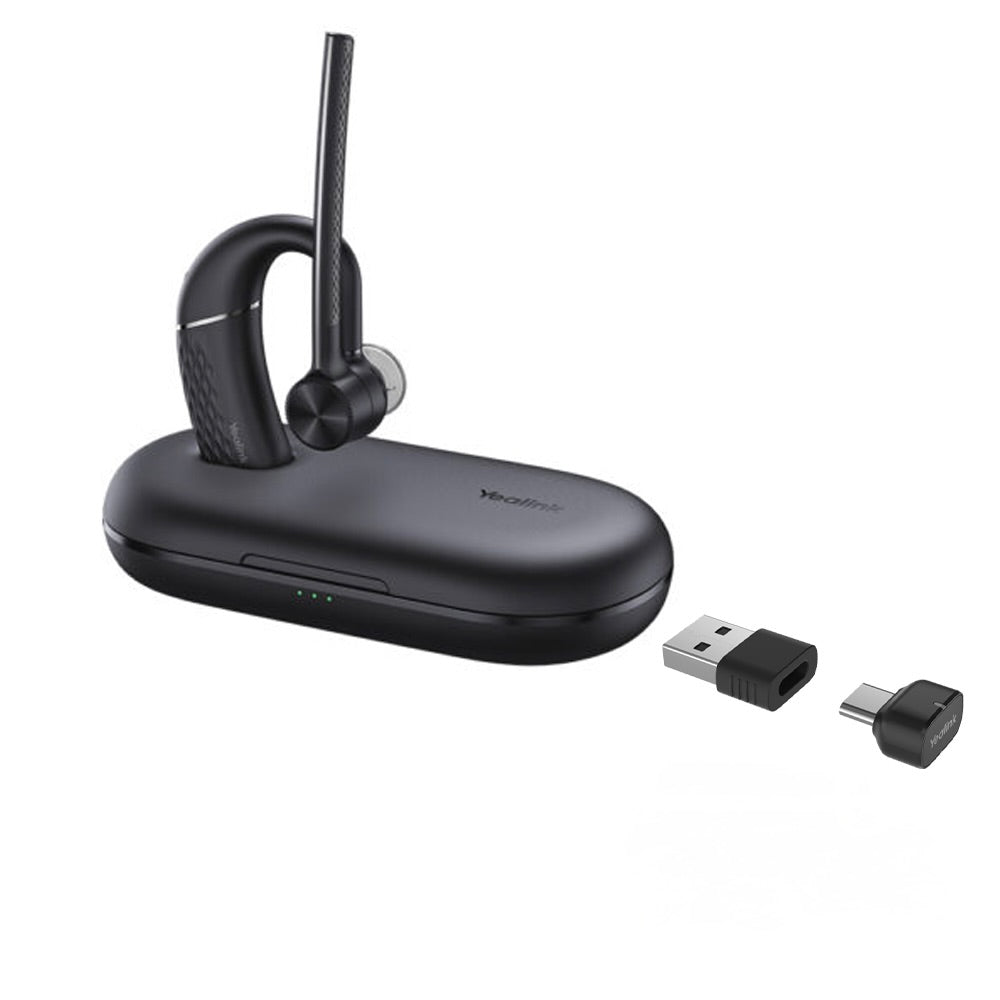
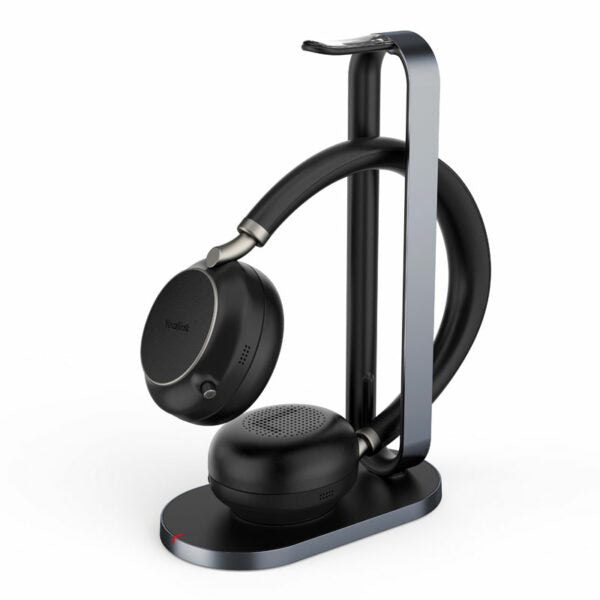
Enhance production efficiency and maintain absolute competitiveness with the Yealink BH70 Bluetooth wireless headset. This versatile headset is suitable for various scenarios, including office, home, or on-the-go use, effectively meeting all your needs. Key Features: • Advanced 2nd generation microphone noise cancellation technology • Three AI-powered microphones to intelligently reduce background noise • Ergonomically designed for exceptional comfort and extended wear • Impeccable stereo playback sound quality with a long-lasting battery life of up to 35 hours Additional Information: • Weight: 1 lb • Dimensions: 6.97 × 8.15 × 2.09 in • Headset Type: Bluetooth, Mono, UC Certified, USB • Package Content: BH70 Mono UC USB-C/A Headset, Drawstring Bag, USB Charging Cable, Quick Start Guide, BT51C Dongle Technical Specifications: • Bluetooth version: Bluetooth 5.3 • Wireless range: 50m/164ft • Connect to: USB C/A adapter with BT51C dongle, USB cable, Bluetooth • Simultaneous Bluetooth connections: 2 • Multiple device pairing: Up to 8 devices • Audio: • Microphone number: 3 • Acoustic Shield: Yes • Active Noise Cancellation: No • Speaker: Ø 35mm • Battery: • Music time: Up to 43 hours • Talk time: Up to 35 hours (with busy light off) • Charging time: Up to 90 min • Standby time: Up to 22 days • Packing: • Product net weight: BH70 Headset - 91g/3.2oz • Giftbox size: BH70 Headset - 177 x 207 x 53mm • G.W/CTN (KG): BH70 Headset - 0.277

About This Product

The Yealink BH70 Mono UC headset is designed for professionals who spend much of their day on voice calls and need reliable, hands-free communication without isolating themselves from their surroundings. Its single earpiece form factor keeps one ear free, making it a practical choice for open-plan offices, shared workspaces, or home offices where staying aware of doorbells, colleagues, or other environmental cues matters. With UC certification, it integrates smoothly with leading softphone and collaboration platforms, so it fits right into the modern Canadian business toolkit, whether you’re at a desk in downtown Toronto or working remotely.

This headset pairs naturally with a laptop or desktop computer via the included BT51C USB dongle, but it can also connect directly to two mobile devices over Bluetooth, giving you a single headset for desk phone-like software, mobile calls, and online meetings. It is a strong replacement for basic wired office headsets, cutting the cord while adding advanced microphone noise cancellation that helps your voice come through clearly even in bustling environments. However, buyers should note that the noise cancellation works only on the transmit side—it reduces background noise for the person on the other end, not for you. If you need active noise cancellation to block out office chatter so you can hear better, this model won’t provide that.

With up to 35 hours of talk time (with the busy light turned off) and a 50-meter Bluetooth range, the BH70 handles full workdays and occasional wandering without constant recharging. It’s overkill for someone who just needs occasional audio for music or podcasts; a simpler stereo headset would make more sense. Conversely, it’s underpowered for users who rely on deep stereo cues or need to plug directly into a traditional desk phone—you’d need a dedicated DECT or wired headset for that. In a typical GTA business deployment, the BH70 Mono shines in roles like customer service or inside sales, where all-day calling on a PC is the norm and a comfortable, single-sided, long-battery wireless headset directly removes a productivity bottleneck.
Services We Provide
  • Professional Installation & Configuration
  • Ongoing Maintenance & Support
  • Troubleshooting & Repairs
  • System Upgrades & Updates