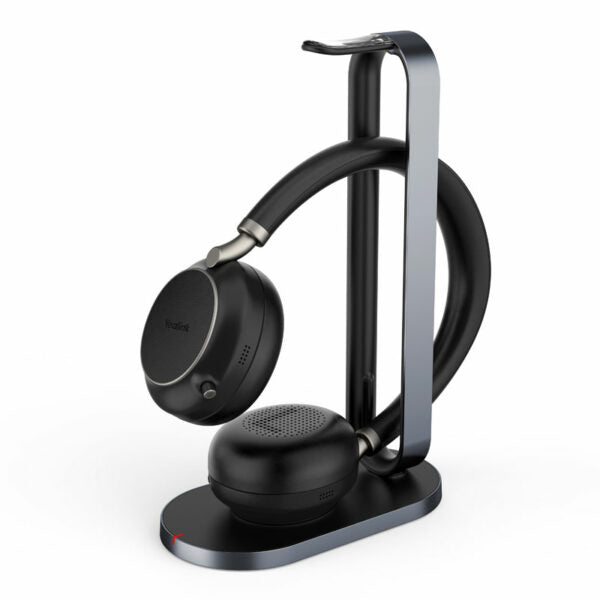
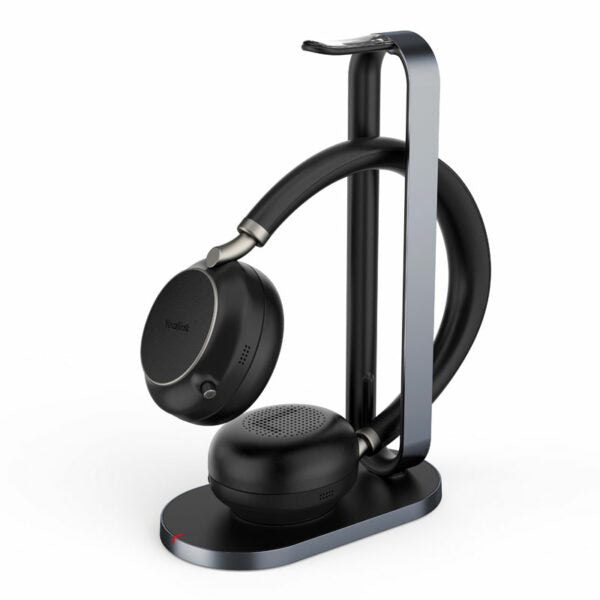
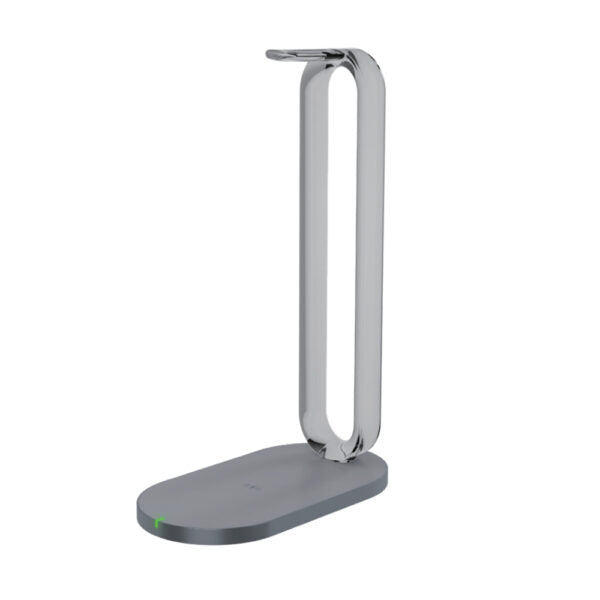
Yealink BH71 Pro Mono Bluetooth Headset USB-C/A-1208709
Frequently Asked Questions
Confirm the headset is in pairing mode: press and hold the multi-function button until the LED flashes red and blue. On the base station, make sure Bluetooth is enabled via the touchscreen settings. If using a laptop directly, remove the headset from the device’s Bluetooth list and try pairing again. Power cycling both the headset and base station often clears temporary glitches.
First, check that your softphone or conferencing app has selected the BH71 Pro as both the speaker and microphone device. Look for the mute indicator; the call may be muted on the headset, base station, or app. Also, test the audio by playing music or a system sound—if you hear that, the routing is correct but the call platform needs its audio settings adjusted.
This usually points to Bluetooth interference or poor signal. Move closer to the base station or laptop and stay clear of active USB 3.0 ports, which can cause 2.4 GHz interference. If your office has many Wi-Fi access points, try temporarily switching your laptop to 5 GHz if possible. A quick restart of the headset and base station can also re-establish a cleaner connection.
Battery life depends on usage: noise cancellation active, volume level, and distance from the base station all play a role. Start by cleaning the charging contacts on both the headset and the case with a dry cotton swab—poor contact can cause incomplete charges. If the issue persists, check for a firmware update through the Yealink USB Connect app on your PC, as updates sometimes improve power management.
Disconnect the USB-C power from the base station, wait about 10 seconds, then plug it back in. This hard restart clears temporary hangs without affecting any saved settings. Make sure the station’s firmware is up to date, as touchscreen responsiveness is often improved in later releases. If the screen remains unresponsive, there may be a hardware fault and support should be contacted.
Echo usually comes from the speaker and microphone picking up each other’s output. Lower the speakerphone volume slightly and ensure the base station isn’t placed against a wall or near reflective surfaces. If the problem only happens with certain devices, check that only one call audio path is active—having the headset and speakerphone both active in the same call can create a loop.
Yes, the BH71 Pro supports Bluetooth multipoint, allowing two simultaneous connections. Put the headset into pairing mode, connect it to your phone first, then repeat the process for your laptop. Calls from either device will ring through the headset, and the base station’s touchscreen lets you manage which device is active. If you’re using the base station with your laptop, the headset can still pair independently with your phone for true dual-use.
Download and install the free Yealink USB Connect software on a Windows or Mac computer. Connect the base station to the PC via the USB-C port, then launch the app—it will automatically detect your device and check for available updates. Follow the on-screen steps; the process takes a few minutes and preserves your current settings. Keep the base station connected and powered until the update finishes.
The charger supports standard Qi devices. Thin plastic or silicone cases usually don’t interfere, but thick or metal cases and credit-card holders will block charging. Test by placing your phone on the pad; if it doesn’t start charging, remove the case and try again. The charging area is indicated on the station, so align your phone’s coil accordingly.
Absolutely. The headset operates independently over Bluetooth, and the charging case is solely for recharging and extending battery life. You can use any USB-C charger to power the headset directly, though the case is handy for topping up on the go. The headset’s 10-hour talk time will get you through most workdays without the case if you charge it at night.
VoIP Headsets
Yealink BH71 Pro Mono Bluetooth Headset USB-C/A-1208709
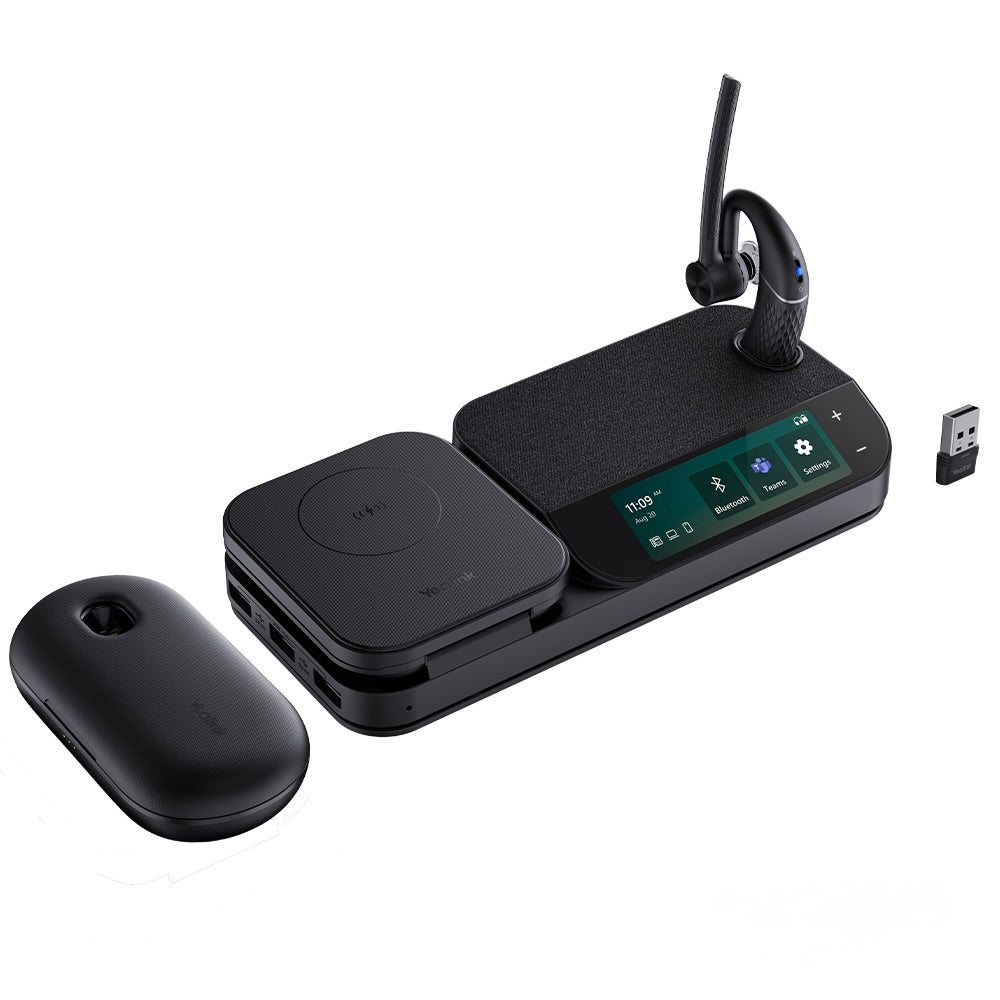
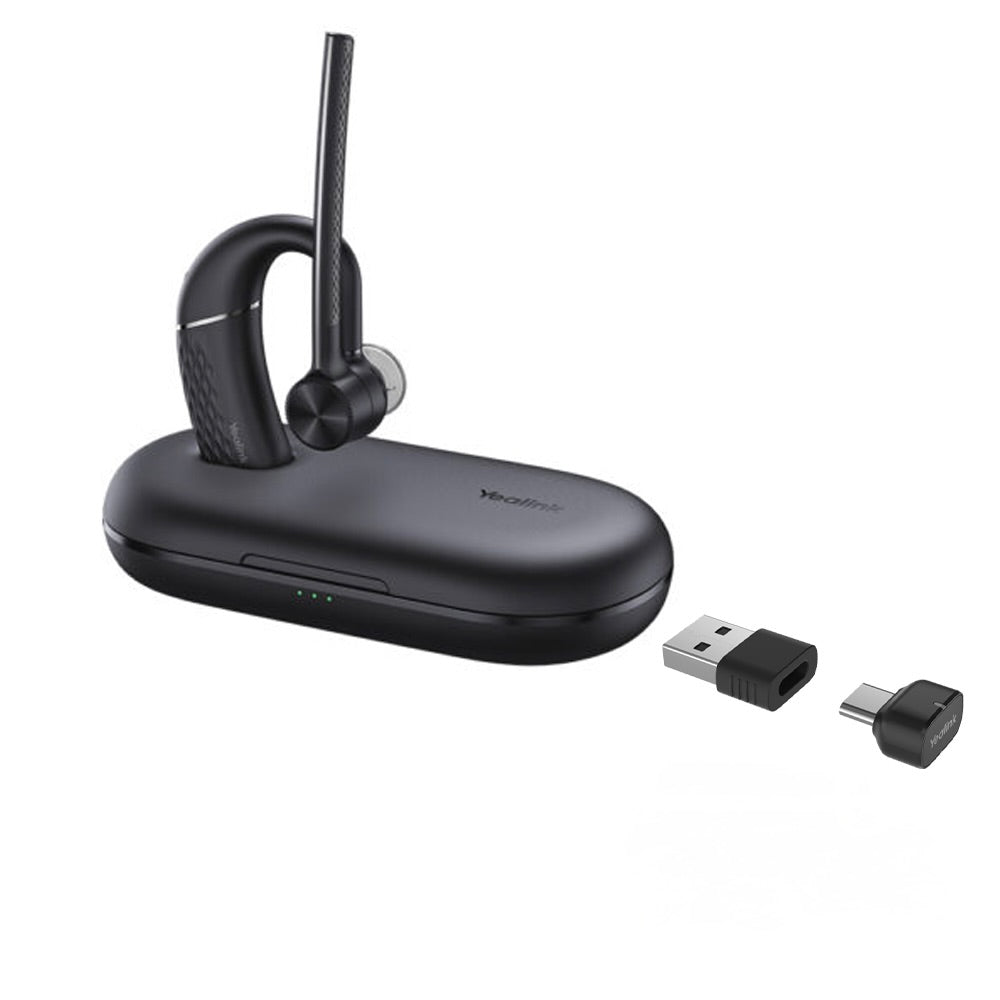
The BH71 Mono Bluetooth Wireless Business Headset System provides high-definition audio quality for seamless communication. Key features include: • 4-mic beamforming noise cancellation technology for clear calls • Adjustable ear hook for comfortable wearing and easy removal • Up to 10-hour talk time for all-day use • Portable charging case extends battery life by up to 20 hours • All-in-one workstation with station, including: • 3-inch touch screen • Speakerphone • 3 USB 3.0 ports • Qi wireless charger The BH71 conference headset is designed for on-the-go and office use, ensuring reliable communication and comfort throughout the day.
About This Product
The Yealink BH71 Pro Mono headset suits professionals who bounce between focused desk work and calls away from their computer. Its standout feature is the all-in-one base station that combines a touchscreen, speakerphone, USB hub, and Qi charger into a single desktop unit. For hybrid workers in open-plan offices or compact home setups, this eliminates the need for multiple peripherals and keeps a tidy workspace. In downtown Toronto offices where every inch of desk counts, the integrated design is a practical space-saver.
The mono earpiece prioritizes all-day comfort and situational awareness over stereo immersion. It’s a sensible choice for voice-heavy roles—sales, support, consulting—where you need to hear your surroundings. Pair it with a Yealink IP phone or popular softphone platforms like Teams and Zoom, and call control flows naturally through the base station’s screen. The portable charging case adds genuine mobility, letting you top up the headset between meetings without hunting for a cable.
Keep in mind that built-in speakerphone in the base station might duplicate a conference room’s existing equipment; if you already own a high-quality speakerphone, the added cost of the touchscreen hub may be redundant. The headset itself, while excellent for calls, is not meant for music reproduction—its drivers are tuned for speech. Bluetooth range is typical of its class and works well in a standard office, but walls and interference from dense Wi-Fi environments can shorten it.
This system would be overkill for someone who takes occasional short calls and does all their work at one desk; a simpler wired or basic Bluetooth headset would suffice. Conversely, for a contact centre agent who needs binaural noise isolation and marathon talk times, the mono design and 10-hour battery may feel limiting—a dedicated DECT headset could be a better fit. For a modern professional who wants a clean desk and the freedom to wander during calls, the BH71 Pro lands in a sweet spot.
The mono earpiece prioritizes all-day comfort and situational awareness over stereo immersion. It’s a sensible choice for voice-heavy roles—sales, support, consulting—where you need to hear your surroundings. Pair it with a Yealink IP phone or popular softphone platforms like Teams and Zoom, and call control flows naturally through the base station’s screen. The portable charging case adds genuine mobility, letting you top up the headset between meetings without hunting for a cable.
Keep in mind that built-in speakerphone in the base station might duplicate a conference room’s existing equipment; if you already own a high-quality speakerphone, the added cost of the touchscreen hub may be redundant. The headset itself, while excellent for calls, is not meant for music reproduction—its drivers are tuned for speech. Bluetooth range is typical of its class and works well in a standard office, but walls and interference from dense Wi-Fi environments can shorten it.
This system would be overkill for someone who takes occasional short calls and does all their work at one desk; a simpler wired or basic Bluetooth headset would suffice. Conversely, for a contact centre agent who needs binaural noise isolation and marathon talk times, the mono design and 10-hour battery may feel limiting—a dedicated DECT headset could be a better fit. For a modern professional who wants a clean desk and the freedom to wander during calls, the BH71 Pro lands in a sweet spot.
Services We Provide
- Professional Installation & Configuration
- Ongoing Maintenance & Support
- Troubleshooting & Repairs
- System Upgrades & Updates