Yealink BH71 Workstation Pro
Frequently Asked Questions
Yealink BH71 Workstation Pro
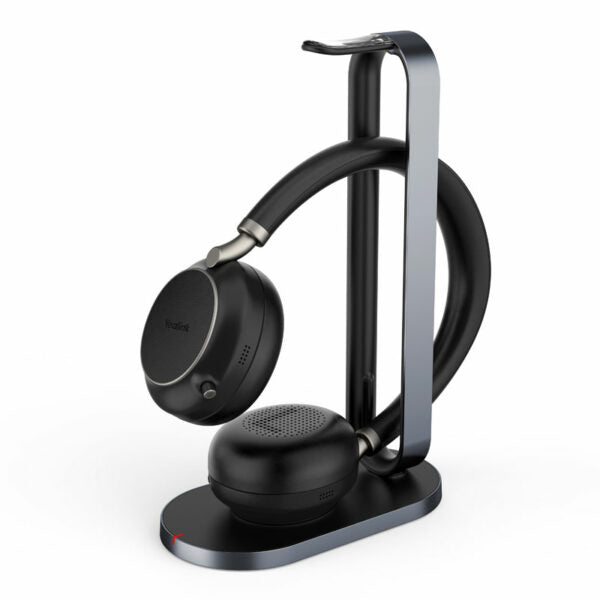
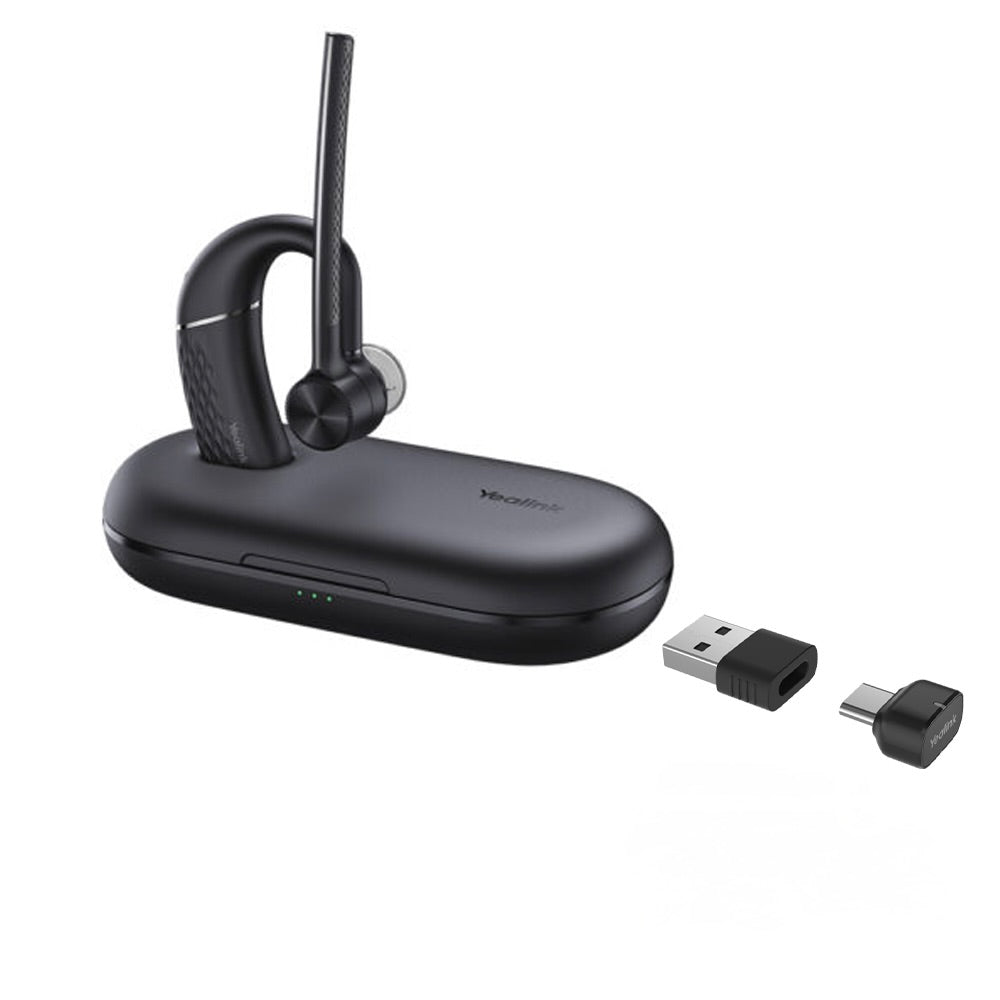
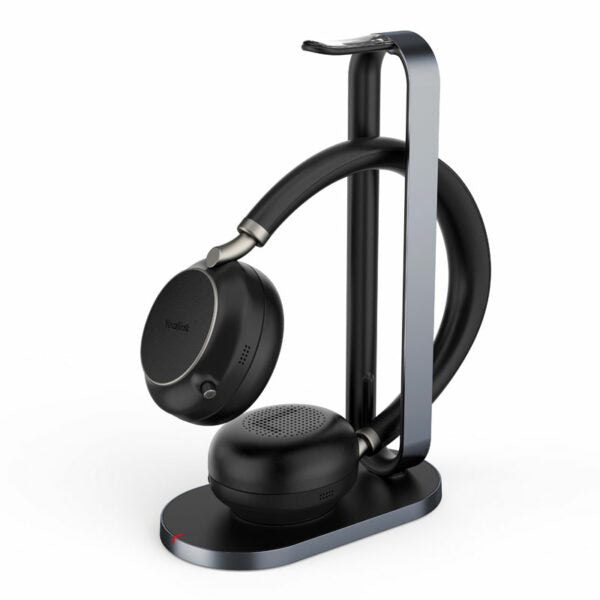
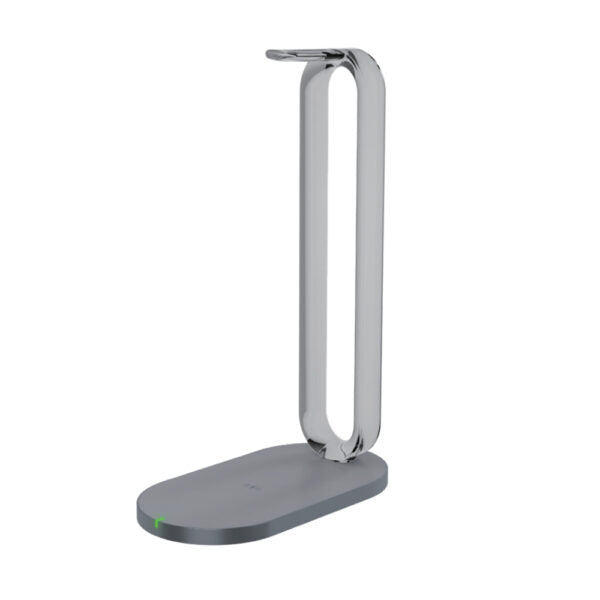
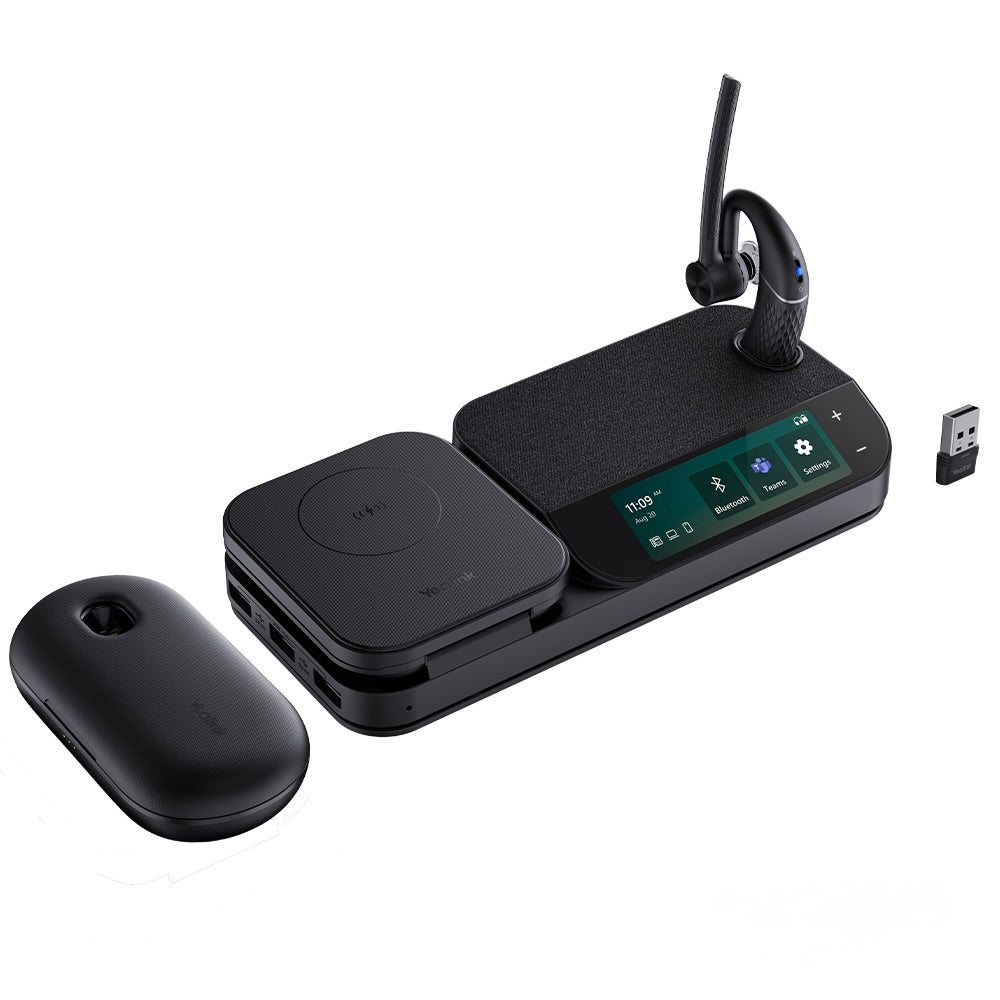
The BH71 Workstation Pro Mono Bluetooth Wireless Business Headset System provides high-definition audio quality for clear communication whether you're on the go or in the office. With 4-mic beamforming noise cancellation technology, adjustable ear hook, and excellent audio experience, this headset ensures all-day wearing comfort. Key Features: • 4-mic beamforming noise cancellation technology • Adjustable ear hook • Excellent audio experience and all-day wearing comfort • 10-hour talk time • 20-hour extra battery life with portable charging case • Multiple connections for simultaneous use with desk phone, PC, and smartphone • Touch screen speakerphone with 3-inch display • USB hub with Qi wireless charger • Up to 40m wireless range Additional Information: • Weight: 1.29 lbs • Dimensions: 11.34 × 4.33 × 2.56 in • Headset Type: Bluetooth, Mono, Teams Certified, USB • Supported Platforms: Microsoft Teams Technical Specifications: GENERAL INFO: • Model: BH71 Workstation Pro • Part number: 1208654 • Box Contents: + BHM711 Headset + Eartips + Power Adapter + Micro USB 2.0 Cable + Type-C 3.0 Cable + BHB710 Station + Quick Start Guide + BT51A Dongle + BHC71P Charging Case BLUETOOTH (HEADSET): • Bluetooth Version: Bluetooth 5.2 • Bluetooth Profile: HFP 1.7, A2DP 1.3, AVRCP 1.6 • Bluetooth Pairing List: 8 • Simultaneous Bluetooth Connections: 2 • Wireless range: 130ft (in ideal conditions) SUPPORTED PC/SMARTPHONE OPERATING SYSTEMS: • Microsoft Windows • Apple Mac OS • Android, iOS SUPPORTED DEVICES: • PC • Yealink SIP Phone • Smartphone • BT51A BATTERY (HEADSET): • Battery Type: Rechargeable Lithium-ion • Battery Capacity: 160mAh • Talking Time: 10-hour • Music Time: 10-hour • Charging Time: Up to 90min • Standby Time: 11 days Wireless Charger: • Wireless Charging Power: Max. 15 W (iPhone doesn’t support 15W wireless charging) • Wireless Charging Effective Distance: Coil alignment center distance within 8 mm diameter range
About This Product
This system targets a clear gap: the user who needs a wireless headset but finds switching between dongles, desk phones, and a smartphone a daily frustration. The base station with its 3-inch touch screen acts as a central command hub, and the portable charging case extends talk time beyond a standard workday. A key practical trade-off is the mono design, which prioritizes awareness of your surroundings over immersive stereo sound for music. It is best understood as a communications tool first, rather than a general-purpose media headset.
For a Canadian professional in a hybrid role, the single-ear design can be particularly useful in a shared or open-plan Toronto office where remaining approachable is important. The system is powerful for a single desk deployment, but it is overkill if you only need a simple headset for one device. The full workstation system is an investment in managing multi-device complexity, not just a headphone purchase.
The primary limitation to consider during deployment is the wireless range, which is specified for ideal conditions in an open space. In a typical office with drywall, glass, or structural elements, the usable range will be less. For a user who moves across a large floor, the 40-meter figure might not hold up. If your workflow does not involve a desk phone or you do not intend to use the speakerphone and charging base, a less complex Bluetooth headset would likely serve you just as well at a lower cost.
Services We Provide
- Professional Installation & Configuration
- Ongoing Maintenance & Support
- Troubleshooting & Repairs
- System Upgrades & Updates