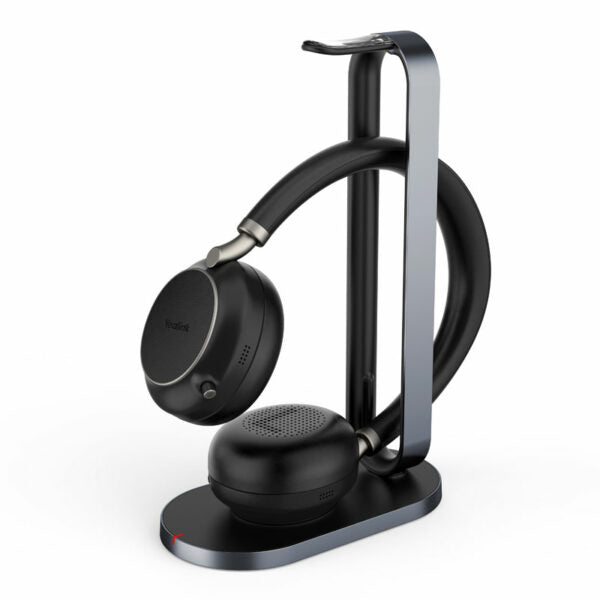
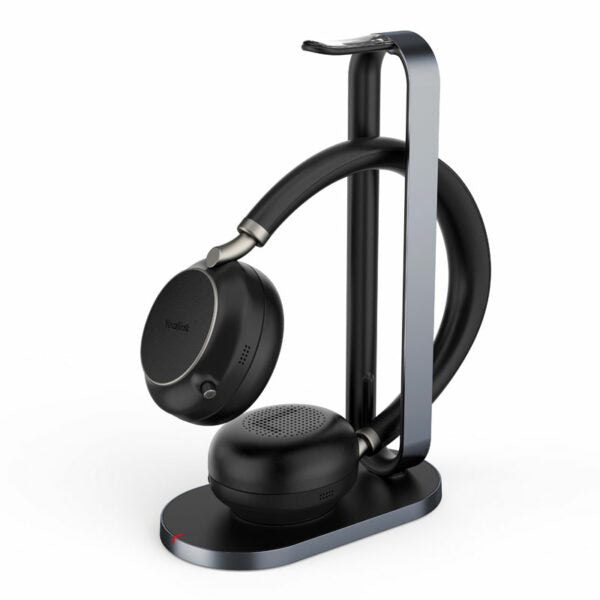
Yealink BH76 Plus UC Black USB-C/A – 1208708

Frequently Asked Questions

First, ensure the headset is in pairing mode (press and hold the power button until the LED flashes red and blue). On your computer, go to Bluetooth settings and select 'Yealink BH76 Plus'. If you're using the included BT51C dongle, plug it into a USB port and it should pair automatically. If the problem persists, restart both the headset and the computer.
Check that the headset is positioned correctly over your ear and that the ear cushion is clean and not compressed. Also verify that the microphone arm is fully extended and not obstructed. In your softphone settings, confirm the headset is selected as both the audio output and input device. If the issue continues, try a different USB port or re-pair the dongle.
Make sure ANC is turned on by pressing the ANC button on the headset (the LED indicator will show the current level). Cycle through the three levels to see if stronger cancellation helps. Also ensure the ear cushions create a good seal around your ears—if you're using the on-ear cushions, switching to over-ear cushions may improve noise isolation.
Battery life varies with feature usage. Turn off ANC when not needed and disable the busy light if full brightness isn't required. Also, avoid leaving the headset in standby for long periods; power it off when not in use. If you're using wireless charging, note that it takes longer than wired charging and may not fully charge if the headset is misaligned on the pad.
Bluetooth range is affected by physical obstacles. Move closer to your paired device and ensure there are no large metal objects or walls in between. If you're using the BT51C dongle, try plugging it into a USB port on the front of your computer or use a USB extension cable to bring the dongle closer to your work area.
First, confirm the busy light is enabled in your softphone's device settings or in the Yealink USB Connect software (if installed). Also check that the headset's firmware is up to date. The busy light activates only when a call is active and the headset is being used—if you're just on hold or in a meeting without using the headset, it may not light up.
Ensure the microphone arm is extended and not tucked away inside the headband. Check that the mute button on the headset is not engaged (the mute indicator light should be off). In your operating system's sound settings, verify that the Yealink BH76 Plus is set as the default recording device. Try a quick test using the built-in sound recorder.
The BH76 Plus connects via USB or Bluetooth, so it does not have an RJ9 connector. To use it with a desk phone that lacks Bluetooth, you would need a third-party Bluetooth adapter that supports headset profile (HSP). However, compatibility varies; for best results, use the headset with a PC or a phone that supports Bluetooth natively.
Firmware updates are performed using the Yealink USB Connect software on Windows or Mac. Download and install the software, then connect your headset via USB cable (not just dongle). The software will check for updates and guide you through the process. Keep the headset powered on and connected until the update completes.
First, ensure the charging pad is Qi-compatible and powered on. Place the headset flat on the pad with the bottom (where the charging contacts are) centered over the charging area. Remove any thick case or metal objects between the headset and pad. If it still doesn't charge, try using the included USB cable instead—wireless charging is slower and alignment-sensitive.
VoIP Headsets

Yealink BH76 Plus UC Black USB-C/A – 1208708
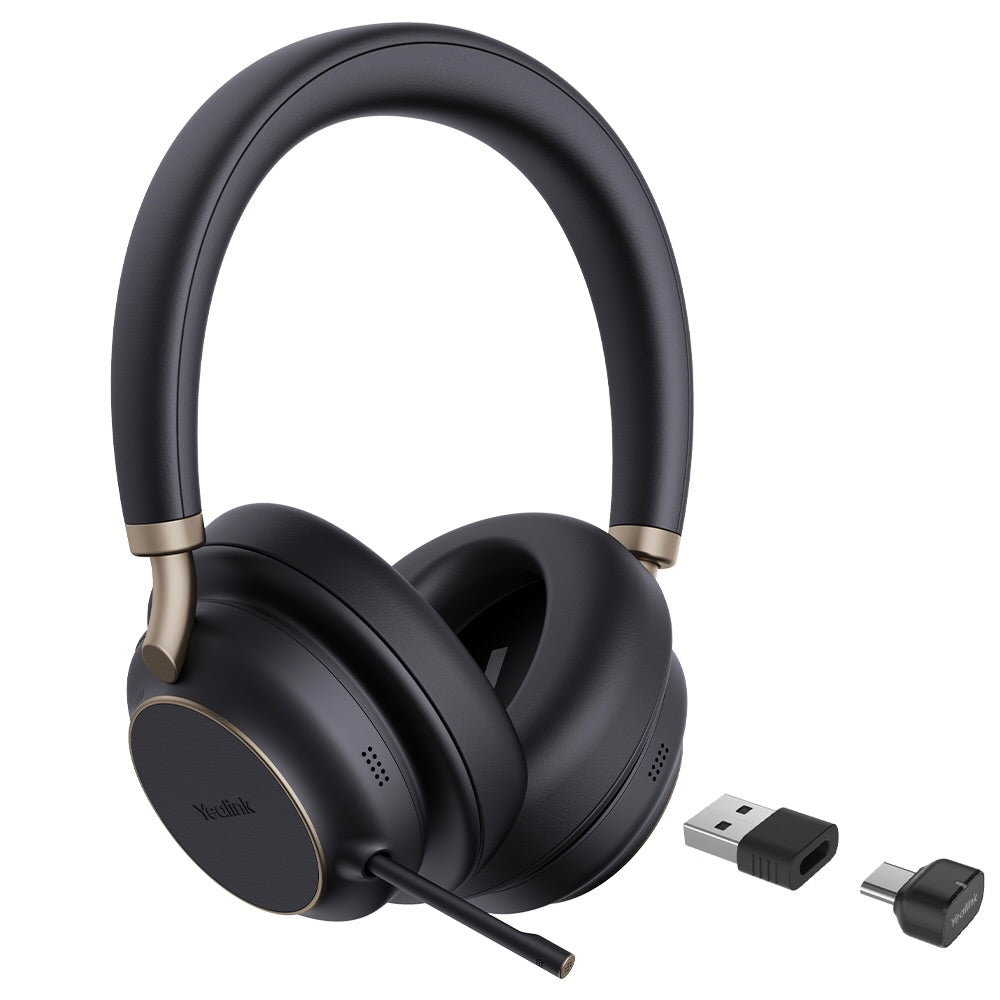
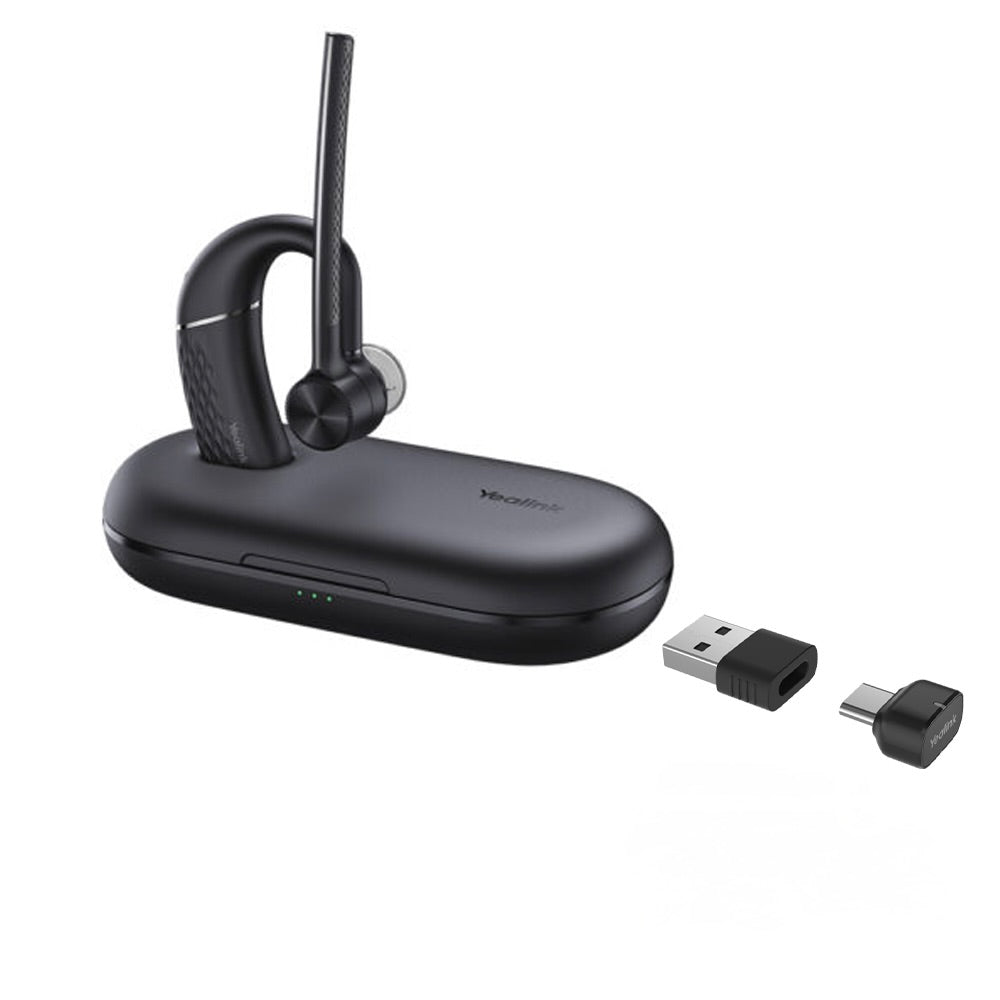
The Yealink BH76 Plus Bluetooth Wireless Business Headset provides a stylish appearance with ultimate audio quality playback experience, unparalleled wearing comfort, and advanced noise cancellation features. * Retractable hidden microphone arm * Multiple microphones Acoustic Shield Technology * 3 levels of Active Noise Cancellation (ANC) * Excellent audio experience and all-day wearing comfort * Up to 40 hours of battery life with Qi wireless charging * Flexible switch between on-ear and over-ear modes * Dual-side busy light for full visible angles * UC Certified The BH76 Plus is designed for comfort and durability, featuring soft memory foam and an ergonomic over-ear design. The headset also includes advanced noise cancellation features, providing an immersive noise reduction experience in any environment. Weight: 0.93lb Dimensions: 7.64 × 8.15 × 2.09 in Model: Yealink BH76 Plus UC Black USB-C/A Part number: 1208708 Package Content: Yealink BH76 Plus UC Black USB-C/A Headset Carrying Case USB Charging Cable Quick Start Guide BT51C Dongle USB C/A adapter On-ear Cushion Battery: Talking time: up to 35 hours (ANC & Busy light off) Music time: up to 40 hours (ANC off) Standby time: 15 days Charging Time (cable): within 2 hours Charging Time (wireless charging): within 3 hours Audio: Microphone number: 5 Acoustic Shield: ✔ Hybrid Noise Cancellation: ✔ Speaker: Ø 35mm Hearing protection: Peak Block Protection (EN50332) Connectivity: Bluetooth version: Bluetooth 5.3 Wireless range: 45m/150 ft Connect to: USB C/A adapter with BT51C dongle, USB cable, Bluetooth Simultaneous Bluetooth connections: 2 Multiple device pairing: Up to 8 devices

About This Product

The Yealink BH76 Plus is designed for professionals who need a reliable wireless headset for Unified Communications (UC) environments. It shines in open-plan offices or home offices where background noise is a concern, thanks to its advanced noise cancellation and Acoustic Shield technology. This headset pairs well with any Bluetooth-enabled desk phone or softphone client, and it includes a BT51C USB dongle for easy connectivity with PCs and Macs—making it a solid choice for Toronto-based teams using platforms like Microsoft Teams or Zoom.

One practical tradeoff is that the full 150-foot wireless range is best achieved in line-of-sight conditions; in dense office layouts with many obstacles, range may be shorter. The headset offers both on-ear and over-ear modes via included cushions, but switching modes requires physically swapping the ear pads, which some users may find less convenient than a one-piece design. While the battery life is generous (up to 40 hours of music playback), heavy use of ANC and busy lights will reduce talk time to around 35 hours—still enough for multiple workdays.

For most office scenarios the BH76 Plus is a well-matched, premium tool, but it may be overkill for a user who only takes a few short calls daily and doesn't need active noise cancellation. Conversely, in very noisy environments like call centers with constant chatter, a headset with stronger passive isolation might be preferable. The headset is UC certified, ensuring broad compatibility with leading softphone providers common in Canadian businesses.
Services We Provide
  • Professional Installation & Configuration
  • Ongoing Maintenance & Support
  • Troubleshooting & Repairs
  • System Upgrades & Updates